
Pixel Style Watch Face vVARY
AppRerum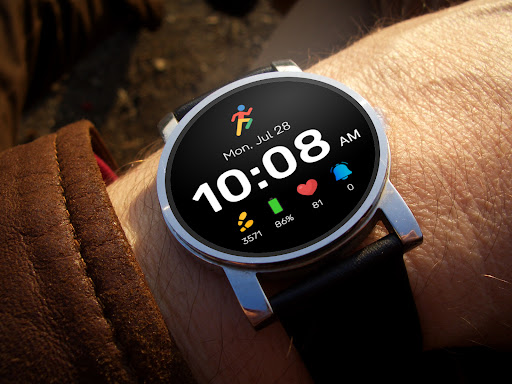










About this app
Developer Description
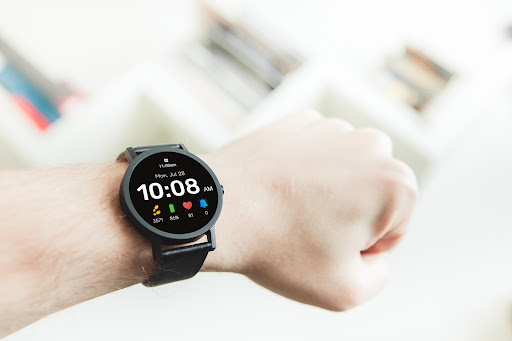
Pixel watch look with health/fitness tracking. NO CUSTOMIZATION. - For Wear OS
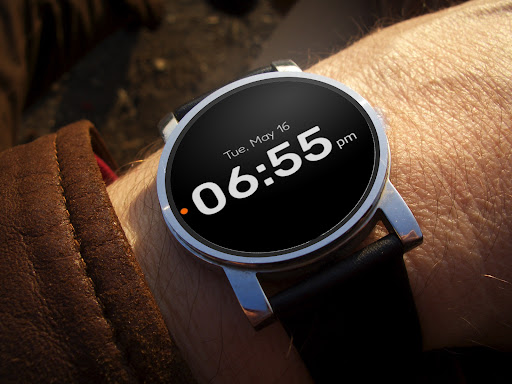
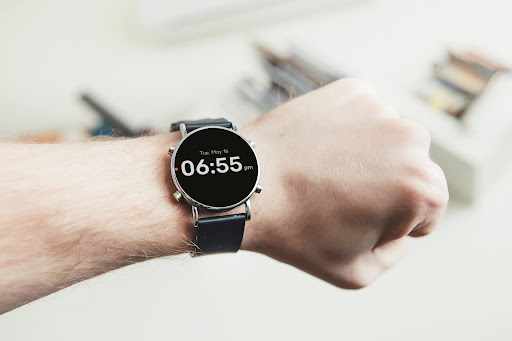
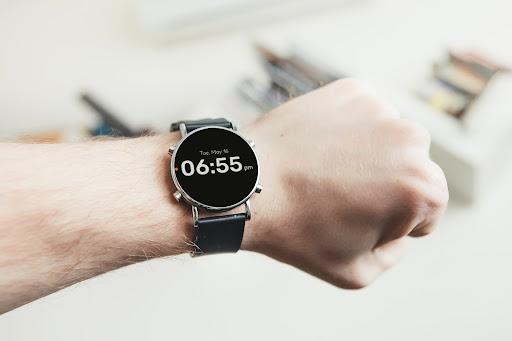
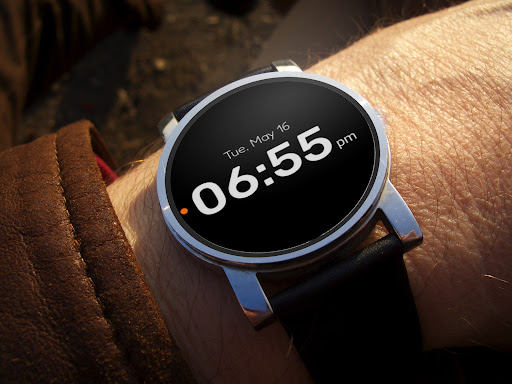
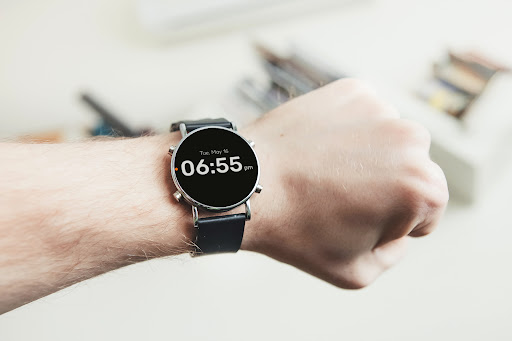
Our watch face (For Wear OS) app brings the modern and sleek look of the Pixel watch to your smartwatch. With a clear and easy-to-read digital display, you'll never have to struggle to check the time again. The day and date are prominently displayed for quick reference, so you can easily stay on top of your schedule.
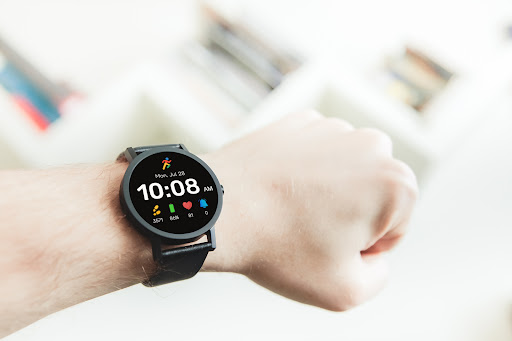
Our watch face app also includes health and fitness tracking features to help you achieve your goals. The step tracker complication lets you keep an eye on your daily step count, while the heart rate complication enables you to monitor your heart rate throughout the day. You can also monitor your watch's battery level with the battery complication, and the notifications complication ensures you never miss an important message or alert.
Our Pixel watch face app is designed to be both stylish and functional, giving you everything you need to stay on top of your day and your health. You can quickly and easily glance at your wrist to see your daily activity progress and to check your heart rate or step count.
With our Pixel watch face app, you'll have all the information you need at your fingertips, all in one convenient package. Download it today and enjoy the modern look and health-tracking features of the Pixel watch on your own smartwatch!
What's New
Version Information
- Version
- -
- Downloads
- 100K+
- Updated on
- Nov 26, 2025
- Released
- May 13, 2023
- Requires
- Android Varies with device
Statistics
Google Play Rating History
Rating Distribution
Downloads Over Time
Pixel Style Watch Face has been downloaded times. Over the past 30 days, it averaged downloads per day.
Shaded area shows 30-day prediction based on historical trends
Historical data collection started recently. More data points will be available over time.
Pixel Style Watch Face users say on Google Play
 A. Shouhdy
simple and elegant ... just need to allow customization
 Anonymous Traveler.
Very good watch face But please add seconds on the clock and battery % for the mobile phone. Apart from that great watch face.
 Andrey Obraztsov
It's okay despite the lack of customization. However, whoever designed the battery indicator— which is always full and green—should definitely be nominated for the Designer of the Year award.
 Jered McGivern
The pedometer never seems to sync up with the main screen
 Mark McCurry
Can't edit anything on the watch face. This seems totally bogus.
ApkTrusted Ratings & Reviews
More from AppRerum
See more apps
AR001 Watch Face
Paid

AR VOID Watch Face
Paid

Pixel Minimal Pro Watch Face
Paid

Nothingness 2 Watch Face
Paid

Pixel Style Plus Watch Face
Paid

Currency Converter
Free

Neon Digital 108 Watch Face
Free

Nothing Inspired 2A Watch Face
Free

Nothing Inspired Watch Face
Free

Nothing Inspired 3 Watch Face
Paid

Pixel Clean Watch Face
Paid

CardyOz - Smart Card Manager
Free

Pixel Scale Watch Face
Paid

Black Cat Animated Watch Face
Free

Pixel Track Plus Watch Face
Free

Race Watch Face
Free
Similar Apps
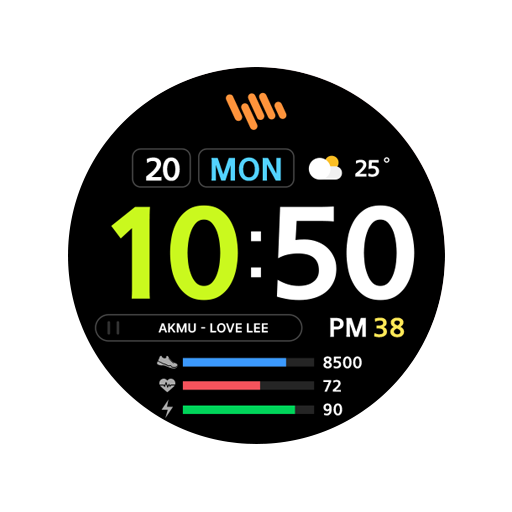
SamWatch Simple G 2023
Free

Digital Watchface D14
Paid
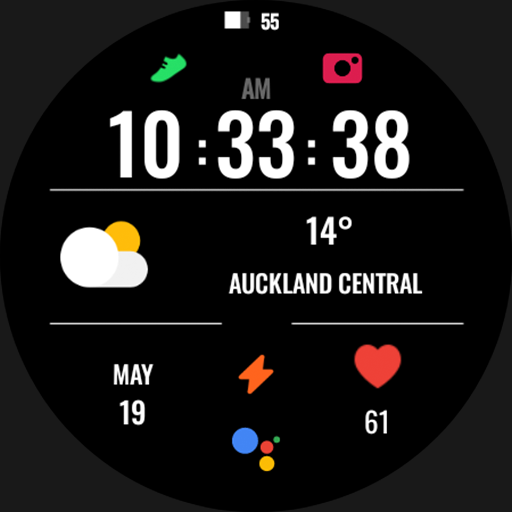
Panight - watch face
Paid
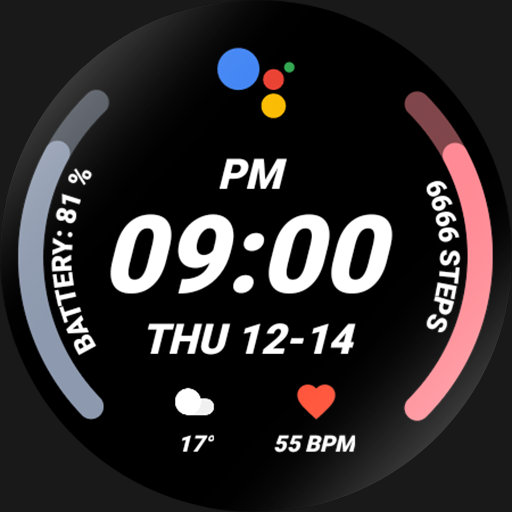
Nighty Digital 20 - watch face
Free

Big Time
Free

Tiles Sport Weather NTV562
Free

Multi Function Digital Iris531
Paid

Night cut - watch face
Free

ZKin Watch Minimalist Black
Free

NTV340 - Big Digital Watchface
Paid
Colorful Fitness Tracker 33
Free
Color Time
Free

CELEST5582 Minimalist Watch
Free

Digital Mebevod Watch face
Paid
Night Beam - watch face
Paid

Nighty Digital 24 - watch face
Paid
Scan this QR code to download

Forwarding you to the page at Google Play market in seconds...
Open Google Play market now