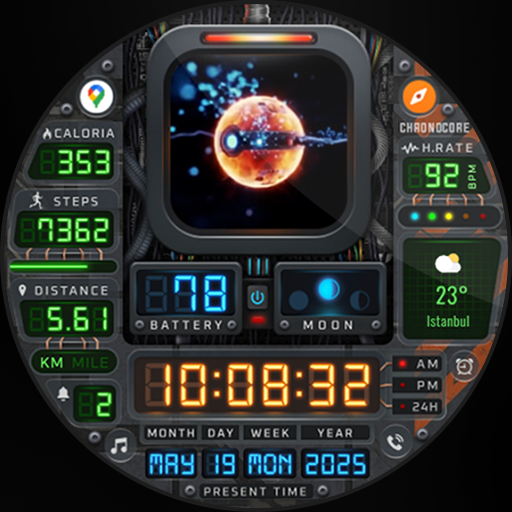
Chrono Core - Watch Face vVARY
EK Watch Faces™


About this app
Developer Description
Let the pulse of the future beat through your wrist!
[ Only for Wear OS devices - API 33+ ]
📌 INSTALLATION NOTES:
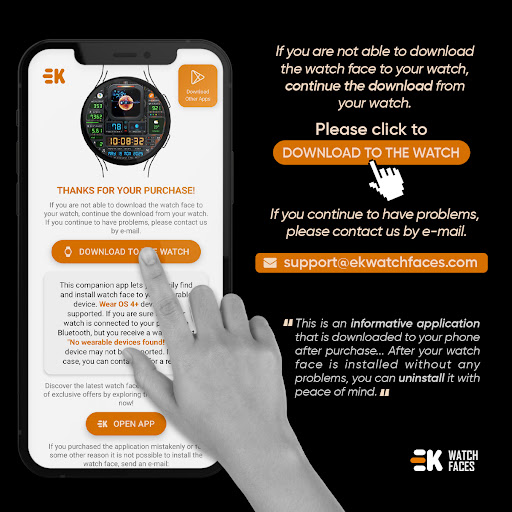
1 - 🔗 Ensure your watch is properly connected to your phone. Open the Phone App on your phone and tap on "DOWNLOAD TO THE WATCH", then follow the instructions on your watch.
⌛ A few minutes after tapping the install button on your watch, the watch face will be installed. You can then select your new watch face!
📱 The phone app serves as a placeholder to make it easier to install and find the watch face on your Wear OS device.
⚠️ Note: If you find yourself stuck in a payment loop, don’t worry! You will only be charged once, even if prompted to pay again. Wait 5 minutes or restart your watch and try again. This could be a synchronization issue between your device and Google servers.
2 - 💻 Alternatively, you can try installing the watch face from a web browser on your PC.
⚠️ Please note that any issues on this side are NOT developer-dependent. The developer has no control over the Play Store from this side. Thank you.
🌌Let the pulse of the future beat through your wrist!
FEATURES
● 🚀 Animated Chrono Core
● 🎨 10 Metal Texture or 20 Colour variants
● 📊 Steps - Distance - Calories - Battery - Heart rate - Calendar - 1 custom complication - 2 adjustable shortcuts - Notification
● 🌕 Live Moon Phases
● 🕒 12/24 H (Based on your phone time setting)
● 🚧 Km/Mi supported (Automatically selected based on phone language in the United States and United Kingdom)
● 👀 Always-On Display Supported
🔑 For full functionality, please manually enable Sensors & receive complication data permissions!
WEB
https://www.ekwatchfaces.com
https://www.instagram.com/ekwatchfaces
https://www.facebook.com/ekwatchfaces
https://twitter.com/ekwatchfaces
https://www.pinterest.com/ekwatchfaces
YOUTUBE
https://bit.ly/2TowlDE
What's New
- New central chrono core element for a dynamic and immersive look
- Updated icons and data presentation for better clarity
- Improved performance and battery optimization
Version Information
- Version
- -
- Downloads
- 5K+
- Updated on
- May 19, 2025
- Released
- Mar 24, 2024
- Requires
- Android Varies with device
Statistics
Google Play Rating History
Rating Distribution
Downloads Over Time
Chrono Core - Watch Face has been downloaded times. Over the past 30 days, it averaged downloads per day.
Shaded area shows 30-day prediction based on historical trends
Historical data collection started recently. More data points will be available over time.
Chrono Core - Watch Face users say on Google Play
 Andrew Quick
Bummer they had to change the design, guessing they didn't have a choice in the matter. Been using it for a while now, and was going to look for a new watchface, but the new design is honestly pretty well done. Looks pretty much the same, and the new elements are kinda cool. Not a Flux Capacitor, but still cool and unique. I'm keeping it
 frederick gareau
Very cool! It's a bit buggy when you customize the watch face. Sometimes, it seems to be hanging when you change background images or colors from phone. I had to discard changes and retry before it worked. It seems to work fine otherwise.
 Jessie Garza
I definitely love the customization options but this is a battery drainer for Sure. If there's a way to keep it from draining my battery it would be five stars
 Kyle Leyden
disappointed. when I first purchased this watch face it was the original flux capacitor. now it's this ball thing and I don't like it.
 Doug Carlson
I opted to ignore the negative reviews and give it a chance. I instantly noticed that it did have issues. For me, it installed just fine. But when the watch goes into "screen timeout" or whatever it's called, the time freezes along with the flux capacitor. I did attempt to contact the creator via the supplied support contact but I never received a response. If that changes, I will update my review.
ApkTrusted Ratings & Reviews
More from EK Watch Faces™
See more apps
Information Tiles - Watch Face
Paid
Electricity Meter - Watch Face
Paid

Realistic Info - Watch Face
Paid

Rainbow Weather - Watch Face
Paid
Modular Colours - Watch Face
Paid

Paper of Time - Watch Face
Paid

Premium Info - Watch Face
Paid

Digi Dash Clock - Watch Face
Paid

Modular Arcade - Watch Face
Paid

Realistic Clock - Watch Face
Paid

BioSky-X - Watch Face
Paid
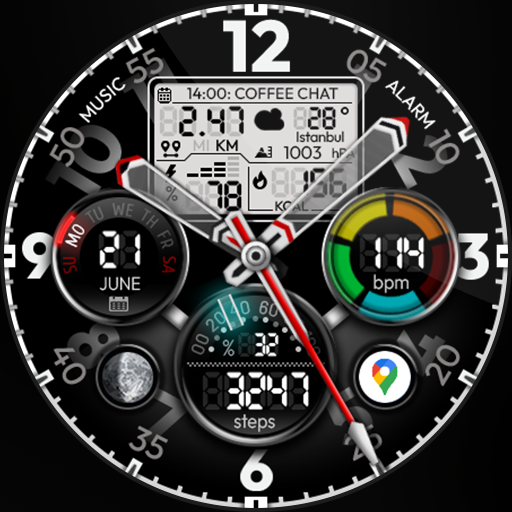
Hybrid Power - Watch Face
Paid
Sudoku Time - Online Wear OS
Paid

Circle Clock - Watch Face
Paid
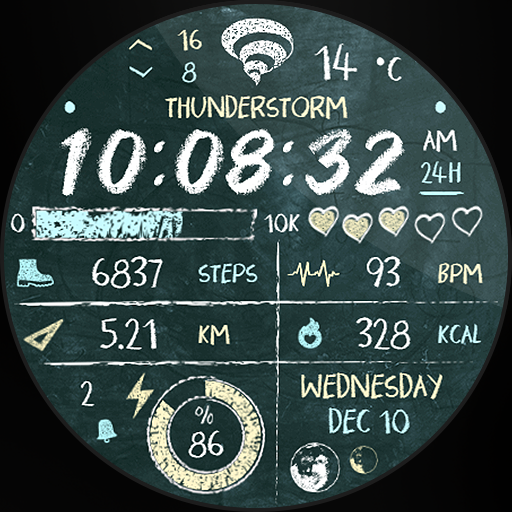
Back to School - Watch Face
Paid
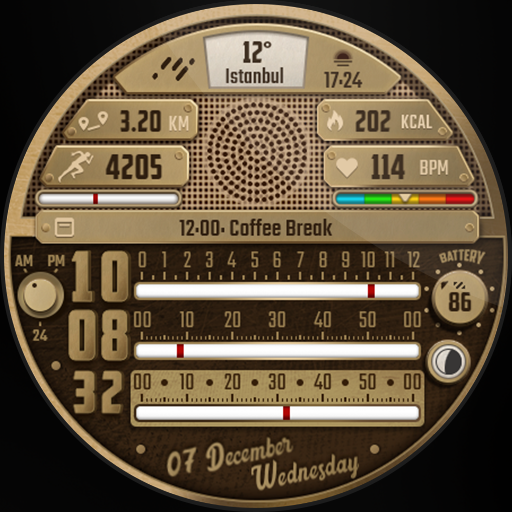
Retro Radio - Watch Face
Paid
Similar Apps

DIGI SATUNAR URX40 Watch face
Paid
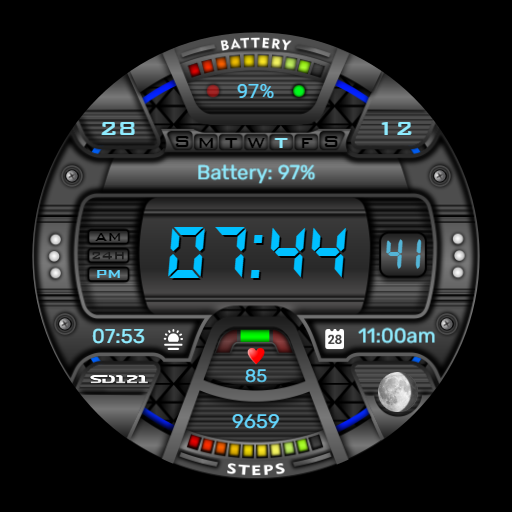
SD121
Paid

GAS NIXIE URX41 Watch face
Free
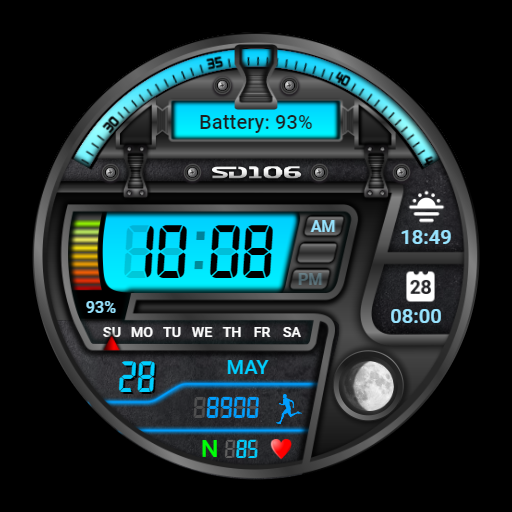
SD106
Free

SamWatch Digital Titanes2 2021
Paid

Space VF Watch Face
Paid
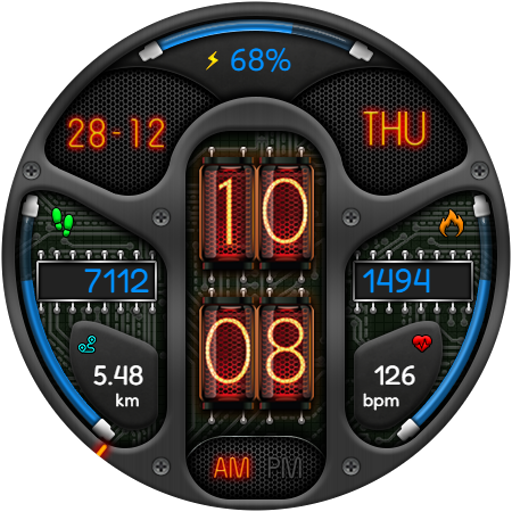
DIGITAL NIXIE URX43 Watch face
Paid

Digital COSMO URX60 Watch face
Paid

Digital BUBAS URX17 Watch face
Paid
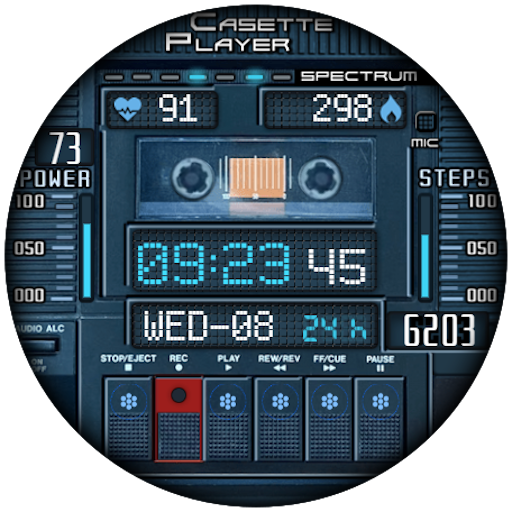
RetroTape
Paid
SH089 Watch Face, WearOS watch
Free

SamWatch Digital Aglaea
Paid

moon&earth themed watchface
Paid

HIXIE GAS URX35 Watch face
Paid

SD130
Paid

Digital Skrut Watch face
Paid
Scan this QR code to download

Forwarding you to the page at Google Play market in seconds...
Open Google Play market now