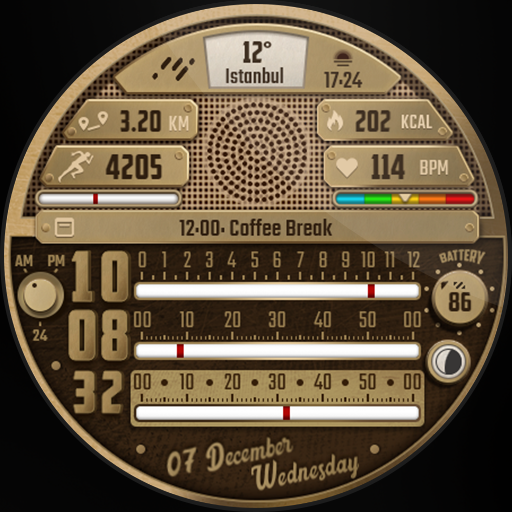
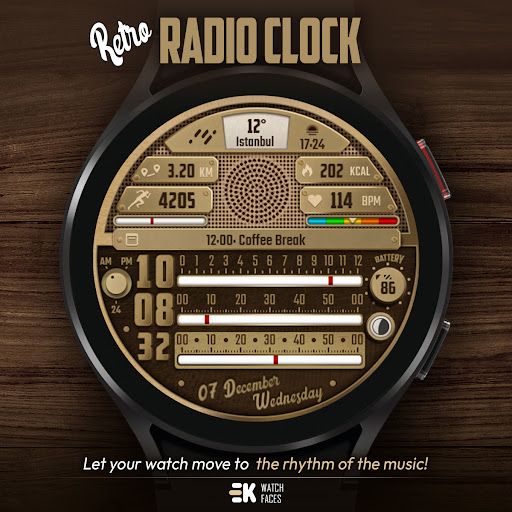
Retro Radio - Watch Face vVARY
EK Watch Faces™











About this app
Developer Description
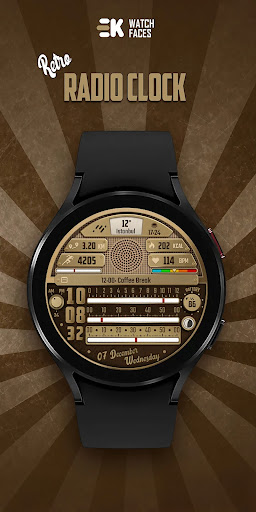
Let your watch move to the rhythm of the music!
[ Only for Wear OS devices - API 33+ ]
📌 INSTALLATION NOTES:
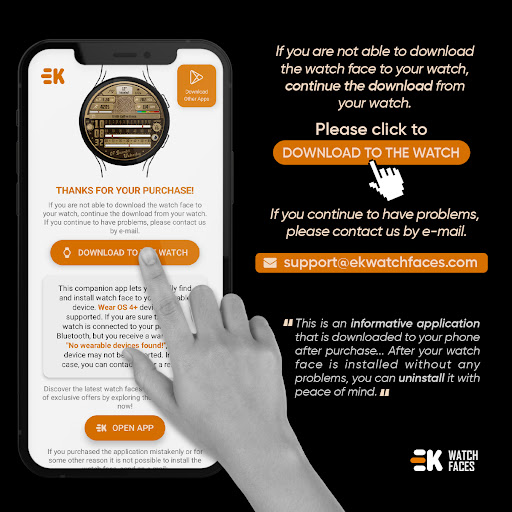
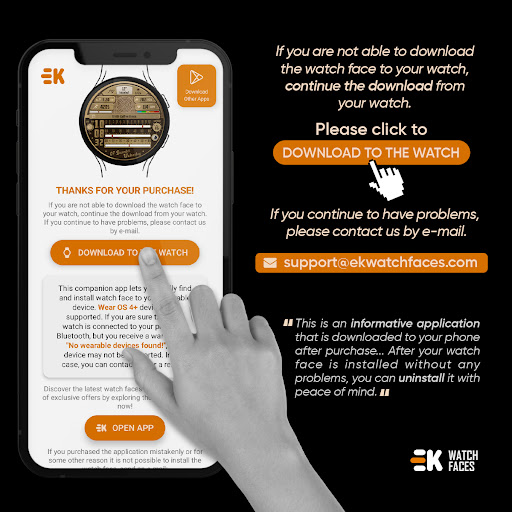
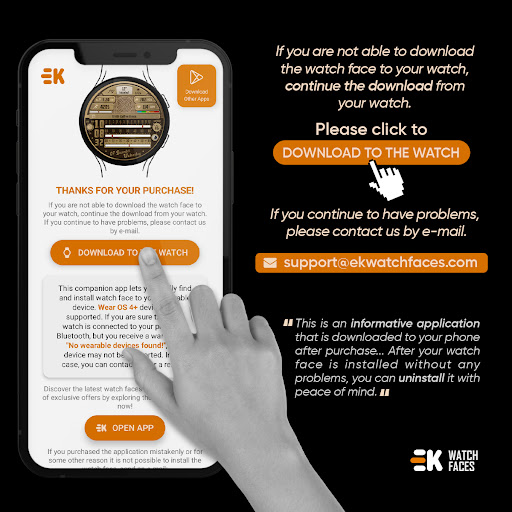
1 - 🔗 Ensure your watch is properly connected to your phone. Open the Phone App on your phone and tap on "DOWNLOAD TO THE WATCH", then follow the instructions on your watch.
⌛ A few minutes after tapping the install button on your watch, the watch face will be installed. You can then select your new watch face!
📱 The phone app serves as a placeholder to make it easier to install and find the watch face on your Wear OS device.
⚠️ Note: If you find yourself stuck in a payment loop, don’t worry! You will only be charged once, even if prompted to pay again. Wait 5 minutes or restart your watch and try again. This could be a synchronization issue between your device and Google servers.
2 - 💻 Alternatively, you can try installing the watch face from a web browser on your PC.
⚠️ Please note that any issues on this side are NOT developer-dependent. The developer has no control over the Play Store from this side. Thank you.
🎵 Let your watch move to the rhythm of the music!
FEATURES
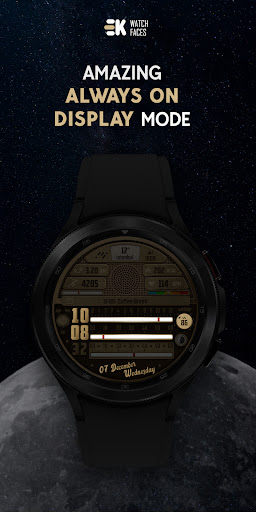
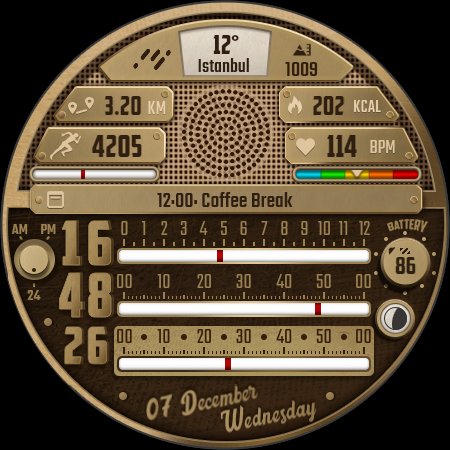
● 📻 Animated retro radio
● 🌕 Live moon phases
● 🕒 12/24 H (Based on your phone time setting)
● 🚧 Km/Mil supported (Automatically selected based on phone language (in United States and United Kingdom))
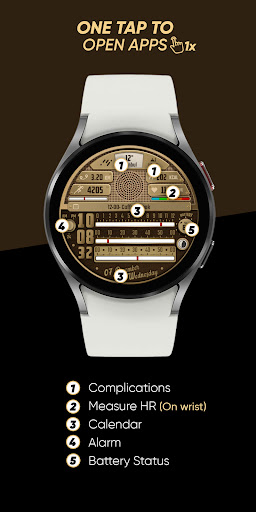
● 📊 Steps - Calories - Battery - Next Event - Heart rate (On wrist) - Calendar
● 🧩 2 custom complications
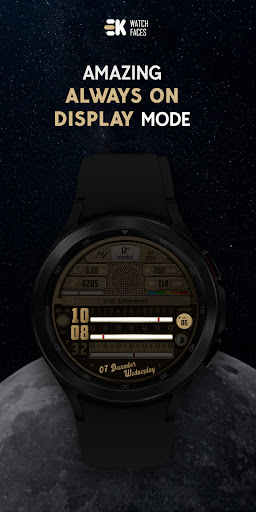
● 👀 Always on display supported
🔑 For full functionality, please manually enable Sensors & receive complication data permissions!
WEB
https://www.ekwatchfaces.com
https://www.instagram.com/ekwatchfaces
https://www.facebook.com/ekwatchfaces
https://twitter.com/ekwatchfaces
https://www.pinterest.com/ekwatchfaces
YOUTUBE
https://bit.ly/2TowlDE
What's New
- Security updates and improvements have been made.
- Heart rate shortcut issue fixed.
Version Information
- Version
- -
- Downloads
- 100+
- Updated on
- Jul 29, 2025
- Released
- Dec 26, 2022
- Requires
- Android Varies with device
Statistics
Google Play Rating History
Rating Distribution
Downloads Over Time
Retro Radio - Watch Face has been downloaded times. Over the past 30 days, it averaged downloads per day.
Shaded area shows 30-day prediction based on historical trends
Historical data collection started recently. More data points will be available over time.
Retro Radio - Watch Face users say on Google Play
 Ben Bradley
Excellent design for a watch face and kinda unique: retro look of an old radio! Now this is something to must have ;) Slightly customisable, the face has a lot of informations on the dial, minimalistic sound - animation, also some shortcuts. From me: five stars!
ApkTrusted Ratings & Reviews
More from EK Watch Faces™
See more apps
Information Tiles - Watch Face
Paid
Electricity Meter - Watch Face
Paid

Realistic Info - Watch Face
Paid

Rainbow Weather - Watch Face
Paid
Modular Colours - Watch Face
Paid

Paper of Time - Watch Face
Paid

Premium Info - Watch Face
Paid

Digi Dash Clock - Watch Face
Paid

Modular Arcade - Watch Face
Paid

Realistic Clock - Watch Face
Paid

BioSky-X - Watch Face
Paid
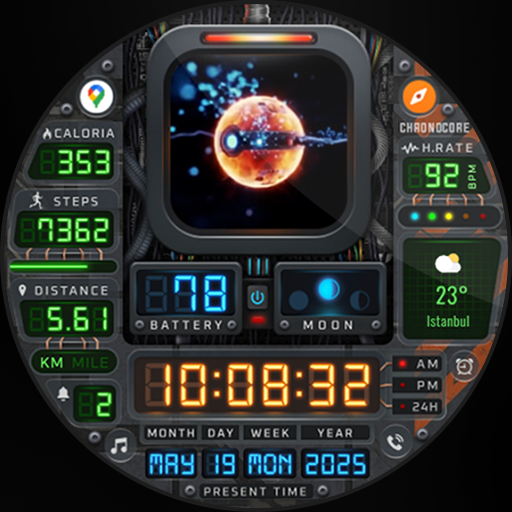
Chrono Core - Watch Face
Paid
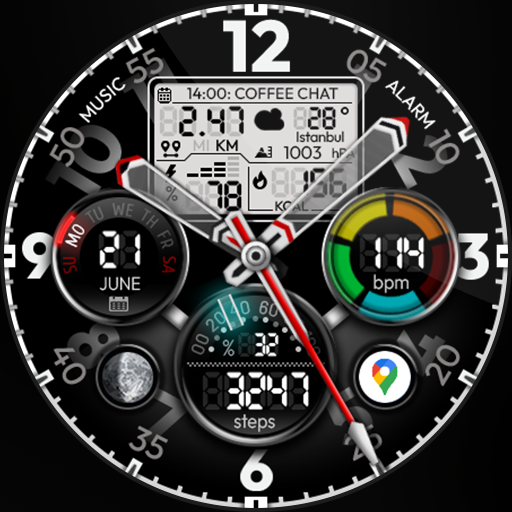
Hybrid Power - Watch Face
Paid

Circle Clock - Watch Face
Paid
Sudoku Time - Online Wear OS
Paid
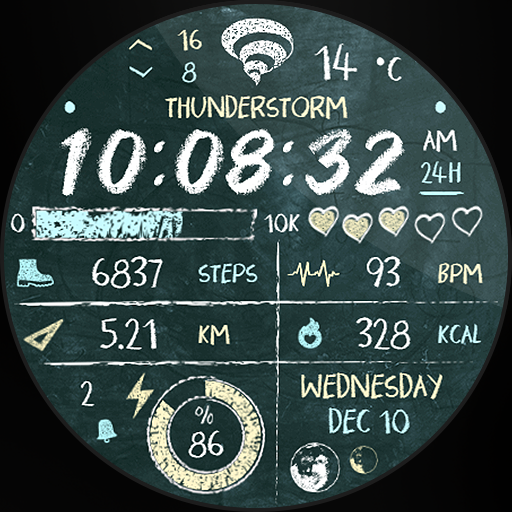
Back to School - Watch Face
Paid
Similar Apps
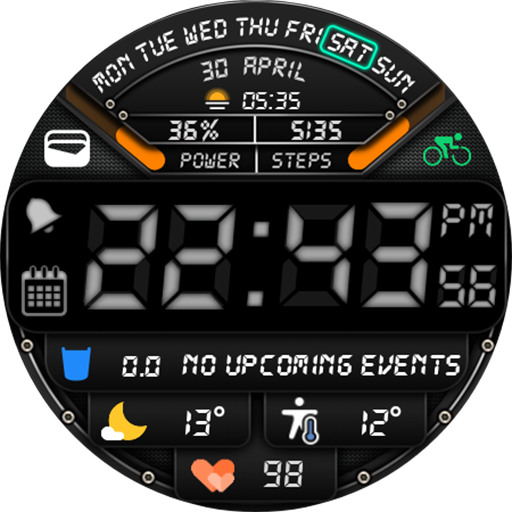
Digital Watch Face MB262
Free

Futuristic Watchface —NDW074
Paid

Info Digital Watchface — NDW69
Free

MJ167 Informative Digital
Paid
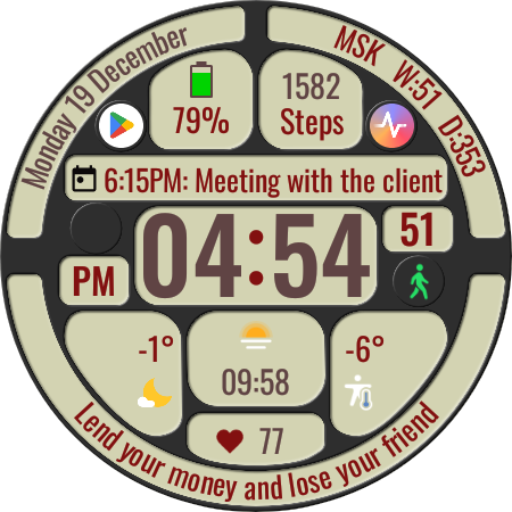
DWF Phrases - Watch Face
Paid
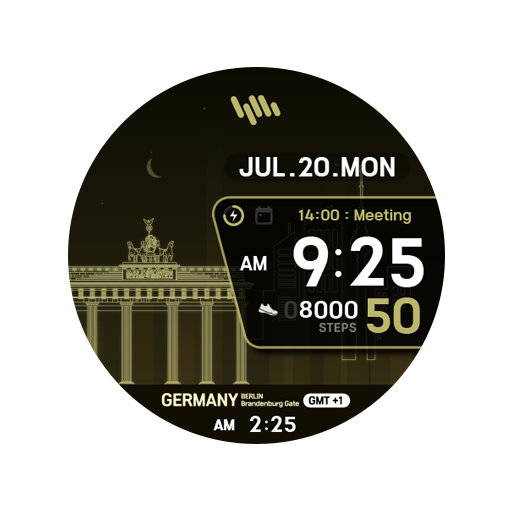
SamWatch Scenery 2022 Germany
Free

KZY098
Paid

ES WR009
Paid
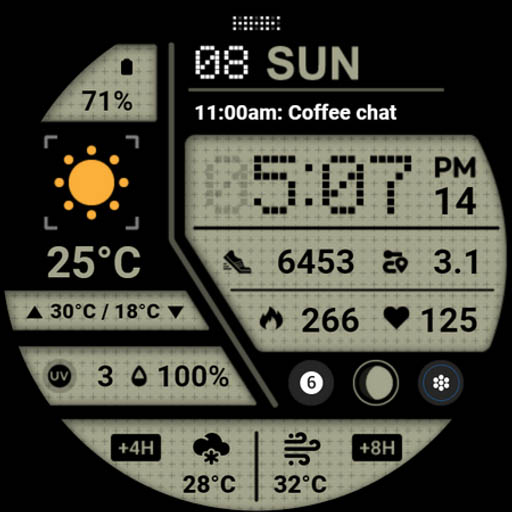
HMK WD046
Paid
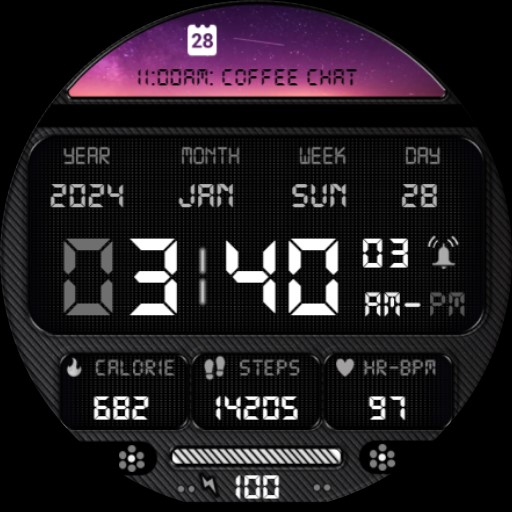
LED Retro Black Informer IN62
Paid

Digital Watch Face MB391
Paid

Weather Dual Time Watch 002
Paid

Merge Labs SPR
Free

Coffee Recharge watch face
Paid

Tancha S61 Retro Watch Face
Paid
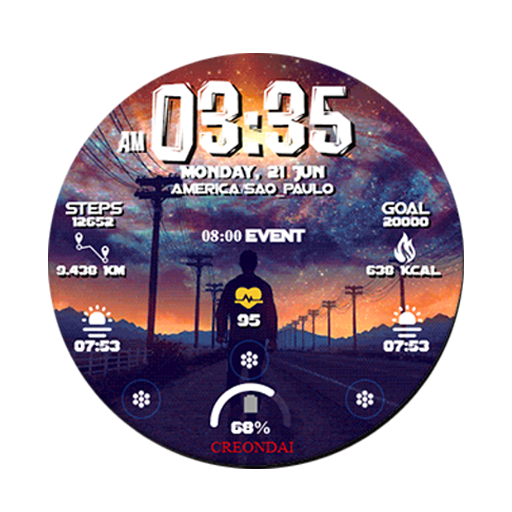
C06 - Life Roads Digital Watch
Paid
Scan this QR code to download

Forwarding you to the page at Google Play market in seconds...
Open Google Play market now