
Sharper Clock - Watch Face vVARY
EK Watch Faces™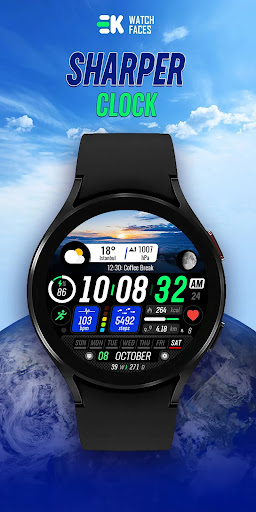












About this app
Developer Description
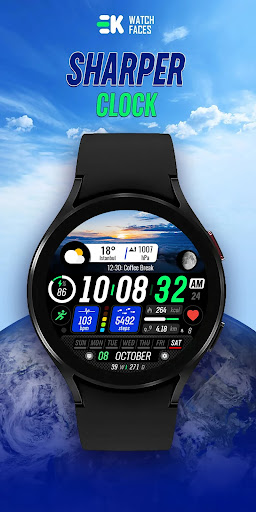
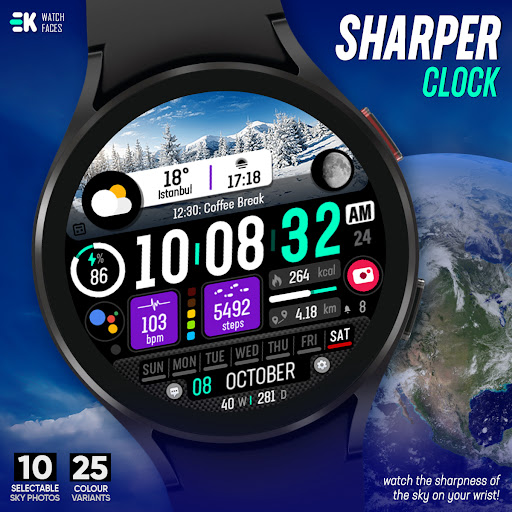
Watch the sharpness of the sky on your wrist..
[ Only for Wear OS devices - API 33+ ]
📌 INSTALLATION NOTES:
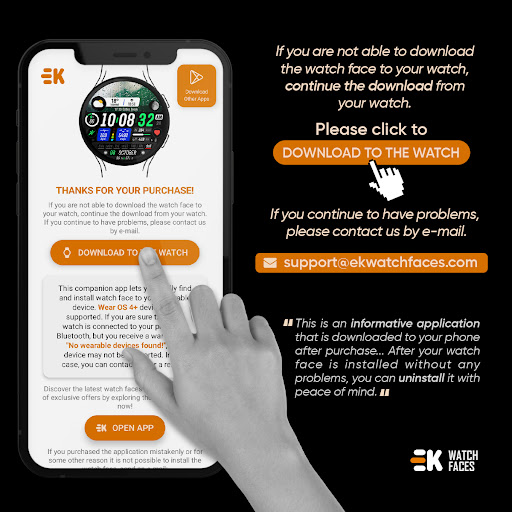
1 - 🔗 Ensure your watch is properly connected to your phone. Open the Phone App on your phone and tap on "DOWNLOAD TO THE WATCH", then follow the instructions on your watch.
⌛ A few minutes after tapping the install button on your watch, the watch face will be installed. You can then select your new watch face!
📱 The phone app serves as a placeholder to make it easier to install and find the watch face on your Wear OS device.
⚠️ Note: If you find yourself stuck in a payment loop, don’t worry! You will only be charged once, even if prompted to pay again. Wait 5 minutes or restart your watch and try again. This could be a synchronization issue between your device and Google servers.
2 - 💻 Alternatively, you can try installing the watch face from a web browser on your PC.
⚠️ Please note that any issues on this side are NOT developer-dependent. The developer has no control over the Play Store from this side. Thank you.
🌤️ Watch the sharpness of the sky on your wrist..
FEATURES
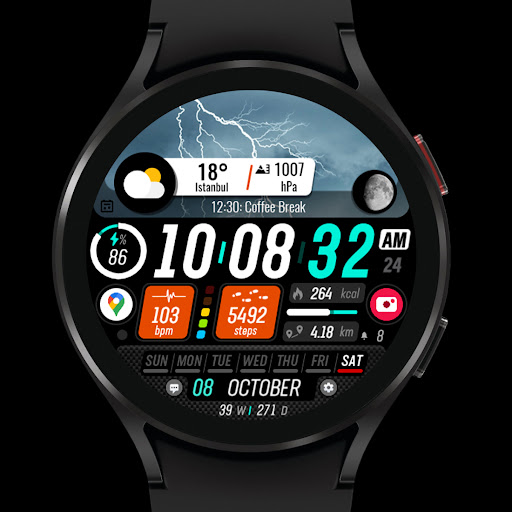
● 📷 10 selectable sky photos
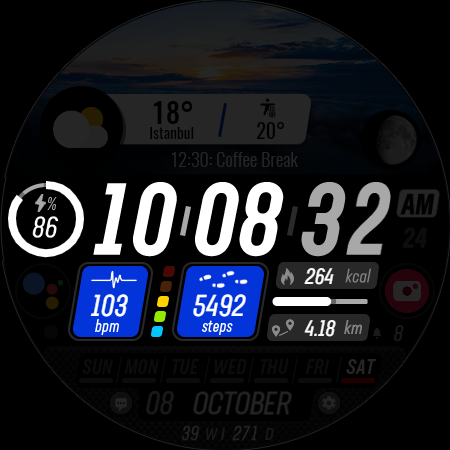
● 🎨 25 colours variants
● 🌕 Live moon phases
● 🕒 12/24 H (Based on your phone time setting)
● 🚧 Km/Mil supported (Automatically selected based on phone language (in United States and United Kingdom))
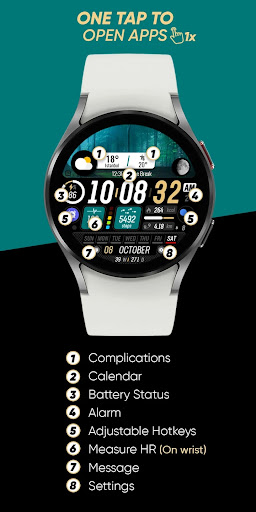
● 📊 Steps - Calories - Battery - Next Event - Heart rate (On wrist) - Calendar - 2 custom complications - 4 shortcuts - Days in year - Week in year - Unread notification count
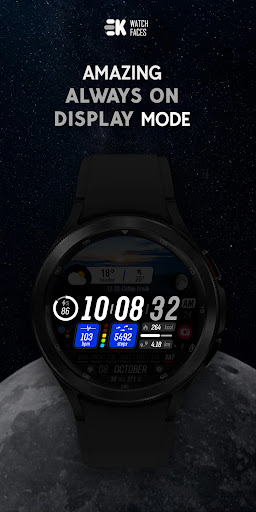
● 👀 Always on display supported
🔑 For full functionality, please manually enable Sensors & receive complication data permissions!
WEB
https://www.ekwatchfaces.com
https://www.instagram.com/ekwatchfaces
https://www.facebook.com/ekwatchfaces
https://twitter.com/ekwatchfaces
https://www.pinterest.com/ekwatchfaces
YOUTUBE
https://bit.ly/2TowlDE
What's New
- Security updates and improvements have been made.
- Heart rate shortcut issue fixed.
Version Information
- Version
- -
- Downloads
- 10K+
- Updated on
- Jul 30, 2025
- Released
- Dec 1, 2022
- Requires
- Android Varies with device
Statistics
Google Play Rating History
Rating Distribution
Downloads Over Time
Sharper Clock - Watch Face has been downloaded times. Over the past 30 days, it averaged downloads per day.
Shaded area shows 30-day prediction based on historical trends
Historical data collection started recently. More data points will be available over time.
Sharper Clock - Watch Face users say on Google Play
 Ranjan Kumar
I have tried many face watches but most of the complications do not work. This watch faces is amazing. It's looks are very beautiful and all complications are working perfectly. If you are looking for a good watch face, then this will definitely meet your expectations.
 Joshua DeLung
Greata watch face app for Pixel watch. Easiest to use I have come across and displays the most data on a single face screen. Other apps are hard to customize, install or connect to the watch I've found but this was great just install, go into watch app and add new/edit to your liking, then back out to main watch faces screen in your watch app and set as watch face. Only thing is I was the photo could be selected from your photos and/or was more actively tied to your weather/location.
 Salty C
Finally found a watch face I like only to have to refund it. I downloaded this to a galaxy watch 6. The weather does not show up. In customization, it will let me change colors & pictures. But every complication will only give me 2 options to select and that's heart rate and stress. If the issues are fixed I might rebuy it but as of now it don't work.
 Ravi Kumar A. V.
The watch face looked interesting, so I purchased it. However the weather and events were not displaying, nor were there any adjustment tabs for these complications. . Even after writing to.the developers several times, there has been only very vague and generic response from them. When I did not get a satisfactory response after a few tries, I asked for a cancellation and refund. Yet to hear from them after that. Good looking, but half baked product. Definitely not worth the money.
ApkTrusted Ratings & Reviews
More from EK Watch Faces™
See more apps
Information Tiles - Watch Face
Paid
Electricity Meter - Watch Face
Paid

Realistic Info - Watch Face
Paid

Rainbow Weather - Watch Face
Paid
Modular Colours - Watch Face
Paid

Paper of Time - Watch Face
Paid

Premium Info - Watch Face
Paid

Digi Dash Clock - Watch Face
Paid

Modular Arcade - Watch Face
Paid

Realistic Clock - Watch Face
Paid

BioSky-X - Watch Face
Paid
Chrono Core - Watch Face
Paid
Hybrid Power - Watch Face
Paid

Circle Clock - Watch Face
Paid
Sudoku Time - Online Wear OS
Paid
Back to School - Watch Face
Paid
Similar Apps

Weather Forecast Short Term 99
Paid

HKR045
Paid

Digital Watch Face CRC071
Paid

Multi Function Digital Iris536
Paid

PRADO 11 Digital Watch Face
Paid

ZKin Watch Dark Color Function
Paid

SamWatch Digital Weather
Paid

Digital Dashboard 3
Paid

PKG004
Free

Business Clarity ZKin Watch
Paid

Multifunctional Flip ZKinWatch
Paid
FS W254 Watch face
Free
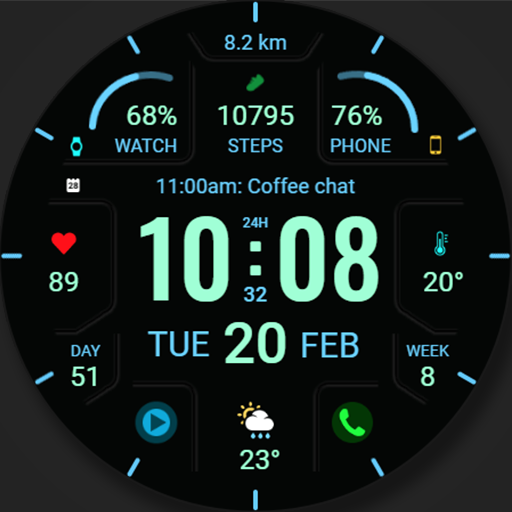
WFP 324 Digital watch face
Free

TVV Workout Watch Face
Paid

ES WR0015
Paid
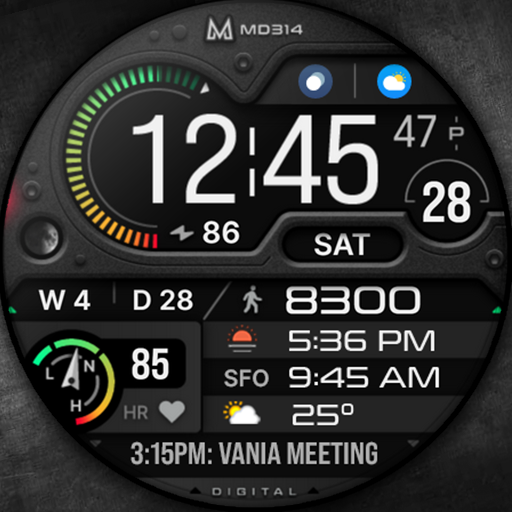
MD314 Health Watch Face
Paid
Scan this QR code to download

Forwarding you to the page at Google Play market in seconds...
Open Google Play market now