
Image Converter - PixConverter v1.0.90
TransMedia Inc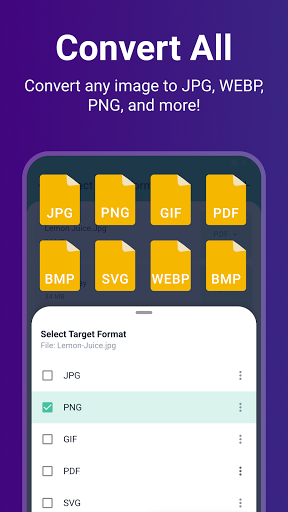

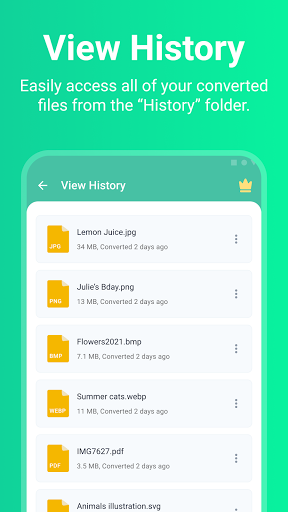
About this app
The Image Converter - PixConverter app effectively solves the problem of converting images into various popular formats, making it an indispensable tool for graphic designers, digital artists, and social media enthusiasts. With its excellent user rating of 4.8/5 and over 100,000 downloads, it stands out as a reliable choice in the Productivity category. Compared to alternatives, PixConverter's simplicity and wide range of supported formats give it a competitive edge. However, the presence of ads and in-app purchases might detract from the user experience for some.
Pros
- PixConverter's high user rating and significant download numbers indicate a well-designed and functional app that meets the needs of its users, suggesting a high level of satisfaction with its performance and feature set.
- The app's ability to convert images into a wide variety of formats, including less common ones like SVG and ICO, makes it particularly useful for professionals and hobbyists alike who require flexibility in their image processing tasks.
- The developer, TransMedia Inc, providing a website and contact email, adds a layer of transparency and support, which can be reassuring for users looking for ongoing app maintenance and updates.
- The absence of any permission requests is a significant advantage, as it implies that the app can function fully without accessing sensitive user data, enhancing its privacy and security profile.
Cons
- The inclusion of ads might be intrusive for some users, potentially disrupting the workflow, especially for those using the app for professional purposes where focus and uninterrupted workflow are crucial.
- The in-app purchase model, while not excessively aggressive, might still pose a barrier for users who require advanced features but are hesitant to spend money, limiting the app's accessibility to its full potential for all users.
- Despite its strengths, the app's lack of advanced editing features beyond conversion might leave some users looking for a more comprehensive image manipulation tool feeling somewhat limited in what they can achieve.
Best for: The ideal user for PixConverter is likely a creative professional or enthusiast, such as a graphic designer, digital artist, or social media manager, who frequently needs to convert images between different formats for various projects and platforms, and values simplicity, efficiency, and a wide range of format options in their image conversion tool.
Developer Description
Convert images to popular formats such as JPG, PDF, SVG, ICO, WebP, and more.
Can't open a photo? Want to convert it to a popular format? PiXConverter photo converter app can easily convert your images.
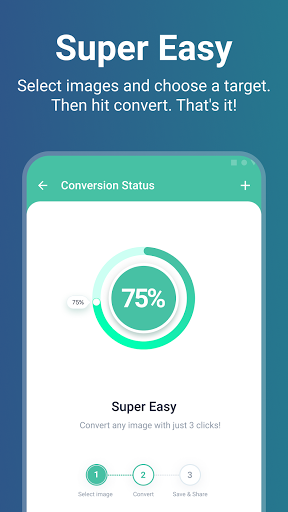
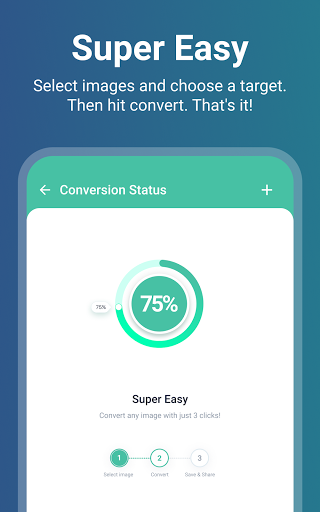
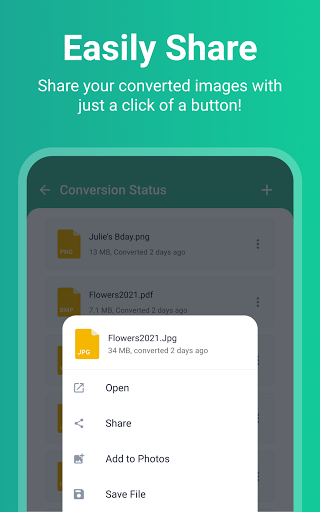
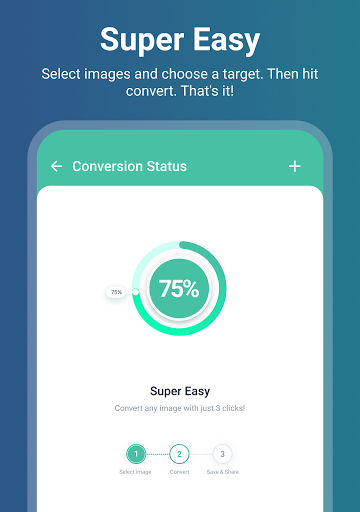
Select an image from your phone and choose a target format. Then, just click Convert! It is as simple as that. After conversion, you can easily share your photos with friends.
PixConverter Features:
- Convert photos without losing quality
- Support converting more than 50+ image formats
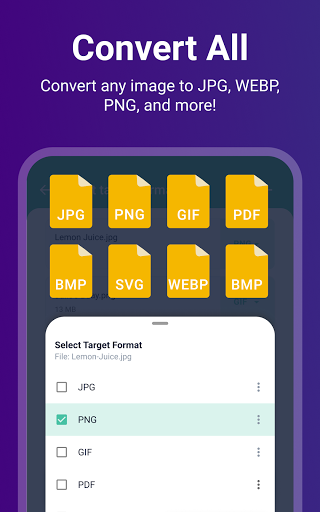
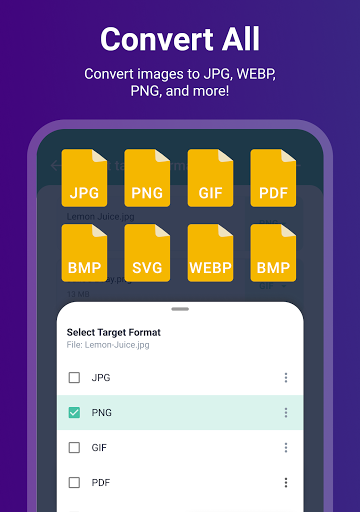
- Convert images to JPG, SVG, PNG, WEBP, PDF, BMP, GIF, ICO, EPS, TIFF, TGA, and more!
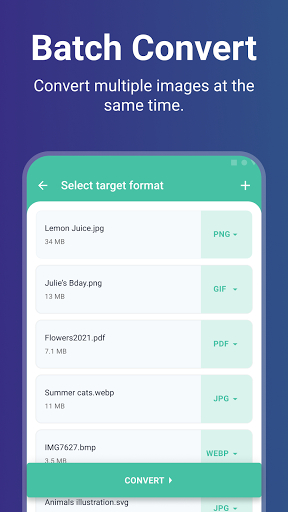
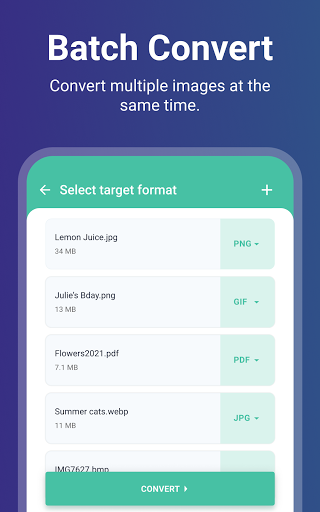
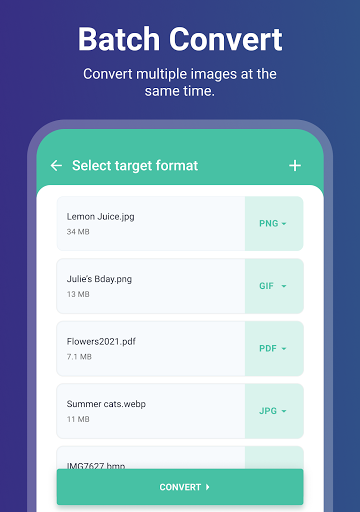
- Batch image converter (for free!)
- Super easy & intuitive image converter
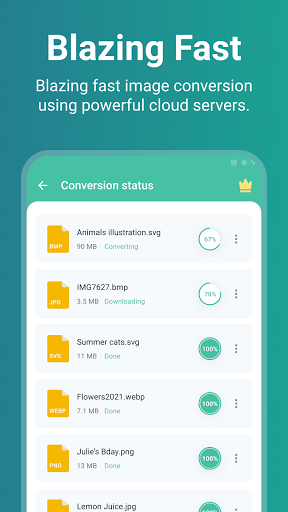
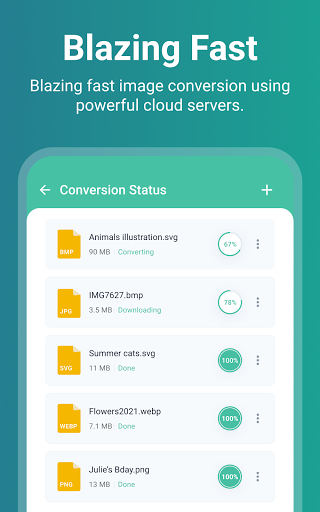
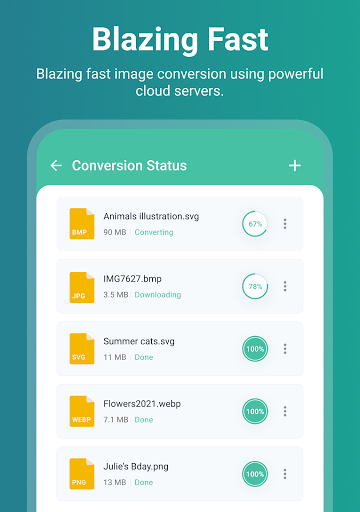
- Saves your battery by using fast & secure cloud servers for conversion.
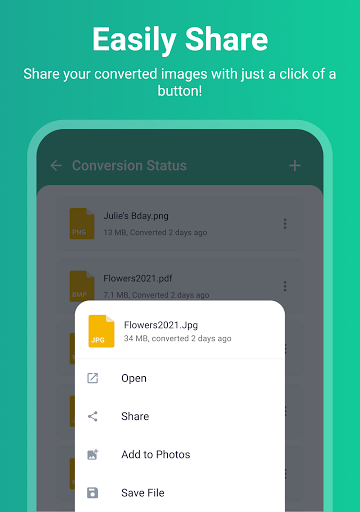
- Convert photos and quickly share them with friends and family
- Respect privacy.
BATCH IMAGE CONVERTER:
Want to convert more than one photo? Upload all of them to PixConverter and convert them to any desired image format. Our photo converter is blazing fast. It can convert 100s of images in just a few seconds!
CONVERT ANY IMAGE:
PixConverter image converter supports more than 250 image conversions. Are you looking for a jpg converter, SVG converter, or perhaps to convert heic to pdf, or image to pdf? This app support all of those conversions and then some!
Save Battery:
We upload your files to secure & optimized file conversion servers to do the conversion. That means your battery is not drained even if you are converting 100s of images! Plus, we automatically delete your photos from our servers to protect your privacy. We use ISO 27001 certified data centers for our cloud servers.
Subscription Information:
- PixConverter premium subscription lets you convert images that are bigger than 2 GB.
- Premium subscriptions are billed monthly. You can also purchase a lifetime premium subscription (one-time payment)
- Subscription will be charged to your iTunes after confirmation.
- Subscription automatically renews unless canceled at least 24 hours before the renewal date.
- Account will be charged for renewal within 24-hours before the end of the current period, and identify the cost of the renewal.
- Users can manage Subscriptions And turn off auto-renewal by going to the user's Account Settings after purchase.
Terms of Use:
http://freeconvert.com/app/pixconverter/pixconverter_tos.html
- Privacy Policy http://freeconvert.com/app/pixconverter/pixconverter_privacy.html
- E-mail: apps@trmedia.ca
Privacy
Given that PixConverter does not request any permissions, it presents a low-risk profile in terms of data privacy and security. However, users should still be cautious when using any app that involves uploading or converting personal images, ensuring they understand what data the developer might collect through the app's functionality or website analytics. Always review the developer's privacy policy for more detailed information.
Tips
To get the most out of PixConverter, users should first explore the various conversion options to understand the full range of formats available. Additionally, taking advantage of the app's offline capability can enhance performance and save data, especially when converting multiple images at once. For optimal results, ensure the original images are of the highest quality possible to minimize loss during the conversion process.
What's New
- Some minor bugs have been fixed.
In-app purchases
$2.99 - $9.99 per item
Version Information
- Version
- 1.0.90
- Downloads
- 100K+
- Updated on
- Sep 28, 2025
- Released
- Mar 29, 2022
- Requires
- Android 7.0
Statistics
Google Play Rating History
Rating Distribution
Downloads Over Time
Image Converter - PixConverter has been downloaded times. Over the past 30 days, it averaged downloads per day.
Shaded area shows 30-day prediction based on historical trends
Historical data collection started recently. More data points will be available over time.
Image Converter - PixConverter users say on Google Play
 soka man
It is really a great app easy to use and can convert images quickly to any type.
 Dwayne Conner
good
 shah ji
Good
 Karm Singh
good
 Mirian Svetolyub
App works, restore purchase doesn't! Had to wipe the phone, reinstalled and... nothing. Even though I paid for a lifetime tier. Contacted support, no answer. DO NOT PAY FOR THIS APP!!!
ApkTrusted Ratings & Reviews
More from TransMedia Inc
See more apps

Similar Apps

PixaGen: Ai image generator
Paid

Passport Photo Easy - SG
Paid

Image to Video AI - NeoScene
Paid

PicMonkey Photo Editor
Free

Apowersoft Background Eraser
Free

Printicular: Print Photos
Free

PhotoSpot: For Travel Planning
Free

Promeo - Story & Reels Maker
Free

PicWish: AI Photo Editor
Free

Video Converter Pro
Paid

AI Photo Generator - Fotorama
Free

Thingiverse Printables | 3Drop
Free

celebrate: share photo & video
Free

Photobook: Photo Books & Gifts
Free

Fluer: AI Design, Photo, Video
Free

ARTA: AI Art & Photo Generator
Free
Scan this QR code to download

Forwarding you to the page at Google Play market in seconds...
Open Google Play market now