
Active Tracker Watch Face vVARY
Filmmotion StudioDownload Options
Screenshots



/
About this app
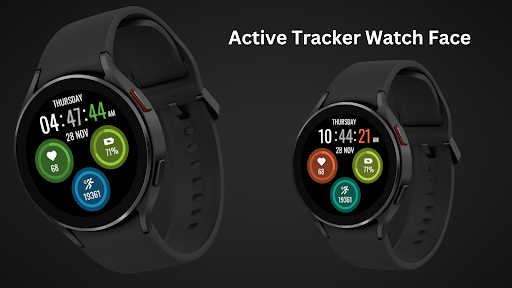
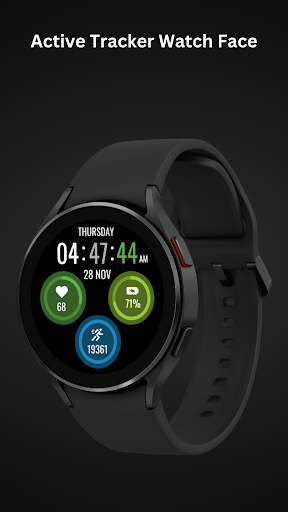
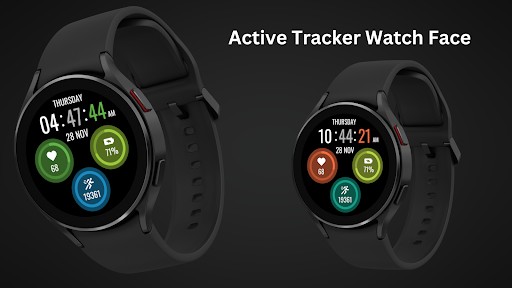
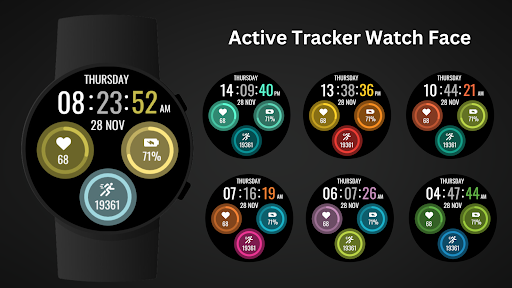
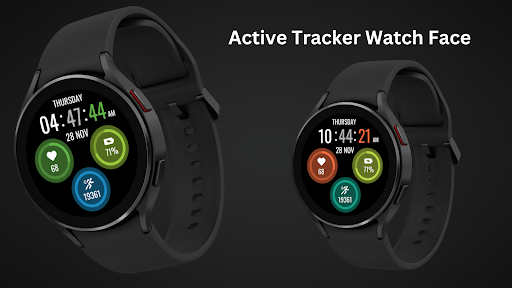
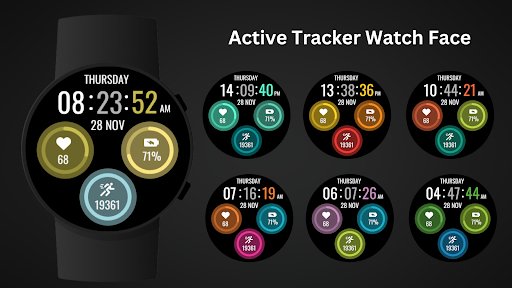
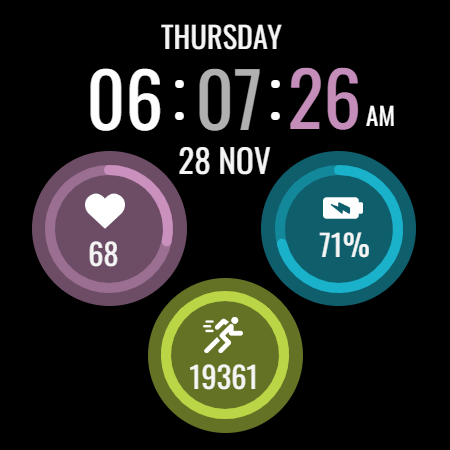
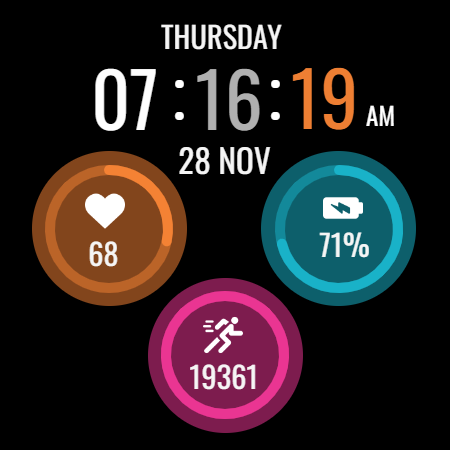
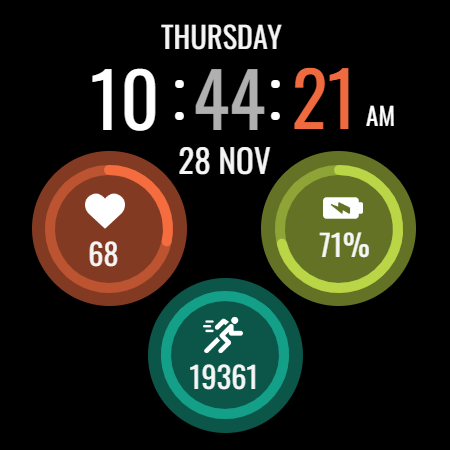
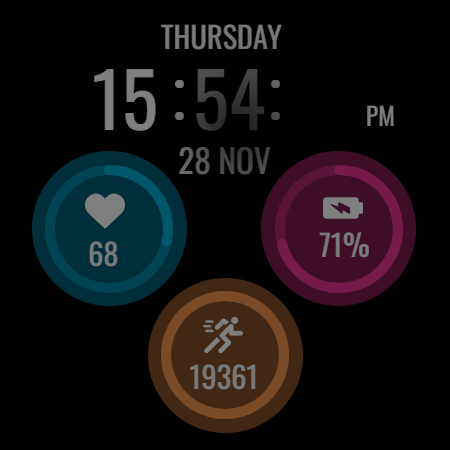
Stylish & Informative watch face with heart rate, battery, and steps tracking.
Make every step count with the Active Tracker Watch Face !
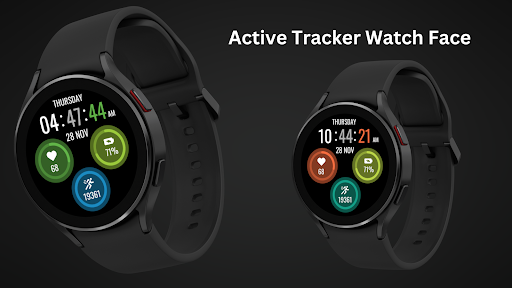
Stay on top of your activity with the Active Tracker Watch Face for Wear OS. This dynamic and stylish watch face keeps you informed with essential health and fitness metrics, ensuring you stay motivated and connected.
The perfect watch face for fitness enthusiasts and those who value information at their fingertips.
Clear and concise display for effortless information at a glance.
⚙️ Watch Face Features
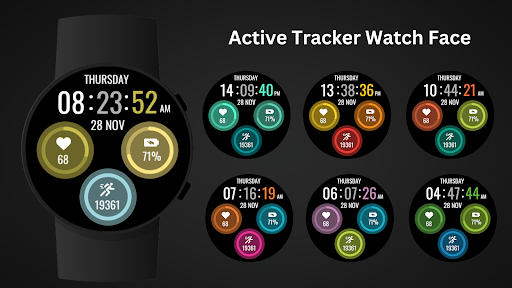
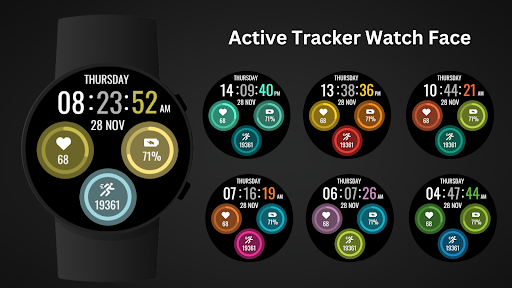
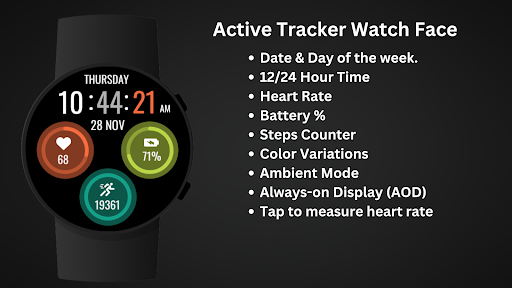
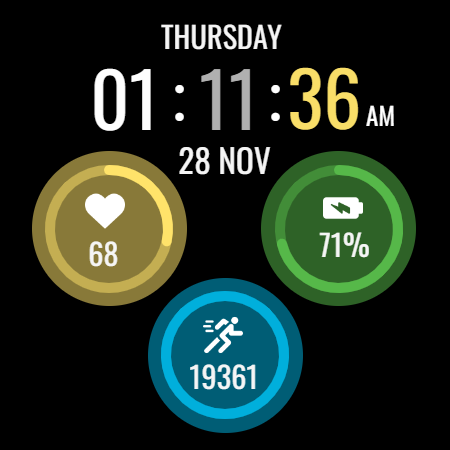
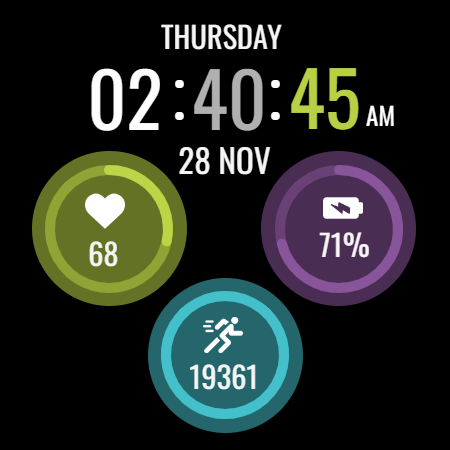
• View your heart rate, battery level, and steps taken directly on your watch face.
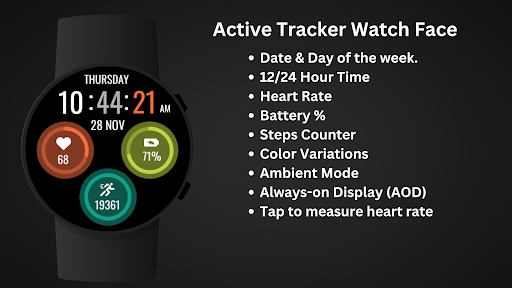
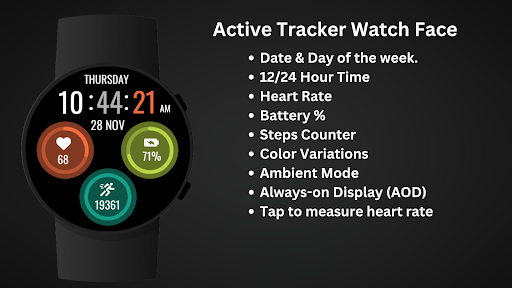
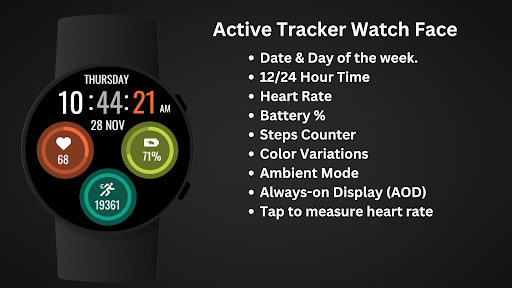
• Date & Day of the week.
• Heart Rate
• Battery %
• Steps Counter
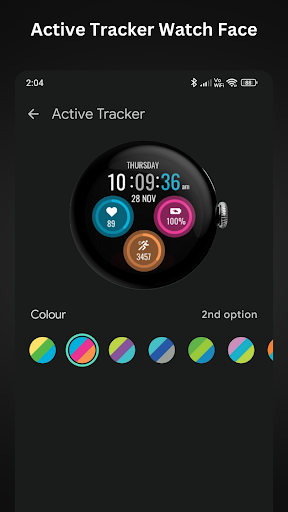
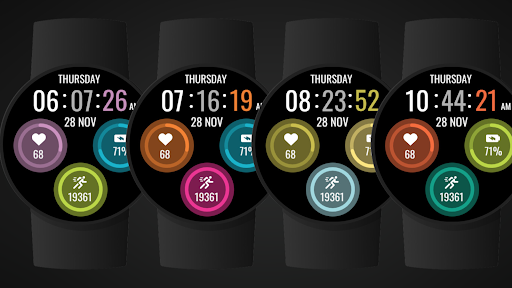
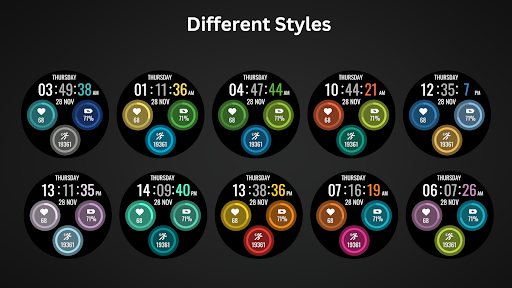
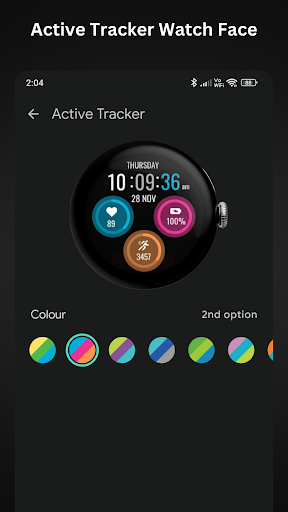
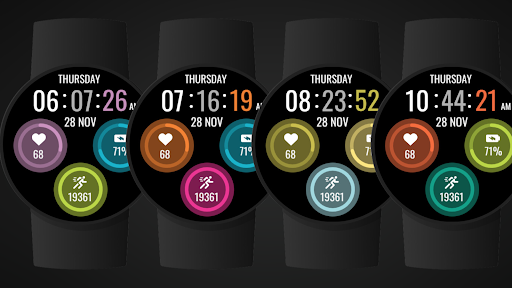
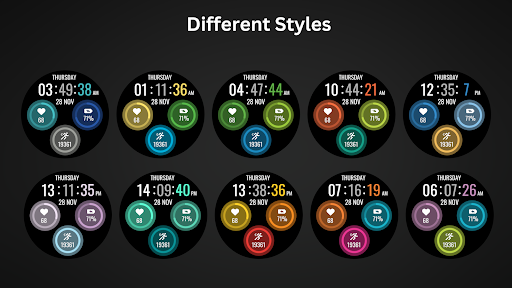
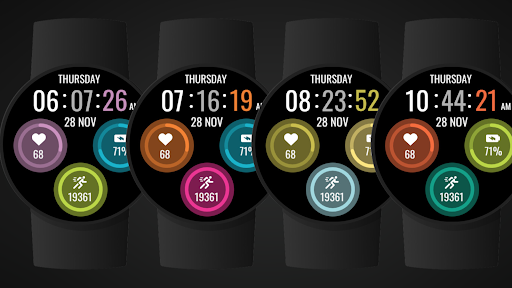
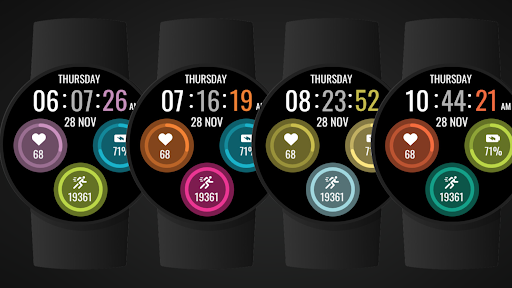
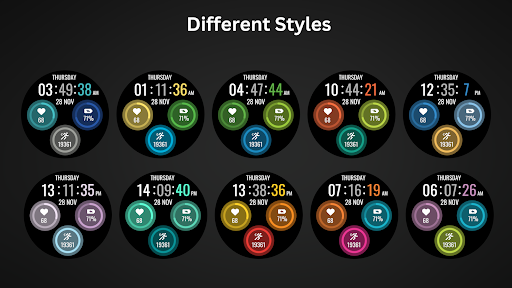
• Color Variations
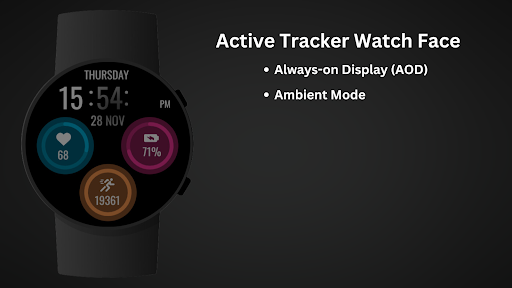
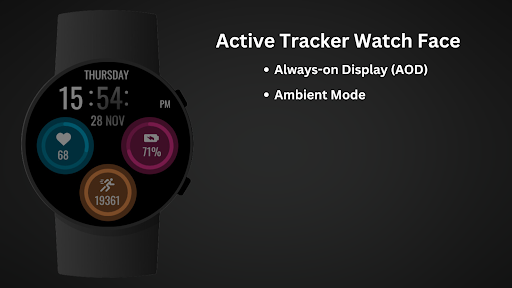
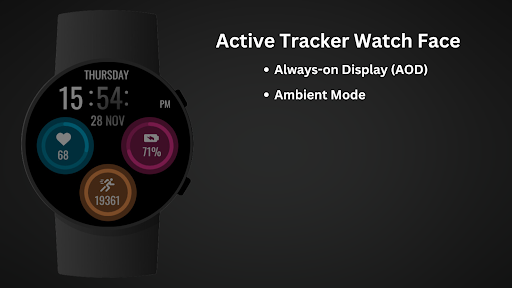
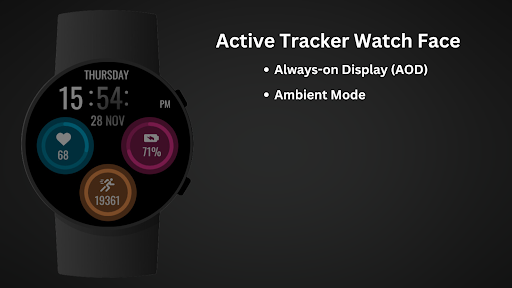
• Ambient Mode
• Always-on Display (AOD)
• Tap to measure heart rate
🔋 Battery
For better battery performance of the watch, we recommend disabling the "Always On Display" mode.
After installing the Active Tracker Watch Face, follow these steps:
Open the Companion App on your phone.
Tap "Install on Watch".
On your watch, select the Active Tracker Watch Face from your settings or watch face gallery.
Your watch face is now ready to use !
✅ Compatible with all Wear OS devices API 33+ including such as Google Pixel Watch, Samsung Galaxy Watch etc.
Not suitable for rectangular watches.
Thank you !
Stay on top of your activity with the Active Tracker Watch Face for Wear OS. This dynamic and stylish watch face keeps you informed with essential health and fitness metrics, ensuring you stay motivated and connected.
The perfect watch face for fitness enthusiasts and those who value information at their fingertips.
Clear and concise display for effortless information at a glance.
⚙️ Watch Face Features
• View your heart rate, battery level, and steps taken directly on your watch face.
• Date & Day of the week.
• Heart Rate
• Battery %
• Steps Counter
• Color Variations
• Ambient Mode
• Always-on Display (AOD)
• Tap to measure heart rate
🔋 Battery
For better battery performance of the watch, we recommend disabling the "Always On Display" mode.
After installing the Active Tracker Watch Face, follow these steps:
Open the Companion App on your phone.
Tap "Install on Watch".
On your watch, select the Active Tracker Watch Face from your settings or watch face gallery.
Your watch face is now ready to use !
✅ Compatible with all Wear OS devices API 33+ including such as Google Pixel Watch, Samsung Galaxy Watch etc.
Not suitable for rectangular watches.
Thank you !
Version Information
- Version
- -
- Downloads
- 1K+
- Updated on
- Jul 19, 2025
- Released
- Nov 20, 2024
- Requires
- Android Varies with device
Ratings & Reviews
Developer Response
More from Filmmotion Studio
See more apps
Battery Saver Watch Face
Free
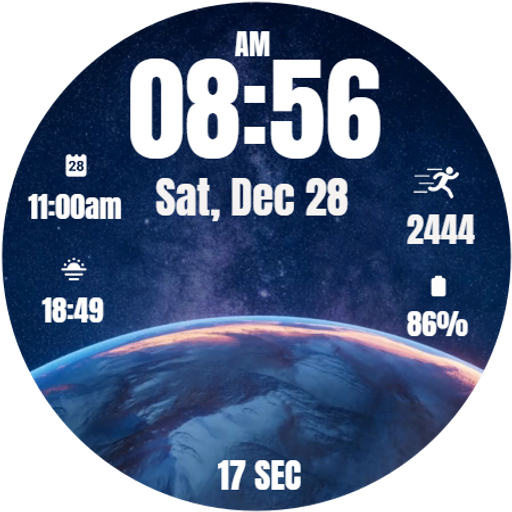
Stellar Sphere Watch Face
Free

Christmas Santa Claus
Free

Merry Time Christmas WatchFace
Free

Merry Xmas Watch Face
Free

Digital Butterfly Watch face
Free

Christmas Holiday Watch Face
Free

3D EARTH Watch Face
Free

Christmas Digital Watch Face
Free

Bloom Flower Watch Face
Free

Xmas Tree Watch Face
Free

Christmas Countdown
Free

Christmas Tree Clock WatchFace
Free

Broken Screen Prank Watch Face
Free
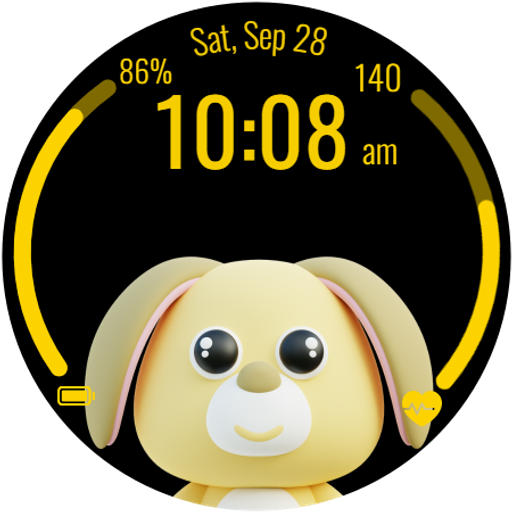
Adorable Animals Watch Face
Free

LED Neon Lights Watch Face
Free
Similar Apps

Digital Watch Face Key 007
Paid

Orbitron Halo - watch face
Paid

Digital RetroFlip Watch face
Paid
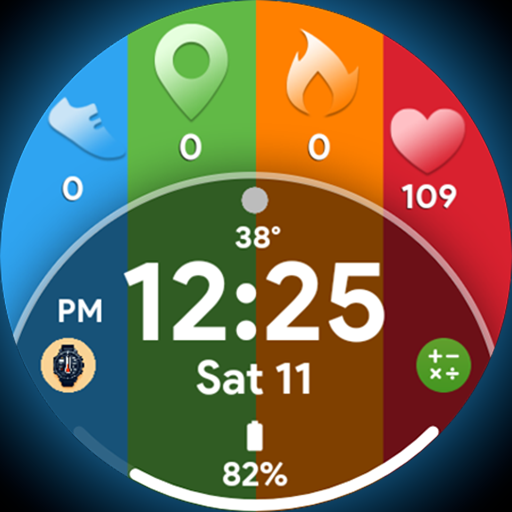
Eclipse Tiles - Watch face
Paid

Simple Steps WF
Free
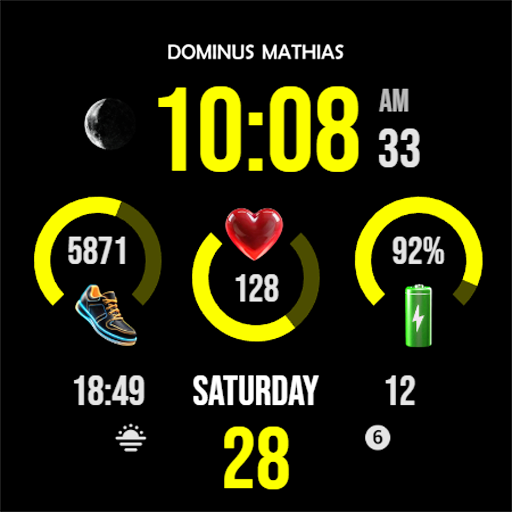
DM121 Sleek Digital Watch
Paid
Dark Jet Black WatchFace SAM 1
Paid
Nebula Watch Face Wear OS
Paid
Key043 Digital Watch Face
Paid

SLURP Watch Face
Paid

IA117 Digital Watchface
Free

DB019 Adapt
Paid

Active 8
Free

Iris520 Digital Watch Face
Paid

IA110 DIGITAL WATCHFACE
Paid

Digital Color Minimal NTV007
Paid