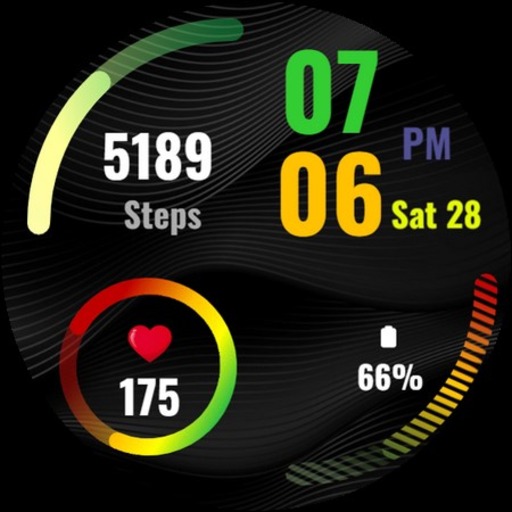
Dark Jet Black WatchFace SAM 1 vVARY
SMA Design Watch Faces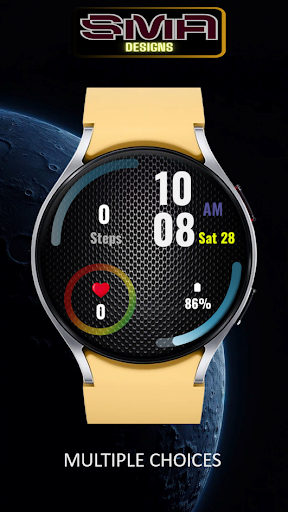




About this app
Developer Description
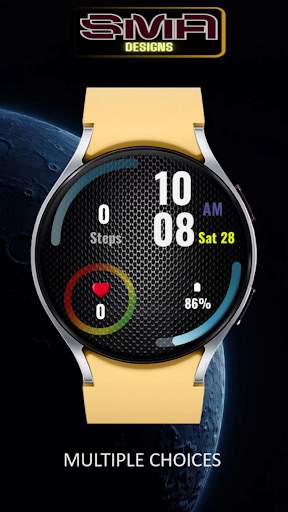
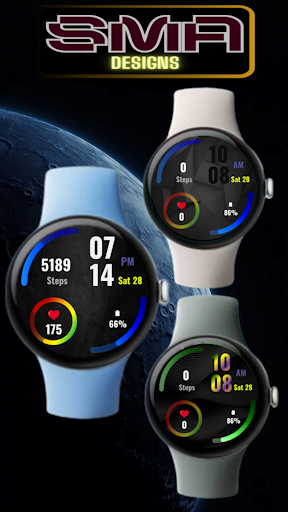
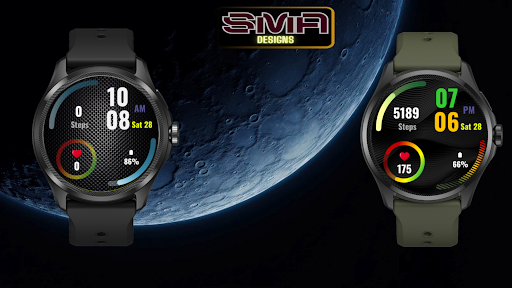
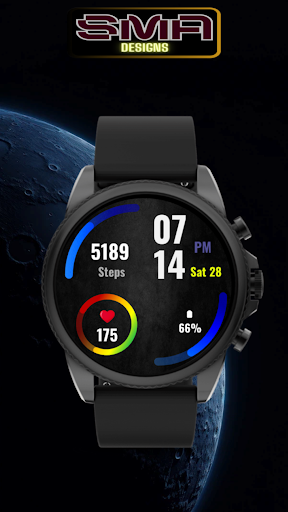
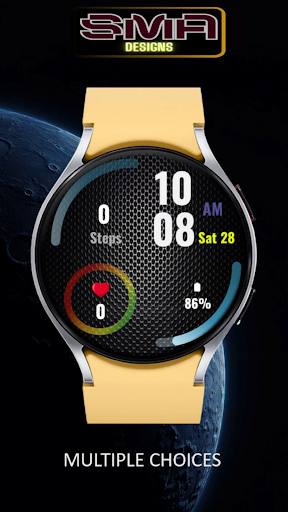
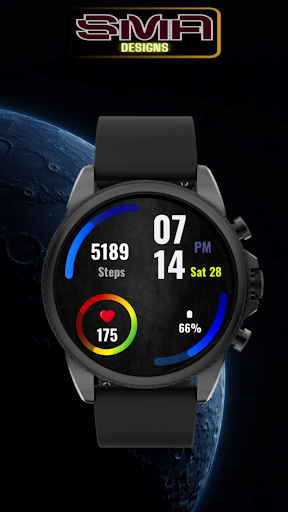
Classic and Simple Dark watch face for your style.
If you love simplicity, you gonna love this. A simple black watch face for your Wear OS watch.
Watch Face
Custom Watch Faces
Digital Watch Face
Analog Watch Face
Watch Face Design
Personalized Watch Face
Interactive Watch Face
Smartwatch Faces
Clock Faces
Stylish Watch Face
Watch Face Themes
Watch Face Widgets
Wear OS Watch Face
Unique Watch Faces
Minimalist Watch Face
Sport Watch Face
Classic Watch Face
This watch face requires WearOS API 28+. Compatible with Galaxy Watch 4 Series and newer, Tic Watch, latest Fossil, and many others.
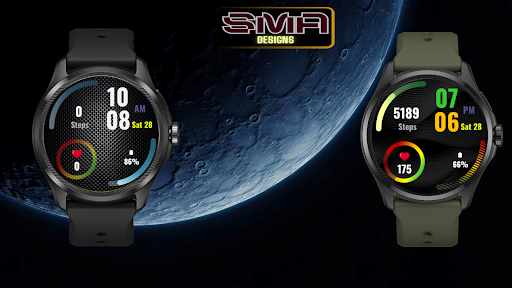
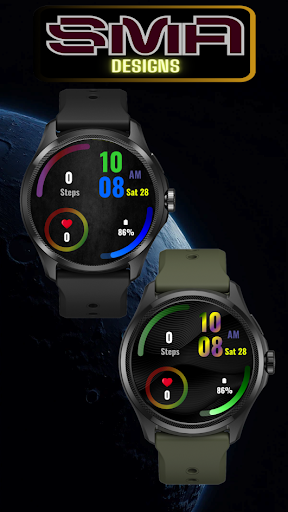
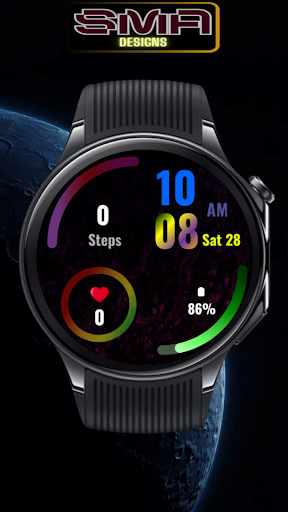
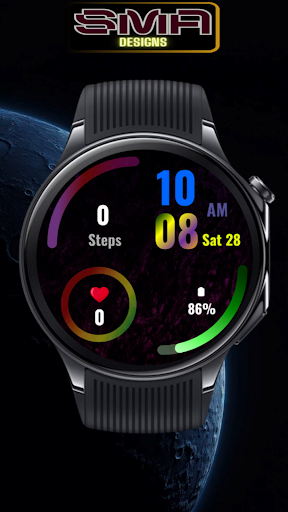
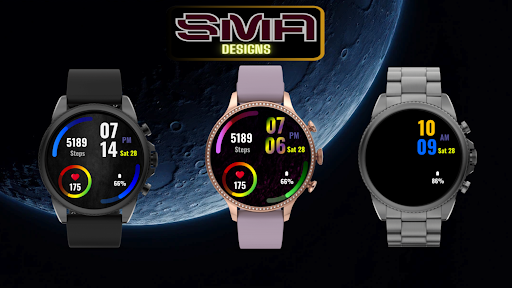
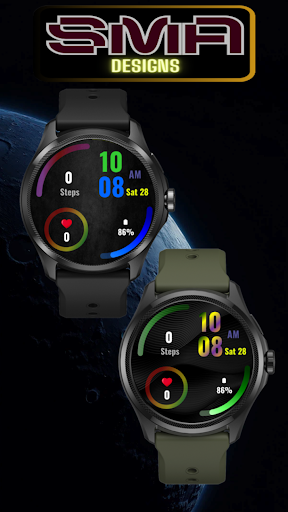
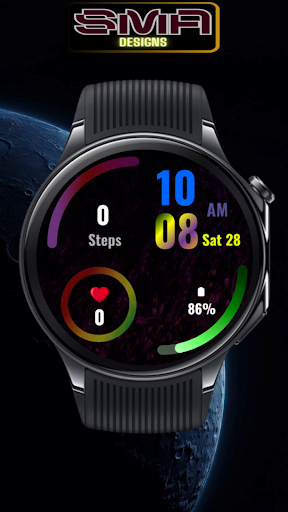
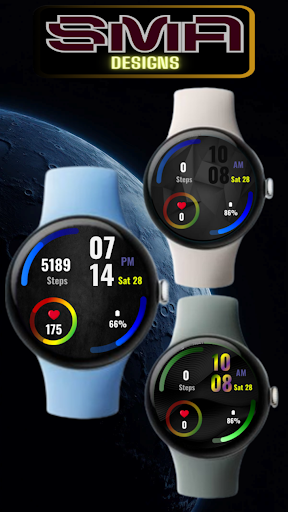
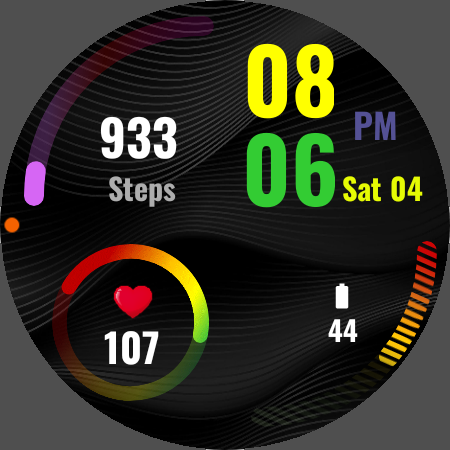
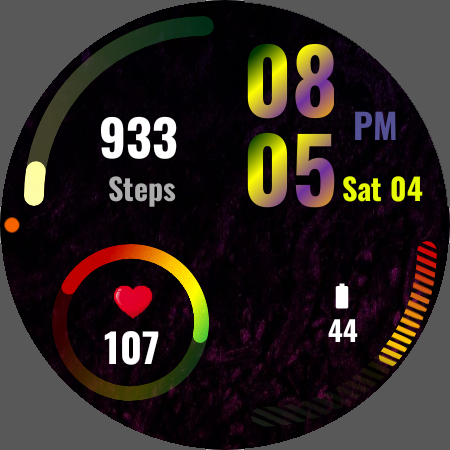
Premium designed watch face for WearOS, beautiful Digital watch for precission. Make it your own style with Digit clock color, Step count bar color and battery color customization.
Installing can take a few minutes, and you can find the watch on the "downloaded" section on the wear app. Or you find it on the add watch face menu on the watch (check the companion guide).
This watch face requires Wear OS API 28+. Compatible with Galaxy Watch 4/5Series and newer, Pixel, Tic Watch, latest Fossil, and many others.
Features:
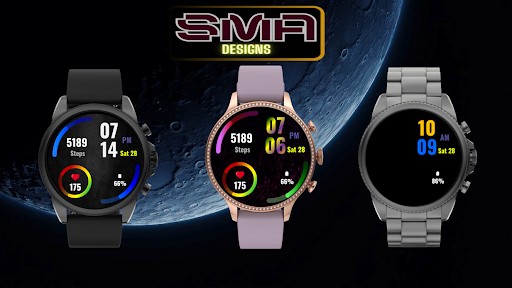
• Customizable color option
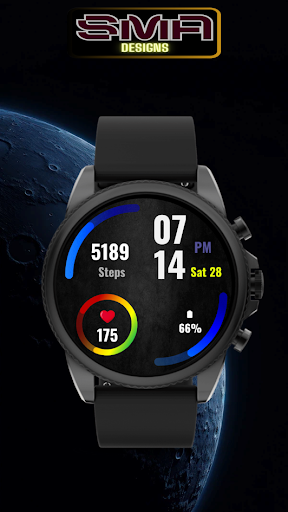
• Battery, Heart Rate & Step info
• Customizable Apps Shortcut
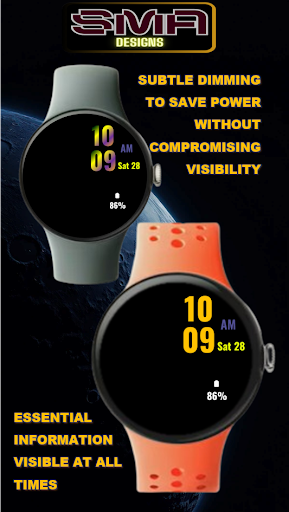
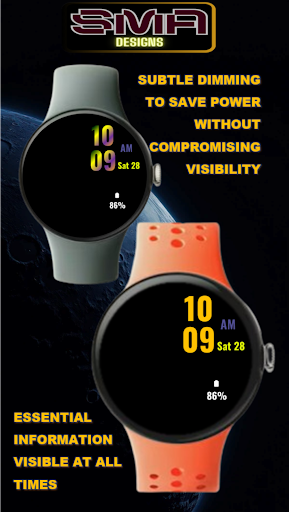
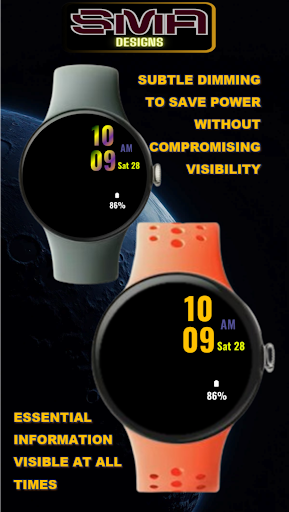
• AOD as per set Watch Face (Date Time & Battery)
To show the heart rate, stay still and tap the heart rate area. It will blink and measure your heart rate. The heart rate will be shown after the successful reading. The default usually shows 0 before the reading is complete.
Tap and hold the watch face and go to the "customize" menu (or settings icon under the watch face) to change the styles and also manage the custom shortcut complication.
To change between 12 or 24-hour mode, go to your phone date and time settings and there is an option to use 24-hour mode or 12-hour mode. The watch will sync with your new settings after a few moments.
Special designed Always On Display ambient mode. Turn on the Always On Display mode on your watch settings to show a low power display on idle. Please be aware, this feature will use more batteries.
Version Information
- Version
- -
- Downloads
- 50+
- Updated on
- -
- Released
- Feb 10, 2023
- Requires
- Android Varies with device
Statistics
Google Play Rating History
Rating Distribution
Downloads Over Time
Dark Jet Black WatchFace SAM 1 has been downloaded times. Over the past 30 days, it averaged downloads per day.
Shaded area shows 30-day prediction based on historical trends
Historical data collection started recently. More data points will be available over time.
ApkTrusted Ratings & Reviews
More from SMA Design Watch Faces
See more apps
Chrono Luxe Watch Face SAM-25
Paid

Cross Round Watch Face SAM-20
Free

Eclipse Minimal Watch Face -22
Paid

Focus360 WearOS Watch Face-40
Paid

Gear Sync Watch Face SAM-41
Paid

Glow Track Watch Face SAM-30
Paid

Luminous Halo WatchFace SAM-18
Paid

RainbowChrono WatchFace SAM-29
Paid

Speedometer WatchFace SMA 17
Paid

Spinning Alloy 1 Watch Face-23
Paid

Square Circle WatchFace SAM-16
Paid

Tech Lab Watch Face SAM-19
Paid

Titanium Edge WatchFace SAM-28
Paid

Vital View Watch Face SAM-24
Paid

Analog Digital WatchFace SMA 6
Paid
Big Clock Watch Face SAM-14
Paid
Similar Apps

Neon Green Pink Watch Face
Free

Digital 2
Paid

HKR040
Paid
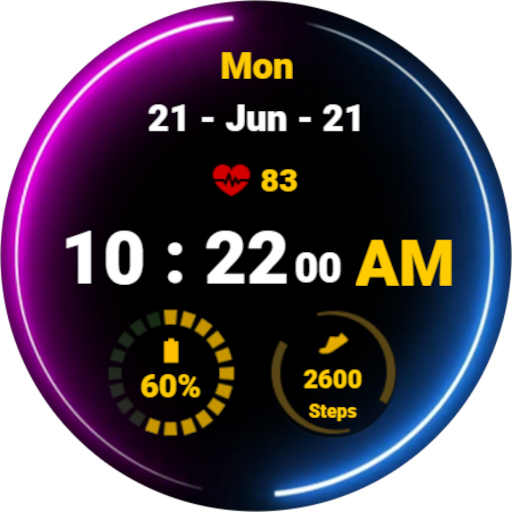
Neon Blue Pink Watch Face
Free

Colorful Figures-For wear os 5
Paid

Digital Modular
Free

Orbitron Halo Watch Face
Paid

Dens Digital 1 Watch Face
Paid

Paint Bloom
Paid

Digital Age - for wear os 5
Paid
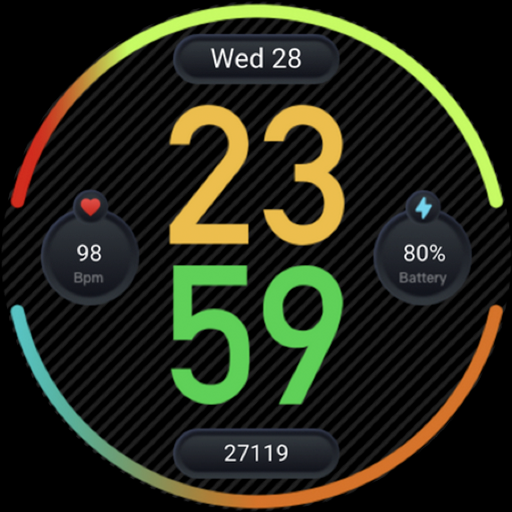
Youth watch face
Free
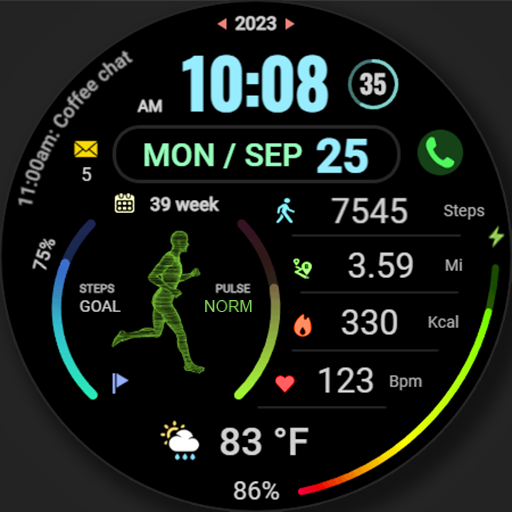
WFP 176 Running man animated
Free

PKG017
Paid

Ficture Reflecto ZX
Paid

Digital 1
Paid

BRN149 - beno
Paid
Scan this QR code to download

Forwarding you to the page at Google Play market in seconds...
Open Google Play market now