
Dash B07 Wear OS Watch Face vVARY
GPhoenix Apps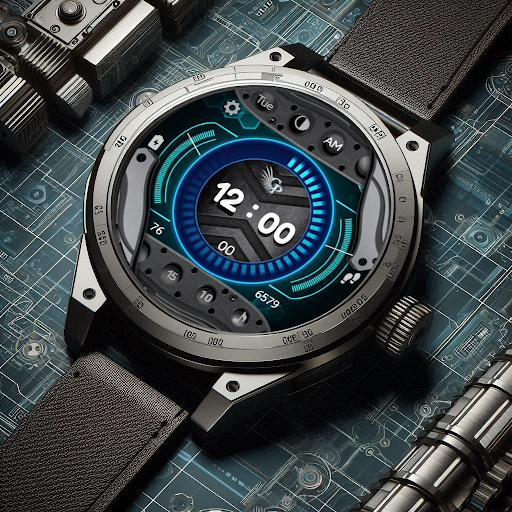


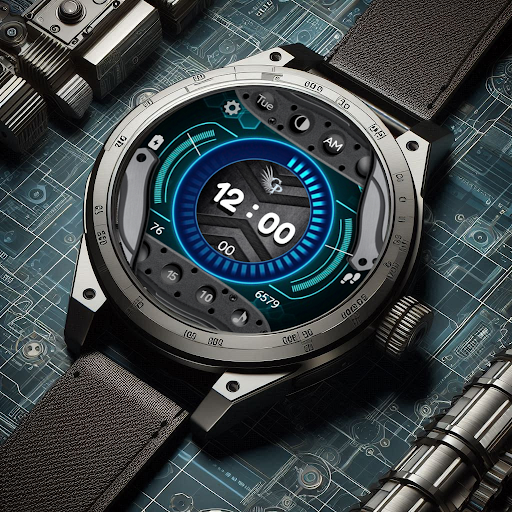
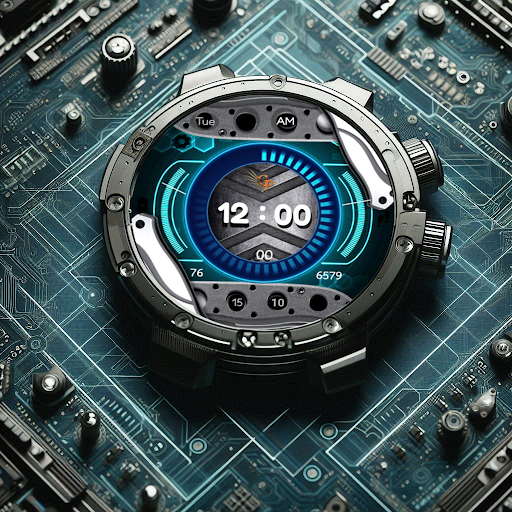
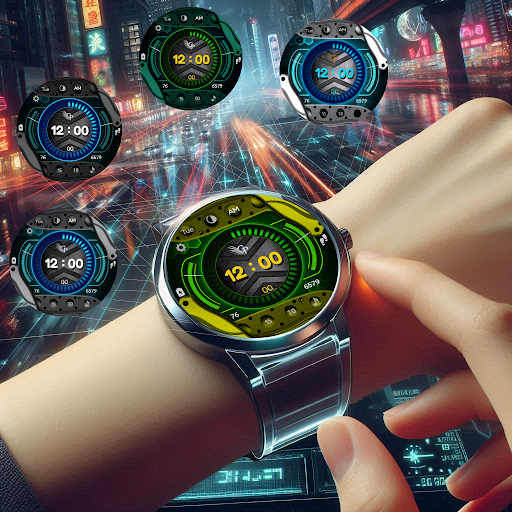
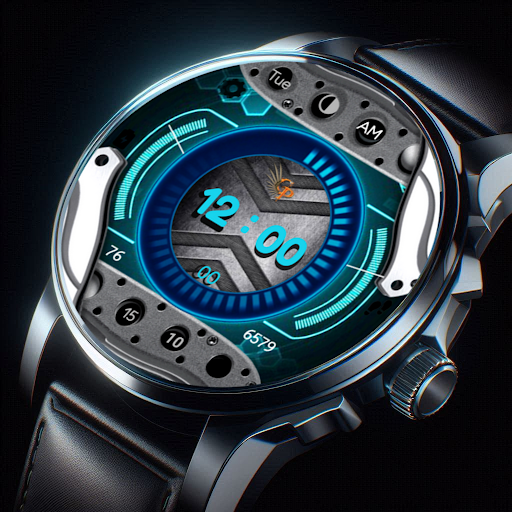
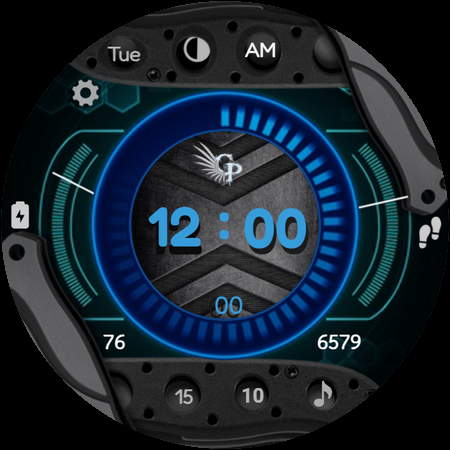
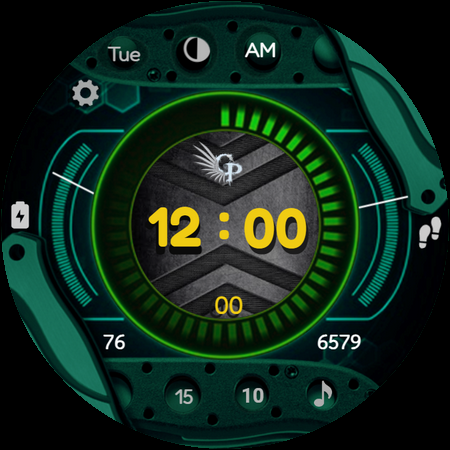
About this app
Developer Description
A Digital Wear OS Watch Face
DASH B-07 Digital Wear OS Watch Face
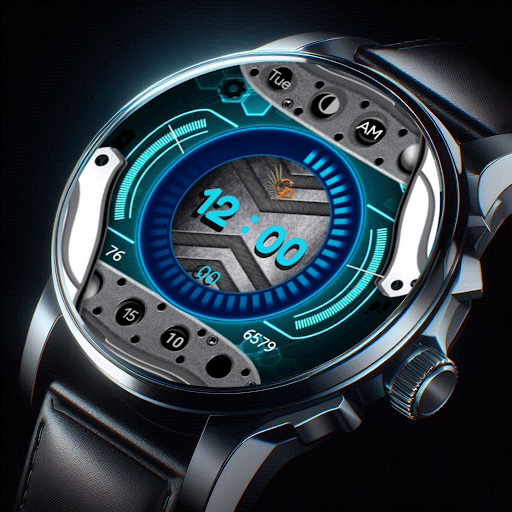
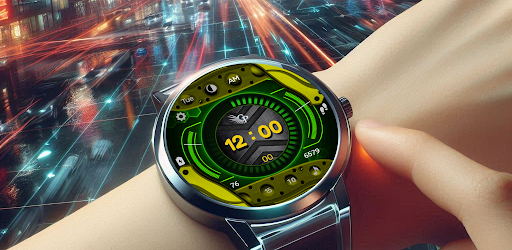
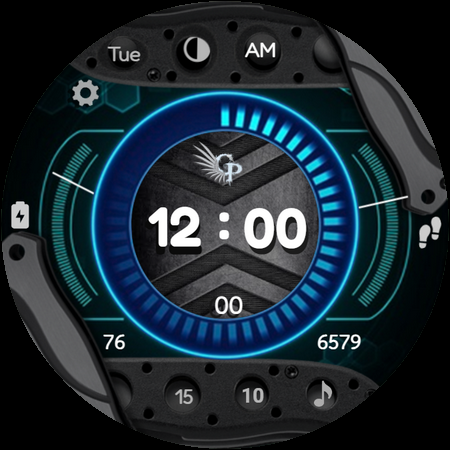
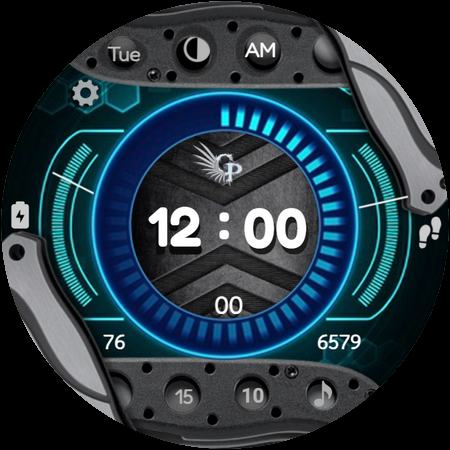
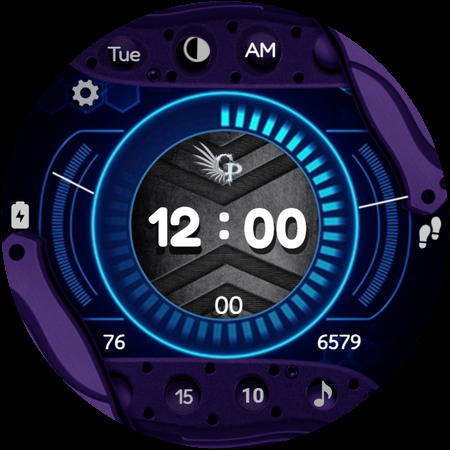
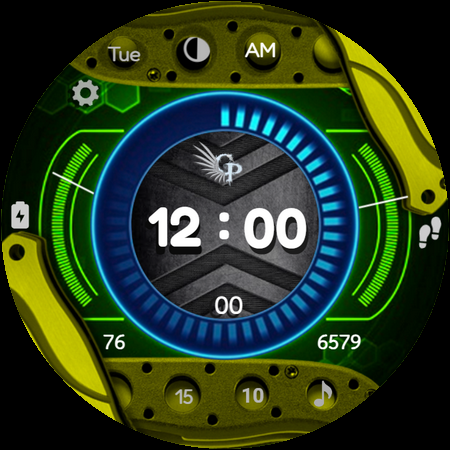
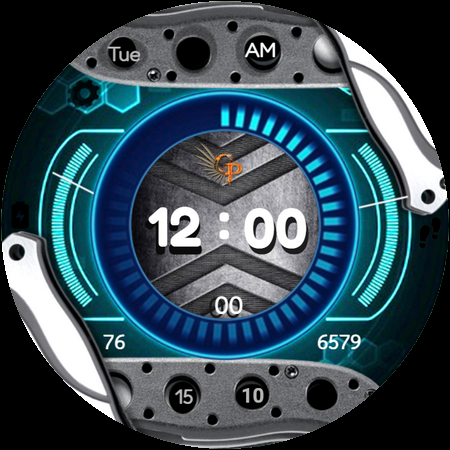
Experience the perfect blend of functionality and style with DASH B-07, a versatile digital watch face designed to keep you in control and on schedule. Featuring a customizable display and a range of shortcuts, DASH B-07 provides a seamless experience right on your wrist.
Features:
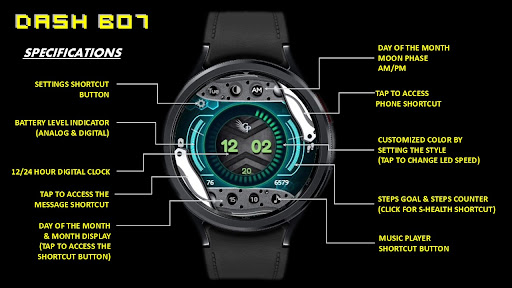
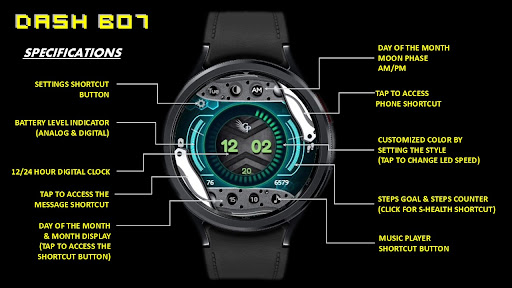
Digital Time Display – Switch effortlessly between 12 and 24-hour formats.
Customizable Background – Tap the background to change colors and match your mood or style.
Quick Access Shortcuts – Access essential functions like Settings, Alarm, Phone/Messages, Battery Status, and Music Player with a simple tap.
Battery & Health Monitoring – Track battery levels and stay on top of your fitness goals with S Health integration.
Schedule & Moon Phase – Stay organized with the schedule shortcut, and enjoy the added touch of a moon phase display.
Day & Date Display – Easily view the current day of the month and week.
Always-On Display (AOD) – Essential information remains visible even when your device is in ambient mode.
DASH B-07 offers everything you need in a sleek, feature-packed digital watch face for Wear OS.
Supports the following smartwatch model:
Google Pixel Watch
Google Pixel Watch 2
Samsung Galaxy Watch 7 and Galaxy Watch 7 Ultra
Samsung Galaxy Watch 4 and Galaxy Watch 4 Classic
Samsung Galaxy Watch 5 and Galaxy Watch 5 Pro
Samsung Galaxy Watch 6 and Galaxy Watch 6 Classic
Fossil Gen 7
TicWatch Pro 5
Montblanc Summit 4
Tag Heuer Connected Calibre E5
Montblanc Summit 3
Fossil Gen 6
Skagen Falster Gen 6
Michael Kors Access 6
Diesel Griffed Gen 6
Citizen CZ Smart Gen 2
Razer x Fossil Gen 6
TicWatch Pro 3
TicWatch Pro 3 Ultra GPS
TicWatch E3
Tag Heuer Connected Calibre E4
Watch Face Installation Notes:
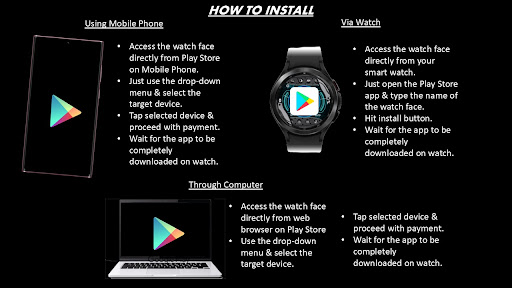
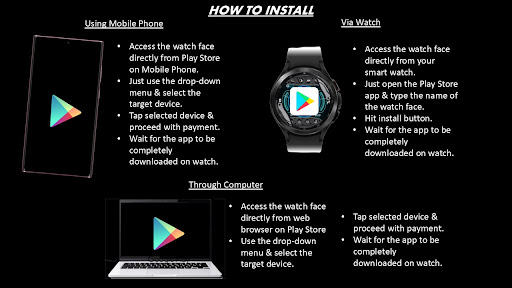
Direct Installation from Watch:
1. Open the Google Play Store on your Wear OS smartwatch.
2. Search for the watch face you want to install.
3. Tap “Install” and wait for the download to complete.
4. Once installed, you can select it as your watch face from the "Settings" or by long-pressing on your current watch face and browsing the options.
Installation from Phone:
1. Open the Google Play Store on your Android phone linked to your smartwatch.
2. Search for the watch face, then tap “Install.”
3. Make sure the app is set to install on your watch, not just your phone. The watch face will automatically appear in your available watch faces.
4. On some devices, you may need to sync manually if it doesn’t appear immediately.
Troubleshooting Installation:
1. Ensure your smartwatch and phone are both connected to the internet and properly synced.
2. Restart your watch if the watch face doesn’t appear after installation.
3. Confirm your Wear OS version is compatible with the watch face.
Applying and Customizing the Watch Face:
1. After installation, select the watch face by long-pressing on your current watch face.
2. Tap the settings or customize option to adjust display features, shortcuts, and color themes (if available).
Updates & Maintenance:
1. Keep your apps updated to enjoy the latest features and improvements.
2. If the watch face supports customization, explore options through the watch face’s settings for a more personalized experience.
Version Information
- Version
- -
- Downloads
- 100+
- Updated on
- -
- Released
- Nov 11, 2024
- Requires
- Android Varies with device
Statistics
Google Play Rating History
Rating Distribution
Downloads Over Time
Dash B07 Wear OS Watch Face has been downloaded times. Over the past 30 days, it averaged downloads per day.
Shaded area shows 30-day prediction based on historical trends
Historical data collection started recently. More data points will be available over time.
Dash B07 Wear OS Watch Face users say on Google Play
 Jesus Ortiz
Had to try the purchase multiple times.
ApkTrusted Ratings & Reviews
More from GPhoenix Apps
See more apps
Ancient Sun Wear OS Watch Face
Free
Astra Voyager Metallic Wear OS
Free
Aurum Egyptia Watch Face
Free
Axis Chrono Watch Face
Free

Beagle Game Watch Face
Free
Christmas Beagle Wear OS
Paid

Chrono X Watch Face
Free
Circa Adventurer Watch Face
Paid

Classic Skeleton Watch Face
Free

Dark Steel Wear OS Watch Face
Paid

Dash B02 Wear OS Watch Face
Paid
Deep Blue Diver Wear OS
Free

Draco Elegance Watch Face
Free

Elegant Night Watch Face
Free

Elegant Skeleton Watch Face
Paid

GPhoenix Elevate Wear OS
Paid
Similar Apps

SD138
Paid

SD130
Paid

The Reactor Ultimate animated
Paid
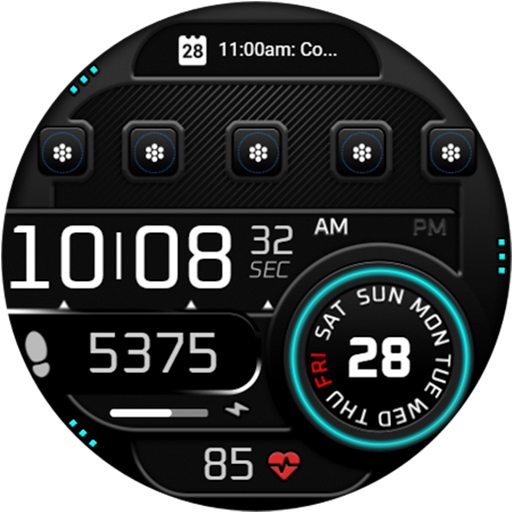
OZ502s Digital Watch Face
Paid
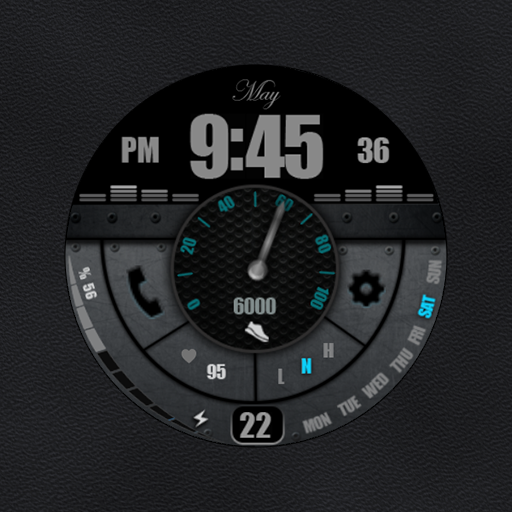
W-Design WOS084 - Watch Face
Free
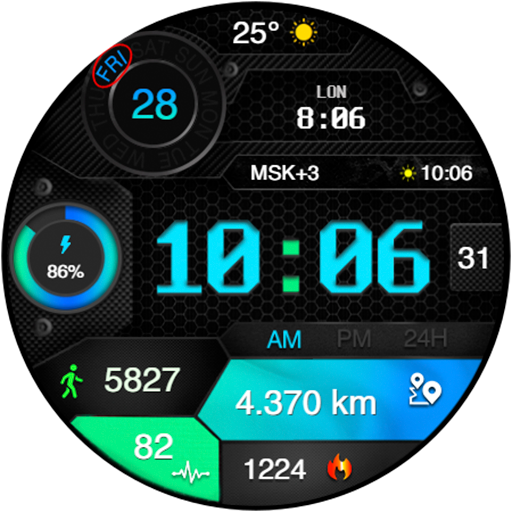
CyberFit Chrono
Free

Sol 3 - animated watch face
Free

ISAAC WATCH HJ600
Free

SamWatch Digital IV 2024
Paid

ML2U 168 Watch Face
Free
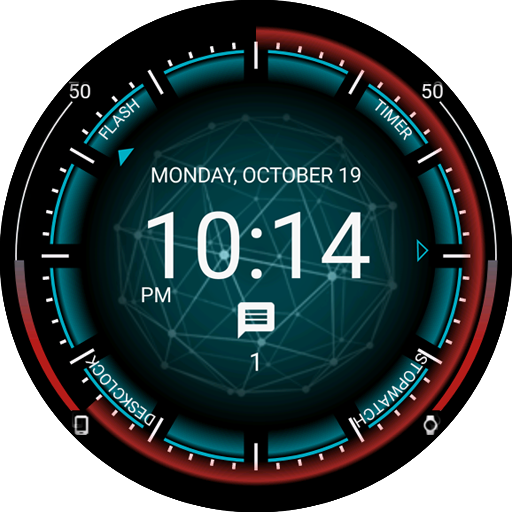
Mesh Watch Face
Free
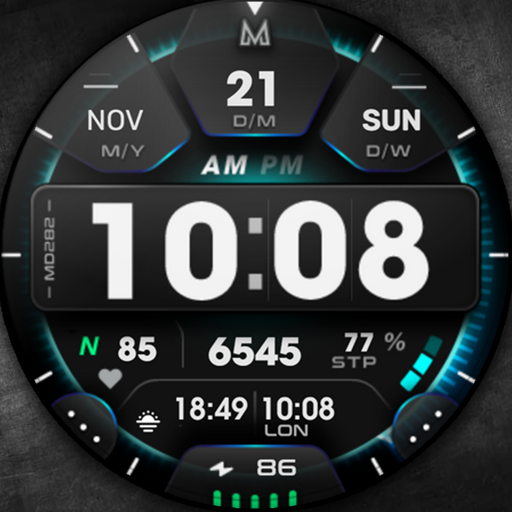
MD282 3D Digital watch face
Paid

PRADO 77 Digital Watch Face
Paid

Proton X Wear OS Watch Face
Paid

Voron WOLF Watch Face
Free
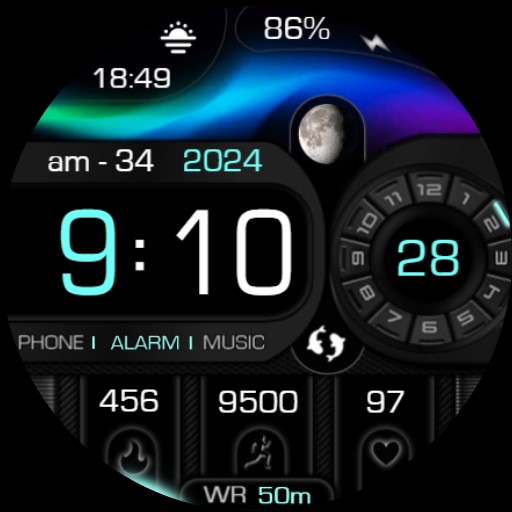
Digital Aurora Modern Dark 63
Paid
Scan this QR code to download

Forwarding you to the page at Google Play market in seconds...
Open Google Play market now