Circa Adventurer Watch Face vVARY
GPhoenix Apps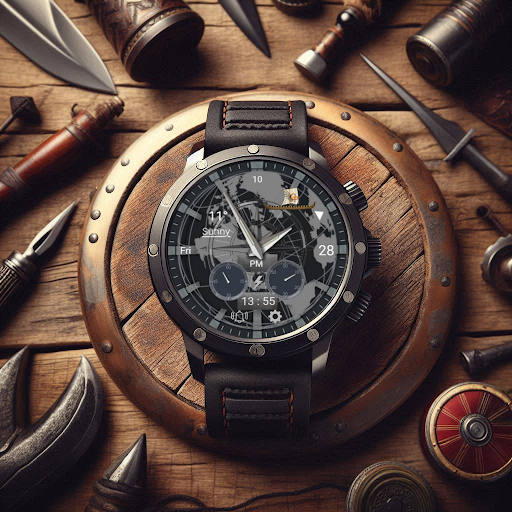








About this app
Developer Description
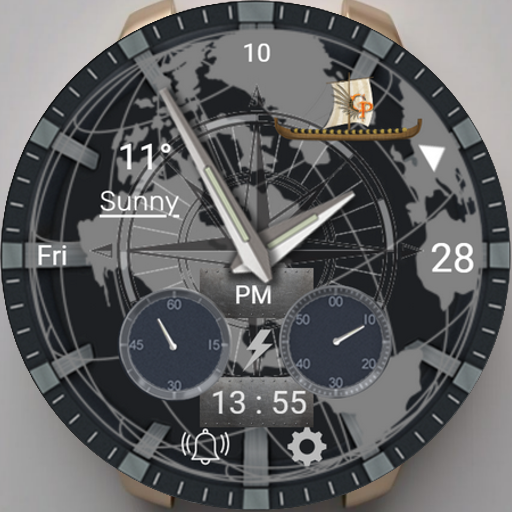
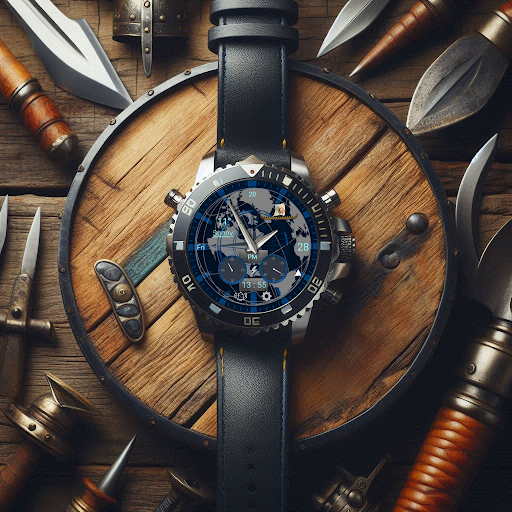
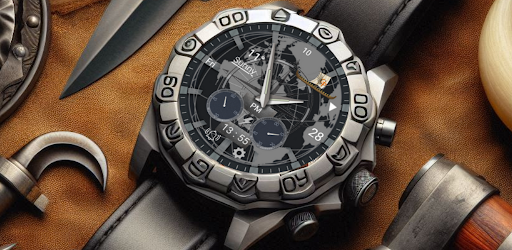
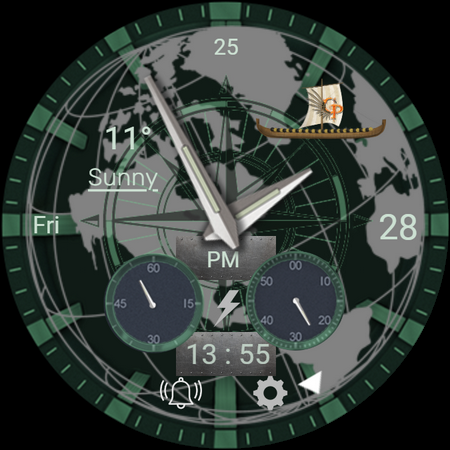
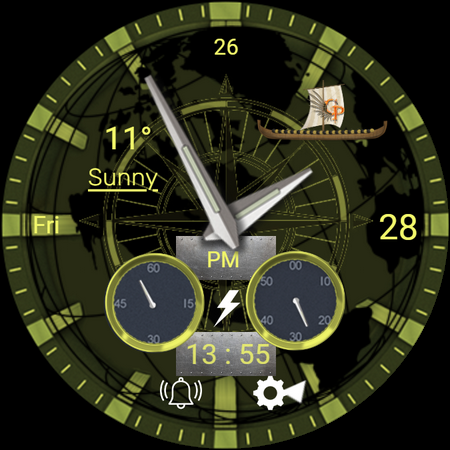
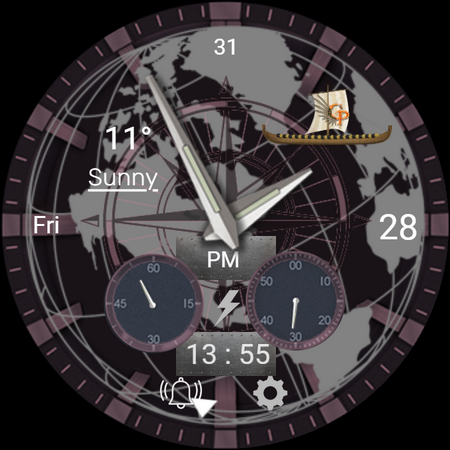
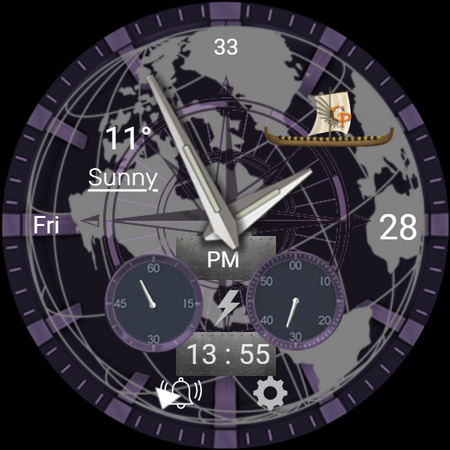
A Hybrid Wear OS watch face designed for explorers.
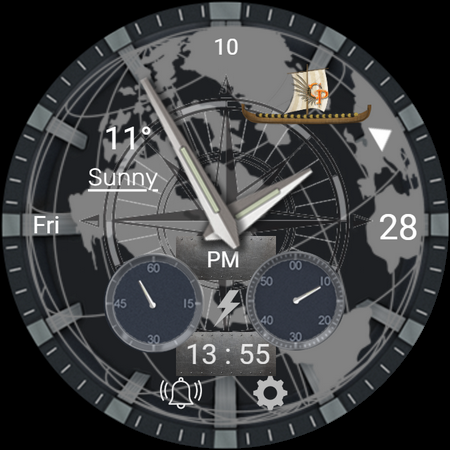
Step into adventure with Circa Adventurer, a hybrid Wear OS watch face designed for the bold and curious. Its rugged, vintage-inspired design captures the essence of exploration, while modern features keep you connected wherever your journey takes you.
Features:
- Classic Adventure Design: Timeless hybrid style with bold, easy-to-read details.
- Weather & Temperature Display: Stay updated on current conditions at a glance.
- Essential Shortcuts: Quick access to alarms, settings, and more.
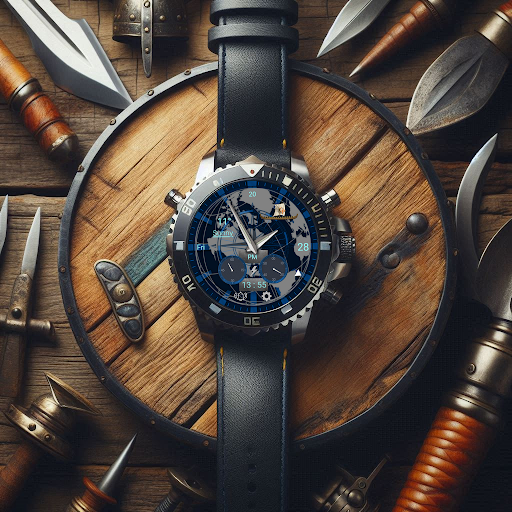
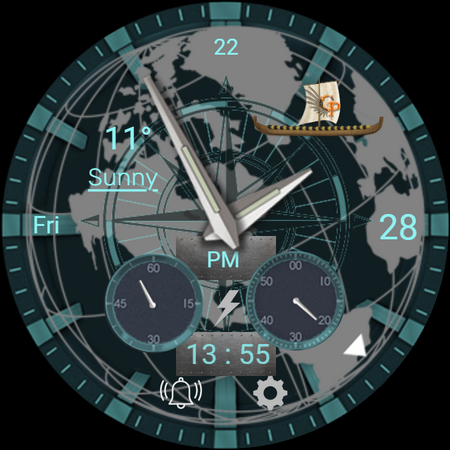
- Customizable Themes: Personalize colors and styles to match your adventurous spirit.
- Battery Percentage Tracking: Stay on top of your stats with ease.
- Always-On Display (AOD): Crisp, clear visibility for every moment of your journey.
Gear up for your next expedition with Circa Adventurer—where timeless design meets modern adventure.
📍Installation Guide for Wear OS Watch Faces
Follow these step-by-step instructions to install a Wear OS watch face on your smartwatch, either from your smartphone or directly from the watch itself.
📍Installing from Your Phone
Step 1: Open the Play Store on Your Phone
Ensure your phone is connected to the same Google account as your smartwatch.
Open the Google Play Store app on your phone.
Step 2: Search for the Watch Face
Use the search bar to find the desired Wear OS watch face by name.
For example, search for "Explorer Pro Watch Face" if that’s the watch face you want.
Step 3: Install the Watch Face
Tap on the watch face from the search results.
Click Install. The Play Store will automatically sync the watch face with your connected smartwatch.
Step 4: Apply the Watch Face
Once installed, open the Wear OS by Google app on your phone.
Navigate to Watch Faces and select the newly installed watch face.
Tap Set Watch Face to apply it.
📍Installing Directly from Your Smartwatch
Step 1: Open the Play Store on Your Watch
Wake your smartwatch and open the Google Play Store app.
Ensure your watch is connected to Wi-Fi or paired with your phone.
Step 2: Search for the Watch Face
Tap on the search icon or use voice input to search for the desired watch face.
For example, say or type "Explorer Pro Watch Face".
Step 3: Install the Watch Face
Select the watch face from the search results.
Tap Install and wait for the installation to complete.
Step 4: Apply the Watch Face
Press and hold the current watch face on your watch’s home screen.
Swipe through the available watch faces until you find the newly installed one.
Tap on the watch face to set it as your default.
Troubleshooting Tips
Ensure Your Watch and Phone Are Synced: Both devices must be paired and logged into the same Google account.
Check for Updates: Update the Google Play Store and Wear OS by Google apps on both your phone and smartwatch.
Restart Your Devices: If the watch face doesn’t appear after installation, restart your smartwatch and phone.
Verify Compatibility: Confirm that the watch face is compatible with your smartwatch model and software version.
Now you’re ready to personalize your smartwatch with your favorite Wear OS watch faces! Enjoy your new look.
Version Information
- Version
- -
- Downloads
- 100+
- Updated on
- -
- Released
- Feb 4, 2025
- Requires
- Android Varies with device
Statistics
Google Play Rating History
Rating Distribution
Downloads Over Time
Circa Adventurer Watch Face has been downloaded times. Over the past 30 days, it averaged downloads per day.
Shaded area shows 30-day prediction based on historical trends
Historical data collection started recently. More data points will be available over time.
Circa Adventurer Watch Face users say on Google Play
 Ricardo Salas Auvert
Not installing, says error all the time
ApkTrusted Ratings & Reviews
More from GPhoenix Apps
See more apps
Ancient Sun Wear OS Watch Face
Free
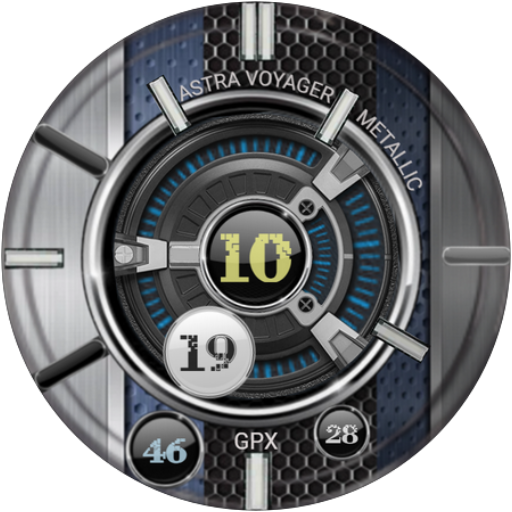
Astra Voyager Metallic Wear OS
Free
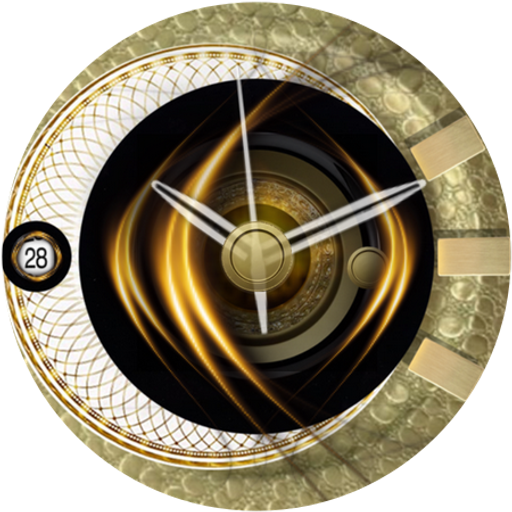
Aurum Egyptia Watch Face
Free
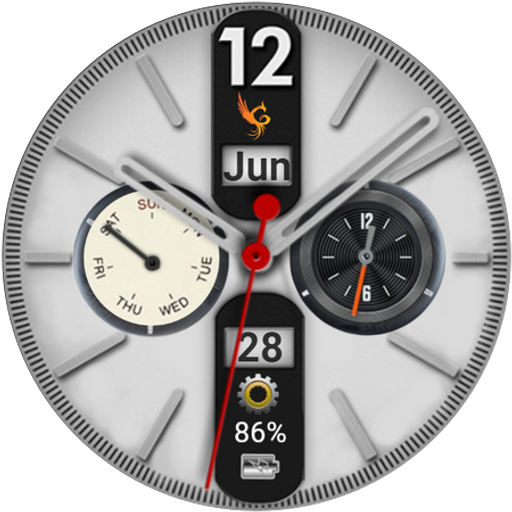
Axis Chrono Watch Face
Free

Beagle Game Watch Face
Free
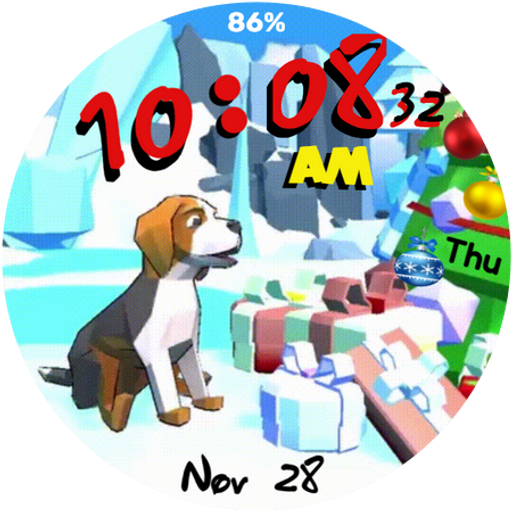
Christmas Beagle Wear OS
Paid

Chrono X Watch Face
Free

Classic Skeleton Watch Face
Free

Dark Steel Wear OS Watch Face
Paid

Dash B02 Wear OS Watch Face
Paid

Dash B07 Wear OS Watch Face
Paid
Deep Blue Diver Wear OS
Paid

Draco Elegance Watch Face
Free

Elegant Night Watch Face
Free

Elegant Skeleton Watch Face
Paid

GPhoenix Elevate Wear OS
Paid
Similar Apps
CNRwatch017
Free

ZKin Watch Snow Scene Quartz
Paid
N-SPORT729 Infor WearOS5 Watch
Paid

Analog Watch Face CUE132
Free
CNRwatch040
Paid

EXD161: Celestial Analog Face
Paid

Stratagems
Paid

Hybrid 11
Free

Hybrid RUDUMAK CTS5 Watch face
Paid

ZKin WatchFace Retro Deep Grey
Paid

Dynamic Thor ZKin Watch
Free

OD28 Titanium Watch Face
Free

Exquisite Pendulum ZKin Watch
Paid
KTbc
Free
MJ138 Elegant Analog
Paid

Crescent Quartz ZKin Watch
Paid
Scan this QR code to download

Forwarding you to the page at Google Play market in seconds...
Open Google Play market now