
Crescent Quartz ZKin Watch vVARY
ZKin


About this app
The Crescent Quartz ZKin Watch app solves the problem of limited watch face customization options for Wear OS users, benefiting those who value personalized styles. Compared to alternatives in the Personalization category, this app stands out with its unique design, but falls short due to the lack of user rating data and limited downloads. As a paid app with ads, it may not be the most appealing option for users seeking ad-free experiences. Its compatibility with Wear OS is a notable feature, but the app's overall value is hindered by the limited information available about its performance and user satisfaction.
Pros
- The app offers a unique watch face design, which may appeal to users seeking distinctive styles, and its compatibility with Wear OS expands its potential user base.
- As a paid app, it may receive more dedicated support from the developer, potentially leading to more frequent updates and improvements.
- The absence of in-app purchases means that users won't be tempted or forced into additional spending after the initial purchase, providing a more transparent monetization model.
- The developer's presence on Telegram and provision of an email address suggest a willingness to engage with users and address feedback or issues, which can be beneficial for user satisfaction and app improvement.
Cons
- The app's lack of user rating data and limited downloads raise concerns about its overall quality and user satisfaction, making it a riskier purchase for potential buyers.
- The presence of ads in a paid app may deter some users, as it could be seen as an inconvenience or a sign of aggressive monetization strategies.
- The app requires varying Android versions and has an unspecified size, which could indicate potential issues with device compatibility or inefficient resource usage, affecting performance on different devices.
Best for: The ideal user for the Crescent Quartz ZKin Watch app is a tech-savvy individual, likely between the ages of 25 and 45, who values unique watch face designs and is invested in the Wear OS ecosystem, possessing a basic understanding of how to navigate and customize their smartwatch, and being willing to support developers through paid app purchases.
Developer Description
The Watch supports running on Wear OS
https://t.me/zkinwatch
🎁Coupon Link :
https://www.facesapps.com/brand/327
🏠Other my works here:
https://play.google.com/store/apps/dev?id=9082617204511160070
⌚️Instagram :
https://www.instagram.com/zkinwatchfaces?igsh=OHNuOHExbGliYWtm
⌚️Facebook :
https://www.facebook.com/share/1YFxgRMiqf/
The Watch supports running on Wear OS
1. Top: Custom Data, Custom APP
2. Central: Week, custom data, calorie and percentage pointer, date, heart rate, heart rate percentage pointer
3. Bottom: Battery level, steps, step target percentage pointer, distance
Customization: Multiple customization areas are available for selection
Compatible devices: Pixel Watch, Galaxy Watch 4/5/6/7 and above, and other devices
How do I install the watch face on WearOS ?
1. Install it from Google Play Wear Store on your watch
2. Install the companion app for fully customization (Android phone devices)
Privacy
Given that the Crescent Quartz ZKin Watch app requests no permissions, it appears to pose minimal risk to user data and privacy. However, users should remain cautious about the potential for data collection through the ads displayed within the app. To ensure privacy, users should review the developer's privacy policy and consider using ad-blocking solutions if available.
Tips
For the best experience with the Crescent Quartz ZKin Watch app, users should first ensure their Wear OS device is compatible and up to date. Upon installation, exploring the app's settings can help users customize their watch face to their liking, and regularly checking for updates can provide access to new features or improvements. Additionally, managing expectations regarding the app's ad-supported model can help users make the most out of their purchase.
What's New
1. Top: Custom Data, Custom APP
2. Central: Week, custom data, calorie and percentage pointer, date, heart rate, heart rate percentage pointer
3. Bottom: Battery level, steps, step target percentage pointer, distance
Customization: Multiple customization areas are available for selection
Compatible devices: Galaxy Watch 4/5/6/7 and other devices that support Wear OS.
Version Information
- Version
- -
- Downloads
- 50+
- Updated on
- Apr 19, 2025
- Released
- Apr 19, 2025
- Requires
- Android Varies with device
Statistics
Google Play Rating History
Rating Distribution
Downloads Over Time
Crescent Quartz ZKin Watch has been downloaded times. Over the past 30 days, it averaged downloads per day.
Shaded area shows 30-day prediction based on historical trends
Historical data collection started recently. More data points will be available over time.
ApkTrusted Ratings & Reviews
More from ZKin
See more apps
Mimic Light City ZKinWatch
Paid

Dual Turntable ZKin Watch
Paid

ZKin Watch Flat Waves
Paid

Cute Energy ZKin Watch
Paid

Colorful Ring ZKin Watch
Paid
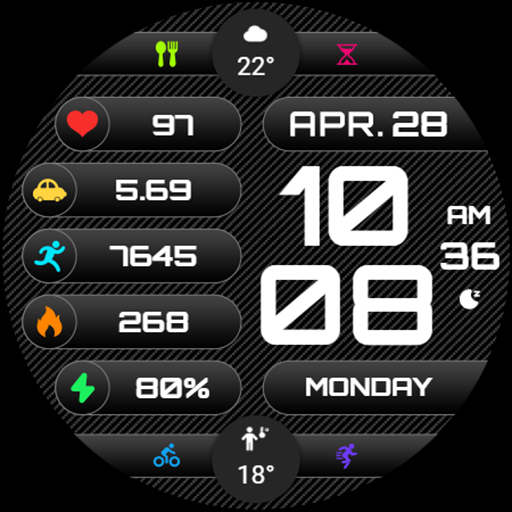
Texture Component ZKin Watch
Paid

ZKin Watch The Hill At Night
Paid

Green Triangle ZKin Watch
Paid

ZKin Watch Red Blue Sports
Paid
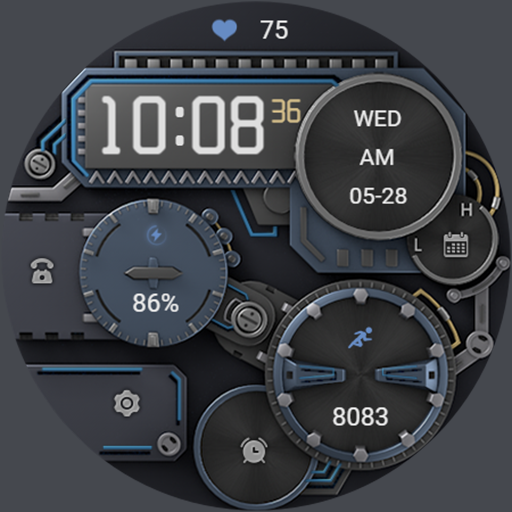
Mechanical power ZKin Watch
Paid
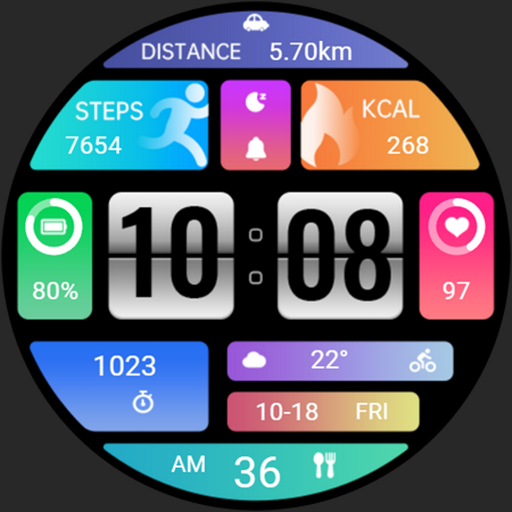
Practical Desktop ZKin Watch
Paid

Golden Green For Wear OS
Paid

ZKin Watch Astronaut Club
Paid

ZKin Watch Face Candy Puppy
Paid

Cherry Milk ZKin Watch
Paid

ZKin Colorful function black
Paid
Similar Apps

MJ136 Elegant Hybrid
Paid
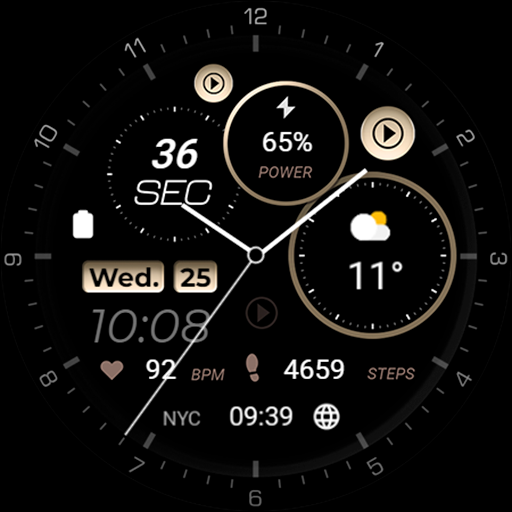
Minimal - Elegant - RE08
Paid
SamWatch Analog Neon 2023
Paid

SamWatch AD V
Paid

HMKWatch Analog 162 Cosmos
Paid

HMKWatch Analog 162
Paid

DADAM94: Analog Watch Face
Paid

Minimal MINOL URX55 Watch face
Paid
샘워치 Analog Neon 2023
Paid

MJ162 Minimalist Analog Watch
Paid
SamWatch Analog A 2023
Paid
TVV Analog Sport Watch Face
Paid
Adria Night - watch face
Paid
CLA006 Analog Classic
Paid

Time Machine Watch Face
Paid
WFP 311 Modern watch face
Paid
Scan this QR code to download

Forwarding you to the page at Google Play market in seconds...
Open Google Play market now