
SamWatch AD V vVARY
Samtree








About this app
SamWatch AD V is a digital watch face designed for Wear OS and Galaxy Watch, solving the problem of bland and unpersonalized watch faces for users of these devices. This app benefits users who value customization and are looking for a unique watch face experience. Compared to other personalization apps, SamWatch AD V stands out with its specific focus on watch faces, but its lack of ratings and limited download data raise questions about its overall quality and user satisfaction. Its paid model without in-app purchases or ads is a positive aspect, indicating a straightforward and non-intrusive user experience.
Pros
- The app's specific design for Wear OS and Galaxy Watch ensures compatibility and optimization for these devices, providing a seamless user experience.
- With no ads and a one-time payment model, users can enjoy their customized watch face without interruptions or additional costs.
- The developer's website and email provide clear channels for support and feedback, indicating a level of commitment to user satisfaction.
- The absence of permissions requests suggests that the app does not collect or transmit user data, enhancing privacy.
- The app's focus on a specific task—providing a digital watch face—means it can potentially do this task very well, without the bloat of unnecessary features.
Cons
- The lack of user ratings and reviews makes it difficult to assess the app's quality and performance in real-world use cases.
- With limited download data, there's a concern about the app's popularity and the potential for it to be abandoned or not updated regularly.
- The app's functionality might be too narrow for some users, who may prefer more comprehensive personalization options.
- The 'VARY' versioning could indicate a lack of transparency or consistency in updates and support.
Best for: The ideal user for SamWatch AD V is a tech-savvy individual, likely between the ages of 25 and 45, who owns a Wear OS or Galaxy Watch and values customization, is willing to pay for quality, and seeks a unique watch face experience without the clutter of ads or in-app purchases.
Developer Description
SamWatch Digital watch face for Wear OS & Galaxy Watch.
IMPORTANT NOTICE
This watch face is supported only on One UI 6.0 or above.
This app is designed exclusively for smartwatches. Users without a compatible smartwatch will not be able to use the watch face after purchase.
WATCH FACE FEATURES
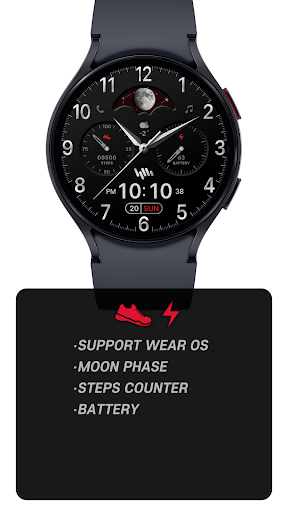
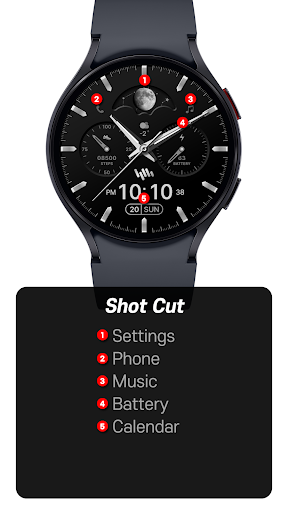
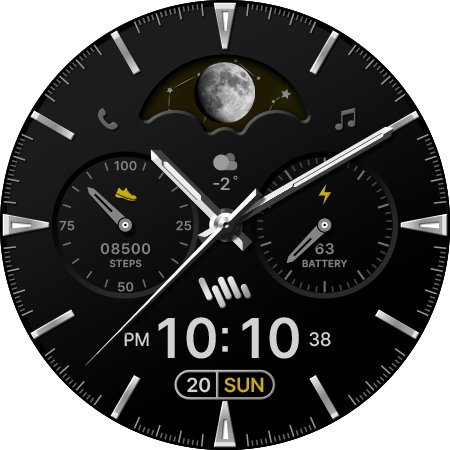
• Premium Analog-Digital Design - Elegant interface combining traditional and modern elements
• Moon Phase Display - Track lunar cycles with accurate moon phase visualization
• Step Counter - Monitor your daily activity levels
• Battery Status - Keep track of your watch's battery level
• Customizable Colors - Personalize your watch face with various color options
SAMWATCH INSTALL GUIDE
The 'SamWatch Install Guide' apps are companion applications that facilitate downloading watch faces on Wear OS devices. Please note that the preview screenshots in the guide app may differ from the actual downloaded watch face. Most SamWatch products include smartphone companion apps, and the 'SamWatch Install Guide' only assists in downloading Wear OS applications.
ADDITIONAL INFORMATION
This item includes additional applications for your smartphone that provide:
• Access to Samtree's official website
• Detailed instructions for installing watch faces
• Troubleshooting solutions if the watch face fails to install on your watch
USAGE NOTES
• Depending on your device, an OK button may appear in customize mode
• Heart rate information represents data measured by the heart rate app on your watch
• You can identify supported languages by the SamWatch brand name
• This watch face belongs to the SamWatch Analog Digital AD collection
COMMUNITY & SUPPORT
Connect with us through our official channels:
• Official Website: https://isamtree.com
• X: https://x.com/samtree_watch
• Galaxy Watch Community: http://cafe.naver.com/facebot
• Facebook: www.facebook.com/SamtreePage
• Telegram: https://t.me/SamWatch_SamTheme
• YouTube: https://www.youtube.com/channel/UCobv0SerfG6C5flEngr_Jow
• Blog: https://samtreehome.blogspot.com/
• Korean Blog: https://samtree.tistory.com/SamWatch Pixel Digital watch face for Wear OS & Galaxy Watch.
Privacy
Given that SamWatch AD V requests no permissions, it appears to be a low-risk app in terms of data privacy. However, users should still be cautious when installing any new app and monitor their device's performance and data usage. Regularly checking the developer's website for updates and security notices is also advisable.
Tips
To get the most out of SamWatch AD V, users should first ensure their Wear OS or Galaxy Watch is compatible and updated. They should also explore the app's customization options to personalize their watch face fully. For optimal performance, closing unused apps and restarting the watch periodically can help maintain battery life and responsiveness.
Version Information
- Version
- -
- Downloads
- 500+
- Updated on
- Oct 14, 2025
- Released
- Jan 16, 2024
- Requires
- Android Varies with device
Statistics
Google Play Rating History
Rating Distribution
Downloads Over Time
SamWatch AD V has been downloaded times. Over the past 30 days, it averaged downloads per day.
Shaded area shows 30-day prediction based on historical trends
Historical data collection started recently. More data points will be available over time.
SamWatch AD V users say on Google Play
 Ghajeepan
Fantastic watch face as its my permanent as I use it daily.
ApkTrusted Ratings & Reviews
More from Samtree
See more apps
SamWatch InfoBlock 8
Paid
샘워치 PointColor 30 Fit
Paid

SamWatch AD Hybrid Kronos 2025
Paid
라이어 게임 - 라이어를 찾아라
Free

SamWatch Digital IV
Paid

SamWatch AD Iota 2024
Paid

Bohboh Analog
Free
Bohboh Digital
Free

GWC Watch
Free

Juun.J
Free

Keith Haring
Free

KFA Watch
Free

Police Analog B
Free

Police Digital A
Free

Police Digital B
Free
PXG Analog White
Free
Similar Apps

Crescent Quartz ZKin Watch
Paid
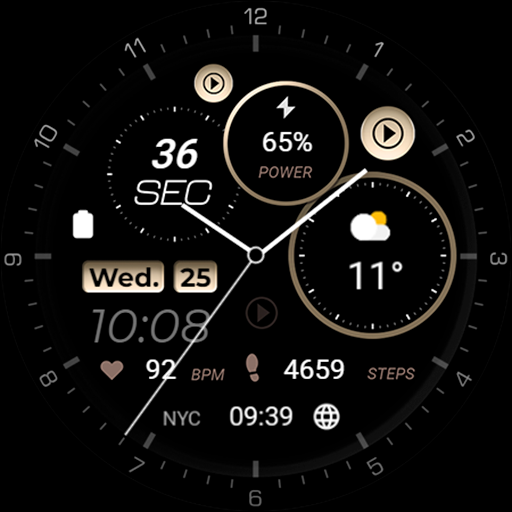
Minimal - Elegant - RE08
Paid

ISAAC WATCH Gentleman Moon
Paid
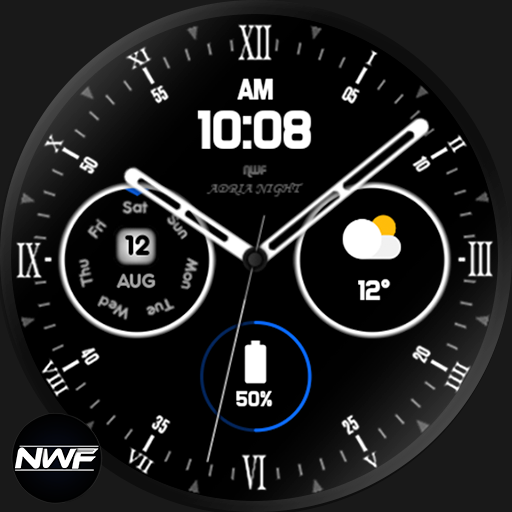
Adria Night - watch face
Paid
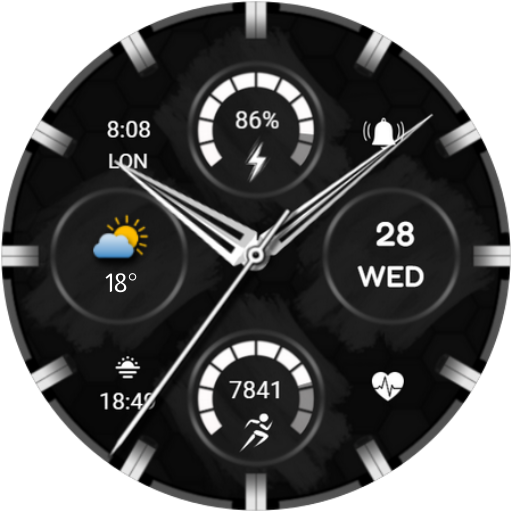
CNRwatch017
Paid

WFP 309 Elegant watch face
Paid

Rythenight - watch face
Paid

Time Machine Watch Face
Paid

DADAM94: Analog Watch Face
Paid
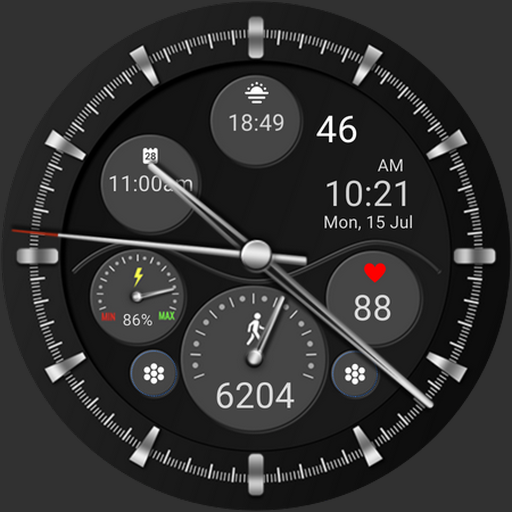
CLA006 Analog Classic
Paid

Neon Pulse Watch Face
Paid

ZKin Watch Face Elegant grey
Paid

CNRwatch033
Paid

MJ136 Elegant Hybrid
Paid

ISAAC WATCH HJ300 Hybrid
Paid

ISAAC WATCH David
Paid
Scan this QR code to download

Forwarding you to the page at Google Play market in seconds...
Open Google Play market now