DroidJoy Gamepad Joystick Lite vVARY
Streaming Dev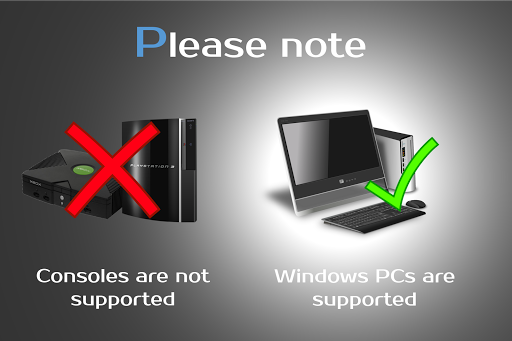





About this app
Developer Description
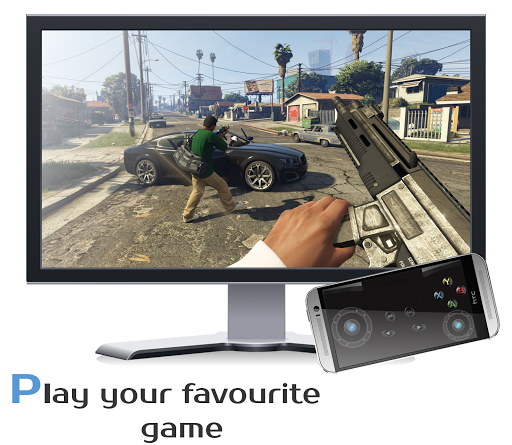
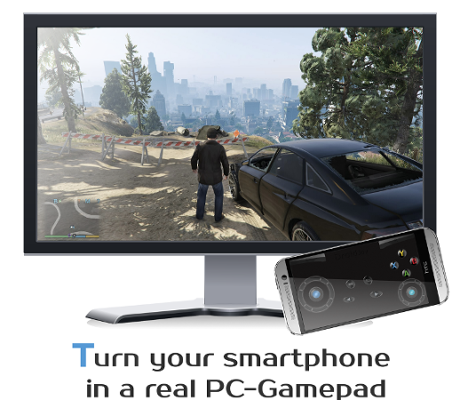
Turn your smartphone in a real customizable gamepad device for Windows PCs.
Note: Does not work on consoles
*Server supports now XInput and DInput emulation*
*DroidJoy server 2.0.1. works on Windows 7 and above*
Before installing the app
1. Download the DroidJoy server software from https://grill2010.github.io/droidJoy.html#download
2. Install and start the server on your PC (If you have any problems, don't hesitate to contact me)
3. Be sure that your server and your Smartphone are in the same network. If you intend to use Bluetooth, be sure your PC is set to visible.
4. Start the DroidJoy app. Navigate to the "Connect" window and click "Search server".
Windows 10 1903 problem:
DInput is no longer supported in the server version 2.1.0. If you still need to use DInput you must use the DroidJoy server version 2.0.4 and you must have installed an older Windows version than Windows 10 build 1903.
With DroidJoy you can use your Android Smartphone as PC Joystick / Controller. Almost every game is supported due DInput and XInput emulation. Play games like GTA V, Call of Duty, Need for Speed, Sonic Mania, GTA San Andreas, Counter Strike and many more.
If you have any problems with the installation of the server, don't hesitate to contact me. I will reply as soon as possible.
!Be sure the DroidJoy server is running when you start your game or emulator. The game may not recognize gamepads which are plugged in during its runtime. In this case, simply restart your game!
For further information, please have a look at
General information
• https://github.com/grill2010/DroidJoy_Server/wiki
FAQ
• https://github.com/grill2010/DroidJoy_Server/wiki/FAQ
Server Tutorial
• https://github.com/grill2010/DroidJoy_Server/wiki/DroidJoy-Server-Tutorial
How to install the DroidJoy server
• https://youtu.be/jCHxhcYih1Y
Description
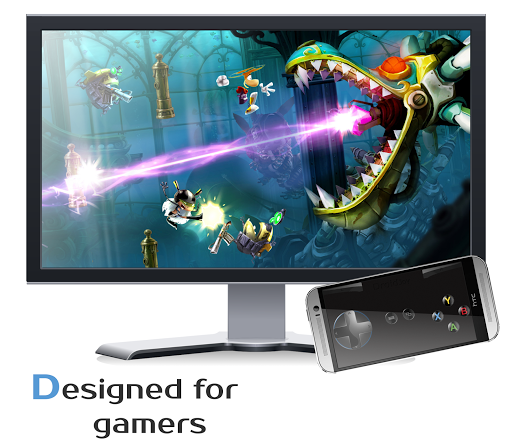
DroidJoy turns your Android Smartphone in a real gamepad device for your Windows PC. It offers many controller configuration possibilities, so that you can use it for multiple game genres. DroidJoy is not a simple Keyboard Mouse emulator, it is a real gamepad. The driver and the server are available for Windows 7 and above. The server can handle up to 4 DroidJoy Clients so that you can easily play multiplayer games with your friends by using only your Smartphones.
All you need is the DroidJoy server software, which you can download from the official website for free:
https://grill2010.github.io/droidJoy.html#download
If you receive some warnings from Windows or your Firewall, please don't worry.
The server has been tested on Windows Windows 7, Windows 8, Windows 8.1 and Windows 10. If you have any problems with the installation of the server please feel free to contact me at f.grill160@gmail.com.
Requirements
- Running DroidJoy server on your PC
- Android version 5.0 (Lollipop) or higher
Version 2.0
- Real gamepad emulation
* Multi Client support
* Up to 14 Buttons (limited in the lite version)
* G-Sensor support
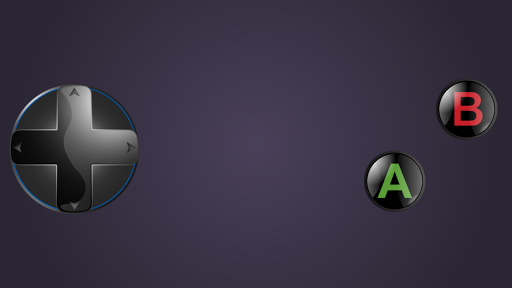
* Buttons, volume keys, d-pad, left/ right joystick
* Use WiFi or Bluetooth connection
- X-Box 360 controller emulation with native XInput driver
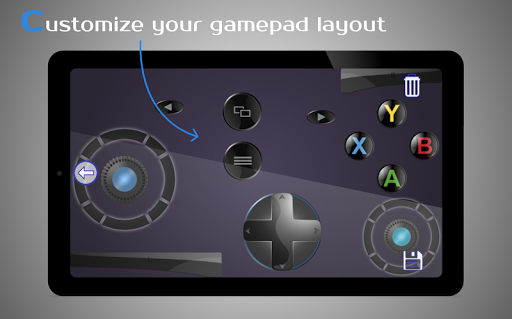
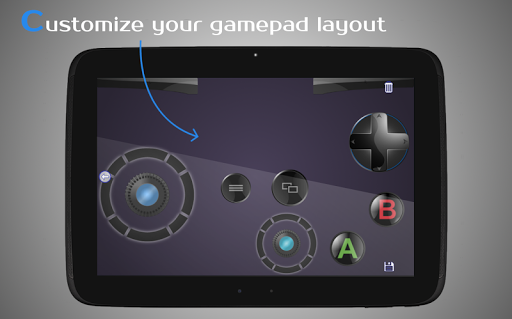
- Gamepad layout configuration
* Customization of template layouts
- Easy connection Setup
Information
- If you want to connect more than one Smartphone with your PC, you have to configure the same amount of virtual gamepads in the server application.
Note: It can have several reasons if your game doesn't recognize the virtual gamepad as input device. Some new games just support X-Box gamepads and won't work with DInput gamepads. If you want to play a game which only supports PC-X-Box gamepads, you have to configure the DroidJoy server to emulate XInput devices.
What's New
In-app purchases
$1.99 per item
Version Information
- Version
- -
- Downloads
- 5M+
- Updated on
- Aug 11, 2024
- Released
- Jul 10, 2015
- Requires
- Android Varies with device
Statistics
Google Play Rating History
Rating Distribution
Downloads Over Time
DroidJoy Gamepad Joystick Lite has been downloaded times. Over the past 30 days, it averaged downloads per day.
Shaded area shows 30-day prediction based on historical trends
Historical data collection started recently. More data points will be available over time.
DroidJoy Gamepad Joystick Lite users say on Google Play
 Sajeda Akter
Very good app. connects easily. Works very well with wifi connection. But I didn't get a blutooth connection ID.
 Ajwa Farooq
Best Best Best app ever 💯!!! But one problem there is no LT and RT button on controller and i cant opened my custom preset so please add RT and LT buttons on controllers please please and please reply!!🙏 So i am rate 4 stars!!
 Mikateko Mapengo
The app is not bad it's actually pretty good I only have a issue with the fact that the buttons are kinda close to each other and I have bigg-ish fingers, please try to fix that, regardless it works pretty well
 Heinrich Rossouw
This app is amazing but the templates available does not have trigger functunality. In order to get that I have to pay the developer. F that. The 30 SECONDS ADS are bad enough and now this?! Find an alternative until the devs fix this blunder
 Nkongho epey Joypraise
It is practically the worst app you can ever imagine. First to connect was a very big difficulty and then after the connection, to choose the type of format it was a big deal you need to first view an ad that when finished takes you completely out of the app then when coming back the ad is either not validated so you need to restart from afresh or there is a complete cycle of loading of the app that brings you out every time you want to go in the app.
ApkTrusted Ratings & Reviews
More from Streaming Dev
See more apps

Similar Apps
Bikii Cloud Game
Free
Stash - Track Video Games
Free

One Emulator for Game Consoles
Free
Loudplay — PC games on Android
Free

Game Jolt Social
Free
The Arcade - Game Launcher Hub
Free
Xbox beta
Free
OXO Gameplay Clips & Community
Free

Medal - Gaming Clips
Free

Gameram: Find gaming teammates
Free

G2A
Free

PlayStation App
Free
DB Super Card Game Tutorial
Free

JoyArk Cloud Gaming
Free

Max2D: Game Maker, Create Game
Free
Whirlwind Duel: Shinobi Way
Free
Scan this QR code to download

Forwarding you to the page at Google Play market in seconds...
Open Google Play market now