
GRBL Nothing 2 Watch Face vVARY
Grubel








About this app
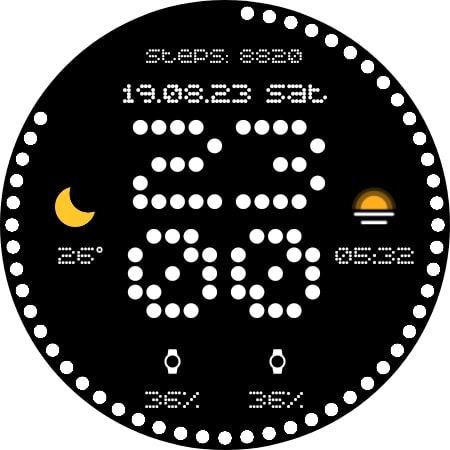
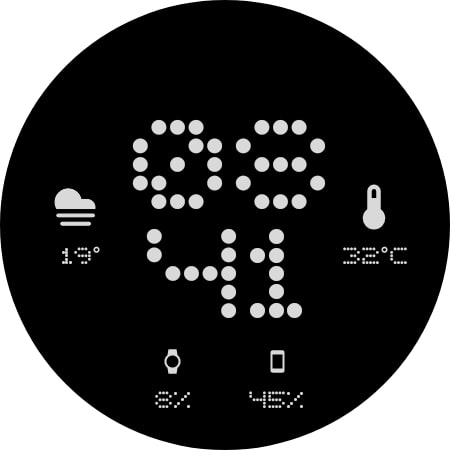
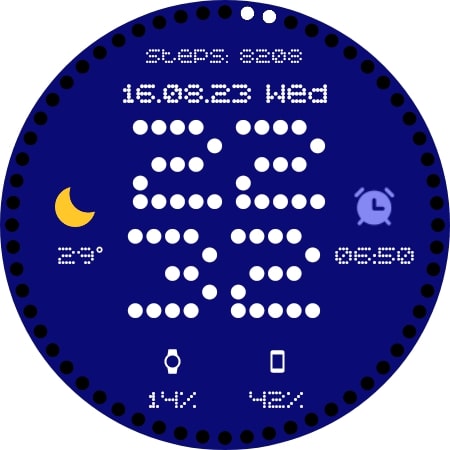
The GRBL Nothing 2 Watch Face app offers a sleek and sophisticated watch face design for Wear OS, solving the problem of dull and uninspiring watch faces for users who value style and minimalism. This app benefits users who are looking for a simple yet elegant watch face that complements their personal style. Compared to other watch faces in the Personalization category, GRBL Nothing 2 Watch Face stands out with its timeless design, but may fall short in terms of customization options. The app's lack of ratings and limited download numbers raise concerns about its overall quality and user satisfaction.
Pros
- The app's paid model of $0.99 ensures that users are not bombarded with ads, providing a clean and uninterrupted user experience.
- The developer's email address is provided, allowing users to easily contact them with questions or concerns, demonstrating a level of transparency and accountability.
- The app requires no permissions, which is a significant advantage in terms of user privacy and security, as it minimizes the risk of data collection and misuse.
- The app's small size and lack of in-app purchases make it a lightweight and hassle-free addition to any Wear OS device.
- The app's design is specifically tailored for Wear OS, ensuring a seamless and optimized user experience for users of this platform.
Cons
- The app's limited download numbers and lack of ratings raise concerns about its overall quality and user satisfaction, making it difficult for potential users to gauge its effectiveness.
- The app's lack of customization options may be a drawback for users who prefer a more personalized watch face experience.
- The developer's website is not provided, which may make it difficult for users to find more information about the app or the developer's other products.
- The app's compatibility with various devices is not explicitly stated, which may cause concerns about its functionality on certain Wear OS devices.
Best for: The ideal user for the GRBL Nothing 2 Watch Face app is a tech-savvy individual, likely between the ages of 25 and 45, who values minimalism and style, and is looking for a simple yet elegant watch face to complement their Wear OS device, with a basic understanding of how to install and manage apps on their device.
Developer Description
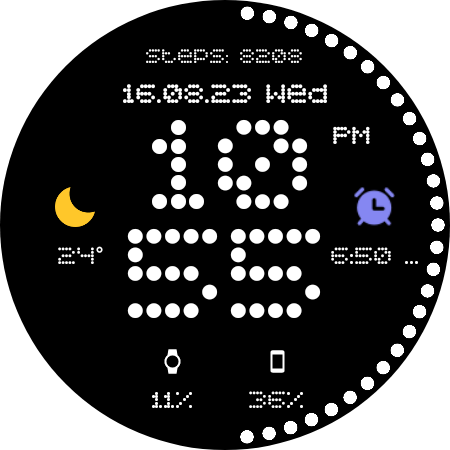
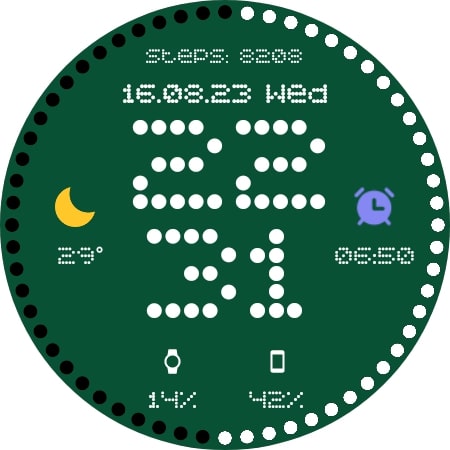
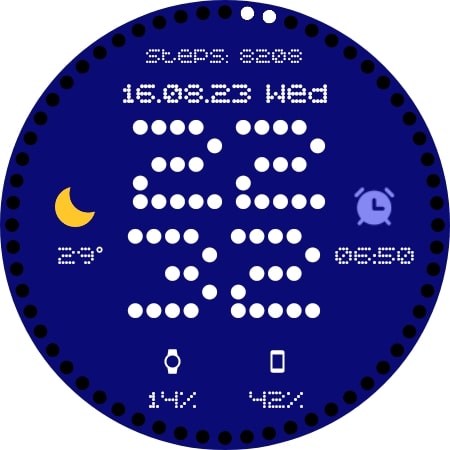
Timeless Sophistication: Nothing2 Watch Face for Wear OS
1. Supports AM/PM and 12H/24H format
2. Steps counter (for Samsung Watch users: tapping on steps opens Samsung Health app, for other watch brands - tapping opens Play Store YOU HAVE BEEN INFORMED!)
3. Dotted seconds
4. Date
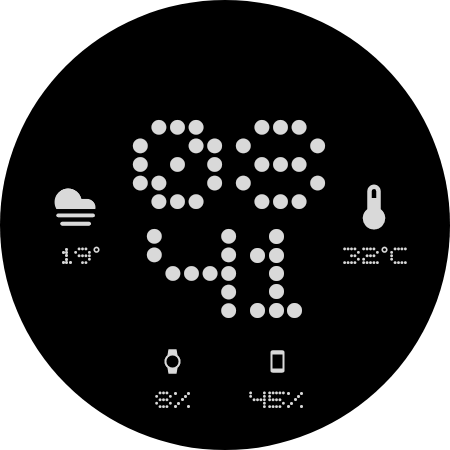
5. Four changeable complications
6. AOD with all complications visible
PLEASE KEEP IN MIND THAT THE COMPANION APP DOESN'T INSTALL WATCHFACE ON THE WATCH. PLEASE READ INSTRUCTIONS BELOW.
For Wear OS
There are two ways to install this watchaface:
From PLAY STORE APP:
1. Use the drop-down menu and select the target
device on the PLAY STORE APP:
after a few minutes the watch face will transferred on
watch.
2- ACTIVATE WATCH FACE:
Once installed, you need to activate the watch face.
Long press screen, swipe left and tap "ADD WATCH
FACE" to activate it.
From PLAY STORE WEBSITE:
1 - Go to the watch face link through a Web Browser on
PC / Mac such as Chrome, Safari (etc.). You can search
the watch face name on Play Store.
Click on "Install on more devices" and select the target
device:
after a few minutes the watch face will transferred on
watch.
2- ACTIVATE WATCH FACE:
Once installed, you need to activate the watch face.
Long press screen, swipe left and tap "ADD WATCH
FACE" to activate it.
Please keep in mind that any issues on this side are
not caused by the developer/watchface. I have no
control over Google's issues.
Before drop a negative feedback (1 star) on Play Store
for these reasons, please read the guide carefully or
contact me:
grubel.watchfaces@gmail.com
for API 30+ (new Google policy)
Remember , if you want your watch to show phone's battery status, you should install Phone Battery Complication app
Privacy
Given that the app requires no permissions, users can be confident that their data is not being collected or misused. However, as with any app, it's essential to monitor the app's performance and watch for any unexpected behavior. Users should also be cautious when contacting the developer via email, avoiding sharing sensitive information.
Tips
To get the most out of the GRBL Nothing 2 Watch Face app, users should first ensure that their Wear OS device is compatible with the app. Upon installation, users can customize the watch face by selecting the app from the available watch faces on their device. For optimal performance, users should also regularly update their device's operating system and ensure that the app is updated to the latest version.
What's New
- new themes
- updated API level
Version Information
- Version
- -
- Downloads
- 100+
- Updated on
- Dec 21, 2024
- Released
- Aug 19, 2023
- Requires
- Android Varies with device
Statistics
Google Play Rating History
Rating Distribution
Downloads Over Time
GRBL Nothing 2 Watch Face has been downloaded times. Over the past 30 days, it averaged downloads per day.
Shaded area shows 30-day prediction based on historical trends
Historical data collection started recently. More data points will be available over time.
GRBL Nothing 2 Watch Face users say on Google Play
 surya kh
Absolutely stunning watch face . thx dev
ApkTrusted Ratings & Reviews
More from Grubel
See more apps
GRBL Bars Watchface
Paid

GRBL FloraTime Flower Flowers
Paid
GRBL Spring Flowers Watch Face
Paid

GRBL Flower Blossom
Paid

GRBL Flowers 3
Paid

GRBL Flowers 4
Paid
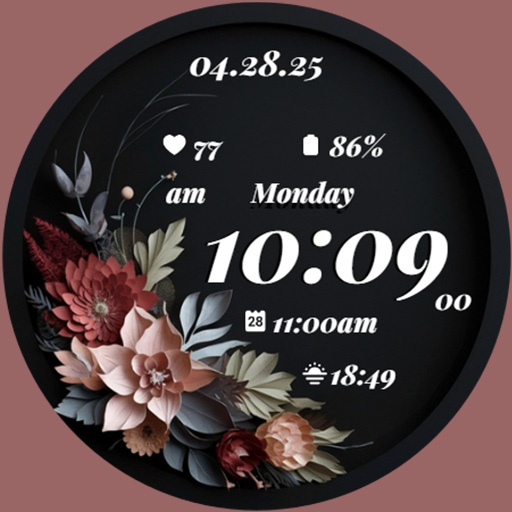
GRBL Midnight Elegance Flowers
Paid

GRBL Nothing Bars Watchface
Paid

GRBL Nothing Bars 2
Paid

GRBL Nothing Bars V Watchface
Paid

GRBL Weather Watchface
Paid

GRBL Weather 2
Paid

GRBL Nothing Weather 3
Paid

GRBL Bricks
Paid
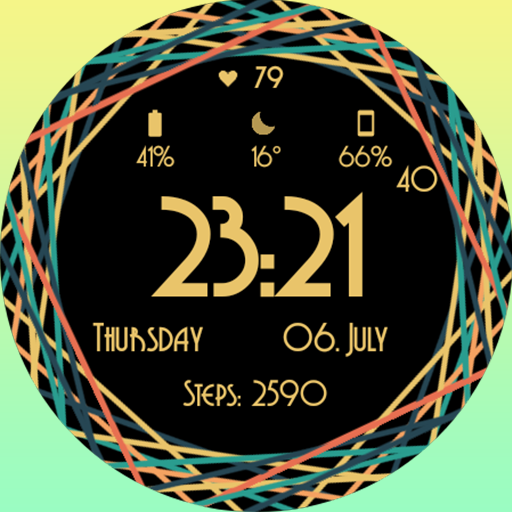
GRBL Color Swirl Watch Face
Free

GRBL Core
Paid
Similar Apps
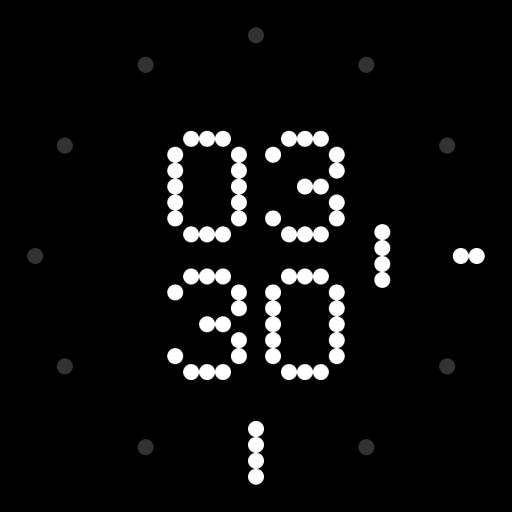
Dot Matrix - Watch Face
Paid

Pixels Digital watch face
Paid

WatchXels : Pixels Face
Paid
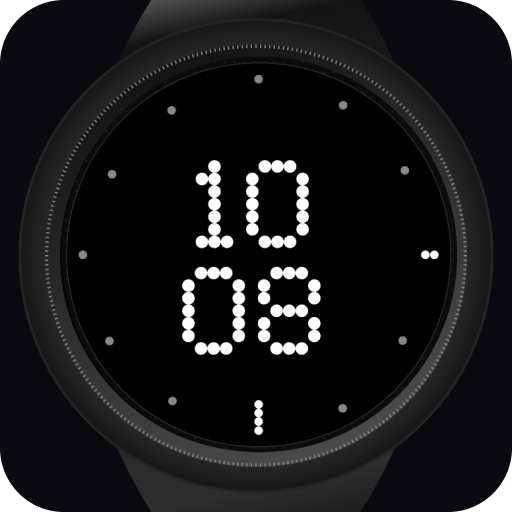
NOTHING minimal watch face
Paid

Dotted
Paid
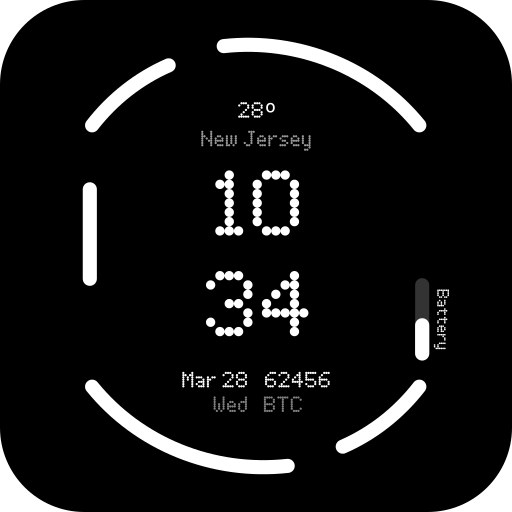
Nothing Watch (2) - Watch Face
Paid

Nothingness 2 Watch Face
Paid

Nothing Inspired 2A Watch Face
Paid
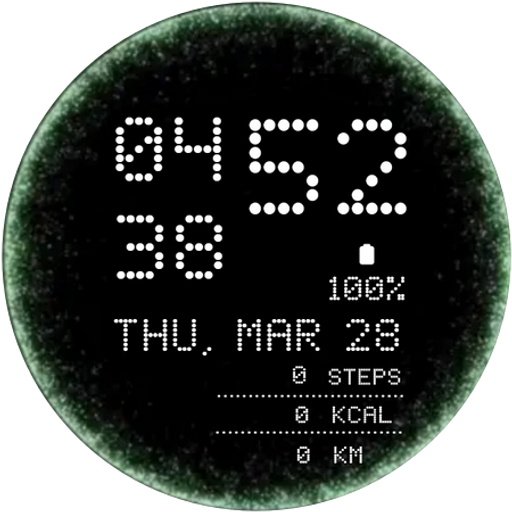
Portal Animation Watch Face
Paid

Nothing Watch (2a): Watch Face
Paid

12H - Big Digital Sport NTV008
Paid

BRN119 - dots
Paid

Nothing Watch Face 022
Paid

MFT WF 25
Paid
Animated TV static noise LX30
Free

AD Nothing Classic - WatchFace
Paid
Scan this QR code to download

Forwarding you to the page at Google Play market in seconds...
Open Google Play market now