
GRBL Nothing Weather Watchface vVARY
Grubel


About this app
Developer Description
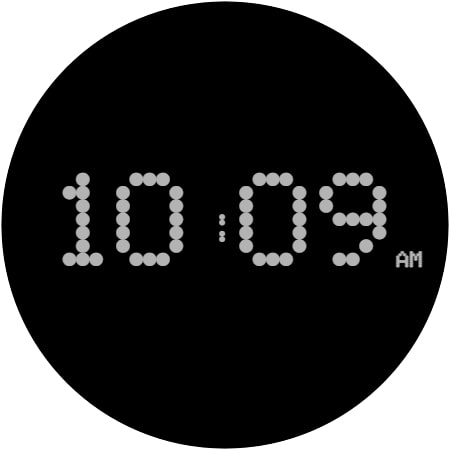
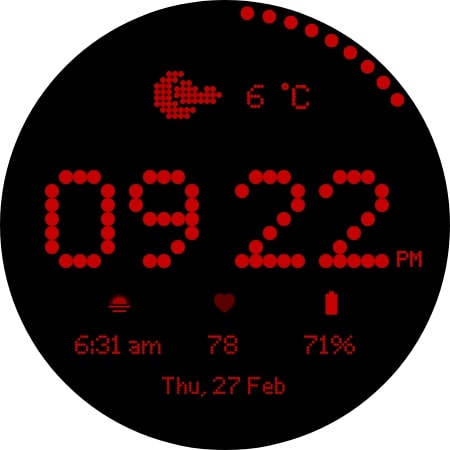
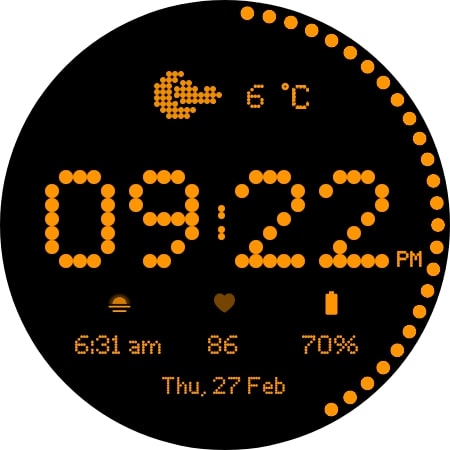
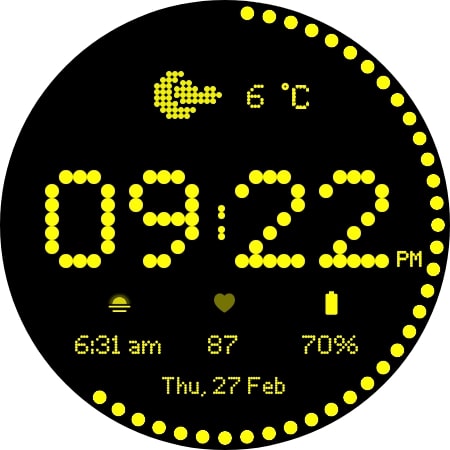
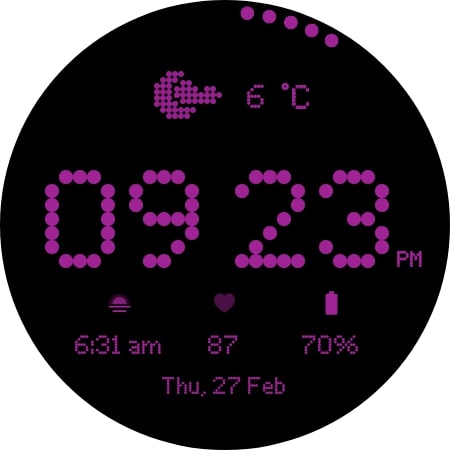
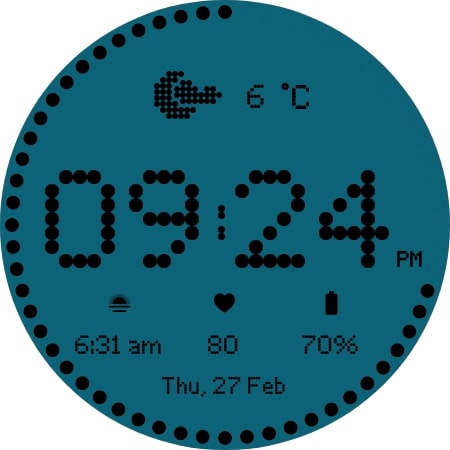
Modern watch face with custom weather icons Designed for Wear OS
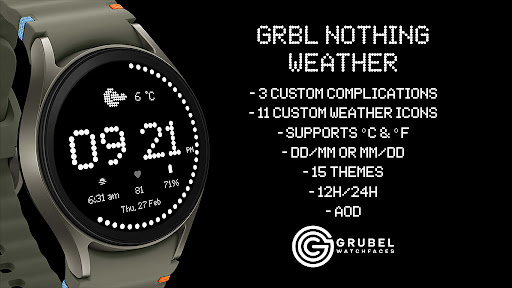
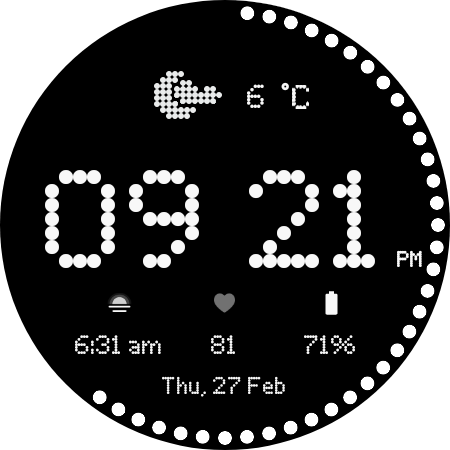
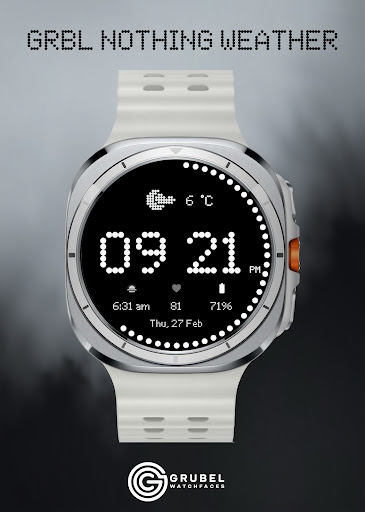
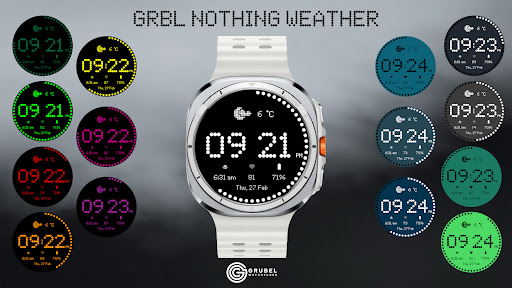
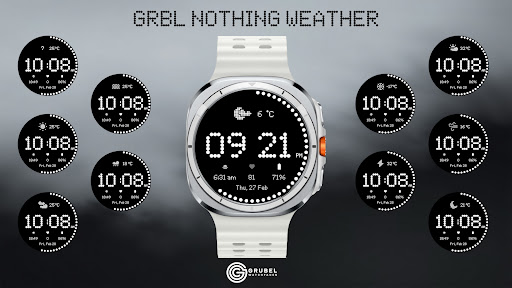
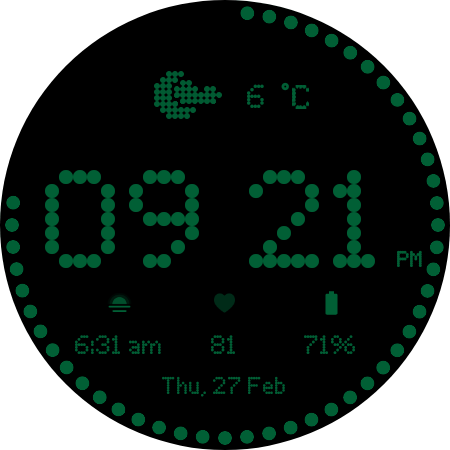
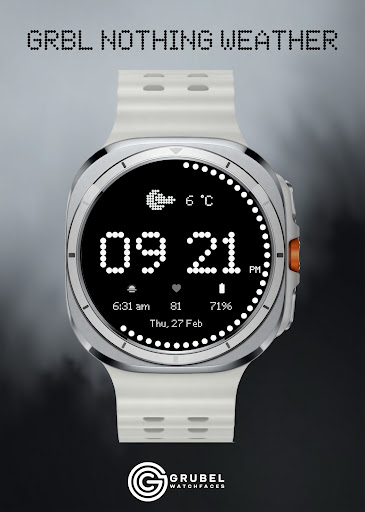
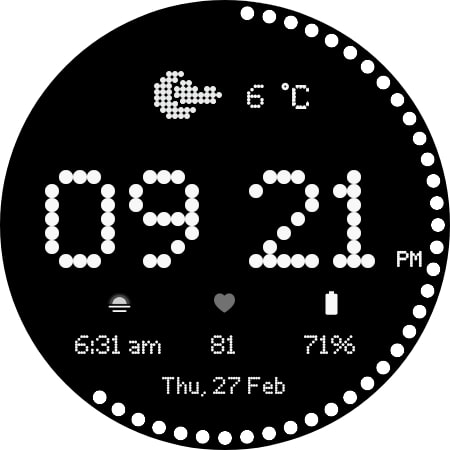
Upgrade your Wear OS smartwatch with a sleek, minimalistic watch face inspired by Nothing OS. Perfectly designed to blend style and functionality, it gives you quick access to time, date, weather, and custom complications.
Why You’ll Love It:
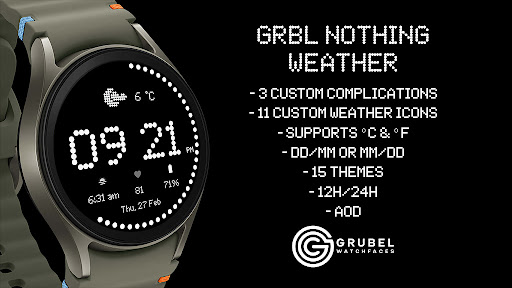
✅ Elegant AM/PM & 12H/24H time formats
✅ 3 fully customizable complications
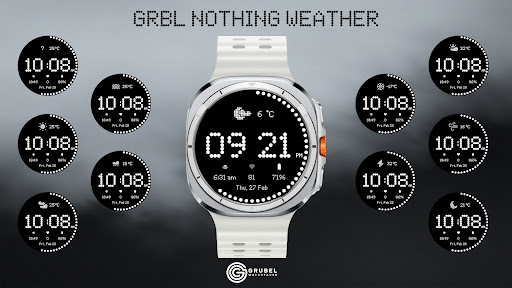
✅ 11 unique weather icons for instant forecasts
✅ Date adapts automatically to your locale
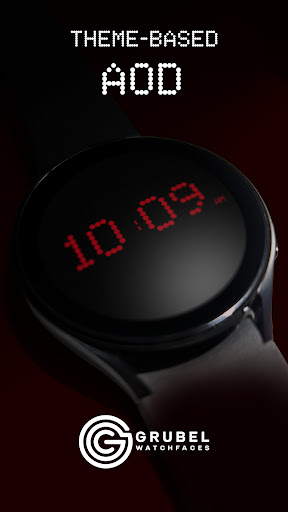
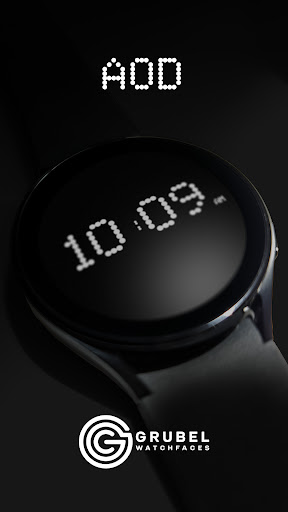
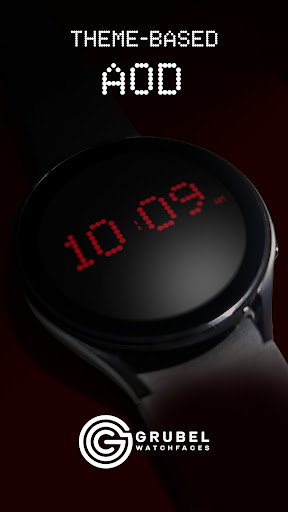
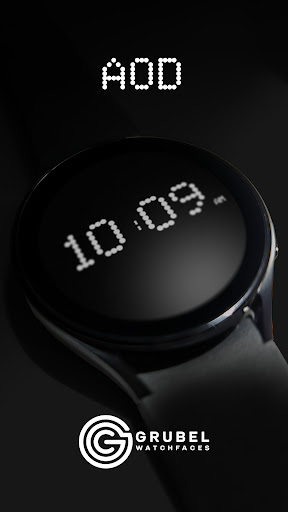
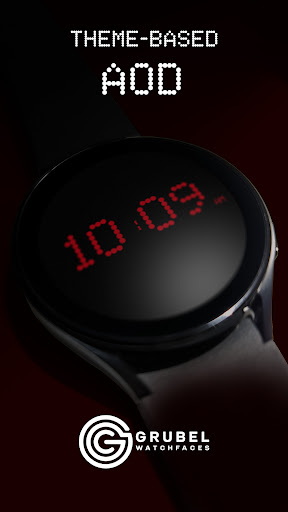
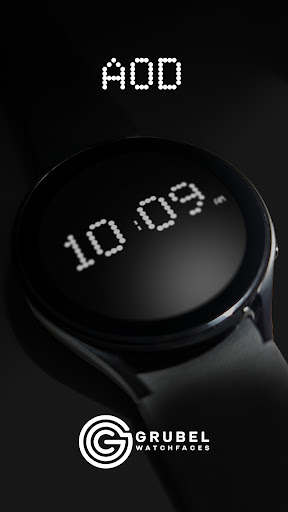
✅ Always-On Display (AOD) with theme-matching colors
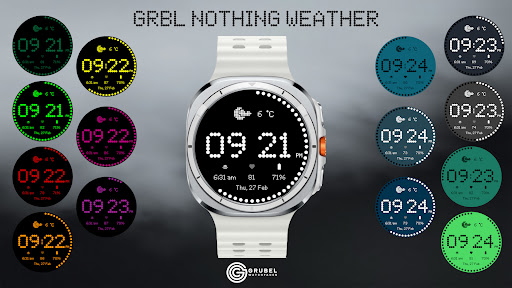
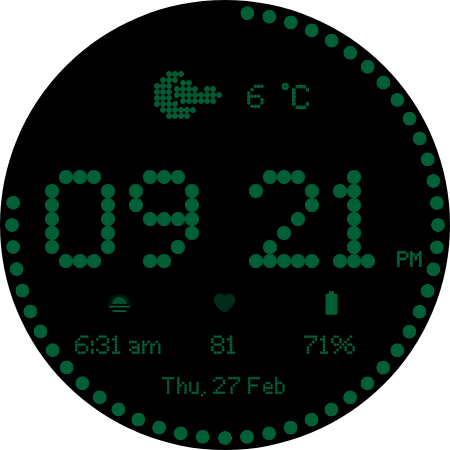
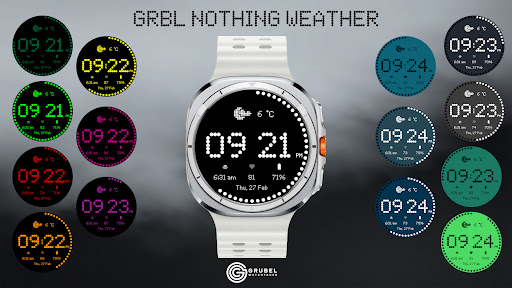
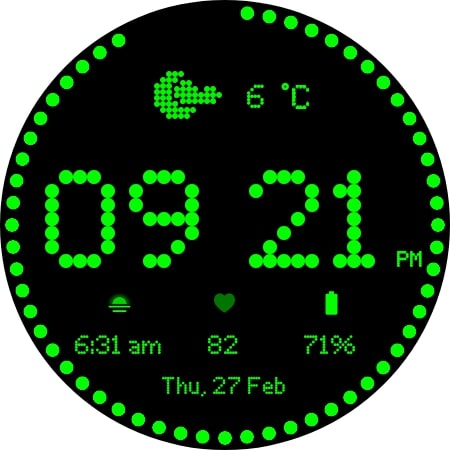
✅ 15 eye-catching themes to match your style
Quick Tips for Weather Complications:
Update weather manually after installing.
If it doesn’t appear, switch to another watch face and back.
Fahrenheit users: initial sync may show high temperatures; it updates automatically.
Installation Made Simple:
From your Play Store app:
Select your watch from the drop-down menu and install.
Long press your watch screen → swipe left → tap ‘ADD WATCH FACE’ to activate.
From your Play Store website:
Open the watch face listing on your PC/Mac browser.
Click “Install on more devices” → choose your watch.
Long press your watch screen → swipe left → tap ‘ADD WATCH FACE’ to activate.
📹 Samsung Developers video with installation tips: Watch Here
Note:
The companion app opens the Play Store listing only; it does not install the watch face automatically.
For phone battery status on your watch, install the Phone Battery Complication app.
Custom complications may vary by third-party apps.
Need Help?
Email us at grubel.watchfaces@gmail.com
. We provide screenshots and step-by-step guidance to ensure smooth setup.
What's New
- bitmap fonts cleanup
Version Information
- Version
- -
- Downloads
- 1K+
- Updated on
- May 1, 2025
- Released
- Feb 28, 2025
- Requires
- Android Varies with device
Statistics
Google Play Rating History
Rating Distribution
Downloads Over Time
GRBL Nothing Weather Watchface has been downloaded times. Over the past 30 days, it averaged downloads per day.
Shaded area shows 30-day prediction based on historical trends
Historical data collection started recently. More data points will be available over time.
GRBL Nothing Weather Watchface users say on Google Play
 Simon Peter
Hello, watchface looks great, but the weather doesn't work, any fixes?
 Lee Gilbert
Be great if it had a day and night mode. Namely when downtime is on change the color. Would then be 5*
 Waltan Mari
doesn't work with Xiaomi Watch 2 Pro
ApkTrusted Ratings & Reviews
More from Grubel
See more apps
GRBL Bars Watchface
Paid

GRBL FloraTime Flower Flowers
Paid
GRBL Spring Flowers Watch Face
Paid

GRBL Flower Blossom
Paid

GRBL Flowers 3
Paid

GRBL Flowers 4
Paid
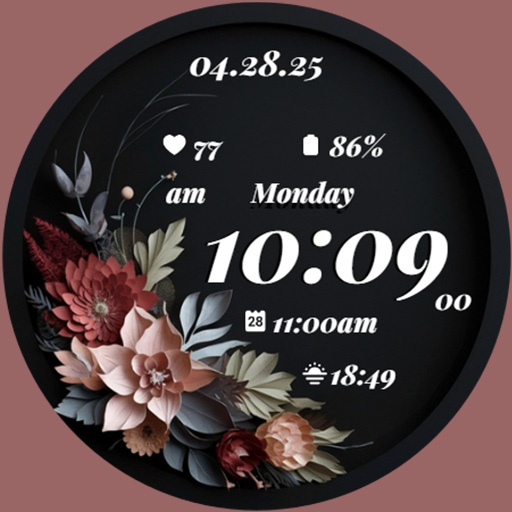
GRBL Midnight Elegance Flowers
Paid

GRBL Nothing Bars Watchface
Paid

GRBL Nothing Bars 2
Paid

GRBL Nothing Bars V Watchface
Paid

GRBL Weather Watchface
Paid

GRBL Weather 2
Paid

GRBL Nothing Weather 3
Paid

GRBL Bricks
Paid
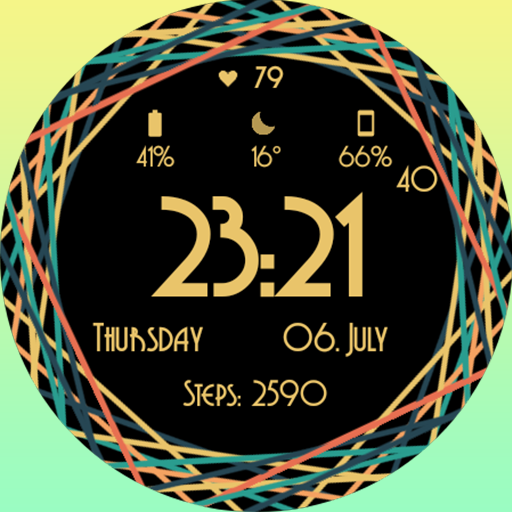
GRBL Color Swirl Watch Face
Free

GRBL Core
Paid
Similar Apps

Nothing Inspired 2A Watch Face
Free

Nothingness 2 Watch Face
Paid
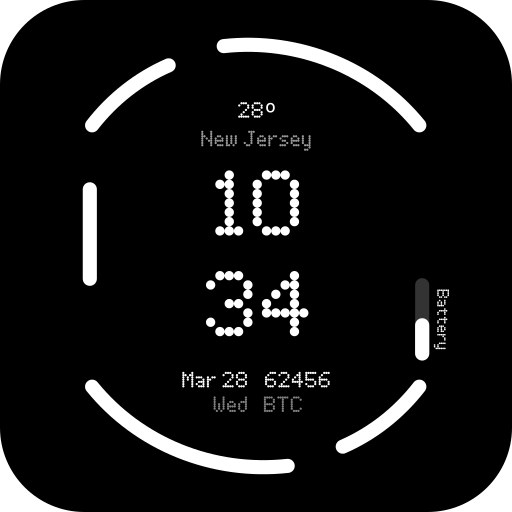
Nothing Watch (2) - Watch Face
Paid

MFT WF 25
Paid
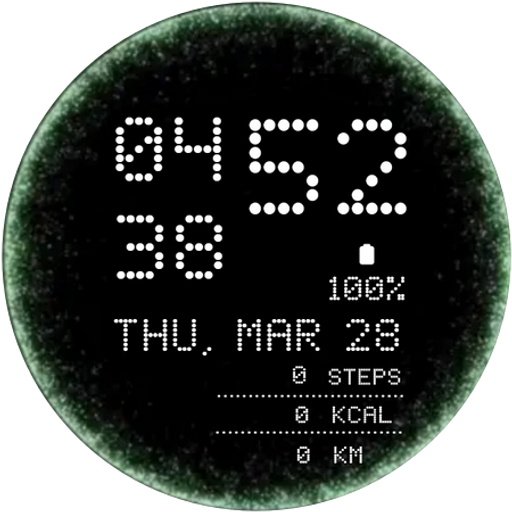
Portal Animation Watch Face
Paid

WatchXels : Pixels Face
Paid

Nothing Watch (2a): Watch Face
Paid

Pixels Digital watch face
Paid

Dotted
Paid

AD Nothing Classic - WatchFace
Free

MW34 Minimal Digital Watch
Free
MW29 Minimal Digital Watch
Free

Nothing Watch : Minimal
Paid
DF052
Free

Nothing Watch Face 022
Free
HJ Simple Digital Watch Face
Paid
Scan this QR code to download

Forwarding you to the page at Google Play market in seconds...
Open Google Play market now