
GS Weather 8 Watch Face v2.5.5
GS Watchfaces


About this app
Developer Description
Premium Wear OS Weather watch face
After installing, please take a moment and launch the quick guide found in the watchface settings menu, to better understand the watchface functions.
It is necessary to install this app on your mobile for the watchface to function properly. Please make sure to install it there first.
A phone app is needed for this watchface to function properly (get phone battery percentage and intercommunicate with the app below) This app acts as a service so you won't find it in your app launcher. Please make sure to install the mobile version first.
The watch face can be controlled from your phone (a separate application needs to be installed on your phone). This gives you the ability to control all watch face settings, backup and restore customizations, and receive notifications from the watch face when the battery drops to the level you have set, or your heart rate bpm reaches the limit you have set.
Download the Android companion app here https://play.google.com/store/apps/details?id=com.gs.watchfaces
The watch face has 2 main screens in which it shows all the information. The time, weather (chart) screen.
It also has an additional chart showing tides.
Tides are disabled by default, please enable tides from the watch face general settings if you need them.
Check the tap guide and/or quick guide to see how to get to each one of them.
Please take note that the weather info is only "shown" on the watch face, the data is provided by openweathermap.org. I do not have any responsibility for the weather conditions the watch face shows.
Tides info is taken from worldtides.info and as their disclaimer states:
“NO GUARANTEES ARE MADE ABOUT THE CORRECTNESS OF THIS DATA. You may not use it if anyone or anything could come to harm as a result of using it (e.g., for navigational purposes)”.
For any inquiries or problems, you may have, please contact me on social media or send me an email to mailto:support@gswatchfaces.com. I will be more than happy to assist you and hear your thoughts.
What's New
Version Information
- Version
- 2.5.5
- Downloads
- 1K+
- Updated on
- Dec 5, 2025
- Released
- Oct 7, 2021
- Requires
- Android Varies with device
Statistics
Google Play Rating History
Rating Distribution
Downloads Over Time
GS Weather 8 Watch Face has been downloaded times. Over the past 30 days, it averaged downloads per day.
Shaded area shows 30-day prediction based on historical trends
Historical data collection started recently. More data points will be available over time.
GS Weather 8 Watch Face users say on Google Play
 Derrick Denessen
Ok, first off, my sincere apologies for bothering the creator. I had a real problem with the weather not updating, reading 0 degrees in the morning and not keeping me up to date when I travel. The fix? MY FAULT! Just click on the little round bubble at the bottom of the face with the 3 lines in it. Scroll all the way to the bottom (a quick flick will get you there) Now, find the line that reads "connect with app" Gee! Saw that many times and never paid any attention to that.
 M Agualo (PESKADARU)
I installed GS10/8 face watch, everything was great, but when I want to change the settings on the watch on my phone. I have have problems every time. Why do I have too uninstall and reinstall the app every time. When I shut down and turn it on. The settings don't seem to work. Like the sun and moon setting. It won't pickup when I turn the phone on in the morning. Sometimes it does and then stop for some reason unknown. What can I do to fix this? Need some advice. Love the app, sun and moon .
 Stefan Marian
Add options to change complications. The settings button on the front of the watch is so annoying and useless.. I don't need to change settings on the watch.. As you do have a dedicated app for the watch faces witch makes things easy just like the galaxy wear app.. Make it display something else like heart rate! Update: suggestion. hide the settings button or add something else and add special options that wear os allows you to do like other wf makers press and hold the wf and you can customise!
 Sander Lepik
Great look, but poor functionality. Constantly crashes or resets to default settings for no reason. Also phone battery info is syncing rarely if at all. (Galaxy Watch 4, the same face was working fine on Galaxy Watch 46mm (Tizen))
 Gerald Amundsen
Disappointed weather doesn't work on Samsung Watch 😪
ApkTrusted Ratings & Reviews
More from GS Watchfaces
See more apps
GS Weather 9 Watch Face
Paid
GS 4 Seasons Watch Face
Free

GS Weather 7 Watch Face
Paid
GS Weather 11 Hybrid Watchface
Free

GS Weather 10 Watch Face
Paid
GS Digital 18 Watch Face
Free
Wear OS Toolset Complications
Free
GS Hybrid 7 Watch Face
Free
GS Weather 4 Watch Face
Paid
GS Hybrid 6 Watch Face
Free
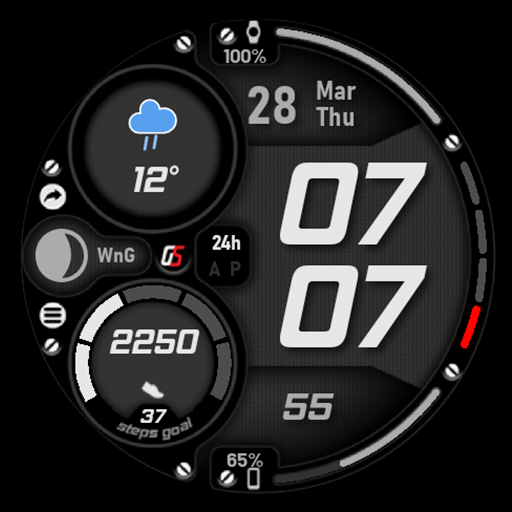
GS Weather 5 Watch Face
Paid

GS Weather 6 Watch Face
Paid
Similar Apps

SamWatch Digital Menhit
Free
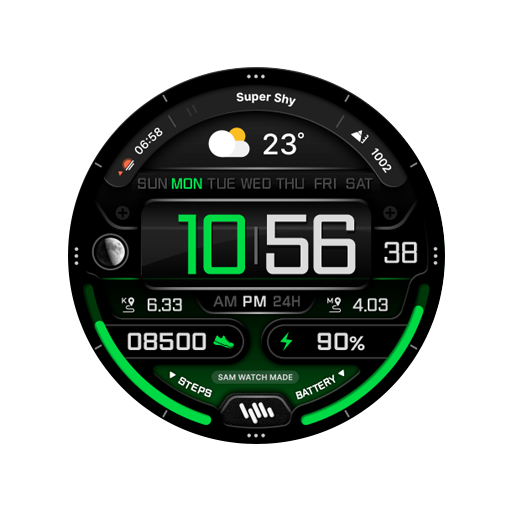
SamWatch Digital III
Paid

DADAM63: Digital Watch Face
Free

SamWatch PointColor 43
Free

JND0106
Free
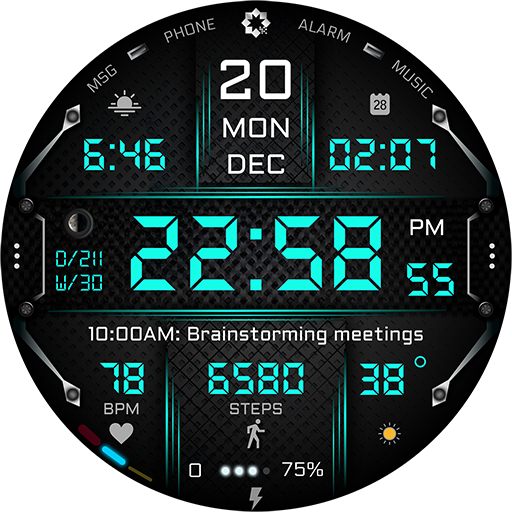
A435 Digital Health Watch Face
Paid
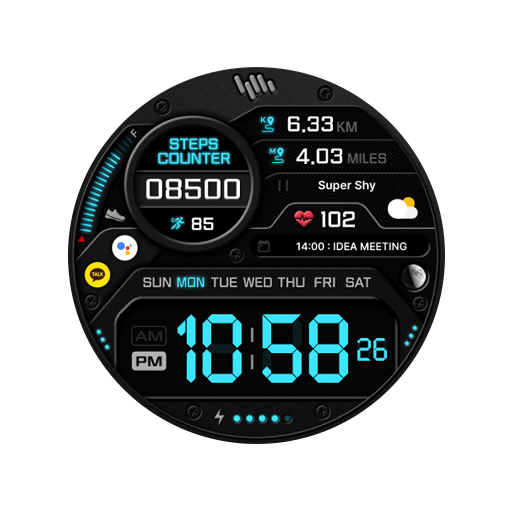
SamWatch Digital Neith
Paid

Key120 Digital Watch Face
Paid

KF173 Watch face
Free
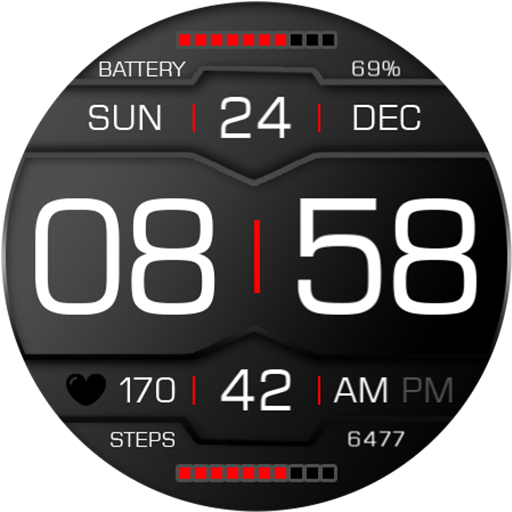
Key118 Digital Watch Face
Paid

BRN155 - TREZO
Paid

A400 Tech Watch Face Wear OS
Free
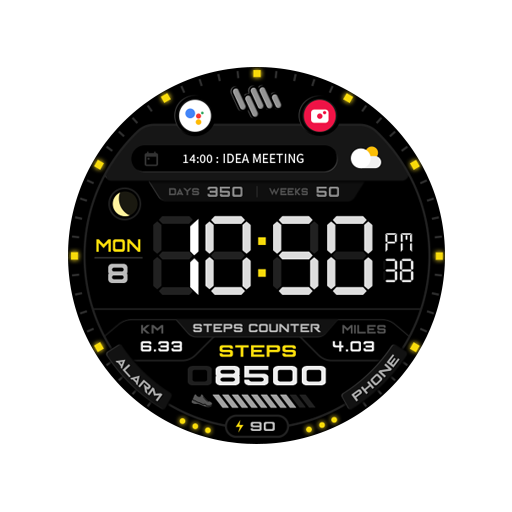
SamWatch Digital Seth 2023
Paid

SamWatch InfoColor 2023
Paid
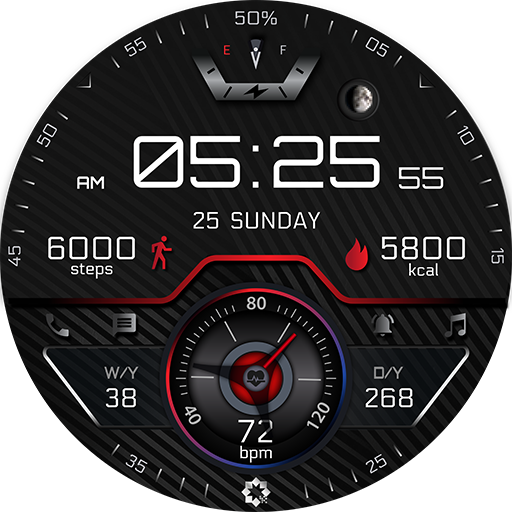
A405 Wear OS Watch Face
Free

DM157 Sleek Eye-popping Watch
Paid
Scan this QR code to download

Forwarding you to the page at Google Play market in seconds...
Open Google Play market now