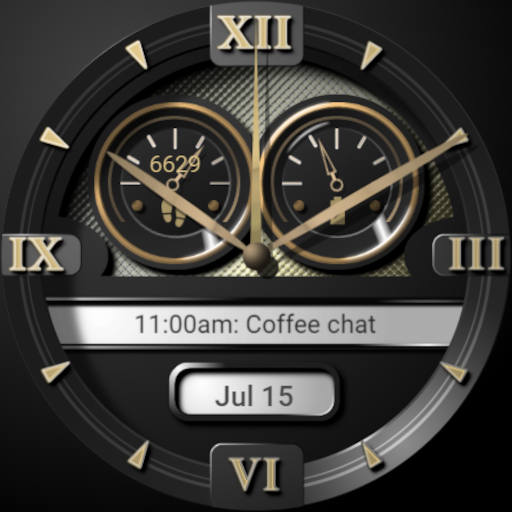
IFP Copenhagen Watch Face vVARY
Ian Frank Productions








About this app
Developer Description
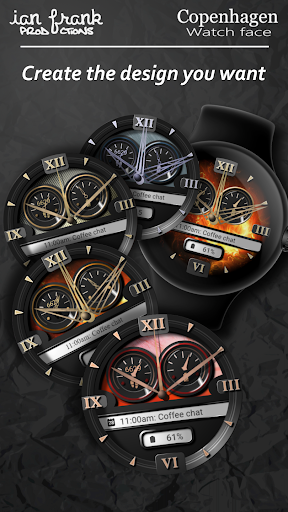
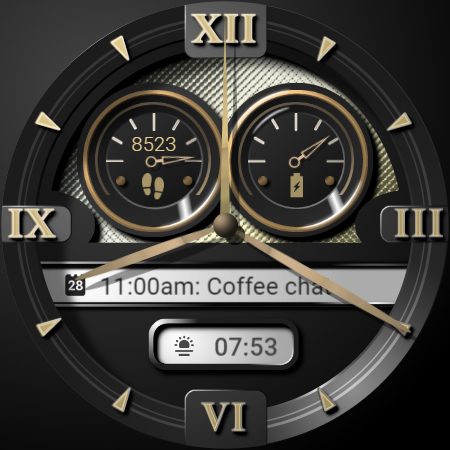
Realistic analog watch face with multiple features
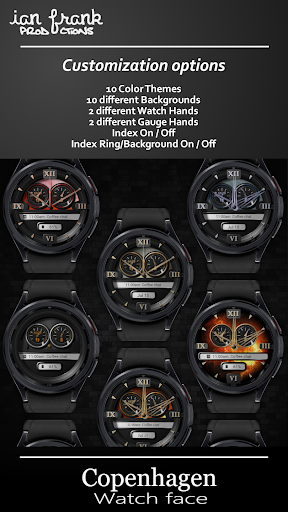
All features of the Copenhagen Watch Face:
- 10 color schemes
- 10 background options
- 2 user defined complications*
- Step counter gauge
- Battery monitor gauge
- 2 different Watch Hands
- 2 different Gauge hands
- Watch hands On/Off
- Index On/Off
- Index Background On/Off
- Index Plates On/Off
- Power Saving Always On Display
- AOD colors follows the color theme you select**
*You can select the data that is important to you in the 2 customizable Complications. The appearance depends on the service provider you selected. You can also select a shortcut to your favourite app on the watch.
**The simplistic AOD (Always On Display) shows the watch hands and the index (if enabled), in the colors of the theme you selected. This only utilizes 2% of the screen, making the AOD very power saving.
How to customize:
Once the Watch Face is installed and selected, long press the Watch Face and select ‘Customize’. Swipe left/right to select category, and swipe up/down to select option.
Customization Options:
Color : 10 available
Background : 10 available
Watch Hands : On/Off
Gauge Hands : On/Off
Index Ring/Background : On/Off
Index : On/Off
Index Plates : On/Off
Complication : Tap to select
How to Install
Option one:
Install the companion app to your phone, then open it and choose Install to open the watch face in the App Store on your wearable.
Option two:
Select your Wearable from the list of target devices in Google Play, and click Install. The Watch Face will be installed automatically on your watch within a few minutes.
Activate the watch face
The watch face is not activated automatically.To select the watch face, long press your watch screen, and swipe past all watch faces on your list, until you see ‘Add Watch Face’. Tap it, and scroll all the way to ‘Downloaded’ category. Here you will find your new Watch face. Tap to select it. Thats it. 🙂
Important!
This is a Watch Face for Wear OS, and it only supports wearables using API 30+ such as Samsung Galaxy Watch 4, 5, 6 and later. If you can select your Wearable from the install list, it should be supported.
If you have any kind of trouble or questions, please contact me at watchface@ianfrank.dk.
If you like this watch face, please leave a nice review. Thank you! 🙂
What's New
Steps and battery can now be tapped to open info
Minor changes to theme colors
Version Information
- Version
- -
- Downloads
- 10+
- Updated on
- Jun 20, 2024
- Released
- Jun 16, 2024
- Requires
- Android Varies with device
Statistics
Google Play Rating History
Rating Distribution
Downloads Over Time
IFP Copenhagen Watch Face has been downloaded times. Over the past 30 days, it averaged downloads per day.
Shaded area shows 30-day prediction based on historical trends
Historical data collection started recently. More data points will be available over time.
ApkTrusted Ratings & Reviews
More from Ian Frank Productions
See more apps

Similar Apps
AI Code Black F
Free
W-Design WOS064 - Watch Face
Free
W-Design WOS059 - Watch Face
Paid
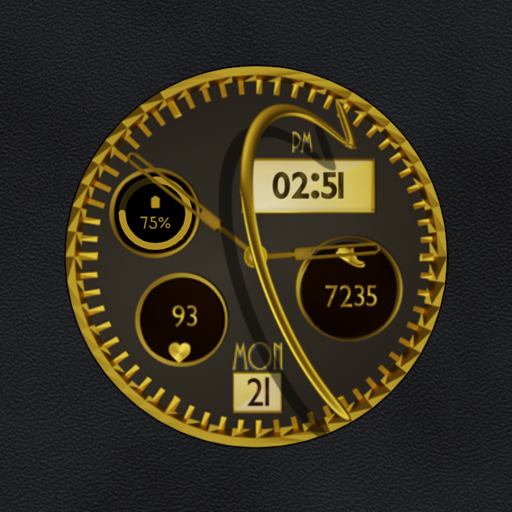
W-Design WOS026 - Watch Face
Free

Dream 138 Classic Watch Face
Paid

CWF020 Matte Gold Watch Face
Paid

BFF9-Black Analog Pattern Gear
Paid
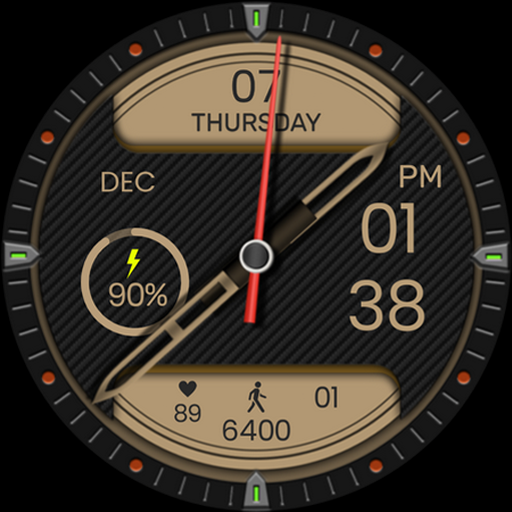
DB016 Dominance
Free

GearSync WatchFace
Free
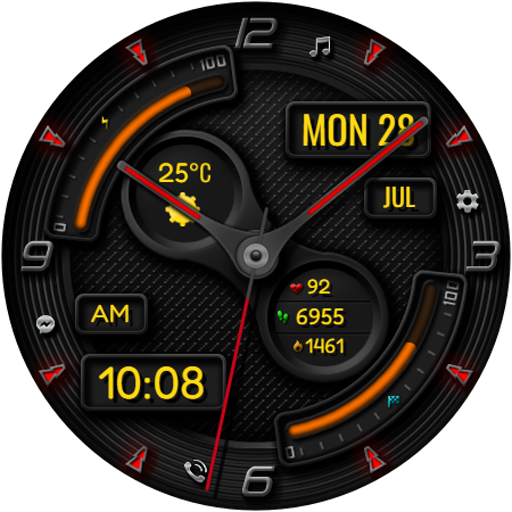
Hybrid RADONA CTS32 Watch face
Free

NERDAN URX136 Watch face
Paid

Deep Cortex For Wear OS
Paid
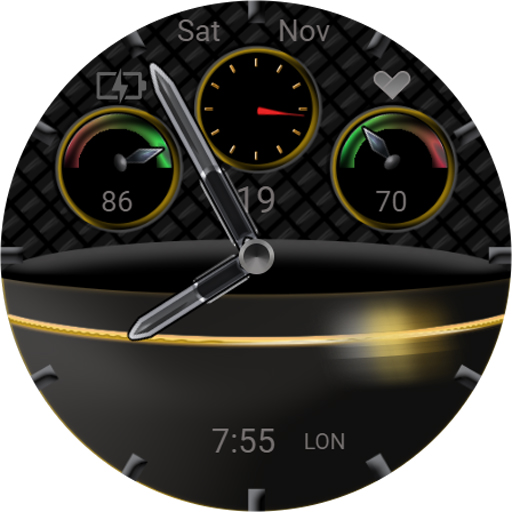
TSD43 Watch Face Wear OS
Free

MJ142 Executive Watch
Free

KF154S3 WATCH FACE
Paid

ZKin Watch Face Texture Yellow
Paid
Scan this QR code to download

Forwarding you to the page at Google Play market in seconds...
Open Google Play market now