
KF154S3 WATCH FACE vVARY
KF Watch Face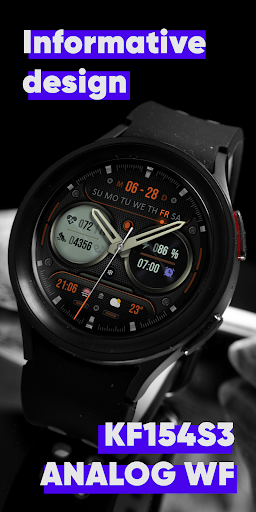

About this app
Developer Description
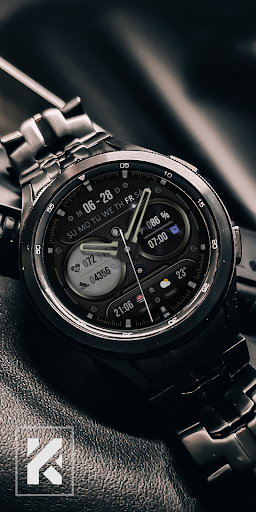
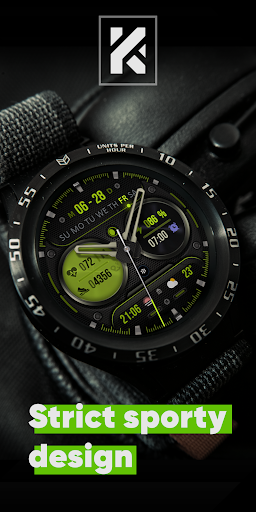
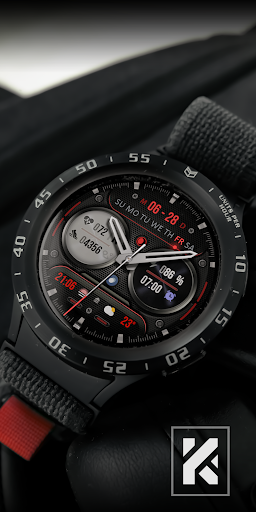
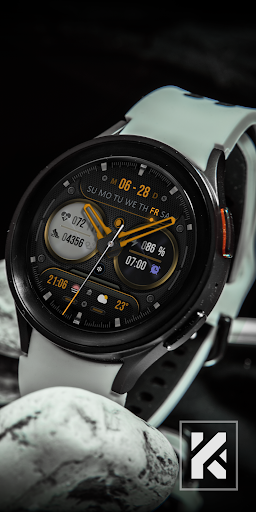
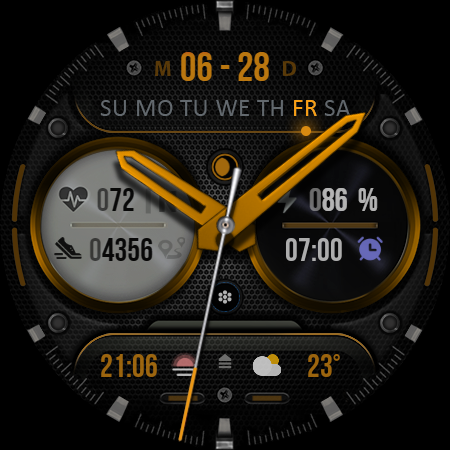
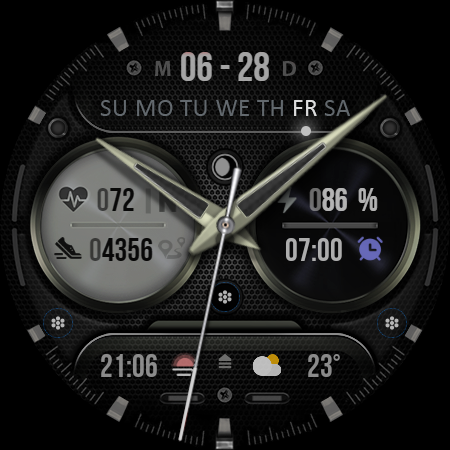
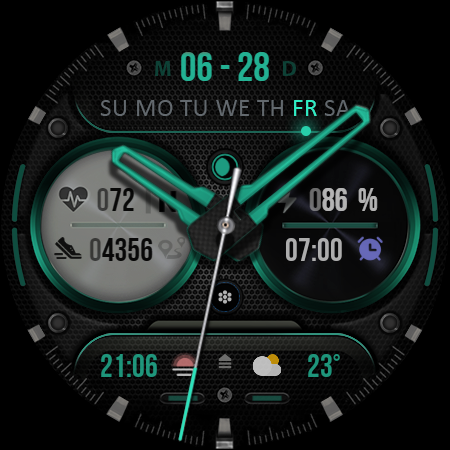
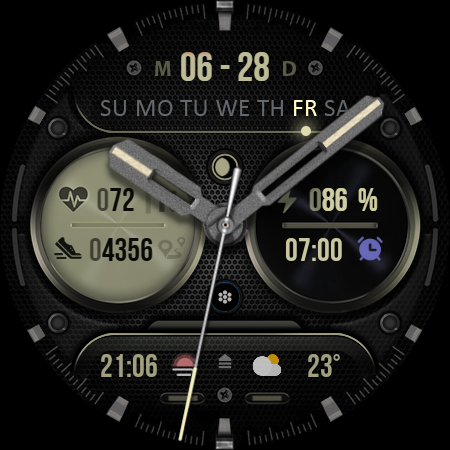
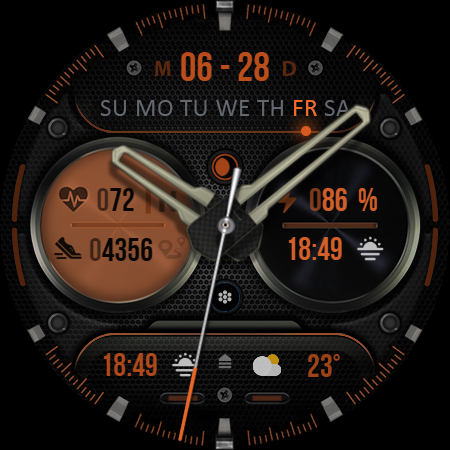
KF154S3 Analog watch face for fans of classic style. Only for Wear OS devices.
https://sites.google.com/view/kfbogo?usp=sharing
The KF154S3 is a Analog watch face for Wear OS by KF.
KF is a new product in the selection of dials for smart watches Wear OS. Analog, Digital, Hybrid watch faces for your watch..
The watch face be customized for yourself in both classic and sporty style. Excellent color solutions, 30 variations.
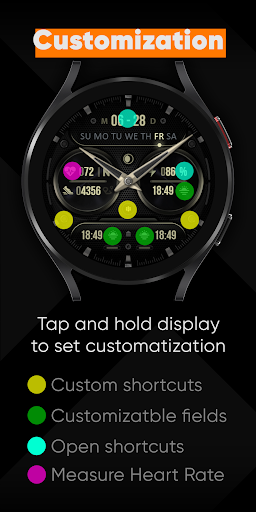
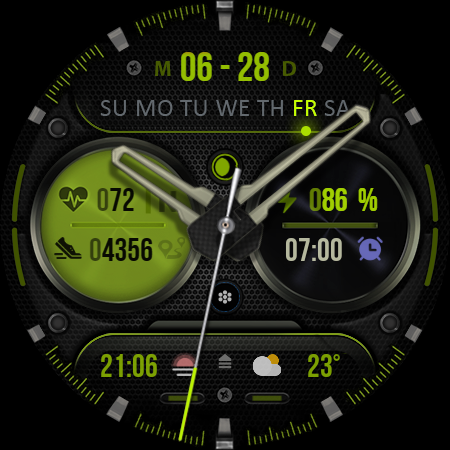
- WF with customizable shortcuts, fixed shortcuts for calendar and energy consumption information.
- Day of week*
- Date
- Month *
- Moon phase
- BPM Heart Rate (beats per minute)
- Steps **
- Distance (KM, ML)**
- Battery %
- Customizable shortcut ( 2 icons can be hidden at the user's request)
- Preset Shortcuts
- 3 Customizable field / complication (depends on the watch)
- Always On Display
- Changeable colors
- Changeable Hands
- Changeable lines, rings
* The order in which the date and month are displayed depends on the accepted display format in your country
** Shows the value of the sensors(Steps/Distance) one at a time - 5 seconds. In AOD mode, only the number of steps completed is displayed.
** Mileage will be automatically displayed on devices with the language set (British or American English). For other languages, the distance will be indicated in km.
Watch face customization:
1 - Touch and hold display
2 - Tap on customize option
Some features may not be available on some watches.
Watch face installation notes on smart watch:
Phone app serves only as a placeholder to make it easier to install & find the watch face on your Wear OS watch. You have to select your watch device from the install dropdown menu.
Note. If you are stuck in the payment cycle, don't worry: only one payment will be made, even if you are asked to pay a second time. Wait 5 minutes or restart the watch and try again.
There may be a problem with syncing your device with Google servers.
Please note that any problems on this side are not the fault of the developer. On this side, the developer has no control over the Play Store.
This watch face supports all Wear OS devices with API level 30+
TELEGRAM:
https://t.me/KFwatchfaces
FACEBOOK:
https://www.facebook.com/groups/620092163327987/
INSTAGRAM:
https://www.instagram.com/krek_free_watchface
Version Information
- Version
- -
- Downloads
- 100+
- Updated on
- -
- Released
- Jun 4, 2024
- Requires
- Android Varies with device
Statistics
Google Play Rating History
Rating Distribution
Downloads Over Time
KF154S3 WATCH FACE has been downloaded times. Over the past 30 days, it averaged downloads per day.
Shaded area shows 30-day prediction based on historical trends
Historical data collection started recently. More data points will be available over time.
KF154S3 WATCH FACE users say on Google Play
 Steve Hopper Jr
I enjoy the watchface, and it works well. The only thing is that I enjoy digital watches better. KF is one of the best watchface guys out there. His explanation of the face was key in my updating to a 5⭐ rating.
ApkTrusted Ratings & Reviews
More from KF Watch Face
See more apps
KF144 WATCH FACE
Paid

KF156 WATCH FACE
Paid

KF146 watch face
Paid
KF134 WATCH FACE
Paid

KF138 Watch face
Paid

KF123 Watch face
Paid

KF121 Watch face
Paid
KF145 WATCH FACE
Paid

KF154 WATCH FACE
Free
KF153 watch face
Paid

KF155 Watch face
Paid

KF129 WATCH FACE
Paid
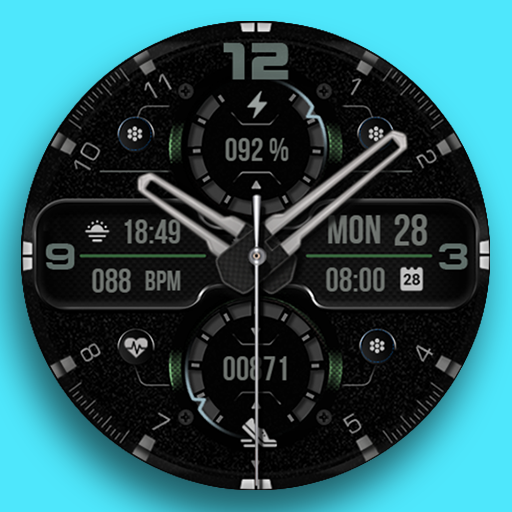
KF125 Watch face
Free

KF097 WATCH FACE
Paid

KF098 WATCH FACE
Paid

KF157 WATCH FACE
Free
Similar Apps

MJ153 Classic Elegant Hybrid
Free

Analog Watch Face 043
Free
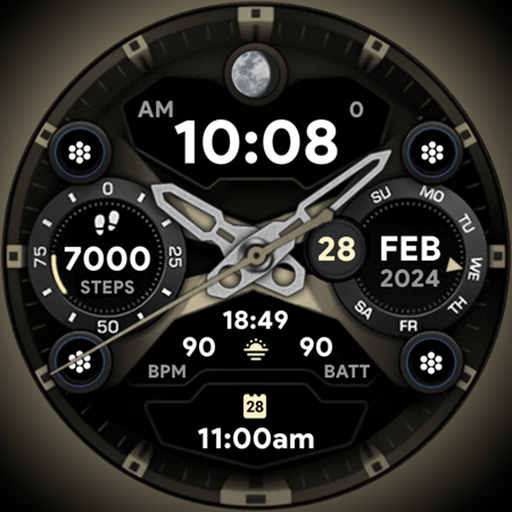
Ultra Dial 2 - Watch face
Paid

Hybrid smo303
Paid

Analog Classic Sport - RE50
Paid

ZKin Watch Face Elegant grey
Paid

Carbon Fiber Texture ZKinWatch
Free
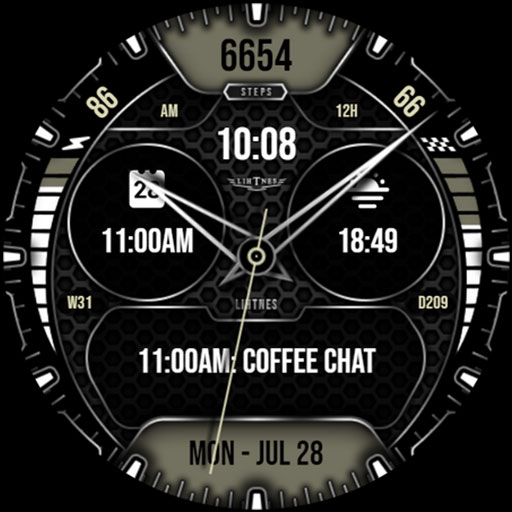
Hybrid Watch Face 011
Paid

MJ136 Elegant Hybrid
Free

ZKin WatchFace Retro Deep Grey
Paid
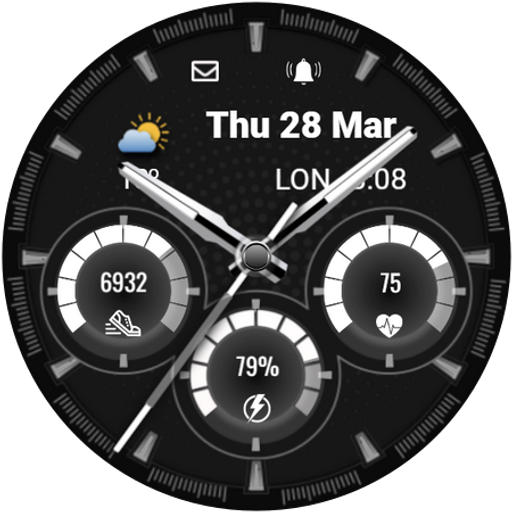
CNRwatch039
Paid
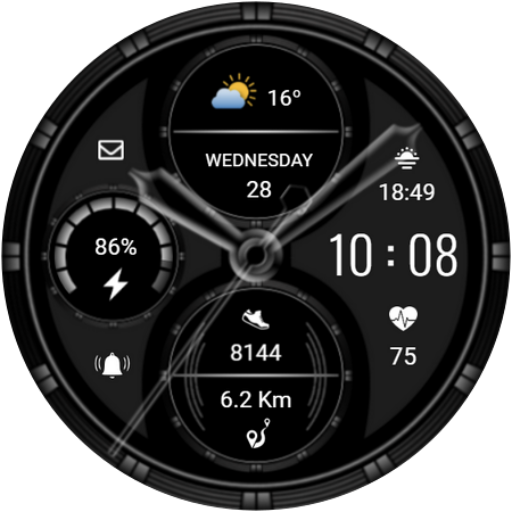
CNRwatch024
Paid

ZKin Watch Face Texture Yellow
Paid
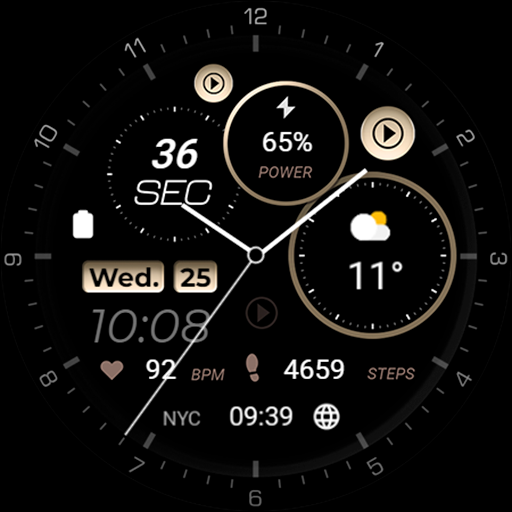
Minimal - Elegant - RE08
Free
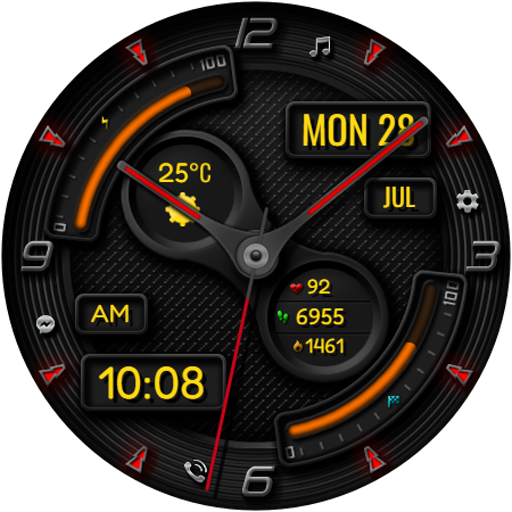
Hybrid RADONA CTS32 Watch face
Free

Hybrid SMO301
Paid
Scan this QR code to download

Forwarding you to the page at Google Play market in seconds...
Open Google Play market now