CNRwatch039 icon

CNRwatch039 v1.0.0

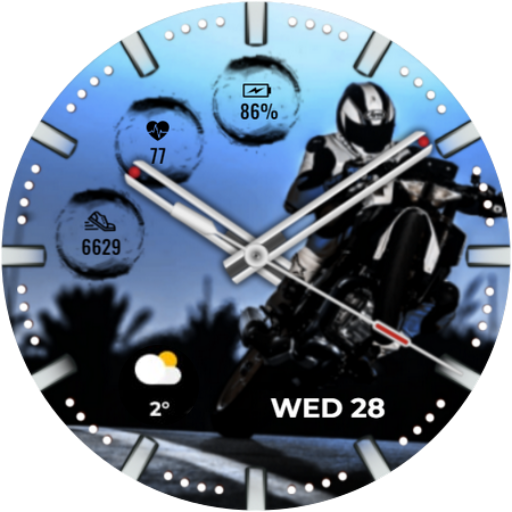
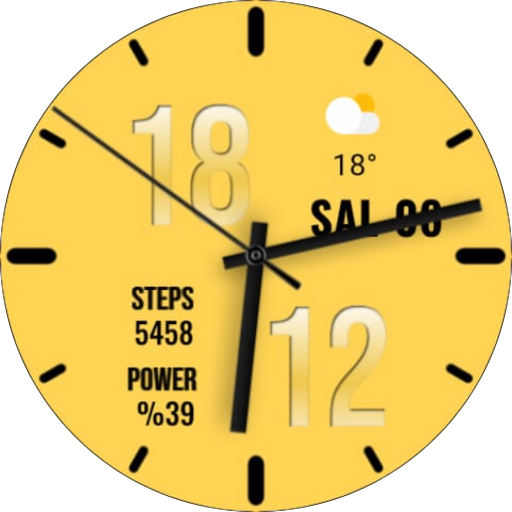
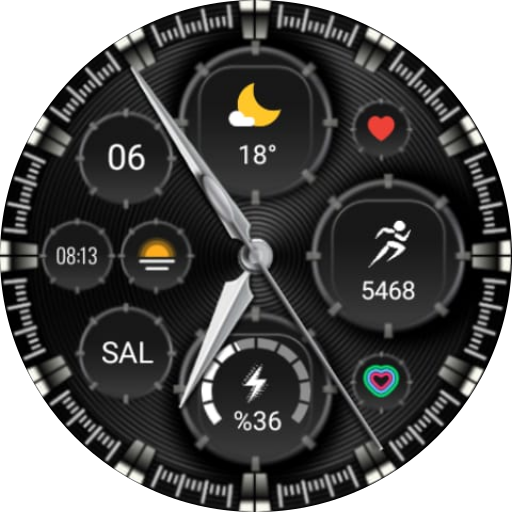
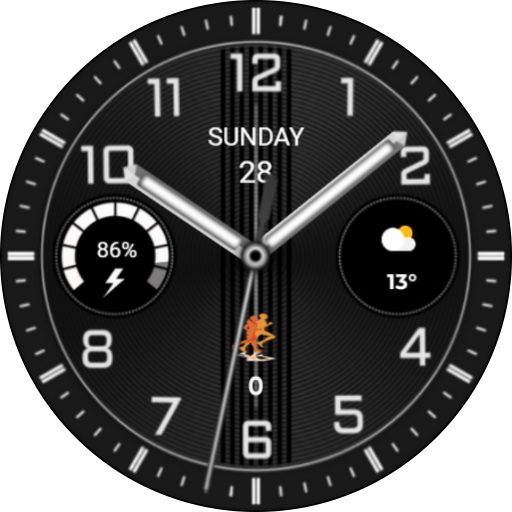
CNRwatch039 screenshot 0 CNRwatch039 screenshot 1 CNRwatch039 screenshot 2 CNRwatch039 screenshot 3 CNRwatch039 screenshot 4 CNRwatch039 screenshot 5 CNRwatch039 screenshot 6 CNRwatch039 screenshot 7 CNRwatch039 screenshot 8 CNRwatch039 screenshot 9 CNRwatch039 screenshot 10 CNRwatch039 screenshot 11 CNRwatch039 screenshot 12 CNRwatch039 screenshot 13 CNRwatch039 screenshot 14 CNRwatch039 screenshot 15 CNRwatch039 screenshot 16 CNRwatch039 screenshot 17 CNRwatch039 screenshot 18 CNRwatch039 screenshot 19 CNRwatch039 screenshot 20 CNRwatch039 screenshot 21 CNRwatch039 screenshot 22 CNRwatch039 screenshot 23 CNRwatch039 screenshot 24 CNRwatch039 screenshot 25
About this app

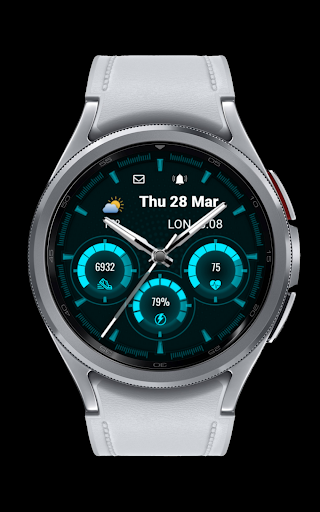
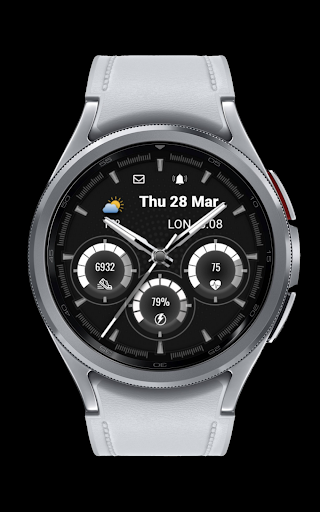
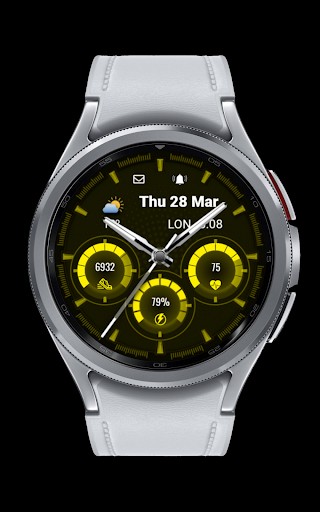
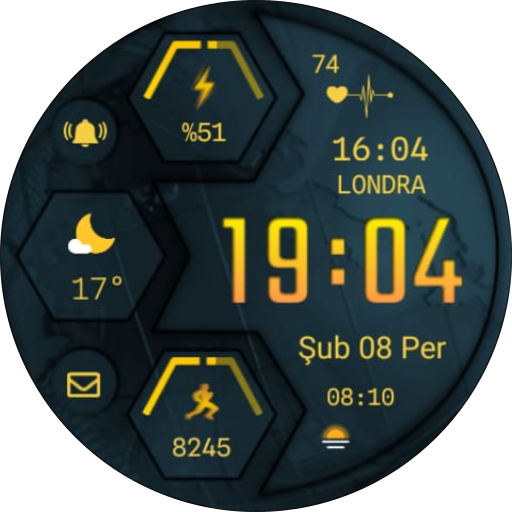
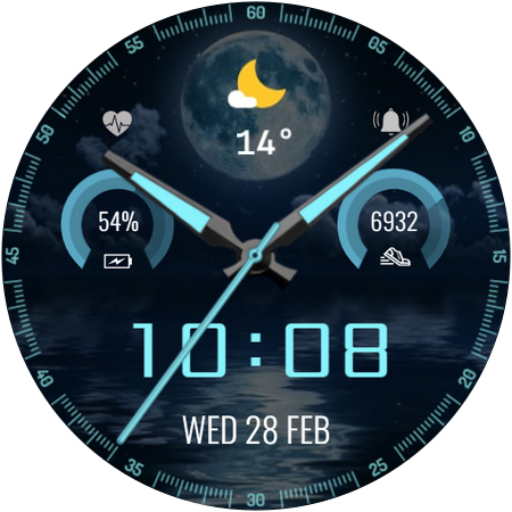
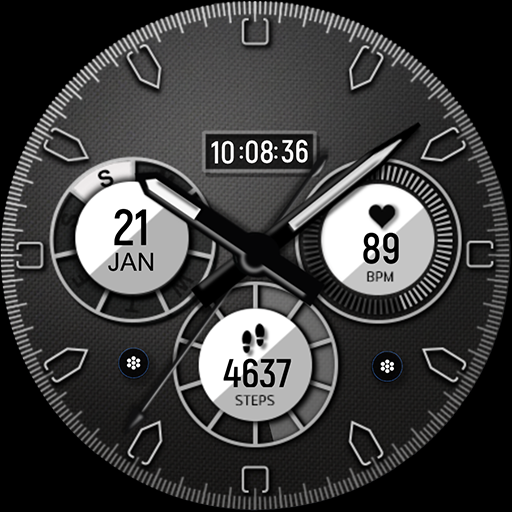
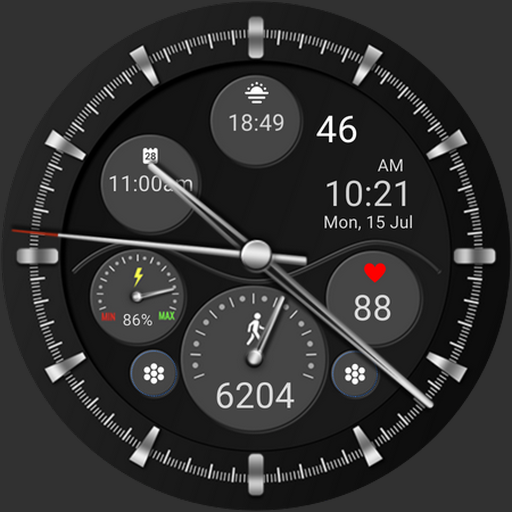
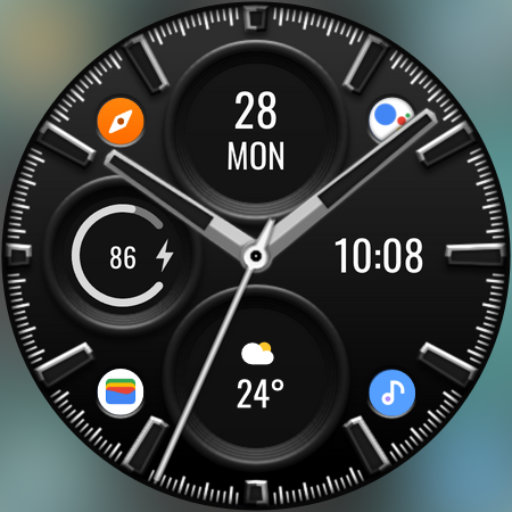
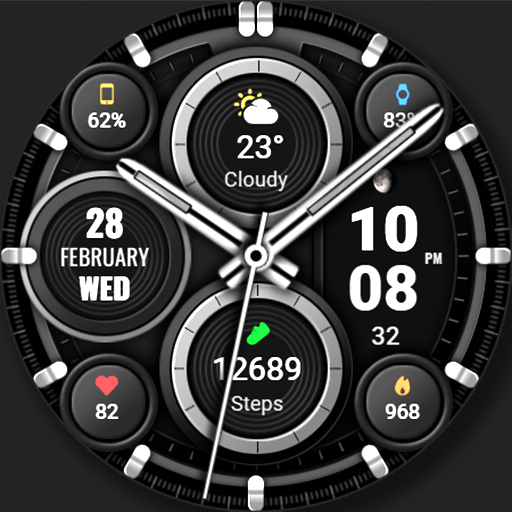
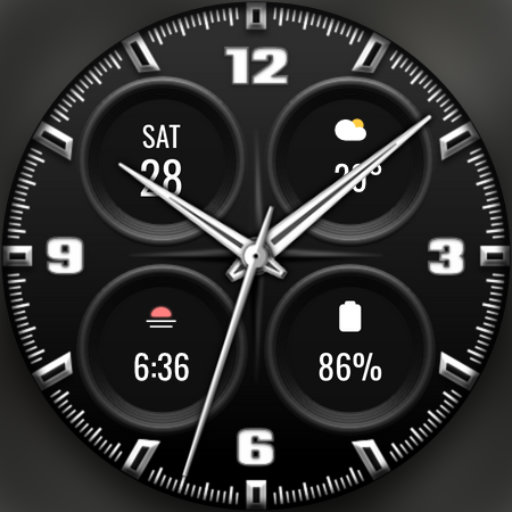
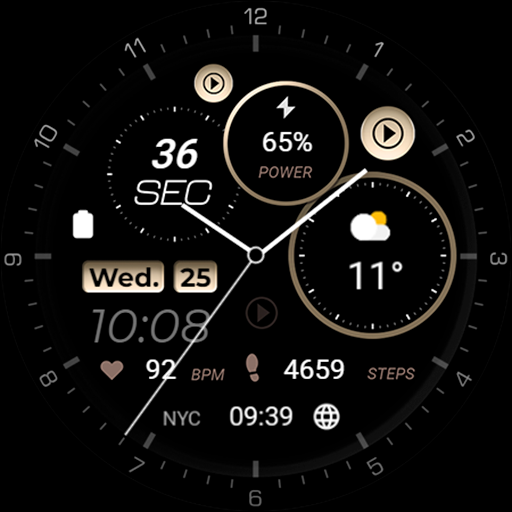
The CNRwatch039 app is a basic watch face for Wear OS, designed to provide users with a simple and straightforward time-telling experience. Given its limited functionality, this app is likely to benefit users who prioritize minimalism and ease of use. Compared to other watch faces in the Personalization category, CNRwatch039 lacks diversity in terms of customization options and features. Its paid model of $0.99 may be a barrier for some users, especially considering the limited functionality it offers.

Pros

  • The CNRwatch039 app has a clean and minimalistic design that may appeal to users who prefer a simple watch face.
  • The app does not contain ads, which can be a significant advantage for users who value an uninterrupted experience.
  • With no in-app purchases, users can be assured that they will not be prompted for additional payments beyond the initial $0.99 fee.
  • The app requires no permissions, which is a significant advantage in terms of user privacy and security.
  • The developer provides an email address for support, which can be beneficial for users who encounter issues or have questions about the app.

Cons

  • The app's limited functionality may not be worth the $0.99 price tag for some users, especially considering the availability of free alternatives with similar or more features.
  • The lack of user rating data and limited download numbers may indicate a lack of social proof or user engagement with the app.
  • The app's compatibility is limited to Android 11, which may exclude users with older devices or different operating systems.
  • The app does not offer any unique or standout features that would differentiate it from other watch faces in the Personalization category.

Best for: The ideal user for the CNRwatch039 app is likely a tech-savvy individual with a Wear OS device, who values minimalism and simplicity in their watch face and is willing to pay $0.99 for a basic, ad-free experience with no in-app purchases or permission requests.

Developer Description

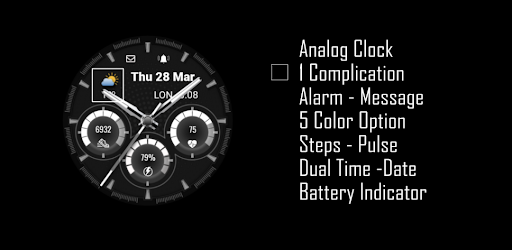
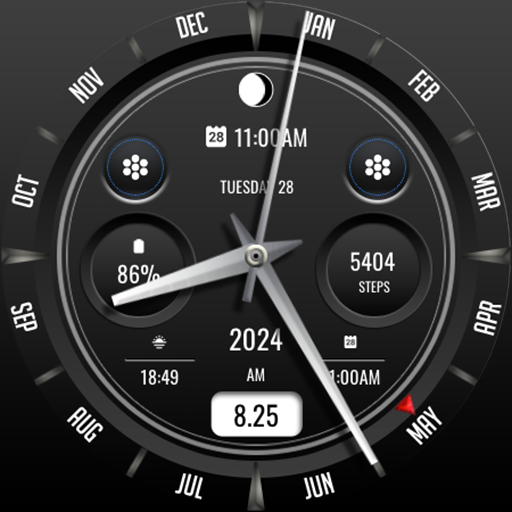
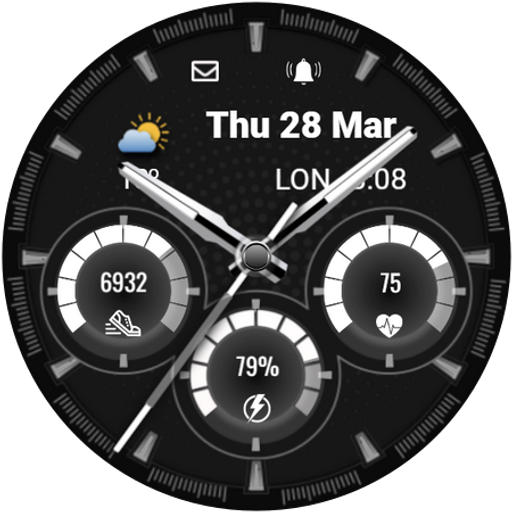
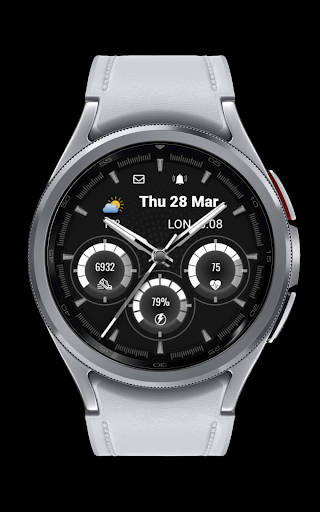
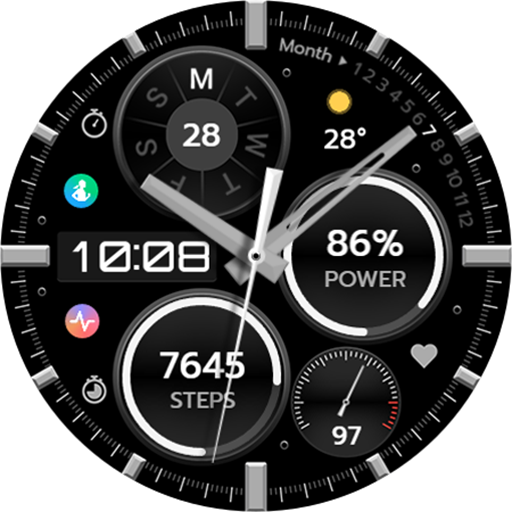
Watch face for Wear OS

Analog Clock
1 Complication
Alarm - Message
5 Color Option
Steps - Pulse
Dual Time -Date
Battery Indicator

INSTALLATION NOTES:

1 - Companion App;
Make sure the watch is properly connected to the phone, open the app on the phone, tap the image and then follow the instructions on the watch.

OR

2- Play Store Application;
Select your upload time from the drop-down menu to the right of the upload button.

After a few minutes, the clock dial will be set. You can select the clock view from the Add clock view option.

Note: Don't worry if you get stuck in the payment cycle, only a single payment will be made, even if you are asked to pay a second time. Wait 5 minutes or restart your watch and try again.
There may be a synchronisation issue between your device and Google servers.

Please note that problems on this side do NOT depend on the developer. The developer has no control over the Play Store from this side.

Please enable sensors and complication data retrieval permissions manually for full functionality!

Thank you!

Privacy

Given that the CNRwatch039 app requires no permissions, users can be assured that their data is not being collected or shared. However, it is still important for users to review the app's terms of service and privacy policy to understand the developer's data collection and usage practices. Users should also be cautious when downloading paid apps with limited functionality and no user reviews.

Tips

To get the most out of the CNRwatch039 app, users should first ensure that their device is compatible with the app's requirements. Users can then customize the watch face to their liking, although options may be limited. To optimize performance, users should close other resource-intensive apps and ensure that their device has sufficient battery life.

What's New

CNRwatch FACES

Version Information

Version
1.0.0
Downloads
10+
Updated on
Oct 30, 2024
Released
Apr 7, 2024
Requires
Android 11

Statistics

Google Play Rating History

Current
Average
Range

Rating Distribution

Total Ratings:

Downloads Over Time

CNRwatch039 has been downloaded times.

Total Downloads
Last 30 Days
Avg Daily Est.

Shaded area shows 30-day prediction based on historical trends

Historical data collection started recently. More data points will be available over time.

ApkTrusted Ratings & Reviews

0.0
0 ratings
5
0
4
0
3
0
2
0
1
0
✓ Thank you! Your review has been submitted and will be published after admin approval.
Be the first to write a review...

More from CNRwatch

See more apps

Similar Apps
Explore Tags

Browse all tags