CNRwatch009 icon

CNRwatch009 v1.0.0

CNRwatch009 screenshot 0 CNRwatch009 screenshot 1 CNRwatch009 screenshot 2 CNRwatch009 screenshot 3 CNRwatch009 screenshot 4 CNRwatch009 screenshot 5 CNRwatch009 screenshot 6 CNRwatch009 screenshot 7 CNRwatch009 screenshot 8 CNRwatch009 screenshot 9 CNRwatch009 screenshot 10 CNRwatch009 screenshot 11 CNRwatch009 screenshot 12 CNRwatch009 screenshot 13 CNRwatch009 screenshot 14 CNRwatch009 screenshot 15 CNRwatch009 screenshot 16 CNRwatch009 screenshot 17 CNRwatch009 screenshot 18 CNRwatch009 screenshot 19 CNRwatch009 screenshot 20 CNRwatch009 screenshot 21

About this app

The CNRwatch009 app solves the problem of limited watch face options for Wear OS users, providing a unique and personalized experience. This app benefits users who value customization and are looking for a simple, paid solution without ads. Compared to other personalization apps, CNRwatch009 stands out for its focus on watch faces, but falls short due to its limited functionality and lack of user ratings. The app's minimal permissions and straightforward monetization model are notable advantages.

Pros

  • The app requires zero permissions, which is a significant advantage in terms of user privacy and security, as it minimizes potential data collection and misuse.
  • The paid model without ads ensures a distraction-free experience, allowing users to enjoy their customized watch face without interruptions.
  • The developer's email is provided, which can be beneficial for users who need support or have questions about the app.
  • The app's small size and simple functionality make it a lightweight addition to any Wear OS device, which can be beneficial for users with limited storage space.
  • The lack of in-app purchases means that users won't encounter unexpected costs or aggressive monetization tactics.

Cons

  • The app's limited functionality, solely focusing on watch faces, might not be enough to justify the paid price for some users, especially considering the lack of user ratings and reviews.
  • The absence of a developer website and more detailed support resources might make it difficult for users to find help or learn more about the app's features and potential updates.
  • The app's compatibility is limited to Android 11 and above, which might exclude some users with older devices or different operating systems.
  • The limited download numbers and lack of user ratings might indicate a lack of social proof or make it difficult for potential users to gauge the app's quality and reliability.

Best for: The ideal user for CNRwatch009 is a tech-savvy individual, likely between the ages of 25 and 45, who values customization and is invested in the Wear OS ecosystem, looking for a unique watch face that reflects their personal style without compromising on simplicity and privacy.

Developer Description

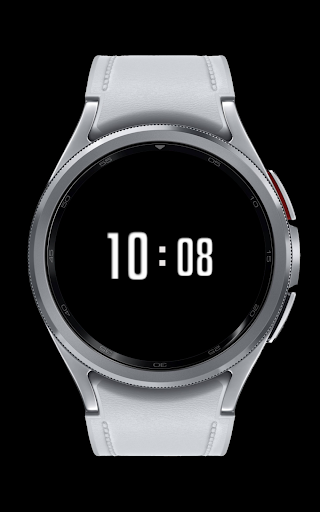
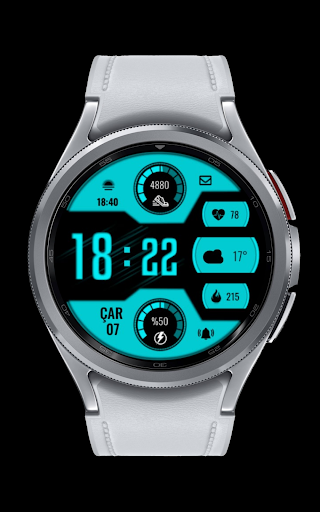
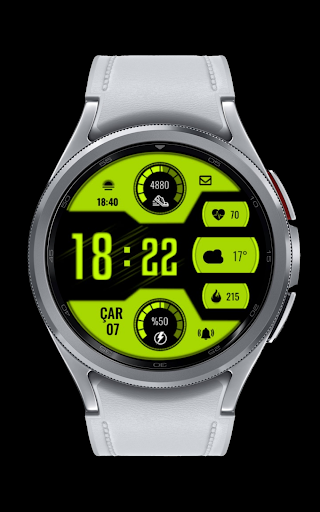
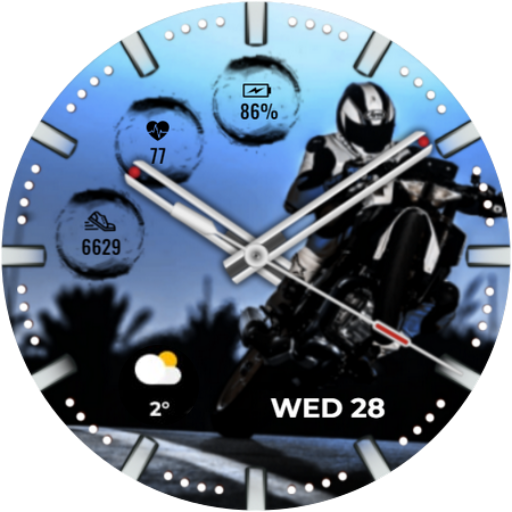
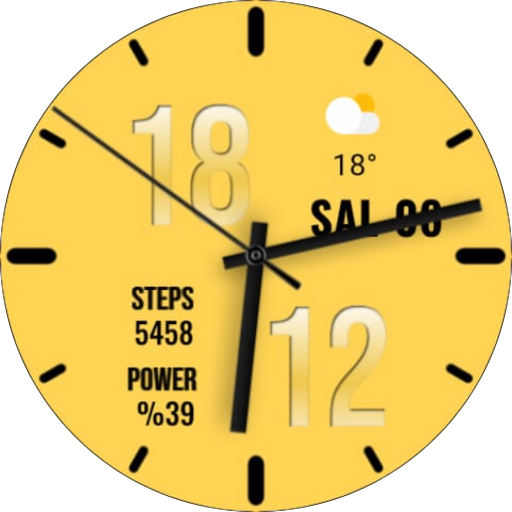
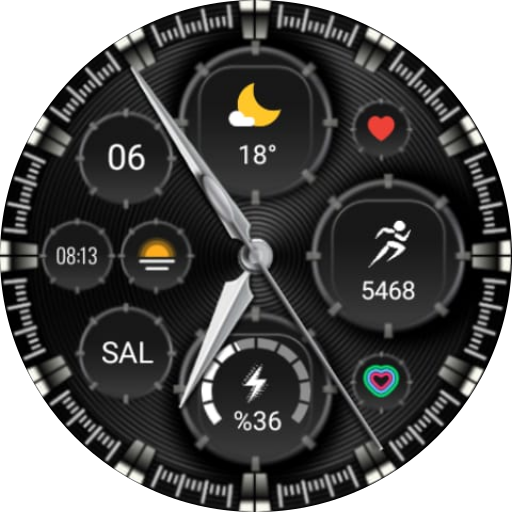
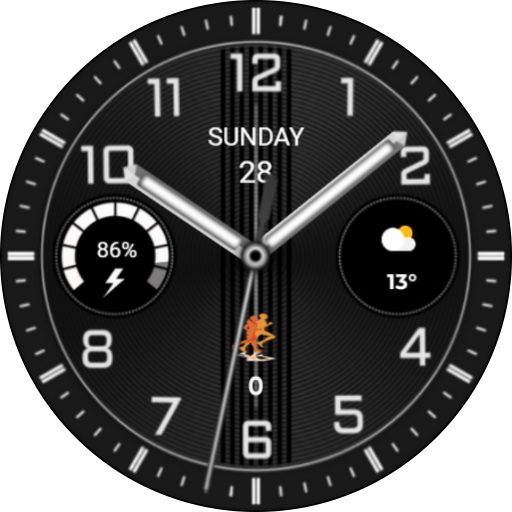
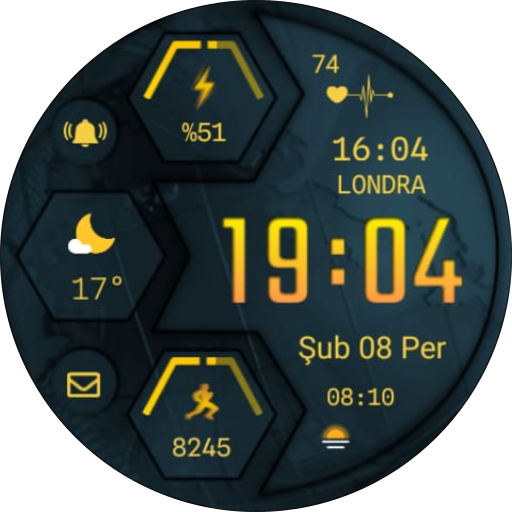
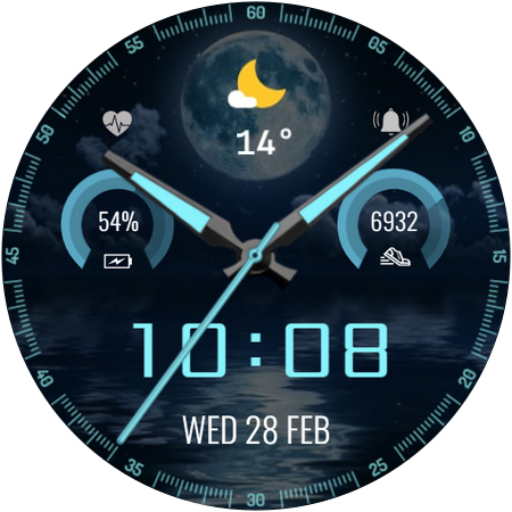
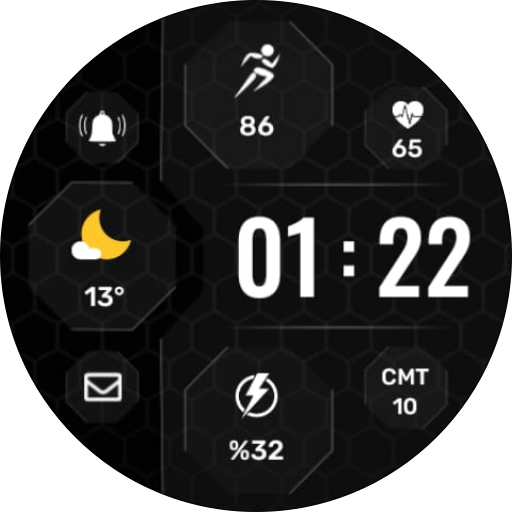
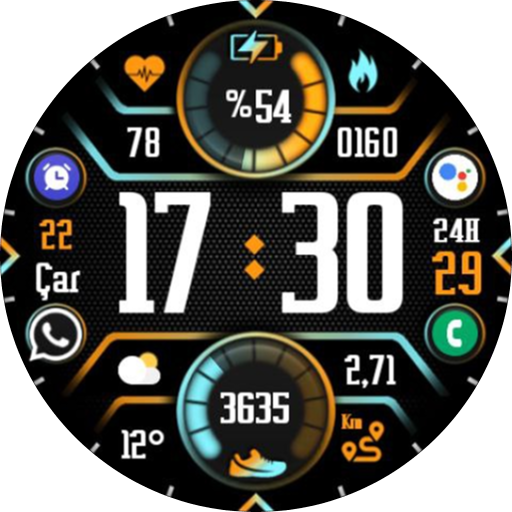
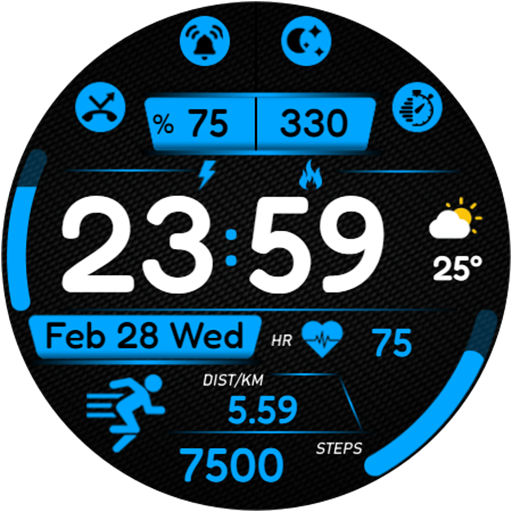
Watch face made for Wear OS

-12/24 Digital Clock
-1 complication
-4 colors options
-Date
-Sunset / Sunrise
-Message Shortcut
-Alarm Shortcut
-Calories
-Heart Shortcut
-Steps Shortcut
-Battery Shortcut

INSTALLATION MANUAL ↴
You may encounter various problems when trying to install a watch face from the official Google Play Android app.

In cases where the watch face is installed on your phone but not on your watch, the developer has added a helper app to improve visibility in the Play Store. You can uninstall the helper app from your phone and look for a triangular icon next to the Install button in the Play Store app (https://i.imgur.com/OqWHNYf.png). This symbol indicates a drop-down menu where you can select your watch as the installation destination.

Alternatively, you can try opening the Play Store in a web browser on your laptop, Mac or PC. This will allow you to visually select the correct device for installation (https://i.imgur.com/Rq6NGAC.png).

[If you have followed the instructions mentioned above and the watch face still does not appear on your watch, open the Galaxy Wearable app. Go to the Downloads section of the app and you will find the watch face there (https://i.imgur.com/mmNusLy.png). Simply click on it to start the installation.

Privacy

Given that the app requires no permissions, the risk of data collection or misuse is minimal. However, users should still be cautious when purchasing apps from lesser-known developers and ensure they are buying from trusted sources. It's also essential to monitor the app's performance and battery usage to ensure it doesn't negatively impact the device's overall functionality.

Tips

To get the most out of CNRwatch009, users should first explore the different customization options available for the watch face, such as color schemes and layouts. Additionally, users can optimize the app's performance by ensuring their device's software is up to date and by restarting their device periodically to clear any cached data. Finally, users can integrate CNRwatch009 with other Wear OS apps to create a cohesive and personalized experience.

What's New

CNR WATCH FACES Wear OS

Version Information

Version
1.0.0
Downloads
5+
Updated on
Jul 30, 2024
Released
Feb 23, 2024
Requires
Android 11

Statistics

Google Play Rating History

Current
Average
Range

Rating Distribution

Total Ratings:

Downloads Over Time

CNRwatch009 has been downloaded times.

Total Downloads
Last 30 Days
Avg Daily Est.

Shaded area shows 30-day prediction based on historical trends

Historical data collection started recently. More data points will be available over time.

ApkTrusted Ratings & Reviews

0.0
0 ratings
5
0
4
0
3
0
2
0
1
0
✓ Thank you! Your review has been submitted and will be published after admin approval.
Be the first to write a review...

More from CNRwatch

See more apps

Similar Apps

Explore Tags

Browse all tags