CNRwatch004 v1.0.0
CNRwatch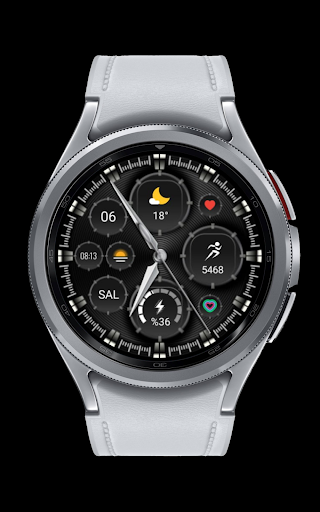





About this app
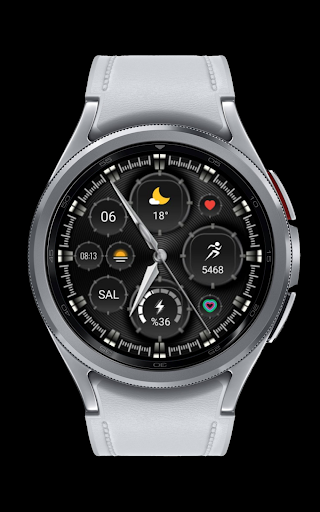
The CNRwatch004 app is a watch face designed for Wear OS, solving the problem of limited watch face options for users. It benefits individuals who value customization and a unique look for their smartwatch, setting it apart from other personalization apps with its specific focus on watch faces. Compared to alternatives, CNRwatch004's simplicity and lack of permissions requests are notable, but its limited functionality and lack of user ratings may raise concerns. Overall, it stands out for its straightforward approach but falls short in terms of broader personalization features.
Pros
- The app's lack of permissions requests is a significant advantage, indicating a low risk of data collection and privacy concerns, which is rare in the personalization category.
- As a paid app with no ads or in-app purchases, CNRwatch004 offers a clean and uninterrupted user experience, free from monetization aggressiveness.
- The developer's email is provided, which could facilitate direct communication and support for users, potentially leading to quicker issue resolution.
- The app's small size and straightforward installation process make it easy to download and set up, even for less technically inclined users.
- The fact that it is designed specifically for Wear OS ensures compatibility and optimization for smartwatch devices, which is a significant pro for users of these devices.
Cons
- The lack of user ratings and limited download numbers may indicate a lack of social proof and community feedback, making it harder for potential users to gauge the app's quality and effectiveness.
- The app's limited functionality, being only a watch face, might not justify the paid model for some users who expect more comprehensive personalization features.
- The absence of a developer website and more detailed support resources may leave users without a clear point of reference for troubleshooting or feature requests.
- The app's compatibility is limited to Android 11, which might exclude users with older devices or different operating systems, potentially limiting its user base.
Best for: The ideal user for CNRwatch004 is a tech-savvy individual, likely between the ages of 25 and 45, who values a unique and customizable watch face for their Wear OS smartwatch, is willing to pay for a high-quality, ad-free experience, and is comfortable with a straightforward, no-frills app that serves a specific purpose without needing extensive features or support resources.
Developer Description
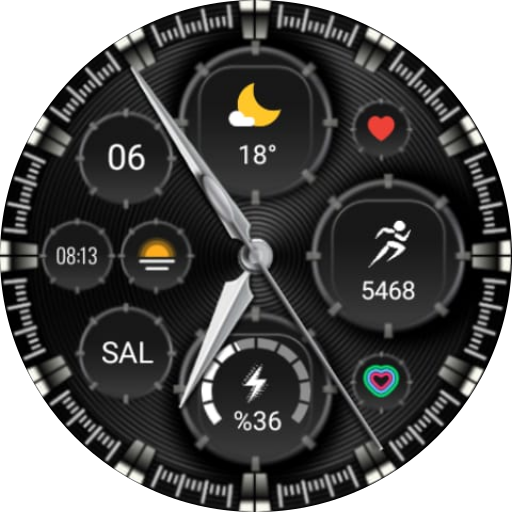
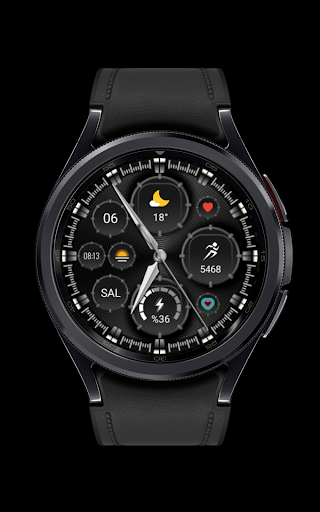
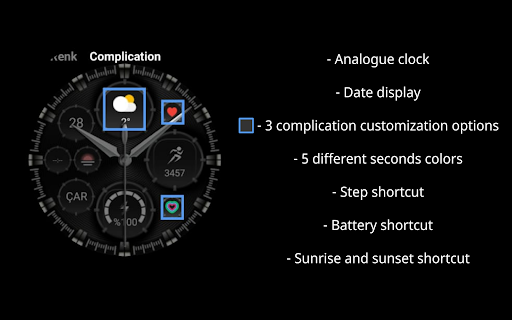
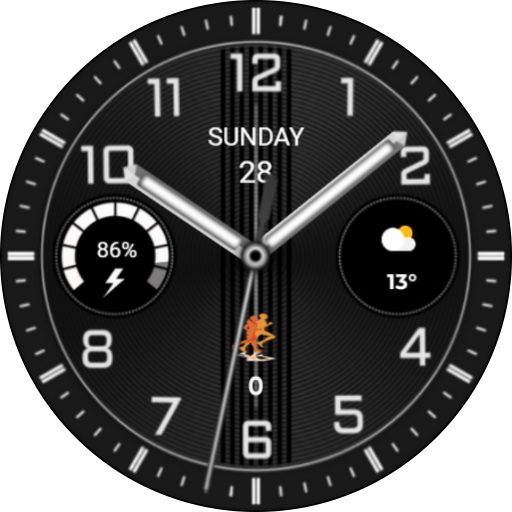
Watch face for Wear OS
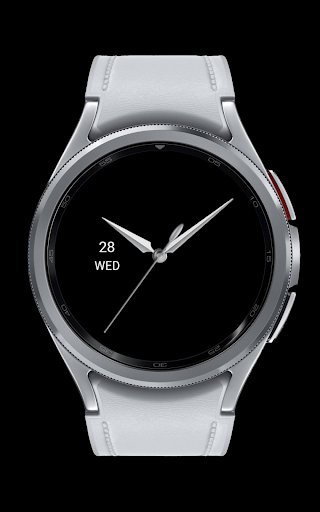
- Date display
- 3 complication customization options
- 5 different seconds colors
- Step shortcut
- Battery shortcut
- Sunrise and sunset shortcut
INSTALLATION MANUAL ↴
You may encounter various problems when trying to install a watch face from the official Google Play Android app.
In cases where the watch face is installed on your phone but not on your watch, the developer has added a helper app to improve visibility in the Play Store. You can uninstall the helper app from your phone and look for a triangular icon next to the Install button in the Play Store app (https://i.imgur.com/OqWHNYf.png). This symbol indicates a drop-down menu where you can select your watch as the installation destination.
Alternatively, you can try opening the Play Store in a web browser on your laptop, Mac or PC. This will allow you to visually select the correct device for installation (https://i.imgur.com/Rq6NGAC.png).
[If you have followed the instructions mentioned above and the watch face still does not appear on your watch, open the Galaxy Wearable app. Go to the Downloads section of the app and you will find the watch face there (https://i.imgur.com/mmNusLy.png). Simply click on it to start the installation.
Privacy
Given that CNRwatch004 requests no permissions, the risk of data collection is minimal, and users can install and use the app with a high degree of privacy. However, as with any paid app, users should be cautious of the payment process and ensure they are using a secure method. It's also advisable to keep an eye on future updates and any changes to the app's permissions or data collection policies.
Tips
To get the most out of CNRwatch004, users should first ensure their smartwatch is compatible with the app and running on Android 11. After installation, exploring the watch face's customization options, if available, can help personalize the user experience. Additionally, keeping the app updated can ensure any potential issues are addressed and new features are added, though the lack of a developer website might make it harder to stay informed about updates and changes.
What's New
Version Information
- Version
- 1.0.0
- Downloads
- 1+
- Updated on
- Jul 30, 2024
- Released
- Feb 15, 2024
- Requires
- Android 11
Statistics
Google Play Rating History
Rating Distribution
Downloads Over Time
CNRwatch004 has been downloaded times. Over the past 30 days, it averaged downloads per day.
Shaded area shows 30-day prediction based on historical trends
Historical data collection started recently. More data points will be available over time.
ApkTrusted Ratings & Reviews
More from CNRwatch
See more apps







Similar Apps
CLA006 Analog Classic
Paid
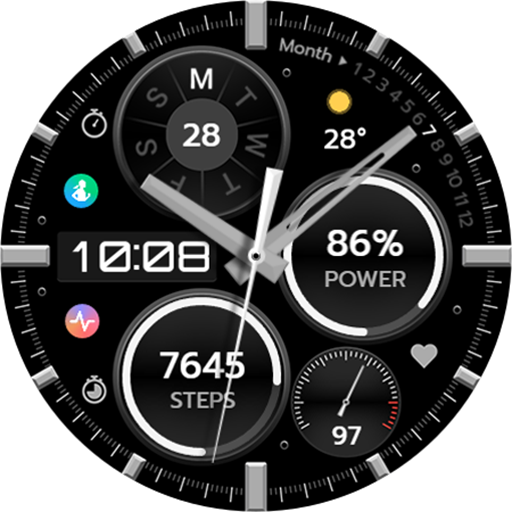
TVV Analog Sport Watch Face
Free

Wolf IV - Watch face
Free
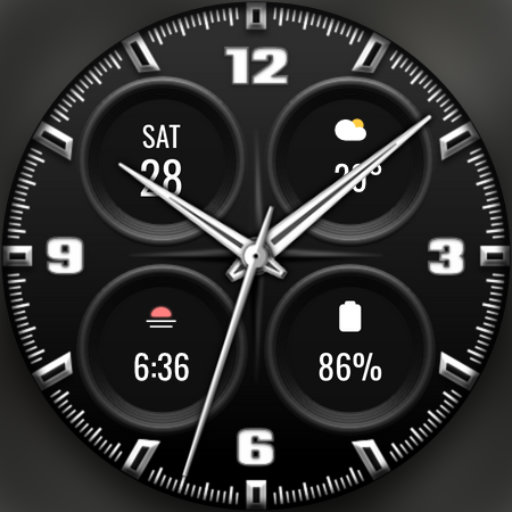
DADAM96: Minimal Analog Watch
Paid
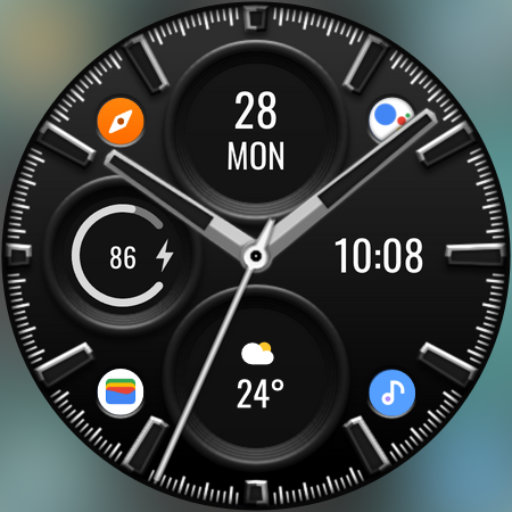
DADAM88: Pro Hybrid Watch Face
Paid

N-SPORT655 Analog Digital Face
Paid

Exquisite Pendulum ZKin Watch
Paid
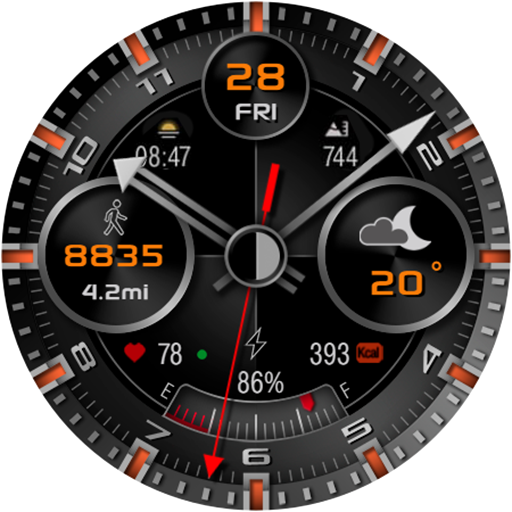
CFS106 Classic modern
Paid

DADAM87: Hybrid Watch Face
Paid

ZKin Watch Face Elegant grey
Paid

BRN158 - elon
Paid

ZKin WatchFace Retro Deep Grey
Paid
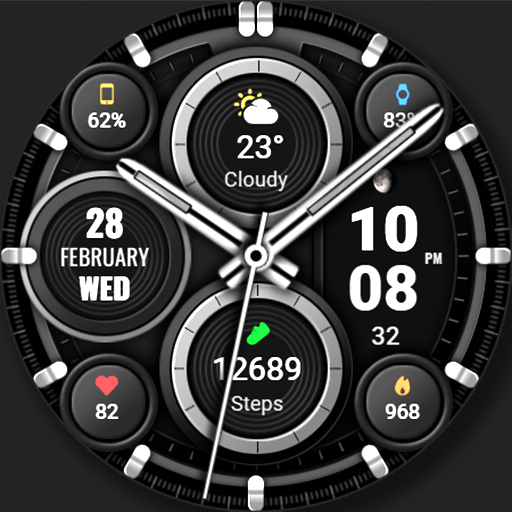
WFP 326 Business watch face
Free
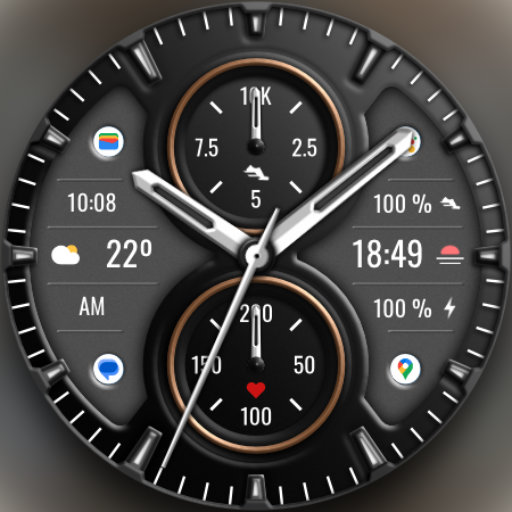
DADAM101: Classic Watch Face
Paid

KZY037
Paid

DADAM90: Classic Watch Face
Paid
Scan this QR code to download

Forwarding you to the page at Google Play market in seconds...
Open Google Play market now