
Canvas Teacher v2.3.1
Instructure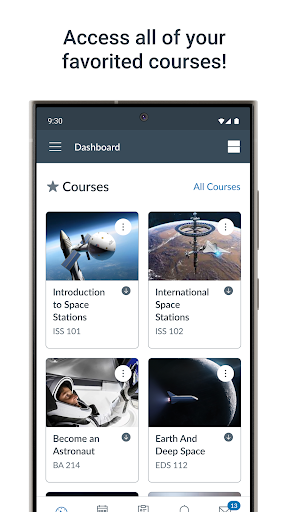
About this app
Developer Description
Facilitate your courses efficiently from the palm of your hand.
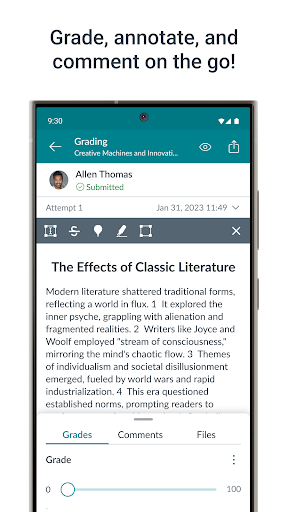
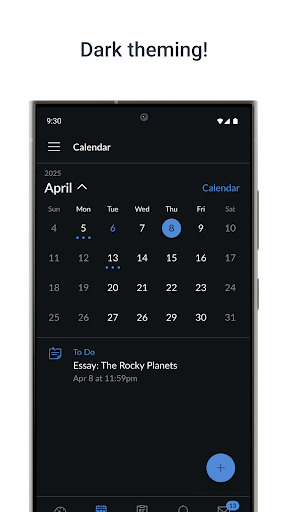
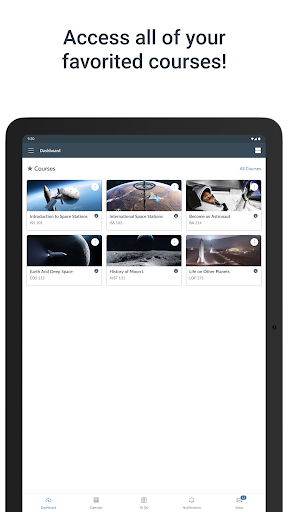
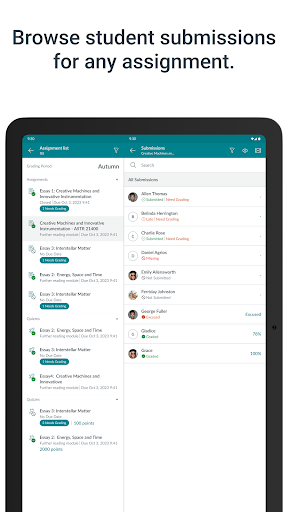
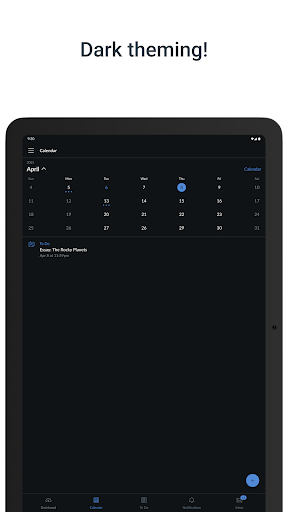
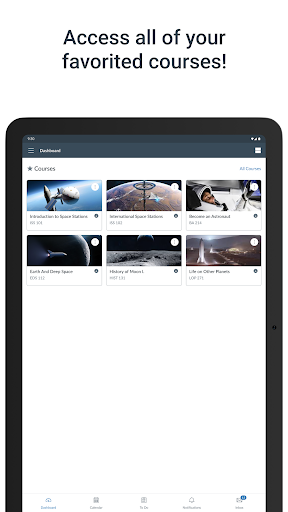
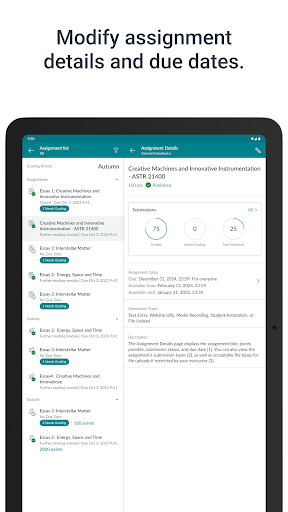
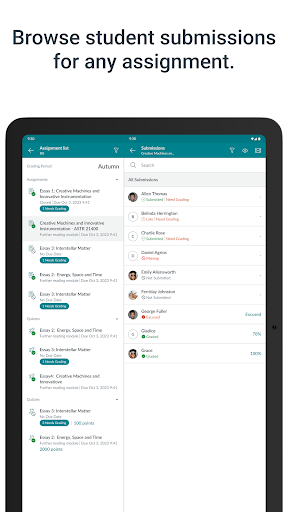
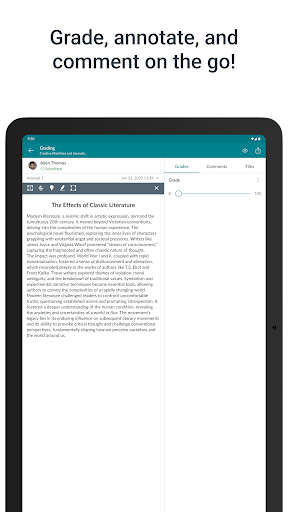
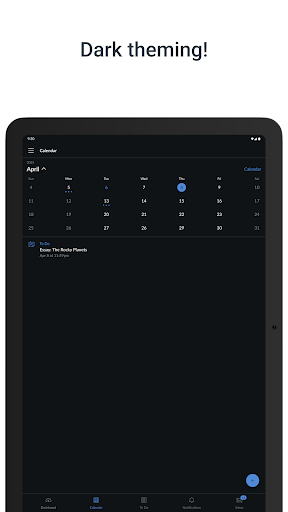
Canvas Teacher allows teachers to facilitate their courses on the go, both inside and outside the classroom. This app provides quick access to three of the most frequent course facilitation tasks for teachers:
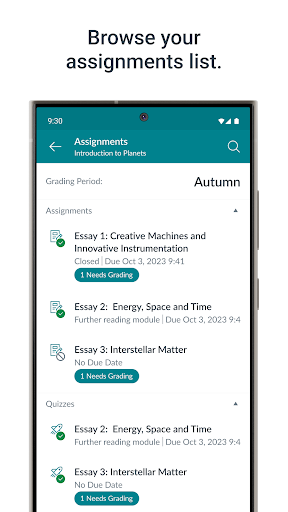
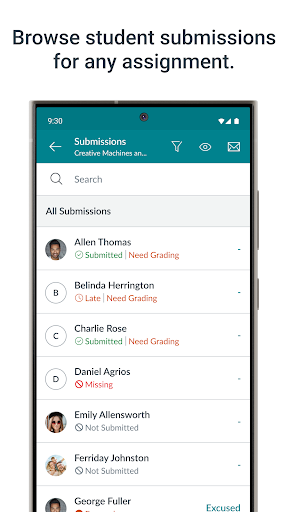
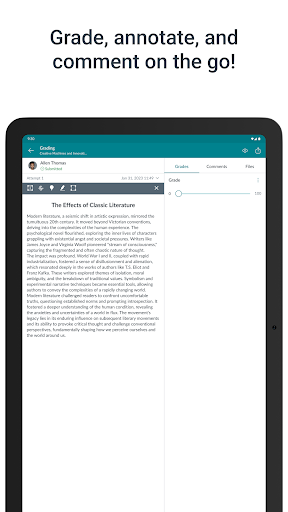
• GRADING: Browse submissions and provide feedback to your students with a new and improved mobile SpeedGrader embedded in this app.
• COMMUNICATING: Send announcements and messages (including "Message Students Who..."), and participate in course discussions from the palm of your hand.
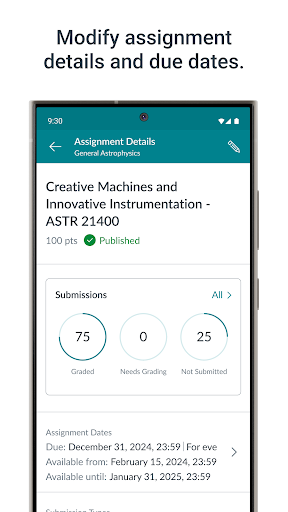
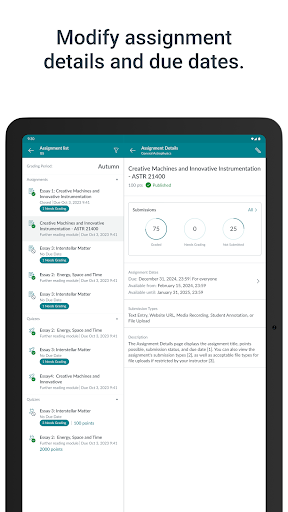
• UPDATING: Need to change a due date? Or publish an assignment? Or fix a misspelling? Canvas Teacher allows you to update your course content.
Canvas Teacher is the perfect mobile Canvas companion for course facilitation!
What's New
- Fixed an issue where letter grades in SpeedGrader would incorrectly round down to the next lower grade, especially for low-point assignments
- Fixed an issue where People page filters would reset after rotating the device
- Teachers can now reorder their dashboard cards by dragging them.
Version Information
- Version
- 2.3.1
- Downloads
- 500K+
- Updated on
- Dec 11, 2025
- Released
- May 26, 2017
- Requires
- Android 9
Statistics
Google Play Rating History
Rating Distribution
Downloads Over Time
Canvas Teacher has been downloaded times. Over the past 30 days, it averaged downloads per day.
Shaded area shows 30-day prediction based on historical trends
Historical data collection started recently. More data points will be available over time.
Canvas Teacher users say on Google Play
 Ryan Lopez DeVinaspre
After loving this app since 2019, then struggling it for all of the 2024-25 school year, I once again love it. Not only did they finally add a full screen button to allow me to hide the scoring and comments pane, the comment pane has been updated as well and has some new useful features that I appreciate. I know it's a long shot, but I would still appreciate if you would optimize this for e-ink devices. I grade on an Onex Boox Go 10.3. It would be nice to have less lag when using the stylus.
 Jacob Kolosey
Love this app, but please tell me we're working out the bugs from the latest update. Version 2.0.1 is more stable than 0.0, but still crashes often enough that my phone asked me to put it in deep sleep. Also, assignments aren't preloading properly in the speed grader. I have to swipe back-and-forth to get them to load at all if there are more than 2 submissions. Hoping to update my review soon... UPDATE: sent an email to the address given; came back undeliverable. Taking a star off.
 Colette Claire
Update 2025: What the hell is up with this update? It's still going extra slow like it has been the last few months. and now its not loading the files students submitted half the time. I can't grade on the app the way I used to. Old review: It can be convenient, but lots of bugs with the grading. Also, it should make links clickable when you edit an assignment on the app, I have to jump on my laptop to make the link active. Also, you should be able to add things to a module on the app.
 Brandon G
Good grief: Speed Grader - the most important aspect of the app, arguably - has become most unbearable to use with the recent update. I spend way too long just trying to swipe to the correct number grade per student. With all the recent negative reviews for many reasons, you'd think something could have been done by now. Also, can we please have an option to prevent students from attaching assignments in the submission comments (it has become an undermining tactic)... Please! It's 2025!
 Jessica Campbell
Update: Nov. 9 update broke so many things! It keeps crashing and you cannot use the grader! Update 8/7/2023: Latest update now causes app to crash upon touching an assignment. It's useless! Update 8/15/2022: they broke it completely, now it wont even open! Still no response from support and the app is useless. UPDATED 2/15/2022, the latest updates fixed the problems. Infrastructure: Don't change it! It finally works again. Don't change it! I had contacted support several ways, no response!
ApkTrusted Ratings & Reviews
More from Instructure
See more apps


Similar Apps

Evite: Email & SMS Invitations
Free

Blackboard
Free
Padlet
Free

Invitation Maker & Card Design
Free
Toddle Family
Free

Kickresume: AI Resume Builder
Free

Presentation Skills Tips
Paid

Seesaw
Free

Moodle
Free

AiPPT- AI Presentation Maker
Free
AI Vocabulary Builder - Vokab
Paid

Super Teacher
Free

VistaCreate: Graphic Design
Free

Desygner: Graphic Design Maker
Free
DesignEvo - Logo Maker
Free

PowerSchool Mobile
Free
Scan this QR code to download

Forwarding you to the page at Google Play market in seconds...
Open Google Play market now