
One UI Glass IconPack v1.1.1
JustNewDesigns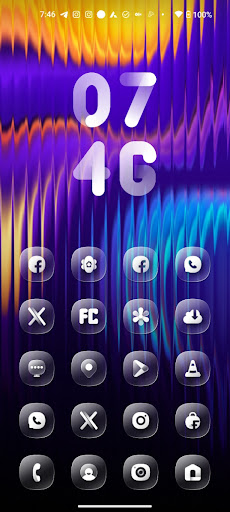
About this app
Developer Description
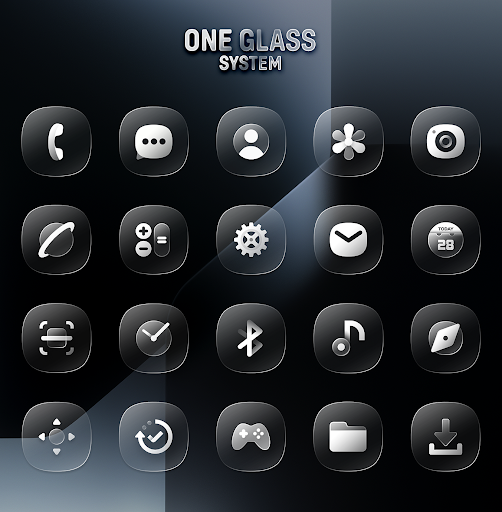
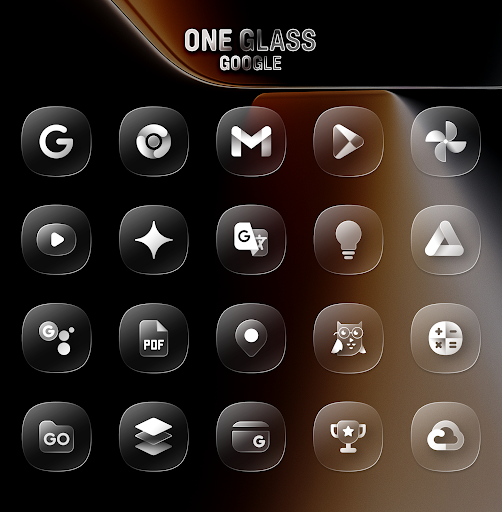
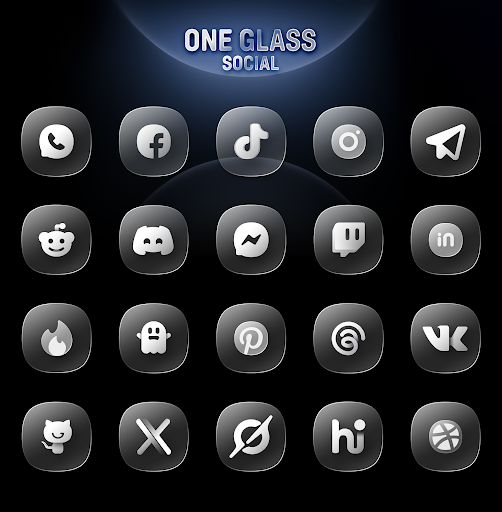
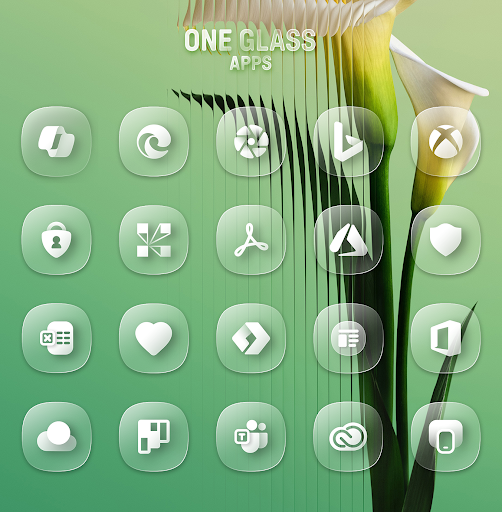
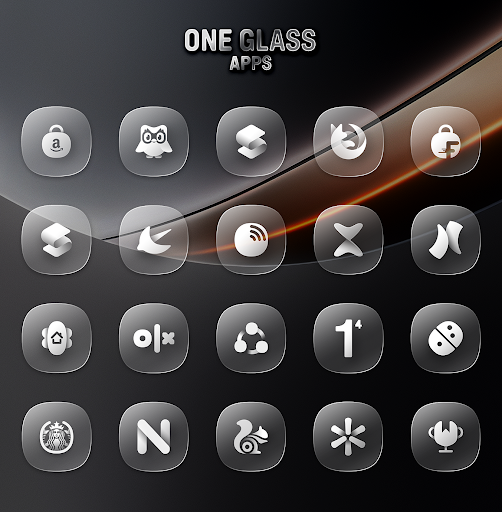
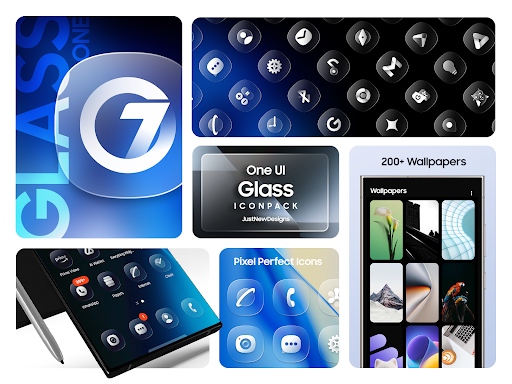
One UI Inspired Iconpack in Transparent Glass Style
Why Choose One 7 IconPack?
- 4000+ High-Quality Icons and Growing
- Matching Wallpapers
- Liquid Glass Design
- Frequent Updates with New Icons & Wallpapers
- Dynamic Calendar Support
- Easy-to-Use Dashboard
- Custom Folder & App Drawer Icons
- Icon Search & Preview Functionality
- And Many More
How to Apply One IconPack?
Install supported theme launcher.
Open One Glass IconPack, navigate to the Apply section, and select your launcher.
If your launcher isn’t listed, you can apply the icon pack from your launcher’s settings.
Extra Notes:
Some devices, including Nothing, OnePlus, and Poco, support icon packs without additional launchers.
Missing an icon?
Send an icon request, and I’ll do my best to include it in the next update!
What's New
• Initial Release with 4000+ Icons
Version Information
- Version
- 1.1.1
- Downloads
- 1K+
- Updated on
- Jul 5, 2025
- Released
- Jul 1, 2025
- Requires
- Android 5.0
Statistics
Google Play Rating History
Rating Distribution
Downloads Over Time
One UI Glass IconPack has been downloaded times. Over the past 30 days, it averaged downloads per day.
Shaded area shows 30-day prediction based on historical trends
Historical data collection started recently. More data points will be available over time.
One UI Glass IconPack users say on Google Play
 Abhinav Dhiman
Yo, this OneUI 7 Glass Icon pack is straight-up fire, giving my phone such a liquid glass, but OneUI vibe! Huge shoutout to the dev for the killer work...
 Rajudas Jadhav
super
 AtomicNuke4061
I'll change the review if I learn anything more but I'm using a Pixel 8 Pro. I tried using this and it said my launcher is incompatible without something called "Awesome Shortcuts" which I can't find literally anywhere. Not even an APK on Google.
 Shashank Shekhar
needs to be improved. icons not visible clearly, thus difficult to identify.
 Mohammad Nazir
Please refund my amount as after purchase i immediately clicked on refund as its not compatible with light mode on my mobile. After clicking on the refund it's showing as it can't refund the amount. lost my money. refund my money back 🙏🏼
ApkTrusted Ratings & Reviews
More from JustNewDesigns
See more apps
Dots Live Wallpaper - Battery
Paid

Depth Wallpapers & Live Clock
Free
Black Icon Pack
Paid
Crayon Adaptive IconPack
Paid

Dove Icon Pack
Paid
Dove Light : Icon Pack
Paid
Flora : Material Icon Pack
Paid
Dove Dark : Icon Pack
Paid
LineX Icon Pack
Paid

BOLT Icon Pack
Paid
Infinite Icon Pack
Paid
iLOOK Icon pack UX THEME
Paid

Crayon Icon Pack
Paid

LineX Adaptive IconPack
Paid

Adaptive You IconPack
Paid

Dots : Adaptive Icon pack
Paid
Similar Apps






Scan this QR code to download

Forwarding you to the page at Google Play market in seconds...
Open Google Play market now