Stopwatch + reading out loud vVARY
Yutaka Kenjo





About this app
Developer Description
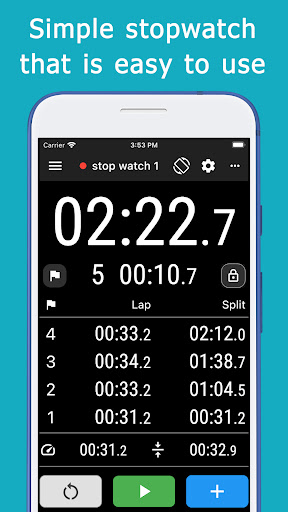
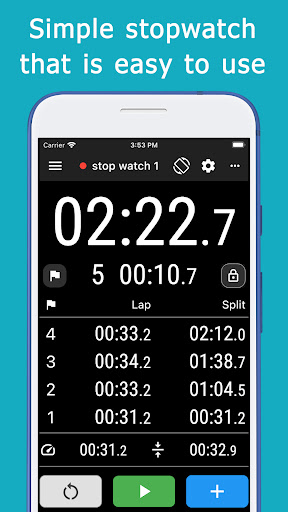
Stopwatch with readout function and ability to check past records
It can measure lap times and splits, making it suitable for sports applications.
You can check the fastest lap, average lap, etc. without switching screens.
Of course, it can also be used for various other purposes, such as measuring time for study or work.
The unit of seconds can be switched between 1 and 1/100.
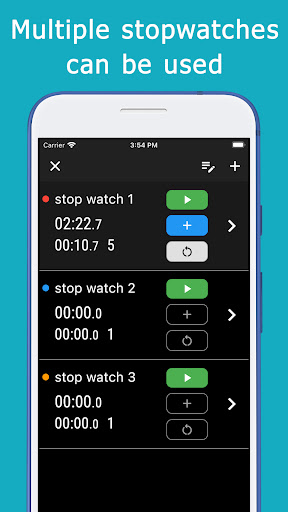
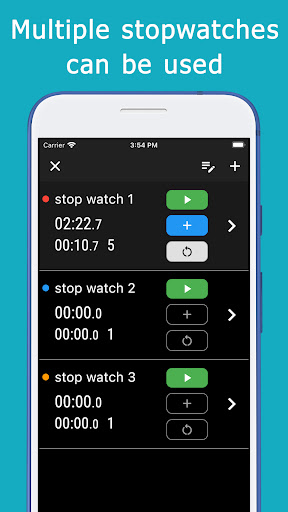
Multiple stopwatches can be created.
It is possible to measure with several stopwatches at the same time.
An unlimited number of stopwatches can be created.
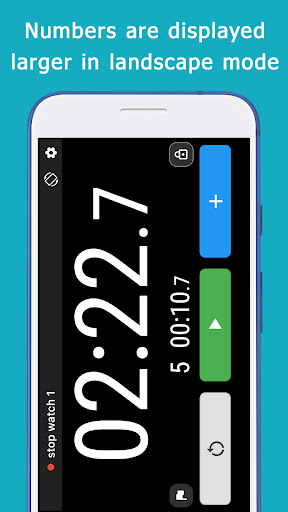
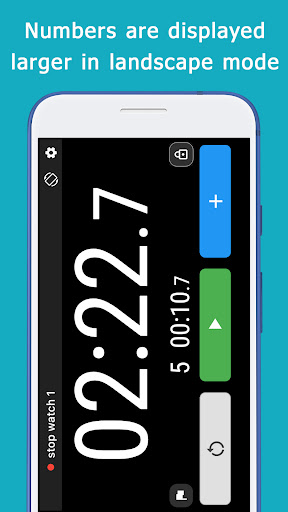
There is a button to turn the screen horizontally, and when used, the elapsed time can be checked in large numbers.
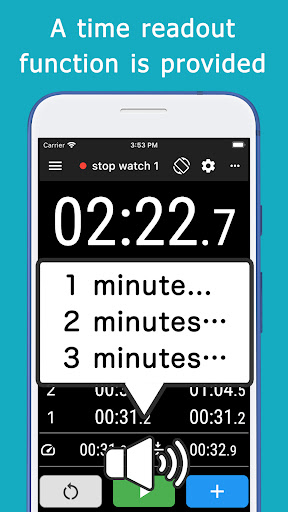
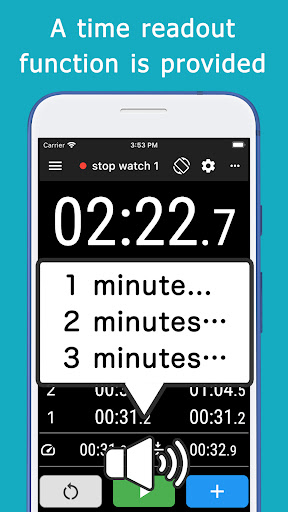
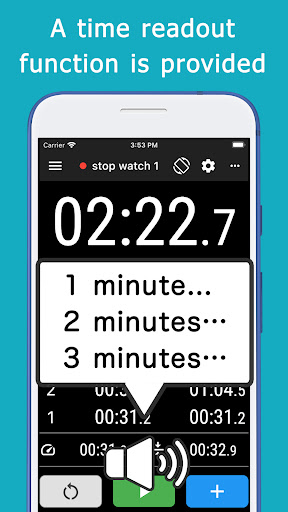
There is a readout function that allows you to hear the measured time audibly when you press the lap button or when you pause the watch.
It also has a function that automatically reads out the time at each specified cycle.
The cycle can be specified freely, such as 10 seconds or 1 minute.
This makes it convenient to know the elapsed time without having to look at the screen.
The panel that operates the readout function can also be displayed on the stopwatch screen.
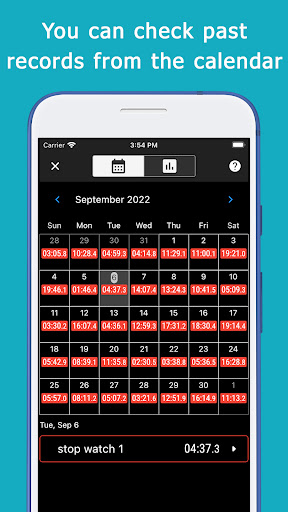
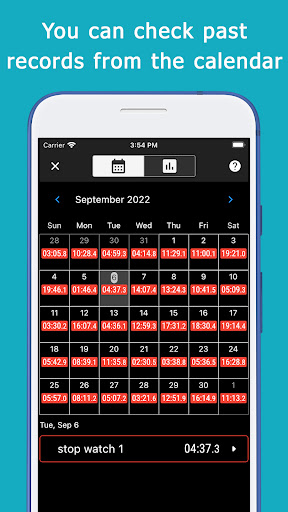
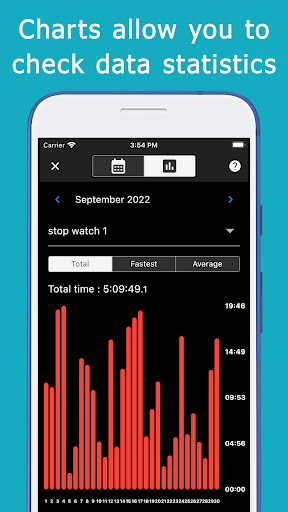
The system automatically saves the measured data, which can be viewed on two types of screens: a calendar and a chart.
There is an individual detailed data screen and a chart screen where you can check monthly totals.
These functions allow you to check activity records and recognize progress and changes.
The volume up and down buttons on the side of the device can be used to control the start/stop and lap ticking buttons.
This allows operation without looking at the screen, making it easy to use while on the move.
Combined with the voice readout function, this application can be used more conveniently.
A lock function is provided to prevent accidental operation when the device is placed in a pocket.
There is a function to count down before starting.
Three types of sounds can be selected when the buttons are operated.
The sound can also be turned off.
You can turn on/off the vibration when you operate the buttons.
The screen is set to not sleep while the application is in use, but this can be changed as well.
Version Information
- Version
- -
- Downloads
- 1K+
- Updated on
- -
- Released
- Oct 7, 2022
- Requires
- Android Varies with device
Statistics
Google Play Rating History
Rating Distribution
Downloads Over Time
Stopwatch + reading out loud has been downloaded times. Over the past 30 days, it averaged downloads per day.
Shaded area shows 30-day prediction based on historical trends
Historical data collection started recently. More data points will be available over time.
Stopwatch + reading out loud users say on Google Play
 Horacio Gild
It is a great app. Could you add the "add lap on stop" with the side button option? Plus add the "copy lap times data" option to export to a different application?
 Netflix Idm
Best because of history time
 Sillah Kids
📵 This optional app on 9 Feb 2024 because 'til last month.
ApkTrusted Ratings & Reviews
More from Yutaka Kenjo
See more apps

Scan this QR code to download

Forwarding you to the page at Google Play market in seconds...
Open Google Play market now