Time calculator+ v1.06
Yutaka Kenjo



About this app
Developer Description
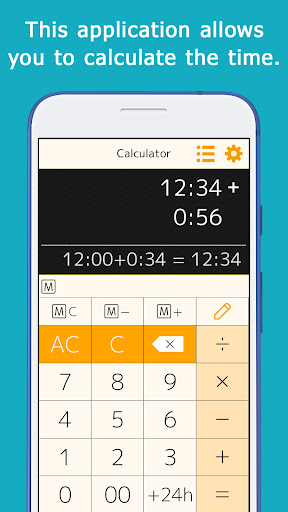
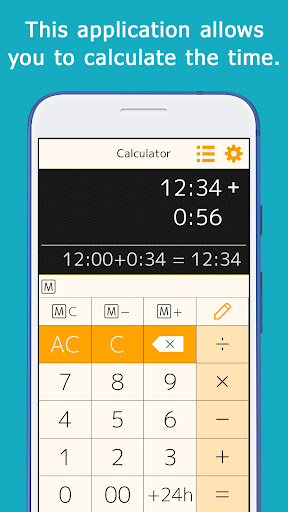
Can add, subtract, multiply, and divide time
You can calculate things like 1:30+0:50.
When you enter a number, ":" is automatically inserted to separate the hour and minute, so you can calculate quickly.
This is useful for calculating total work hours, time spent on daily errands, and travel time.
You can add, subtract, multiply, and divide.
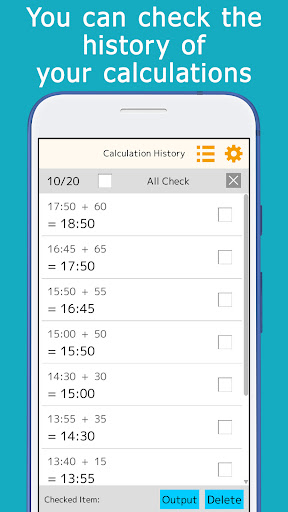
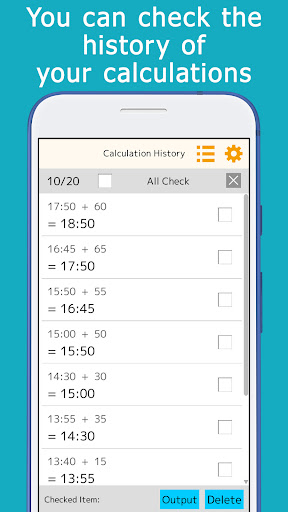
The calculation history is automatically saved, so you can check it later.
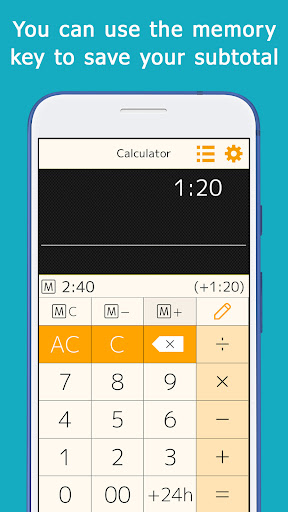
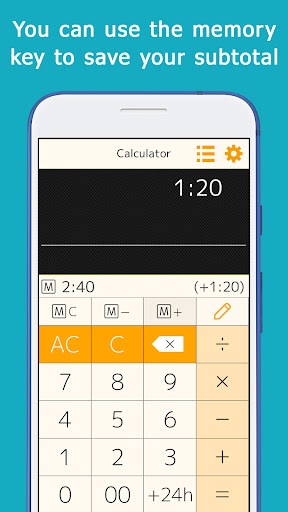
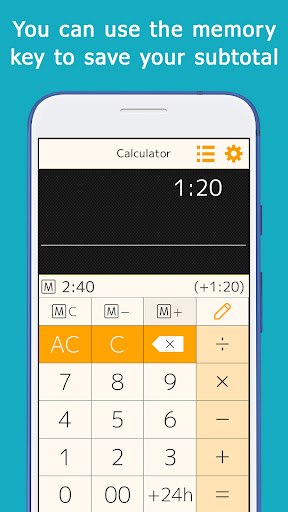
A memory key is provided, allowing you to save and add subtotals.
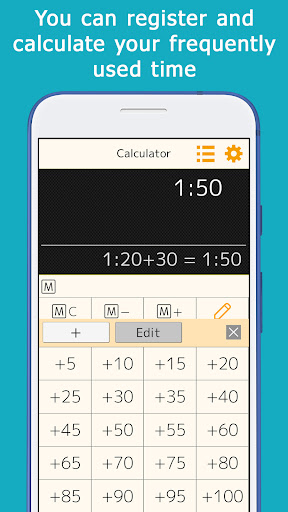
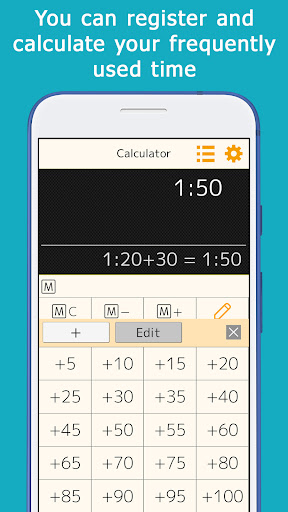
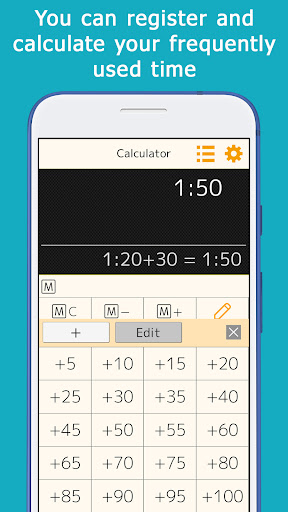
Minutes that are often used for calculations (15 minutes, 30 minutes, etc.) can be registered and used for one-touch addition.
A button to add 24 hours is provided for calculations when crossing days.
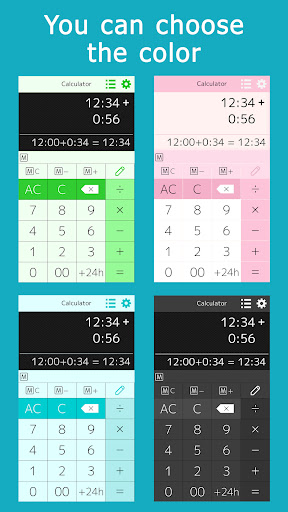
It comes in a variety of colors such as orange, green, cyan, pink, and black, and you can choose the one you like best.
[ List of functions ]
You can calculate hours and minutes, or minutes and seconds.
You can check the calculation history, and touch the answer displayed in the history to reuse it for calculations.
You can use the memory keys to save, add, and subtract subtotals.
By setting the preset keys, you can use the most frequently used time (minutes) for calculation with a single touch.
The color of the application can be selected.
This is the paid version without ads.
What's New
Version Information
- Version
- 1.06
- Downloads
- 1K+
- Updated on
- Oct 11, 2025
- Released
- Apr 28, 2022
- Requires
- Android 11
Statistics
Google Play Rating History
Rating Distribution
Downloads Over Time
Time calculator+ has been downloaded times. Over the past 30 days, it averaged downloads per day.
Shaded area shows 30-day prediction based on historical trends
Historical data collection started recently. More data points will be available over time.
Time calculator+ - Google Play Rankings
Top Rankings
| Rank | Country | Category | List | Change |
|---|---|---|---|---|
| — |
Ranking History in
No ranking data available yet. Rankings are updated daily.
#24 in Top Paid Productivity in Japan


#114 in Top Paid Productivity in Mexico


#114 in Top Paid Productivity in Egypt
#114 in Top Paid Productivity in Turkey
Time calculator+ users say on Google Play
 Iulian
Minutes and seconds option should be added. Apparently, currently only calculates hours and minutes.
 Shamith Chandran
good
ApkTrusted Ratings & Reviews
More from Yutaka Kenjo
See more apps


Similar Apps
Champ Scientific Calculator
Free

Tally Counter & Score Clicker
Free

CalcTape Calculator with Tape
Free
All in One Calculator
Free

OneCalc: All-in-one Calculator
Free

Progressive Pomo: Focus Timer
Paid
Scientific Calculator
Free
Smart Calc: Daily Calculator
Free

Scientific Calculator Pro
Paid
Calculator Pro: Calculator App
Free

MultiTimer: Multiple timers
Free

AI Vocabulary Builder - Vokab
Paid
Simple Calculator
Free

NEC Electrical Exam by Dakota
Free

GOLDEN Push-Ups Pushup Tracker
Free

Time Clock: Easy Tracker
Free
Scan this QR code to download

Forwarding you to the page at Google Play market in seconds...
Open Google Play market now