
Millimeter Pro - screen ruler vVARY
vistech.projects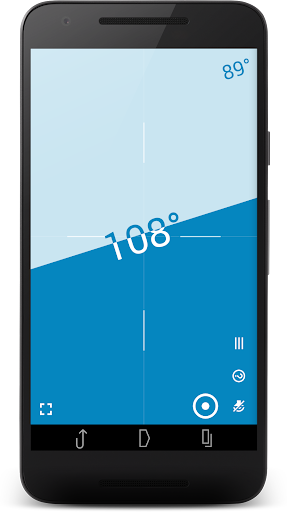



About this app
Developer Description
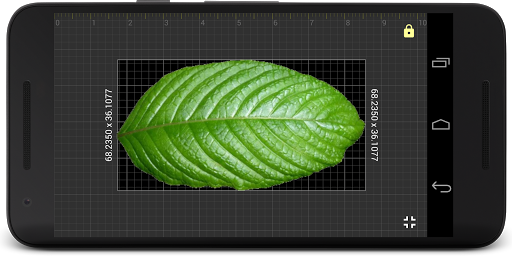
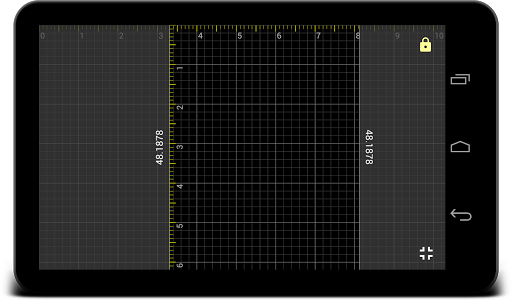
Accurate screen ruler to measure length, area, angle,TPI. Real full screen ruler
NO POP-UP ADS on your screen in the app unlike other free ruler apps on market. The best and real full-screen ruler.
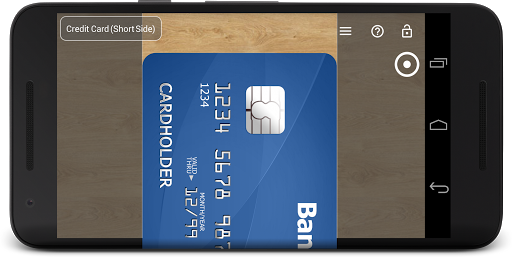
☛ ANY DEVICE can be calibrated for accurate measurements in Calibration Mode, where common standard objects (coins, credit cards, etc) can be used as a reference.
More about the app: goo.gl/aF9L9Q
Posts about the app: http://goo.gl/304nJB
📏 What you can do in Pro version:
- Calibrate Millimeter with custom or standard objects (💳)
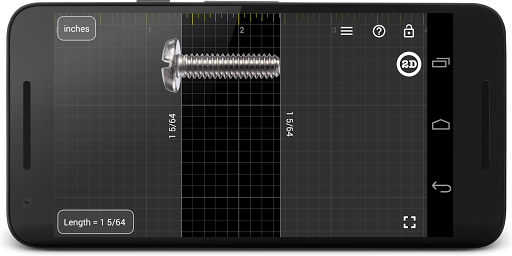
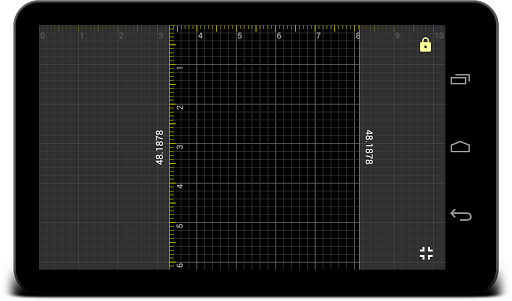
- Ruler Mode for measure in metric and imperial units: mm and inch
- Use fractions for inch units
- Use the app as a standard ruler
- Use full-screen mode for better user experience in Ruler mode
- Additional vertical ruler for 2D measurements (📐)
- Area measurement for 2D measurements (⬛)
- Calculate the W/H ratio of the rectangular objects in 2D
- Parts Mode to split length into equal parts
- Thread per inch ( TPI ) measurement pattern (🔩) in Parts mode (https://youtu.be/M1Qrbs2bgCY)
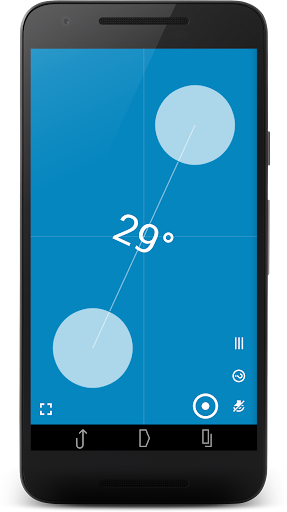
- Spirit/bubble level for checking incline or tilt angle 🔮
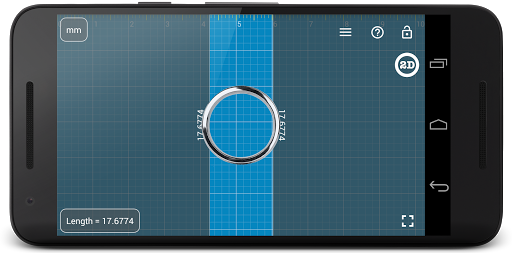
- Circle Mode to measure circular objects (🔴)
- Split circle into equal sectors
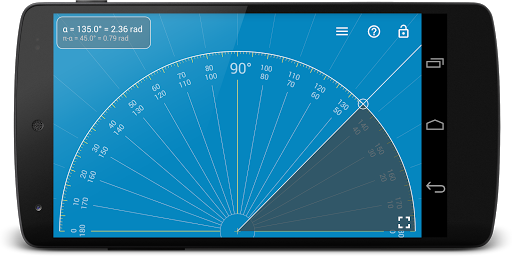
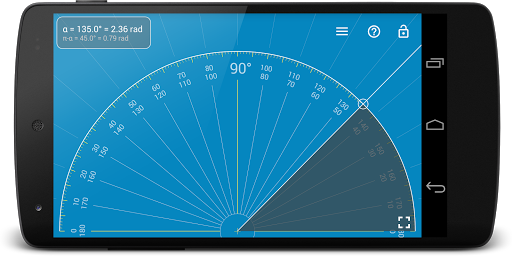
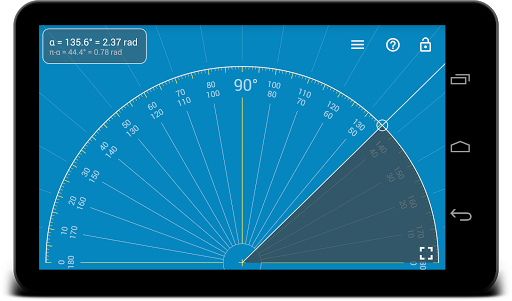
- Protractor / Goniometer Mode to measure angles (⚪)
- Lock / Unlock rulers in any mode for better usability (🔒)
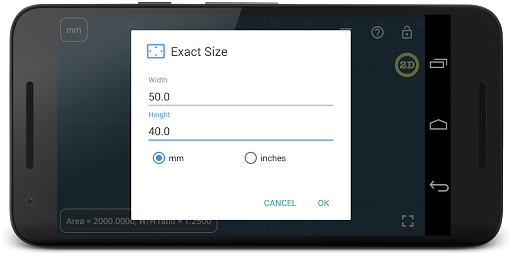
- Set exact size, length, diameter, number of parts manually with keyboard input (⌨)
- Change background to BW night mode for power saving (🔋) and better visualization (🌓)
- turn on/of the fine grid (1 mm for millimeter units)
- Read interactive Help / Guide about all available features in a mode
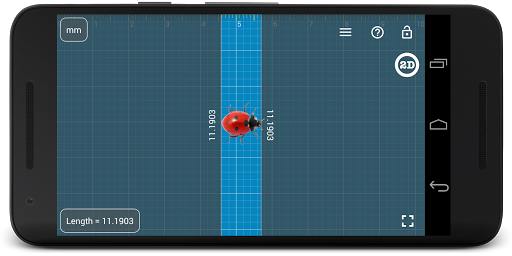
Use this screen ruler in different projects where you need to measure small objects that fit your screen: jewelry, rings 💍, screws and bolts, buttons and beads, nuts and washers, knitting pattern, insects, hooks, thread, etc.
Units: millimeter (mm), inch (in). Fractions are supported for inch units.
Supported languages:
- English, German, Russian, Japanese, and French.
☎ If you have any problems with the app on your device, please contact support@vistechprojects.com first and we will help you. Thank you.
VisTech.Projects Team.
Note:
measurement range limited by the size of your screen and with fine calibration, the app gives you accuracy comparable to a standard ruler or measure tape.
What's New
- fixes and improvements for new versions of Android
- snap to fractions option
- variable slide speed option (fast: top or right, slow: bottom or left)
- decimal grid in inches
v2.3.5
- fixes and improvements for new versions of Android
v2.3
- new Level feature
- fixes and improvements
v2.2 New features:
- Fine grid
- multi-touch support (for easy measurements when the object touches the screen)
- fixes and improvements
v2.1 - new Protractor Mode: https://goo.gl/wquu2s
Version Information
- Version
- -
- Downloads
- 100K+
- Updated on
- Sep 6, 2025
- Released
- Sep 25, 2012
- Requires
- Android Varies with device
Statistics
Google Play Rating History
Rating Distribution
Downloads Over Time
Millimeter Pro - screen ruler has been downloaded times. Over the past 30 days, it averaged downloads per day.
Shaded area shows 30-day prediction based on historical trends
Historical data collection started recently. More data points will be available over time.
Millimeter Pro - screen ruler - Google Play Rankings
Top Rankings
| Rank | Country | Category | List | Change |
|---|---|---|---|---|
| — |
Ranking History in
No ranking data available yet. Rankings are updated daily.
#22 in Top Paid Productivity in Japan


#29 in Top Paid Productivity in United Kingdom
#100 in Top Paid Productivity in India
 Verifica RCA Italia PRO
 FSWizard Pro Machinist Calc
#100 in Top Paid Productivity in Argentina
 Dashboard Screen Saver
Millimeter Pro - screen ruler
Dashboard Screen Saver
Millimeter Pro - screen ruler
Millimeter Pro - screen ruler users say on Google Play
 A Google user
Very very well put together. Minimalist and extremely user friendly. There's nothing I would change or add. Completely free of ads and privacy intrusions. This app should be part of every phone's toolset and I sincerely hope the developers keep the excellence flowing.
 Anne Knight
This app seems to be extremely accurate, but I do find it a little confusing to set up & use. I'm sure it will become easier as I use it more. The area function looks to be especially useful. Thanks. I consider it money very well spent.
 Brian Ciesicki
Honestly I bought it looking for a AR ruler. I didn't know what to call it until I saw more apps after I found it was unsufficient. I didn't know a "real life ruler" became a ruler. I thought it was a ruler replacement for real life. Honestly. After thinking about it, it might be handy to have a real world ruler as a secondary tool. Not handy as a mini-golf tournament runner. I need distances significantly over 10 cemtimeters.
 Lida “Boo” Blake
It kept asking me to place on level surface
 Steve Lewis
Wanted an app to measure everyday objects like furniture or shelves when out and about. This app will only measure items that literally fit on your sceeen. This may be fine if you only need to measure dolls house fittings but not too many uses otherwise. If you are a borrower then this the thing for you, but, if you are a tiny person relatively speaking carting around a mobile to measure your home its not at all practical. For normal size people a bit of a waste of £1.39.
ApkTrusted Ratings & Reviews
More from vistech.projects
See more apps
ColorMeter camera color picker
Paid

Millimeter - screen ruler app
Free
ColorMeter - color picker RGB
Free
Pupil Distance PD Meter Pro
Paid

Planimeter - GPS area measure
Free
Planimeter Area Measure Guide
Free
My Face Shape Meter and frames
Free

Planimeter GPS area measure
Free
Pupillary Distance Meter | PD
Free
Pupil Distance Meter | Custom
Free
Diskometer - camera measure
Paid
Shoe Size Meter and Converter
Free

Telemeter - camera measure
Paid

WHRMeter support version
Paid
Scan this QR code to download

Forwarding you to the page at Google Play market in seconds...
Open Google Play market now