Clipper+: Clipboard Manager v3.0.8
rojekti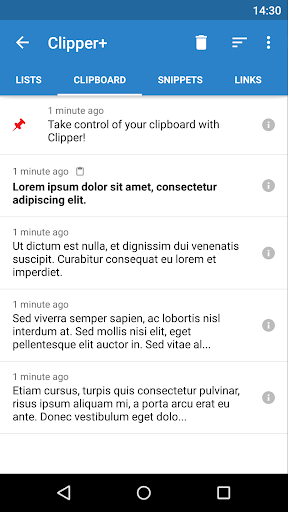
About this app
Developer Description
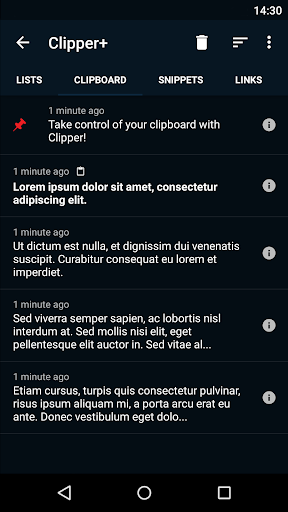
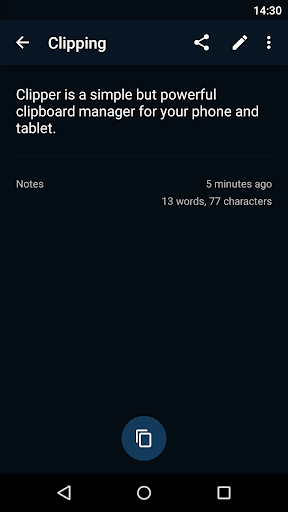
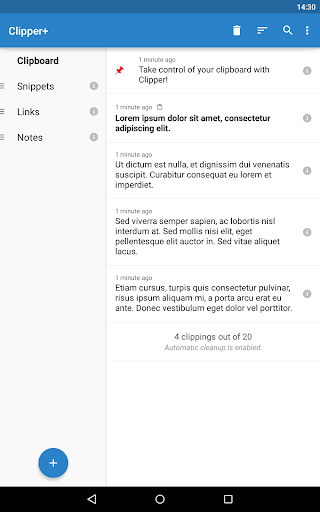
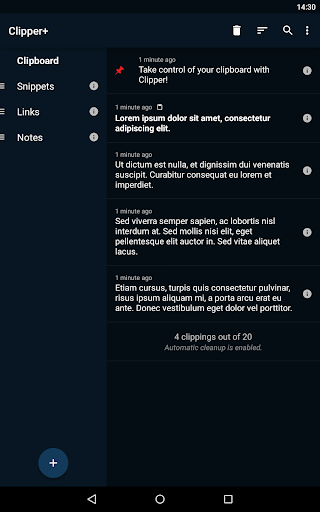
Take control of your clipboard with Clipper!
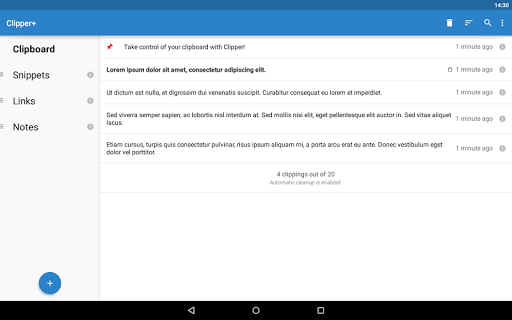
✔ Unlimited collected clippings. Keep more than the 20 newest clippings or disable automatic cleanup completely.
✔ Dynamic values. Place the current date and time in your custom snippets.
✔ Clipping search. Find what you’re looking for easily.
✔ New settings and options. Choose whether to collect each clipping manually, and more.
✔ No ads. Clipper Plus is completely ad free, and your purchase supports development.
And of course, all the base features of Clipper Free:
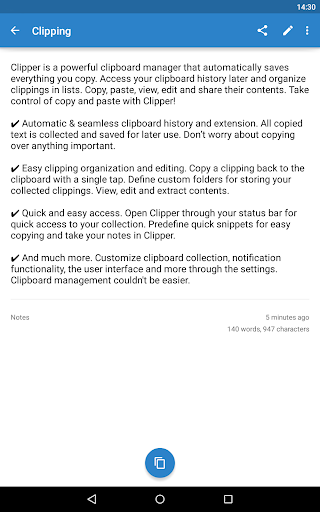
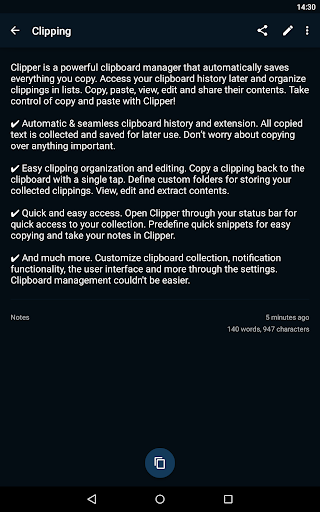
✔ Automatic & seamless clipboard history and extension. All copied text is collected and saved for later use. Don’t worry about copying over anything important.
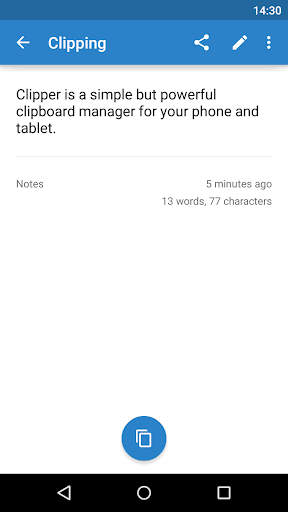
✔ Easy clipping organization and editing. Copy a clipping back to the clipboard with a single tap. Define custom folders for storing your collected clippings. View, edit and extract contents.
✔ Quick and easy access. Open Clipper through your status bar for quick access to your collection. Predefine quick snippets for easy copying and take your notes in Clipper.
Copy and Paste 2.0 is here!
(Upgrading from Clipper Free? Clipper Plus installs as a separate application, so start it after installation to migrate your data and uninstall the free version.)
If you need help or have any suggestions or complaints, please don’t hesitate to e-mail us at clipper@rojekti.fi. Your feedback is invaluable to us.
Used permissions:
✔ Photos/media/files: import & export backup functionality to internal storage or SD card
What's New
This update adds an Ukrainian translation and fixes bugs.
Version Information
- Version
- 3.0.8
- Downloads
- 50K+
- Updated on
- Jan 12, 2024
- Released
- Oct 29, 2010
- Requires
- Android 5.0
Statistics
Google Play Rating History
Rating Distribution
Downloads Over Time
Clipper+: Clipboard Manager has been downloaded times. Over the past 30 days, it averaged downloads per day.
Shaded area shows 30-day prediction based on historical trends
Historical data collection started recently. More data points will be available over time.
Clipper+: Clipboard Manager - Google Play Rankings
Top Rankings
| Rank | Country | Category | List | Change |
|---|---|---|---|---|
| — |
Ranking History in
No ranking data available yet. Rankings are updated daily.
#89 in Top Paid Productivity in United States

#20 in Top Paid Productivity in United Kingdom


#66 in Top Paid Productivity in Vietnam

#67 in Top Paid Productivity in Poland
Clipper+: Clipboard Manager users say on Google Play
 S Davi
It doesn't copy all clips due to changes Google made in (I believe) Android 12 and GBoard, and as for keeping a record/list of all recent clipboard activity it's useless. HOWEVER, it is extremely useful if you wish to create a set of messages you use on a regular basis that can easily be copied and pasted (for example: directions that you have to constantly inform people of; or a template you constantly use). I love the app and use it almost daily.
 Ybdigpn
I have been using this app many years. It was awesome until Google changed their policy and affected Clipper's function. Thanks for continuing updating this app. However, Clippers doesn't work properly since Android 12(or 13?). It couldn't detect my clipboard until I open it. But Clippers works in background as I have pined it at notification. If I need to open Clippers multiple times to record different pages of words. That's terrible. Please fix it to work properly.
 A Google user
Updated after years of being dormant. Who knew? Now it won't auto-start.
 Sean
Sean
I paid for the app but discovered it must be kept running in the background so it can grab the clips. Even this is a hit & miss, I need to keep checking all the clips are properly captured in Clipper. Finally, I tried to merge two clips in Clipper but it always ends up in the wrong order. The in-app tutorial is short and not helpful. This app has a very limited use case for me since the paste function is also controlled by Android.
 Alex Schamenek
I hate the update. There's no advanced search anymore. You can't find an entry with a word in the body. Only the subject. And it's super buggy. When I press the arrow back from inside a label, it takes me waaaay back to the clipboard. Fix these bugs and I'll fix my rating. Old review: This is one of the biggest reasons keeping me on Android. I couldn't live without it. It doesn't just keep track of my clipboard. It also gives me easy and quick access to a (mostly) organised set of notes.
ApkTrusted Ratings & Reviews
More from rojekti
See more apps
Similar Apps







Scan this QR code to download

Forwarding you to the page at Google Play market in seconds...
Open Google Play market now