
Screenshot Pro 2 v1.0
Kewitschka Apps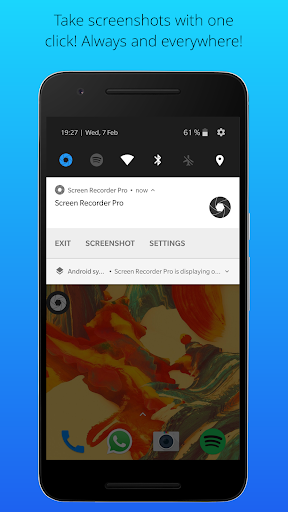



About this app
Developer Description
The most simplified tool to take screenshots and screen videos!
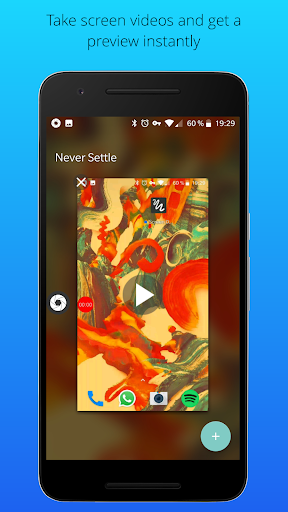
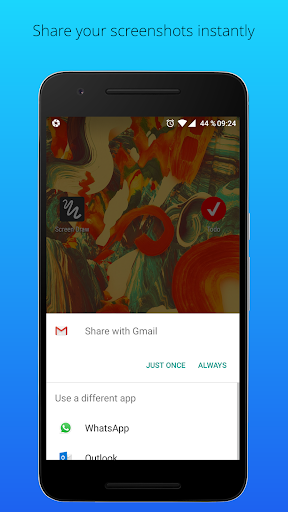
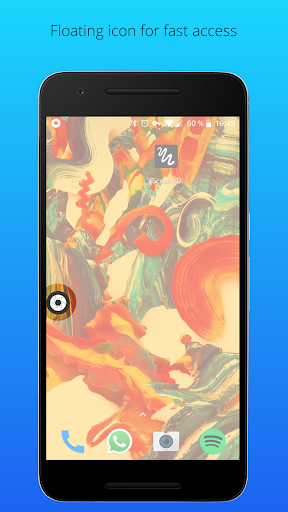
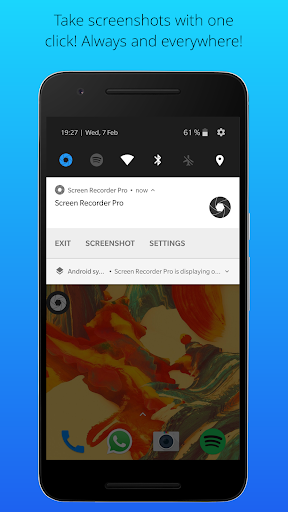
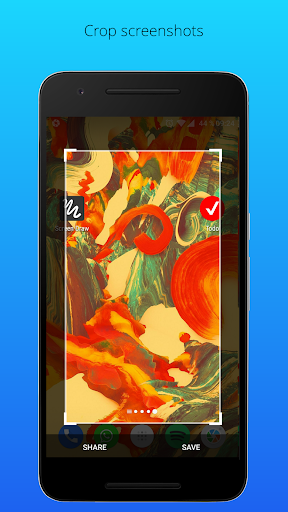
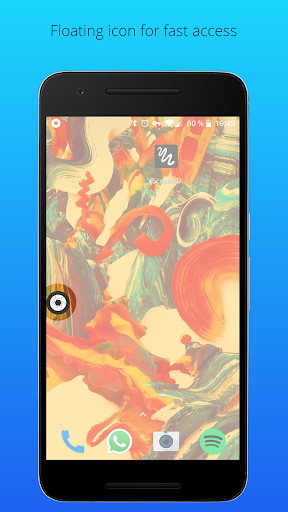
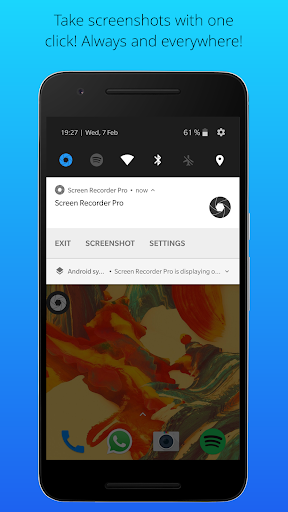
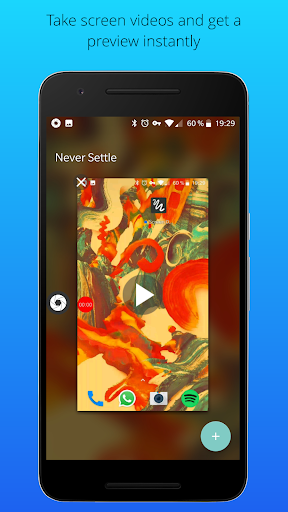
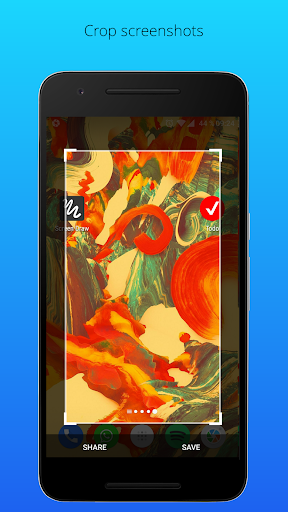
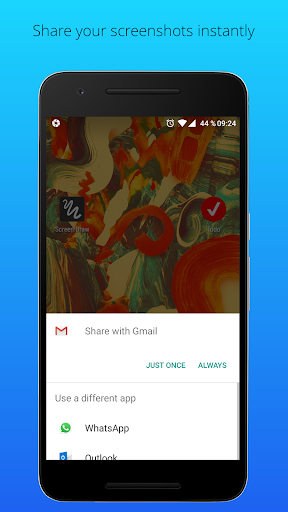
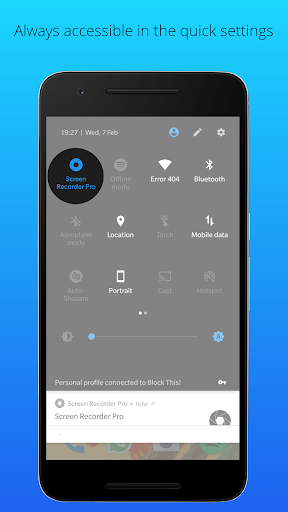
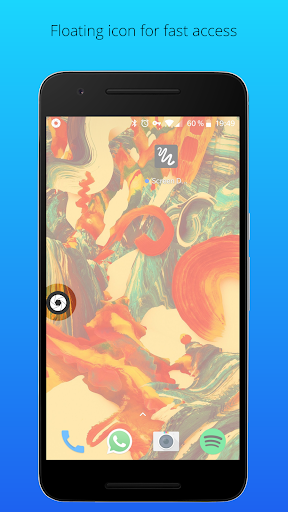
The times are over, where you had to trigger complicated key combinations just to take a screenshot or a screen video. With Screenshot Pro you can take screenshots and screen videos with just 1 click, share it with any app or crop it. Screenshot Pro is hided to the notification bar, once it is launched. That means it is always and everywhere accessible, no matter on which screens you are. You can also add a floating button to have it accessible even more quickly. By clicking on the button or the notification you can take screenshots or screen videos instantly. All screenshots and videos are stored in the gallery.
That's all! It is as easy as that!
• Screenshots and screen videos with just one click
• Floating icon
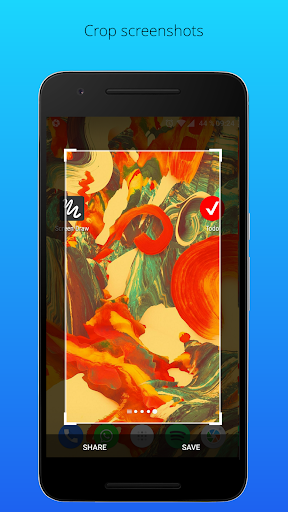
• Crop screenshots
• Share screenshots
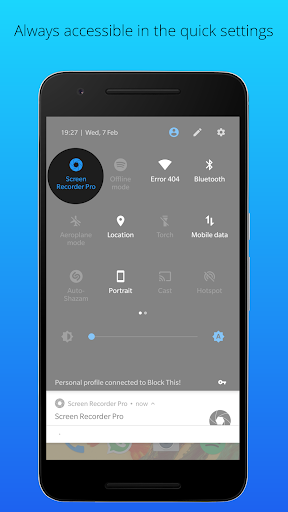
• Always and everywhere accessible
• Shortcut in quick settings (for Android 7.0 and larger)
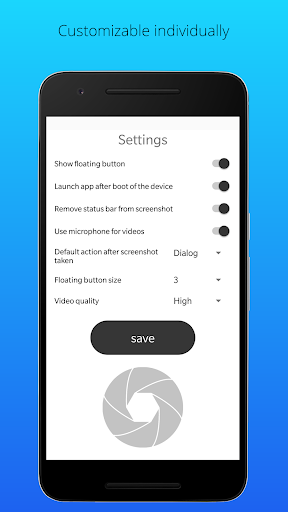
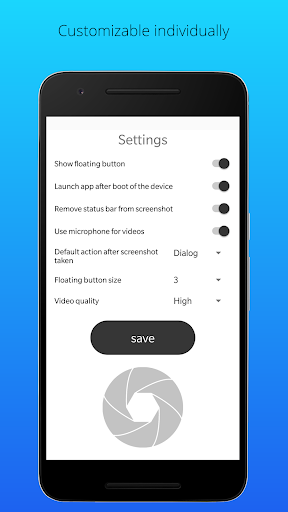
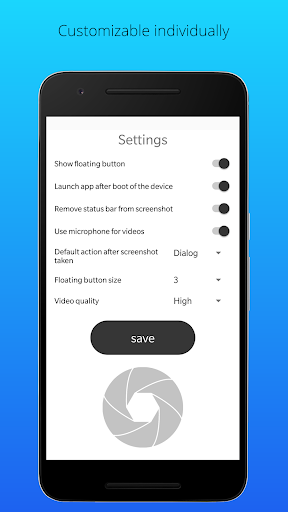
• Autostart after boot of device
• Delete status bar from screenshots
• Choose default action after screenshot taken
What's New
● Video function added
● Floating button size is adjustable
● Bugfixes
Version Information
- Version
- 1.0
- Downloads
- 100K+
- Updated on
- Feb 21, 2018
- Released
- Mar 28, 2017
- Requires
- Android 5.0
Statistics
Google Play Rating History
Rating Distribution
Downloads Over Time
Screenshot Pro 2 has been downloaded times. Over the past 30 days, it averaged downloads per day.
Shaded area shows 30-day prediction based on historical trends
Historical data collection started recently. More data points will be available over time.
Screenshot Pro 2 users say on Google Play
 A Google user
Appreciate that it eliminates having to use toggle buttons. Video capture (screen recording) update nice. Stable on Oreo but I always get two screenshots - one with a black vertical bar on right side, after cropping. Inconvenient that the notification panel dropdown hides the floating button. Always return to it because of its simplicity. Too bad it appears abandoned as it hasn't been updated in forever.
A Google user
A useful app. But would be better when screenshot is taken while watching videos for the "PLAY" button to not be visible in the middle of picture.
A Google user
Screenshot perfect, no video recording though. It creates empty files, (ps it has it's own folder in your internal memory, is where it saves files just use file manager) Tried everything, no video saving no matter what. Do make it work for 5 stars. Until then I'll have to stick with other apps like du recorder (which has annoying ads) Also users, note, access settings or exot app is in your notification bar. Debs please add option where you could launch settings by clicking app
 Sarbjit Singh
Not updated since 2018. Getting an alert on launch that this may not work properly.
 rsng frce
Not made for Android 10 and app keeps stopping. Obviously, not even worth having at the free sale price, let alone paying for it, LOL.
ApkTrusted Ratings & Reviews
More from Kewitschka Apps
See more apps






Scan this QR code to download

Forwarding you to the page at Google Play market in seconds...
Open Google Play market now