Always On Display Clock - AOD v4.1.0
Galaxy studio apps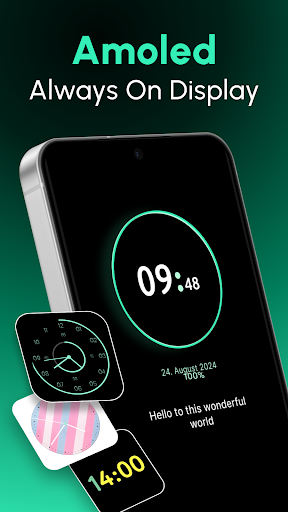





About this app
Developer Description
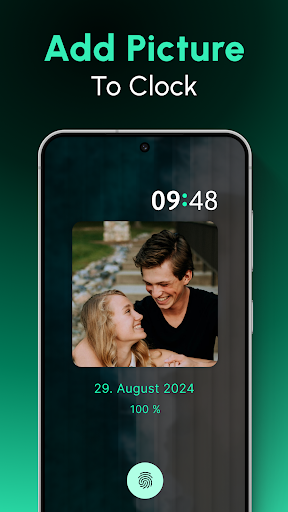
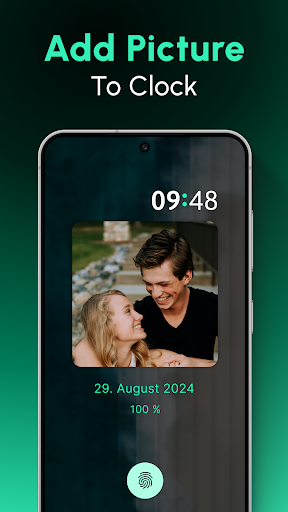
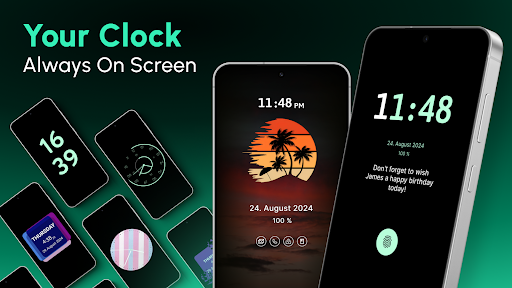
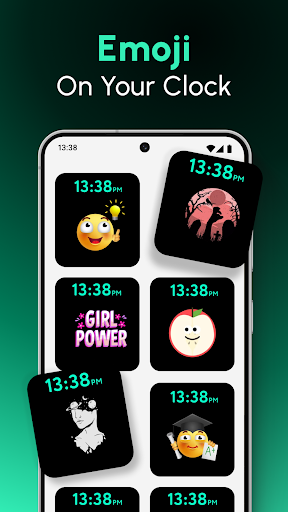
Always On Display Digital Clock, Analog Clock and Picture Clock
Always On Display Clock - AOD.
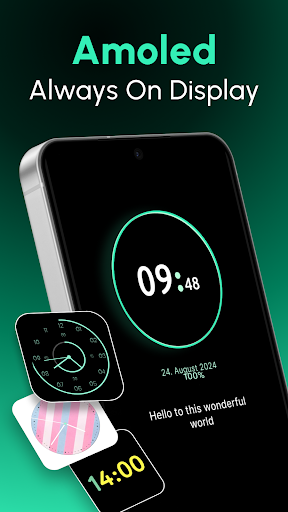
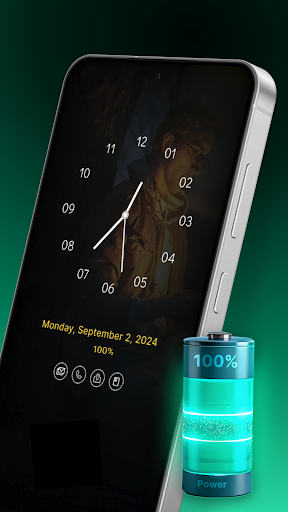
Only clock you will ever need on your device.The Always On Display Clock - AOD app will revolutionize your lock screen experience!
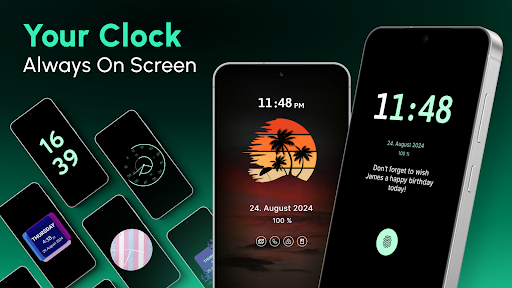
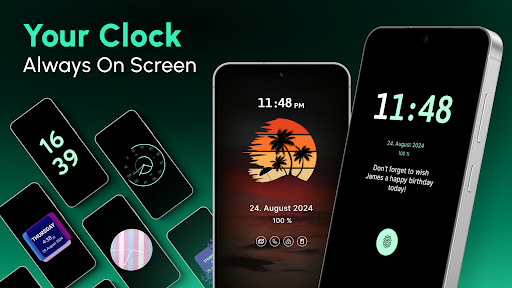
This always on display clock widget keeps everything you need on your display, even when your phone is idle. With a huge lock screen clock and customizable display features, you can now make your phone more efficient.
Choose Always On Display Clock - AOD!
The Always On Display is your assistant right on your lock screen. Whether charging your phone or sitting idle, this AOD digital clock app ensures you have all the information you need right when needed. The always on display clock brings convenience and style to your phone.
Key Features
⏰ Huge Lock Screen Clock
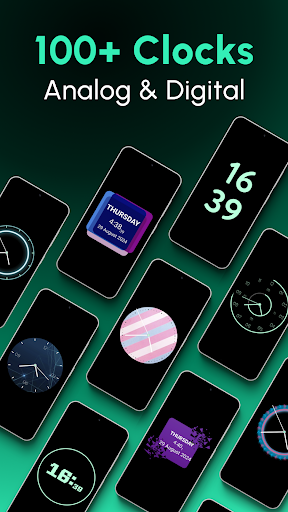
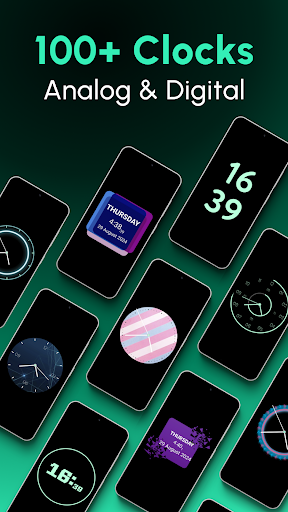
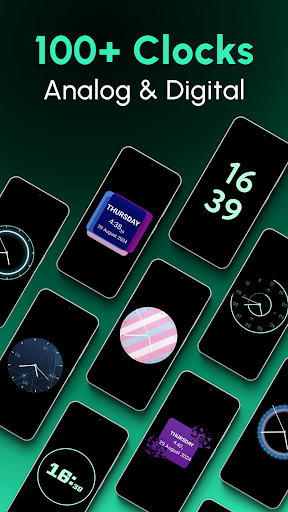
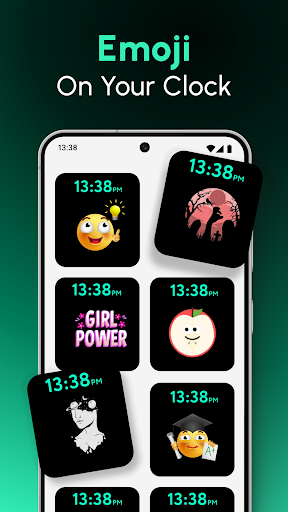
Enjoy a huge lock screen clock that’s easy to read at a glance. Choose from a variety of clock designs and make your phone truly yours.
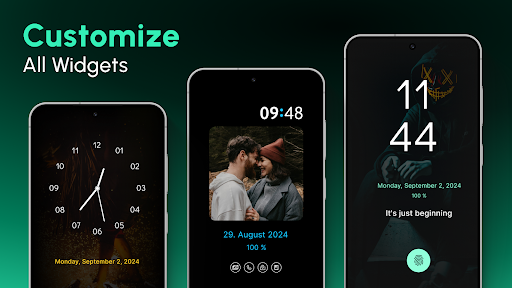
⏰Customizable Always On Display Clock Widget
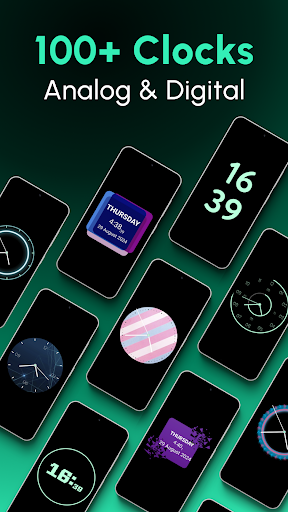
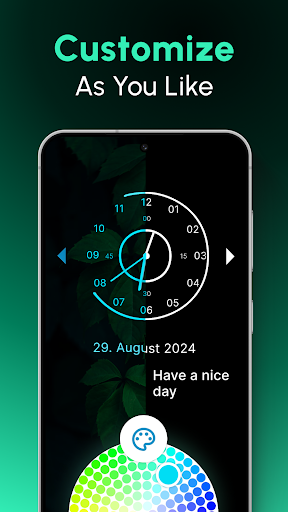
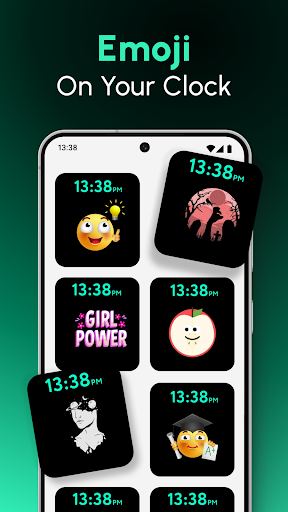
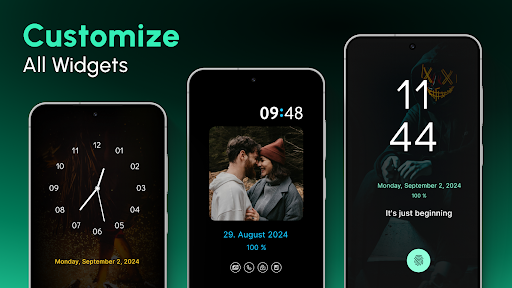
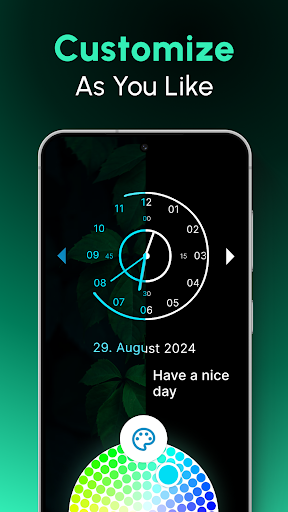
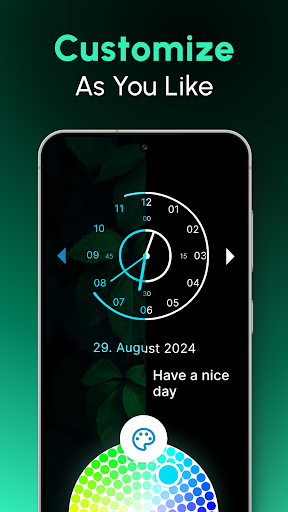
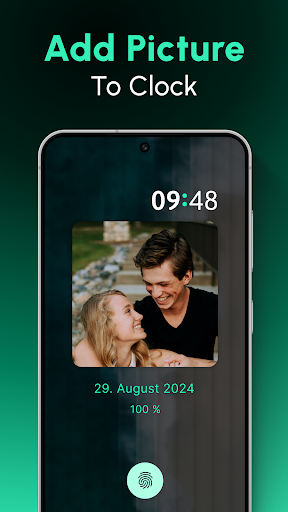
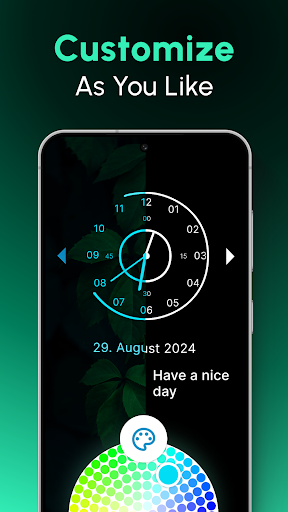
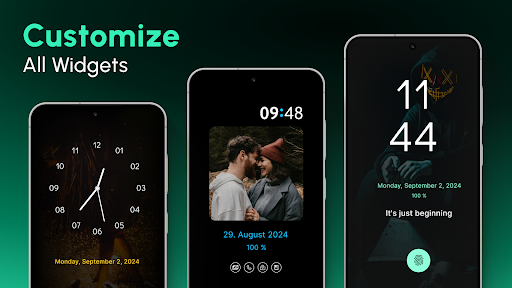
With the always on display clock widget, you can pick your favorite designs and personalize your screen to suit your style. Choose from digital or analog clocks and customize everything from the brightness to the size.
⏰AOD Digital Clock
The AOD digital clock is perfect for those who prefer a modern and sleek look. You’ll know the time, date, and essential notifications with a glance.
⏰Energy-Efficient Display
The always on display clock is designed to be highly energy-efficient.
⏰Choose When to Display
The Always On Display Clock gives you full control over when your display is active.
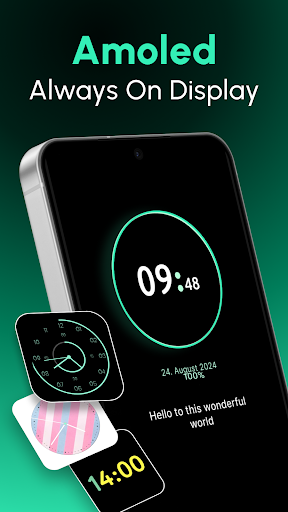
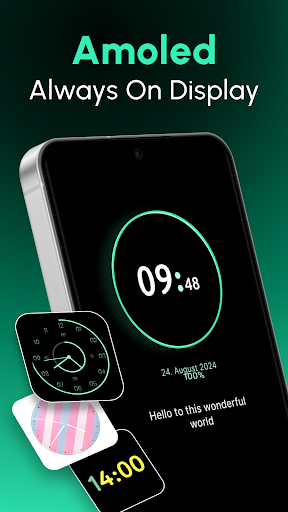
⏰Prevent AMOLED Burn-In
The always on display clock widget is smart enough to prevent screen burn-in on AMOLED displays.
Make the Most of the AOD Digital Clock!
🕰️ Personalize Your Clock
Use the huge lock screen clock to customize the way your phone looks. The always on display clock is entirely customizable to match your taste.
🕰️ Easy Access to Notifications
With the always on display app, all your alerts are in one place, so you don’t have to unlock your phone.
🕰️ Control Your Display Brightness
Whether it’s day or night, you can easily adjust the brightness of your AOD digital clock to match your environment.
🕰️ Live Clock Wallpapers
Take your customization even further by setting clock live wallpapers on your home or lock screen.
🕰️ Night Mode
The always on display clock also works as a night clock!
Additional Features:
Double Tap to Wake
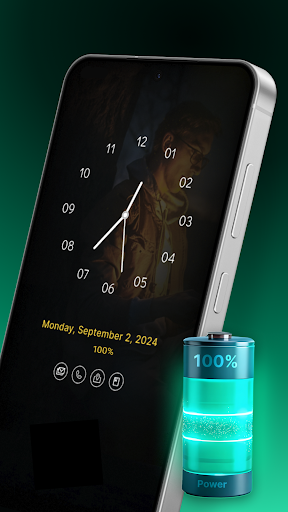
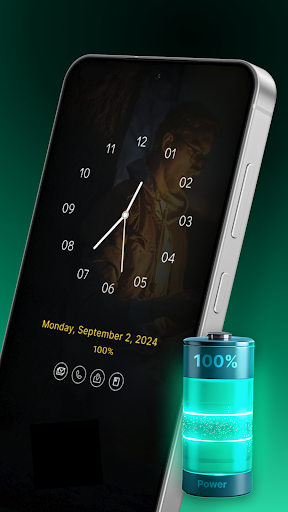
Display Battery Percentage
Memo Option
Calendar Clock
Clock Live Wallpaper
Setup and Use
Setting up your always on display clock is as simple as installing the app and choosing your preferences. Customize your huge lock screen clock, select when to display it, and enjoy!
Download Now!
Enhance your phone experience with the Always On Display Clock - AOD. Whether you want a huge lock screen clock to keep track of time or a sleek, always on display clock widget to manage notifications, this app has it all.
Download the AOD digital clock app today and transform how you use your phone!
In-app purchases
$0.99 - $99.99 per item
Version Information
- Version
- 4.1.0
- Downloads
- 1M+
- Updated on
- Sep 24, 2024
- Released
- Jun 27, 2023
- Requires
- Android 6.0
Statistics
Google Play Rating History
Rating Distribution
Downloads Over Time
Always On Display Clock - AOD has been downloaded times. Over the past 30 days, it averaged downloads per day.
Shaded area shows 30-day prediction based on historical trends
Historical data collection started recently. More data points will be available over time.
Always On Display Clock - AOD - Google Play Rankings
Top Rankings
| Rank | Country | Category | List | Change |
|---|---|---|---|---|
| — |
Ranking History in
No ranking data available yet. Rankings are updated daily.
#47 in Top Grossing Personalization in South Korea
Always On Display Clock - AOD users say on Google Play
 Tittu S
very good but at first it did not work because in redmi phones and other miui phones you have turn on show on lock screen edit works good👍
 David Adebayo
good but after a few minutes if you off the phone it won't display until you open the app
 Mati Ullah
this is so fantastic
 Prasad Kamath
doesn't open
 Balvir Singh
Why is this app crashing every time I open it?
ApkTrusted Ratings & Reviews
More from Galaxy studio apps
See more apps
Spell and Pronounce It Right
Free

Sweet Camera Selfie
Free
Album Cover Creator
Free

Text Art: Text on Photo
Free

ArtFonts: Stylish Text
Free

Credit Card : Wallet & NFC
Free

Hearing Sound Amplifier
Free

Sad GIFs - For Messages
Free
All Document Reader & Viewer
Free

Qzey: Simple Digital Clock
Free

App Lock Password & Lock Apps
Free

My Elevation: Altimeter App
Free

Cube 3D - Cube Puzzle
Free
Call Log Delete-Backup Restore
Free

Color Identification
Free

Area Calculator -Measuring App
Free
Scan this QR code to download

Forwarding you to the page at Google Play market in seconds...
Open Google Play market now