LEGO® MINDSTORMS® Inventor v10.5.0
LEGO System A/S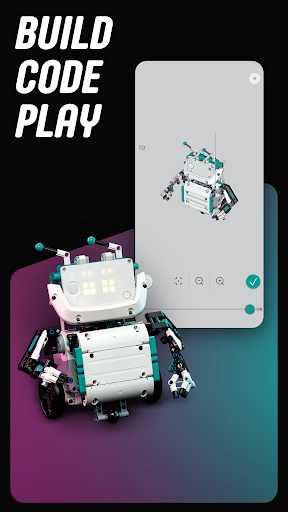


About this app
Developer Description
A companion app with building instructions for your Robot Inventor set
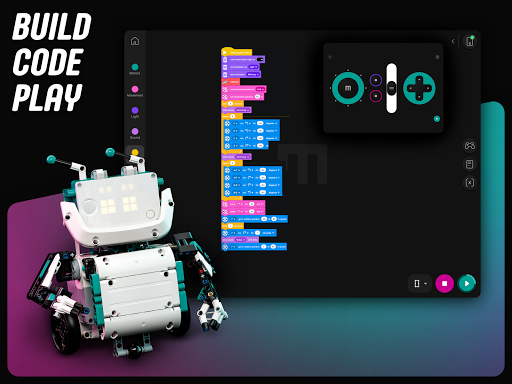
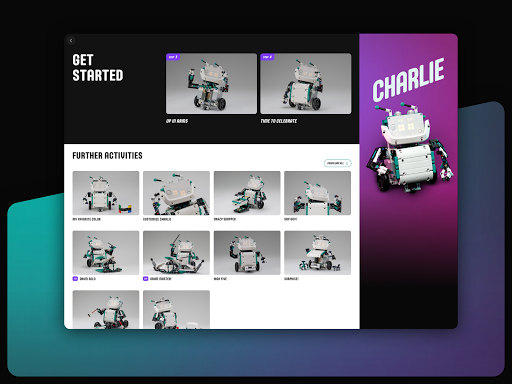
A fun build-and-play experience
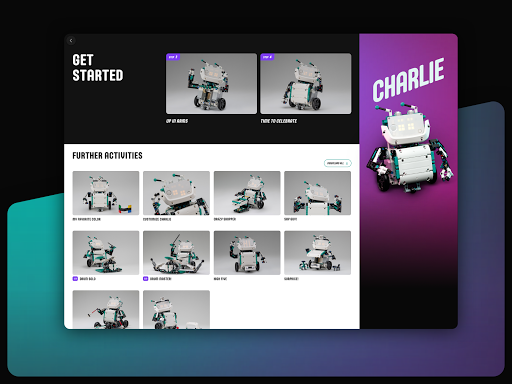
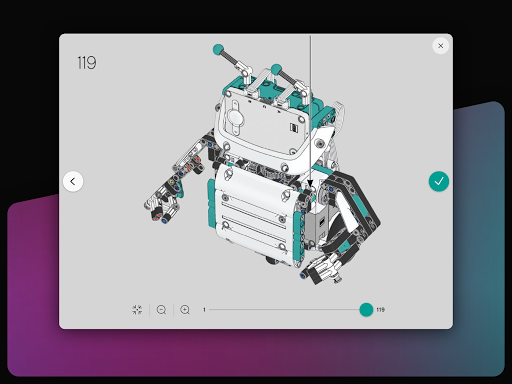
As you construct each robotic toy using the step-by-step building instructions in the app, you’ll complete a series of fun coding activities along the way. But if you prefer, you can also download a PDF version.
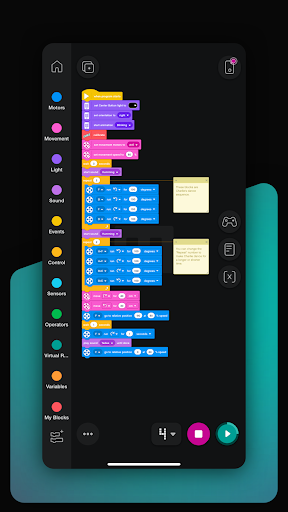
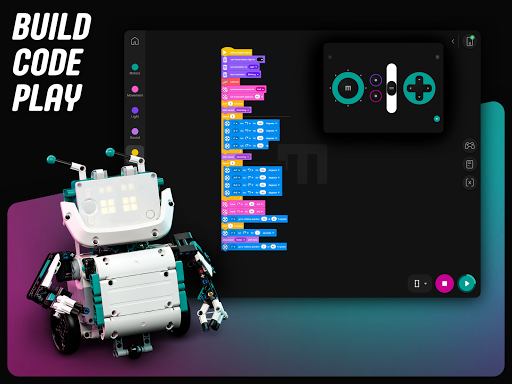
Coding, the fun way
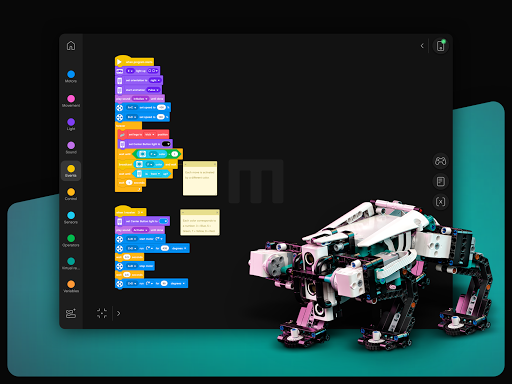
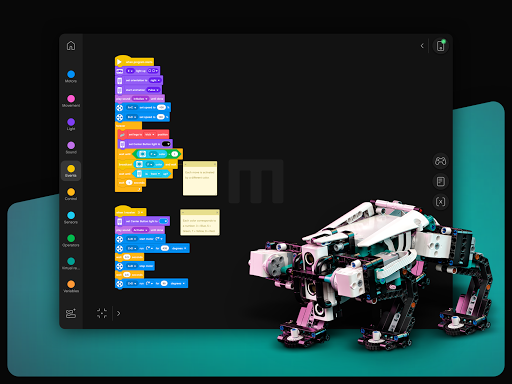
If you’ve ever used a visual coding environment, you’ll be right at home with the Robot Inventor App’s colourful drag-and-drop canvas based on Scratch. Each coding element is grouped into categories so you can quickly find what you’re looking for. As well as using the coding canvas to complete the 50+ activities included in the app, you can also code your own activities for an even greater challenge – or, if you’re a more advanced coder, you can also use Python.
Take control
The Robot Inventor App includes a remote-control feature so you can get your robot walking, dancing and firing with just a few taps! You can also customise it to create your own personalised controller.
Learn while you play
While you’re building, coding and playing with your robots, you’ll also be exploring, experimenting and learning.
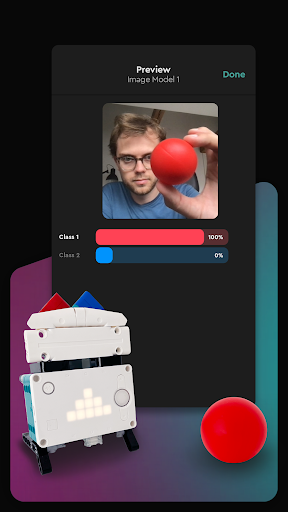
Advanced machine learning
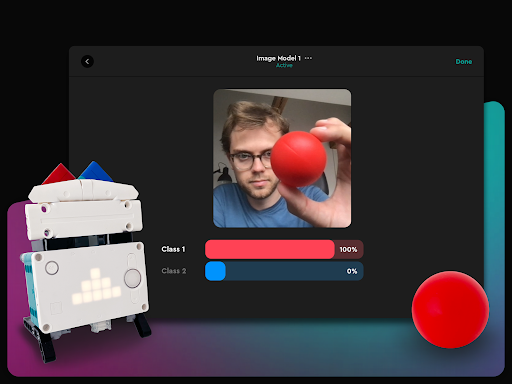
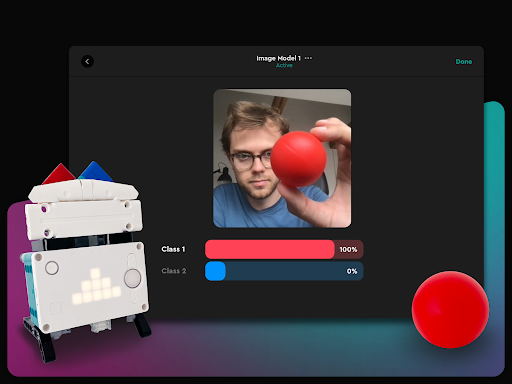
Using your device’s camera or microphone, you can train your models to recognise and react to objects and sounds… even your own voice!
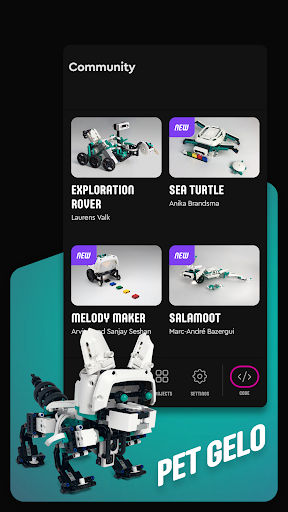
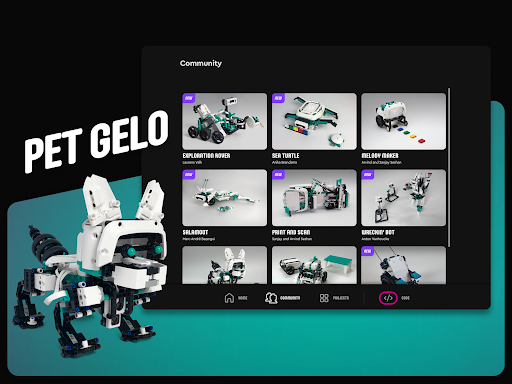
A community of fan models
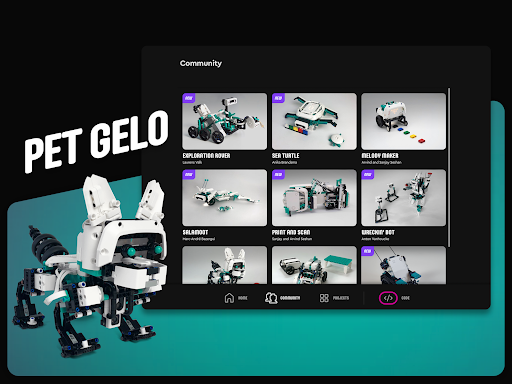
The Community section of the app lets you build and code a growing collection of fun models submitted by some of our fans.
Share your cool creation
If you’ve designed and built your own amazing robot, you can take a photo of it and upload it to LEGO Life for everyone to see. You can also get loads more inspiration from what others have created.
Key Features:
Intuitive drag-and-drop coding interface based on Scratch
50+ fun and challenging activities for beginners and more advanced users
Machine learning with advanced object and sound recognition
Community section with fan models and inspiration
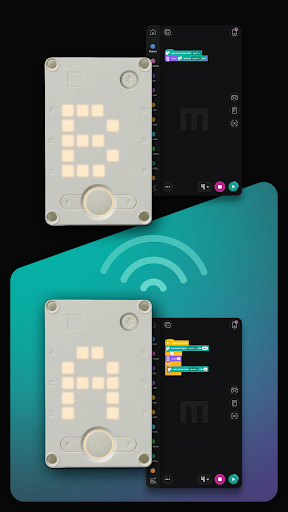
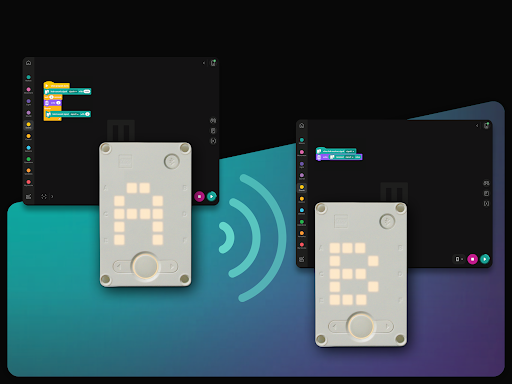
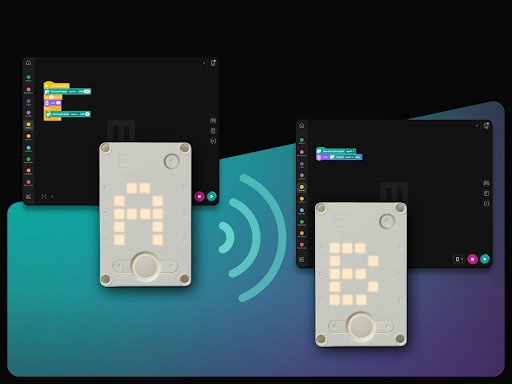
Hub to hub connection for extended play possibilities
Help Centre with lots of tips for learning and exploring
Text-based Python coding for more advanced users
Bluetooth connectivity for wireless communication
Remote control for instant action
Consistent experience across iOS, macOS, Android and Windows
Digital building instructions included in the app
Kids gain STEM skills through playful learning
IMPORTANT:
This is not a stand-alone app. It’s used to build and code interactive LEGO robot toys included with the LEGO MINDSTORMS Robot Inventor (51515) set.
To check whether your device is compatible with the Robot Inventor 51515 set and Robot Inventor App, visit www.lego.com/service/device-guide.
LEARN MORE:
For more information about LEGO MINDSTORMS Robot Inventor, visit www.LEGO.com/themes/MINDSTORMS/about.
For app support, contact LEGO Consumer Service at service.LEGO.com/contactus.
LEGO, the LEGO logo, the Minifigure, MINDSTORMS and the MINDSTORMS logo are trademarks and/or copyrights of the LEGO Group. ©2022 The LEGO Group. All rights reserved.
What's New
There is a new firmware available for your Hub!
Version Information
- Version
- 10.5.0
- Downloads
- 100K+
- Updated on
- Dec 7, 2022
- Released
- Oct 7, 2020
- Requires
- Android 7.0
Statistics
Google Play Rating History
Rating Distribution
Downloads Over Time
LEGO® MINDSTORMS® Inventor has been downloaded times. Over the past 30 days, it averaged downloads per day.
Shaded area shows 30-day prediction based on historical trends
Historical data collection started recently. More data points will be available over time.
LEGO® MINDSTORMS® Inventor users say on Google Play
 NSPG 911
Really easy to code. Scratch Programming Blocks makes it easier to program as many kinds da are familiar. Been using this app for a year and no problems! However, the community tab is not like it's name. I would much rather have the tab to be able to share videos of self created robots. To prevent unnecessary videos, maybe implement an Admin Check
 Rylan
Rylan
It does not have an option to change the name of a project upon creation, you have to save it and then go back and change the name. It would also be nice to be able to add photos to project thumbnails but it does not need that. Also you can only have 2 motors on movement mode, I use 4 in some situations but can't with the movement blocks.
 Steven
Mixed Feelings about this app. You can do a lot with it, but am looking for options such as "save as" to make a copy of a project and there just doesn't seem to be a way? So missing some crucial features to just be able to manage the basics.
 Aaron Levisohn
Like so many people trying to get the Bluetooth to connect, this is an absolutely horrendous experience. It took over an hour to finally update the Hub using two different Android devices. And now it wants us to update the motors, but we can't even open the video that we're directed to to begin the process. Big fail Lego. We're huge fans of Lego but maybe they need to step out of the robotics ring for a while until they can get their *stuff* together.
 Ziggy Henrich
We've been trying the LEGO Spikes recently. We've been going for a week and have had several technical problems. The hub has trouble connecting. Some devices have more features than others, and we've had anywhere from 0-2 updates per hub, per device, per day (no they do not add the missing features), these updates can take most of class; sometimes these updates will finish up completely before giving an error and restaring. I don't know the root cause, but I hope the Spikes can be used in class.
ApkTrusted Ratings & Reviews
More from LEGO System A/S
See more apps



Similar Apps



Scan this QR code to download

Forwarding you to the page at Google Play market in seconds...
Open Google Play market now