
Merge Labs Isometric 6 vVARY
Merge Labs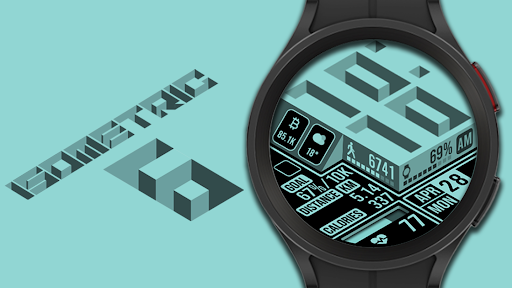

About this app
Developer Description
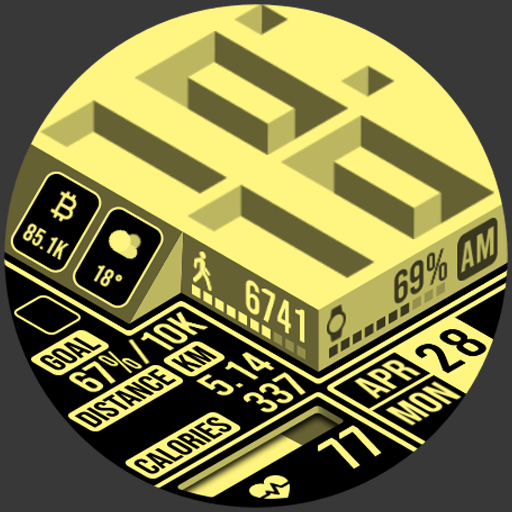
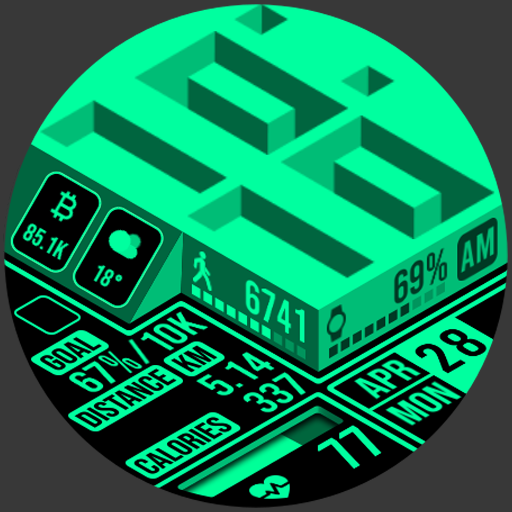
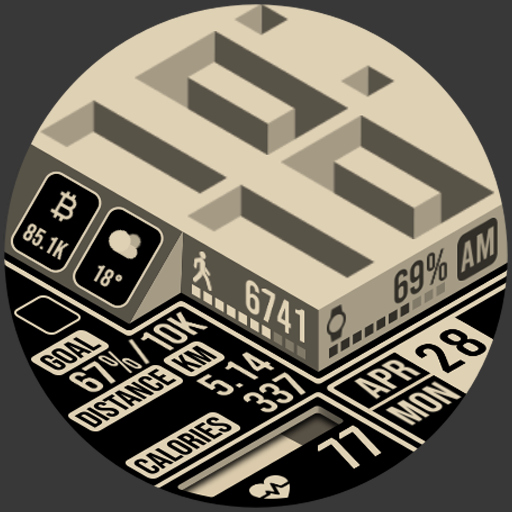
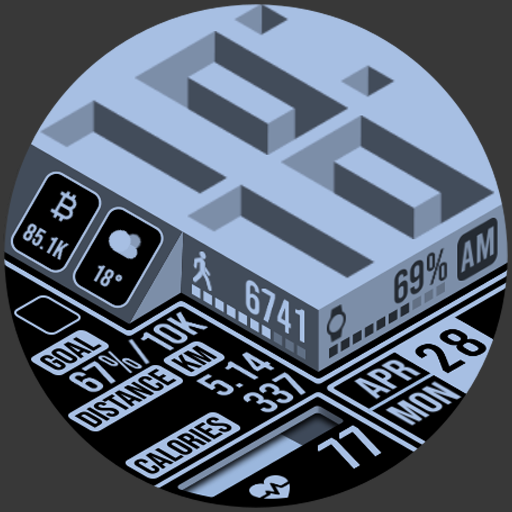
A uniquely designed isometric digital watch face made for Wear OS
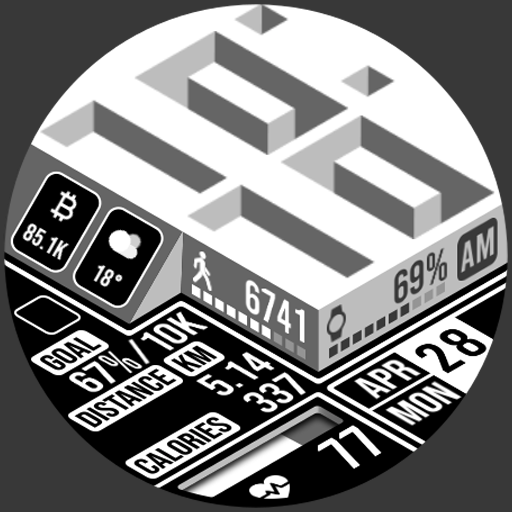
This Isometric watch incorporates Isometric design into the typical items such as heart rate, steps, and battery power that you see on any other face but in an utterly different style.
Features include:
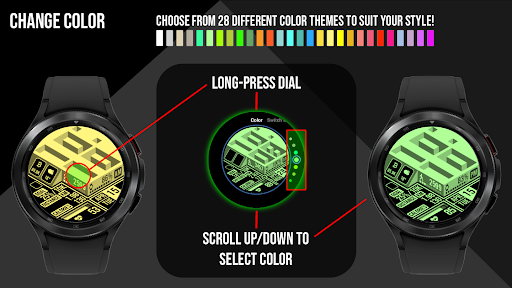
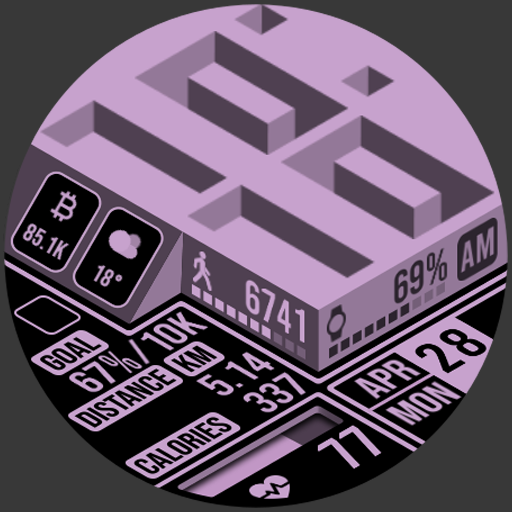
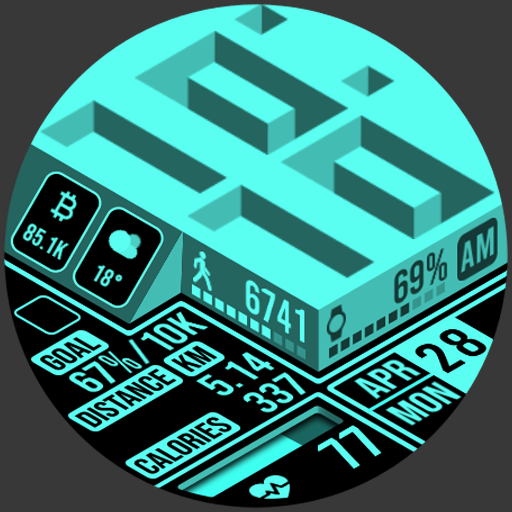
* 28 different color combinations to choose from.
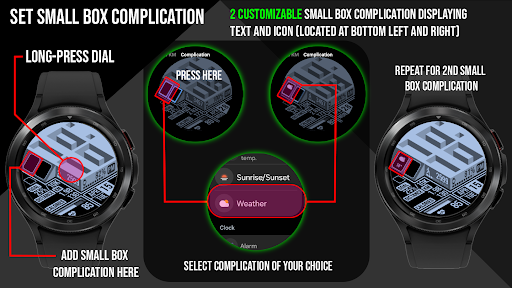
* 2 customizable Small Box Complications allowing the addition of the information you want to be displayed. (Text+Icon).
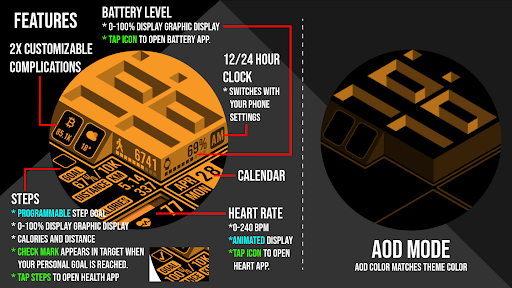
* Displayed numerical watch battery level as well as graphic indicator (0-100%). Tap the battery icon to open the watch battery App.
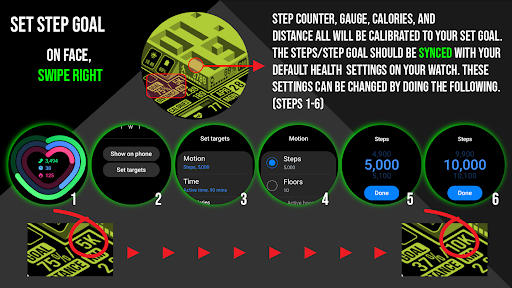
* Displays daily step counter with graphic indicator. Step goal is Synced with your device through Samsung Health App or default health app. The graphic indicator will stop at your synced step goal but the actual numeric step counter will continue to count steps all the way up to 50,000 steps. To set/change your step goal, please refer to the instructions (image) in the description. Also displayed along with step count is calories burned and distance travelled in KM or Miles. A green check mark will be displayed to denote that step goal has been reached. (see instructions for complete details)
* Displayed numerical daily steps level as well as an incremental step path graphical indicator (0-100%). When step path reaches 100%, a green checkmark will appear over the target. Tap area to launch your default health app.
* Displays heart rate (BPM) with heart rate animation that increases and decreases in speed according to your heart rate. Tap the heart rate area to launch your default Heart Rate App.
* Displays day of the week, date, and month. Tap area to open calendar App.
* Displays 12/24 HR clock according to your device's settings.
* Displays KM/Miles function that can be set in the “Customize” Watch Menu.
* AOD color is according to your selected theme color.
Made for Wear OS
What's New
Details:
- In customize: Blinking colon On/Off
- Complications turned on! Sorry, my bad.
- Fixed 1.1.2 no tap action on steps issue
Version Information
- Version
- -
- Downloads
- 100+
- Updated on
- Aug 10, 2025
- Released
- Apr 17, 2025
- Requires
- Android Varies with device
Statistics
Google Play Rating History
Rating Distribution
Downloads Over Time
Merge Labs Isometric 6 has been downloaded times. Over the past 30 days, it averaged downloads per day.
Shaded area shows 30-day prediction based on historical trends
Historical data collection started recently. More data points will be available over time.
Merge Labs Isometric 6 users say on Google Play
 Etienne Willemse
Just 1 amazing looking watch face. A absolute masterpiece . A must have in collection . thank you so much
 Brendan
Good design but complication troubles - unsure of how to change the two custom complications as tapping them doesn't do anything
 R_ Ezra
make the "1" and "7" different. should be pretty easy to do.
 Michael Kury
can't set the additional items long press juts takes you face selection
ApkTrusted Ratings & Reviews
More from Merge Labs
See more apps
Merge Labs Isometric 1
Paid

Merge Labs Prizm Dark
Free
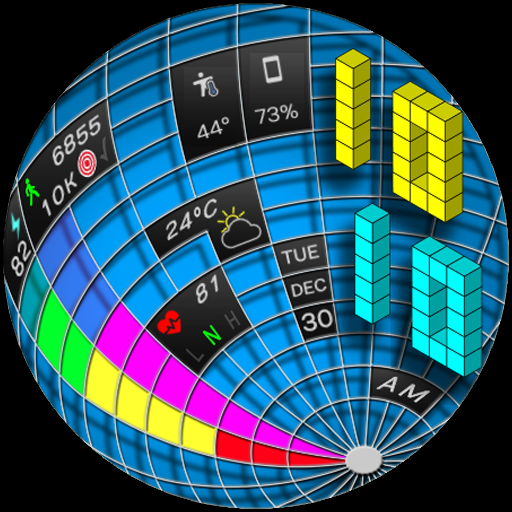
Merge Labs Gridlocked
Paid

Merge Labs GTO
Free

Merge Labs Apogee
Paid

Merge Labs Duality
Free

Merge Labs Exhibition
Paid

Merge Labs Fluid
Free

Merge Labs Apex Simple
Free

Merge Labs Apex Simple BMF
Free
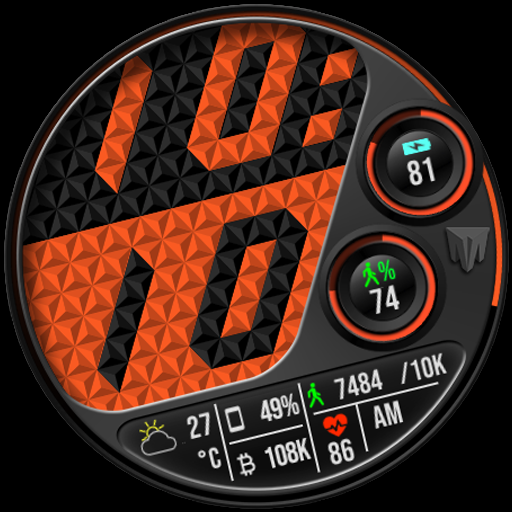
Merge Labs Imperial
Paid

Merge Labs Apex Combi 1
Free
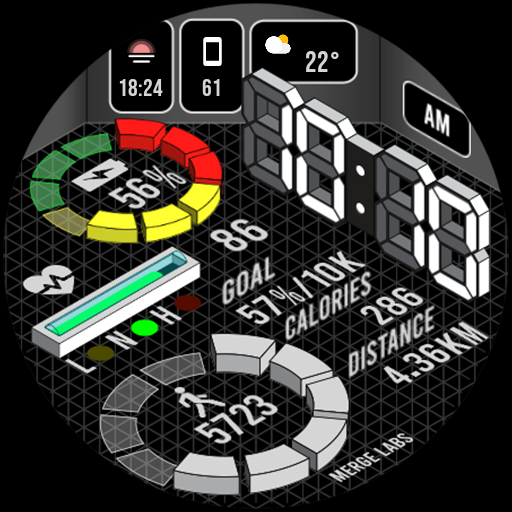
Merge Labs Isometric 4
Paid

Merge Labs Isometric 5
Paid
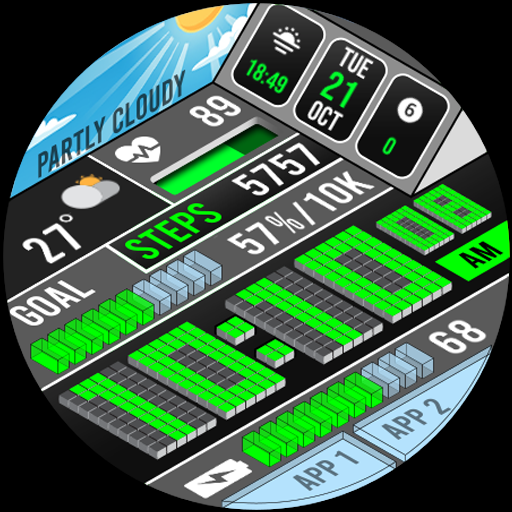
Merge Labs Isometric 9 Weather
Paid

Merge Labs Isometric City
Paid
Similar Apps

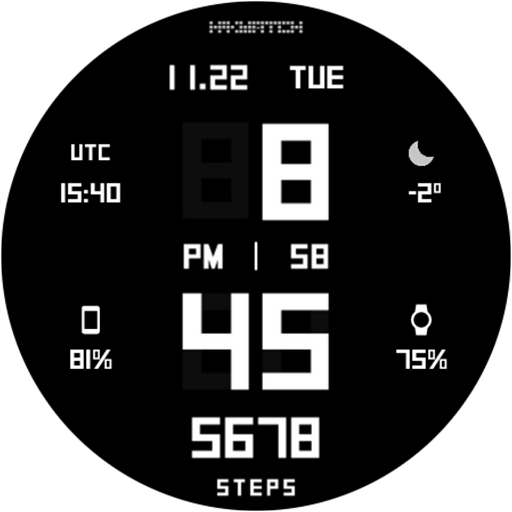
HMKWatch Digital 098
Free
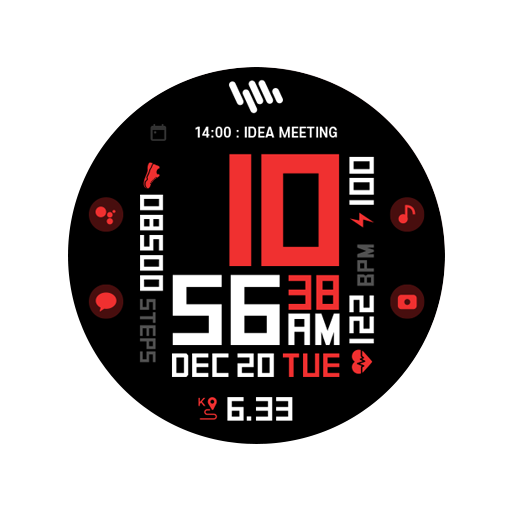
HMKWatch Digital 051
Paid
SamWatch SIGN F 2023
Paid

SamWatch SIGN CUBE Space 3
Paid
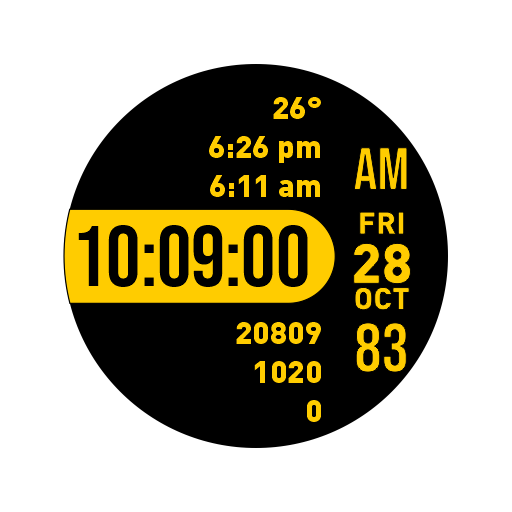
Focused Watch Face
Paid

Minimal Sport Watch Face Black
Paid
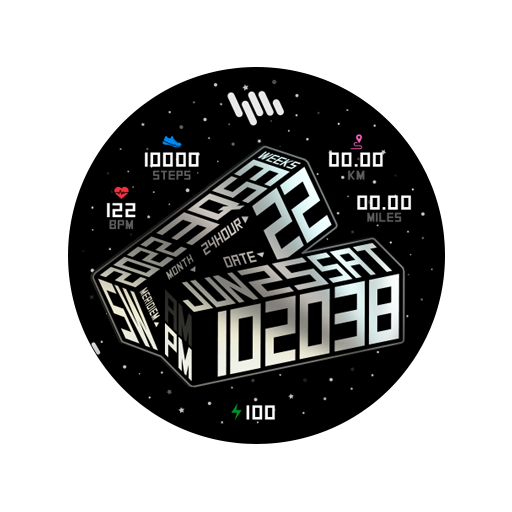
SamWatch SIGN CUBE Space 6
Paid

Moonlace Watch Face
Free

Big Hour Watch Face
Paid
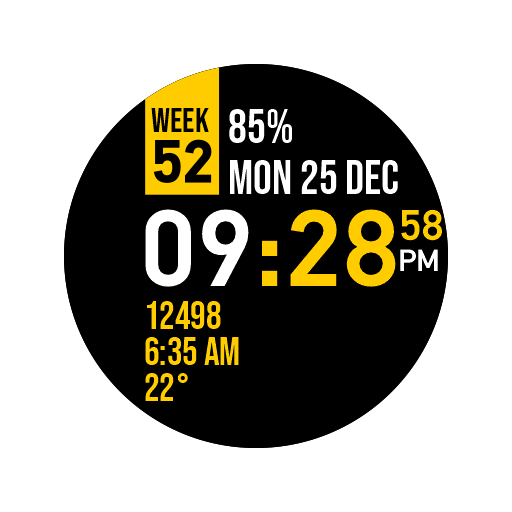
Week Watch Face
Free

MJ113 Double
Paid

CELEST5496 Smart Watch
Paid

CELEST3020 Minimalist Watch
Paid

HMKWatch Digital 237
Paid

Digital Sport Watch Pro Black
Paid

SamWatch SIGN CUBE Space 4
Paid
Scan this QR code to download

Forwarding you to the page at Google Play market in seconds...
Open Google Play market now