
Merge Labs Isometric 5 vVARY
Merge Labs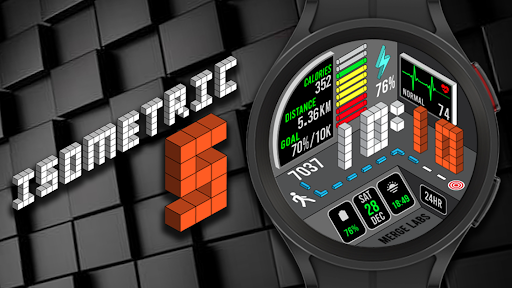
About this app
Developer Description
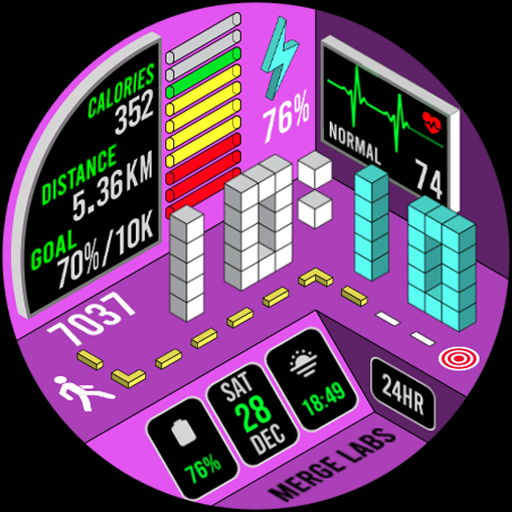
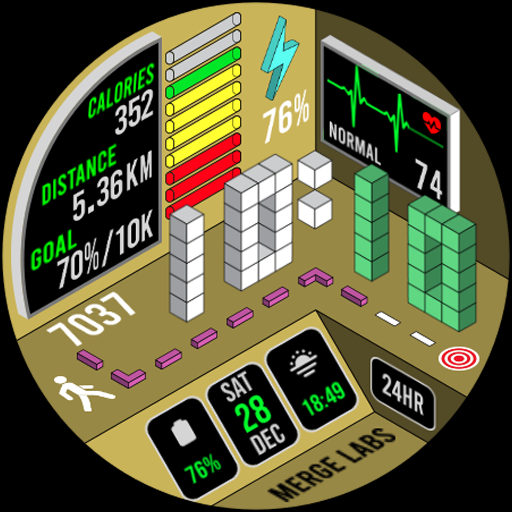
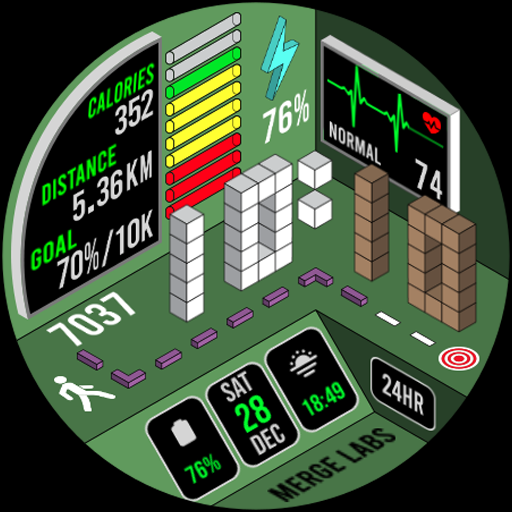
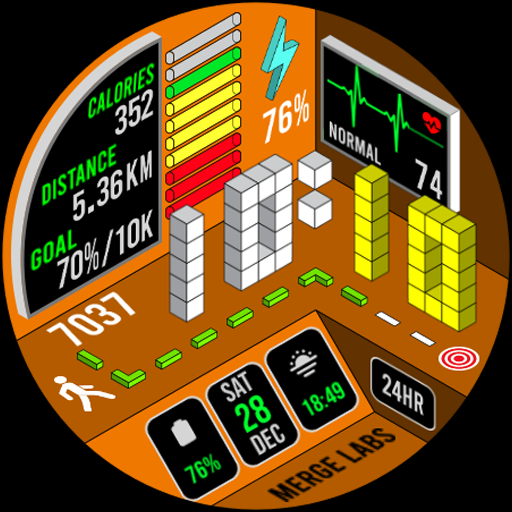
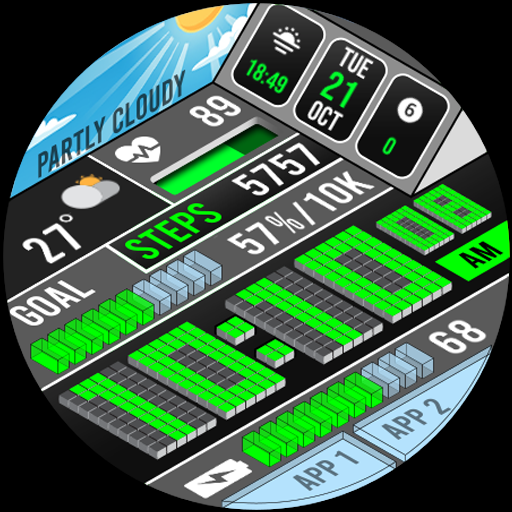
A uniquely designed isometric digital watch face made for Wear OS
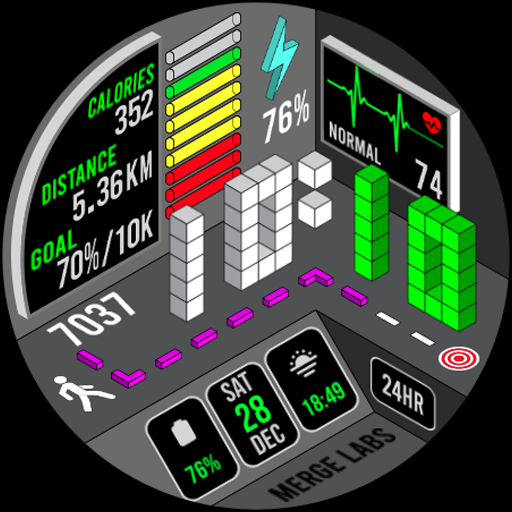
This Isometric watch incorporates Isometric design into the typical items such as heart rate, steps, and battery power that you see on any other face but in an utterly different style.
Features include:
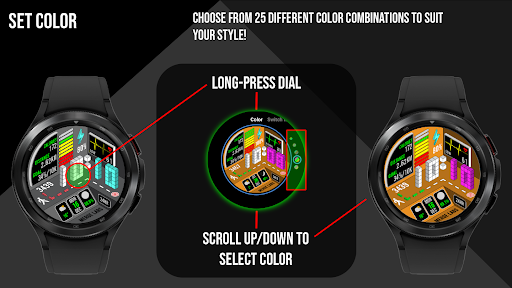
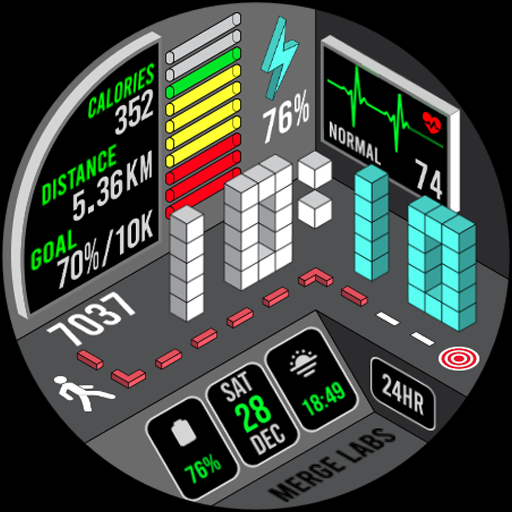
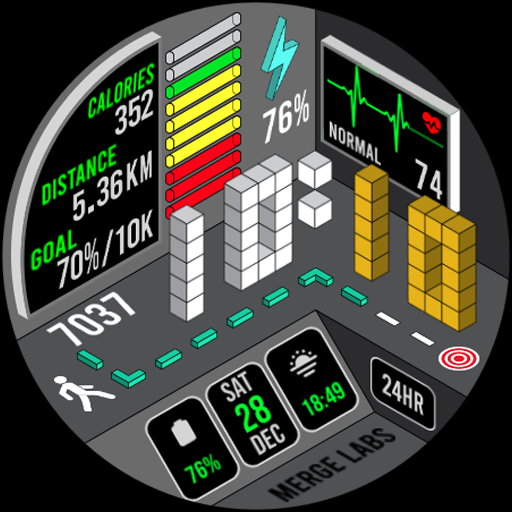
- 25 different color combinations to choose from.
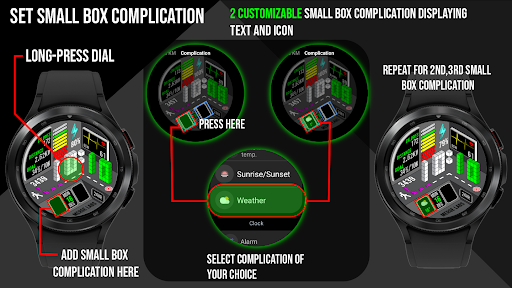
- 2 customizable Small Box Complications allowing the addition of the information you want to be displayed. (Text+Icon).
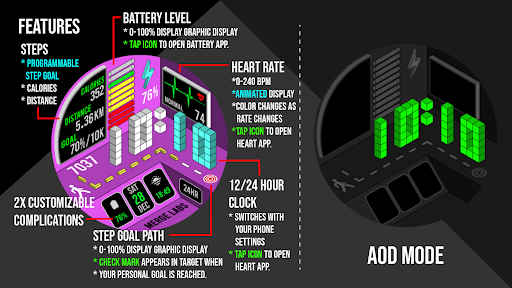
- Displayed numerical watch battery level as well as graphic indicator (0-100%). Tap the battery icon to open the watch battery App.
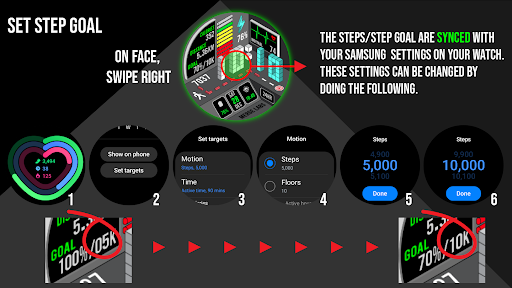
- Displays daily step counter with graphic indicator. Step goal is Synced with your device through Samsung Health App or default health app. The graphic indicator will stop at at your synced step goal but the actual numeric step counter will continue to count steps all the way up to 50,000 steps. To set/change your step goal, please refer to the instructions (image) in the description. Also displayed along with step count is calories burned and distance travelled in KM or Miles.
- Displayed numerical daily steps level as well as an incremental step path graphical indicator (0-100%). When step path reaches 100%, a green checkmark will appear over the target.
- Displays heart rate (BPM) and you can also tap the heart rate area to launch your default Heart Rate App. The heart rate graphic will change colors according to your heart rate.
Yellow = Low
Green = Normal
Red = High
*these are all approximations from data gathered from your devices heart rate monitor.
- Displays day of the week, date, and month. Tap area to open calendar App.
- Displays 12/24 HR clock according to your device's settings.
- Displays KM/Miles function that can be set in the “Customize” Watch Menu.
Made for Wear OS
What's New
Details:
- In Customize: Toggle blinking colon On/Off
Version Information
- Version
- -
- Downloads
- 100+
- Updated on
- Aug 10, 2025
- Released
- Dec 16, 2024
- Requires
- Android Varies with device
Statistics
Google Play Rating History
Rating Distribution
Downloads Over Time
Merge Labs Isometric 5 has been downloaded times. Over the past 30 days, it averaged downloads per day.
Shaded area shows 30-day prediction based on historical trends
Historical data collection started recently. More data points will be available over time.
Merge Labs Isometric 5 - Google Play Rankings
Top Rankings
| Rank | Country | Category | List | Change |
|---|---|---|---|---|
| — |
Ranking History in
No ranking data available yet. Rankings are updated daily.
#51 in Top Paid Lifestyle in United States
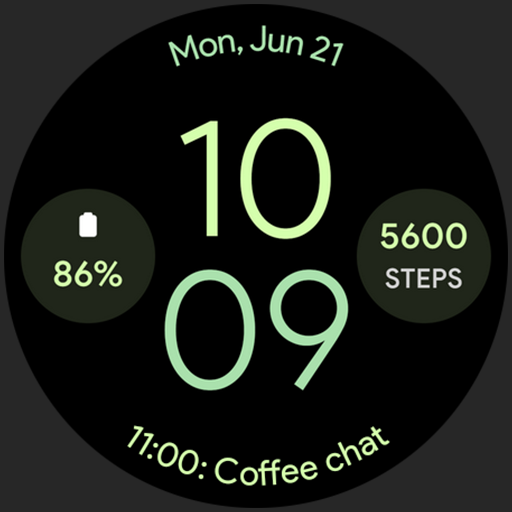

ApkTrusted Ratings & Reviews
More from Merge Labs
See more apps
Merge Labs Isometric 1
Paid

Merge Labs Isometric 6
Paid
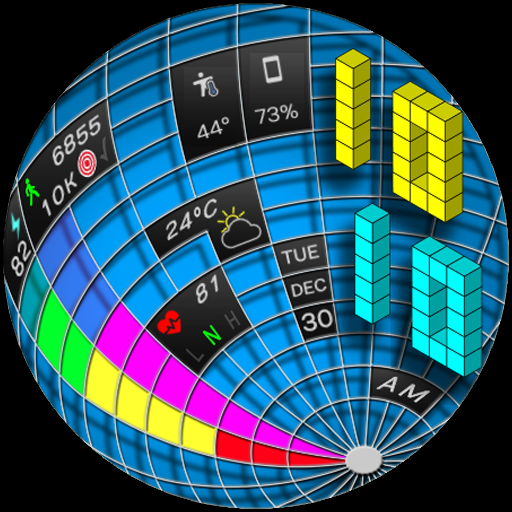
Merge Labs Gridlocked
Paid

Merge Labs GTO
Free

Merge Labs Apogee
Paid

Merge Labs Duality
Free

Merge Labs Exhibition
Paid

Merge Labs Fluid
Free

Merge Labs Apex Simple
Free

Merge Labs Apex Simple BMF
Free
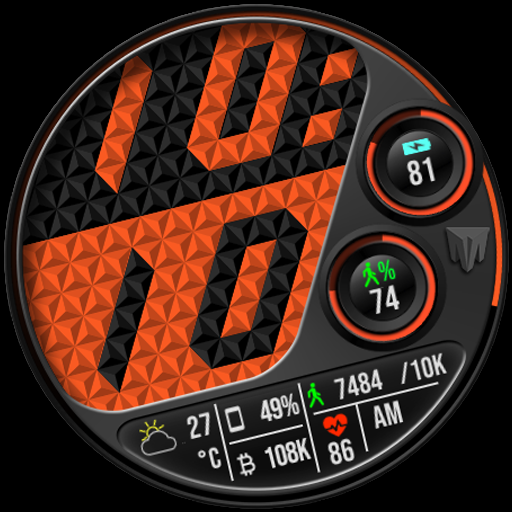
Merge Labs Imperial
Free

Merge Labs Apex Combi 1
Free
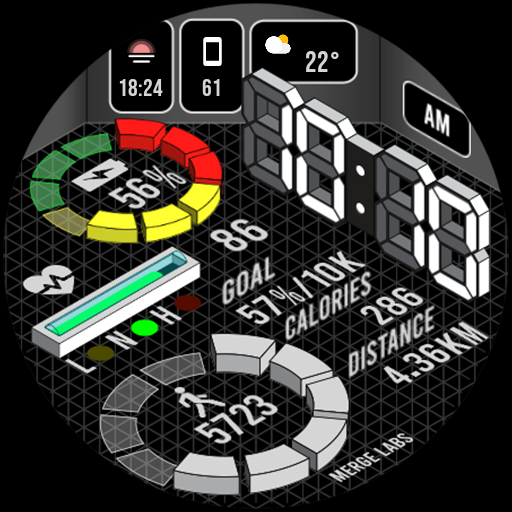
Merge Labs Isometric 4
Paid

Merge Labs Prizm Dark
Free
Merge Labs Isometric 9 Weather
Free

Merge Labs Isometric City
Paid
Scan this QR code to download

Forwarding you to the page at Google Play market in seconds...
Open Google Play market now