
Digital Watch Face MB390 vVARY
MikichBlaz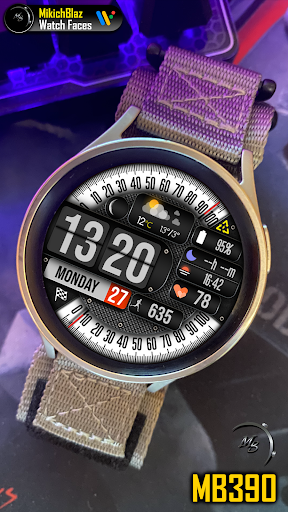



About this app
Developer Description
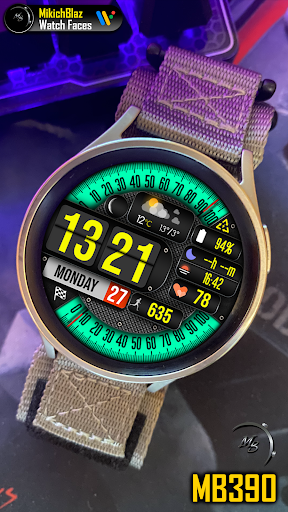
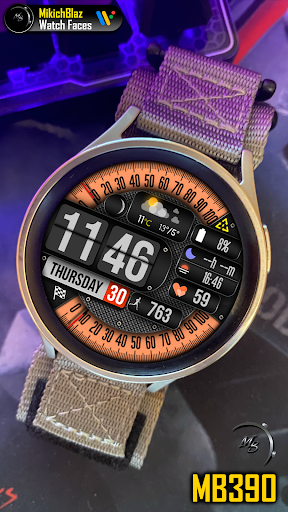
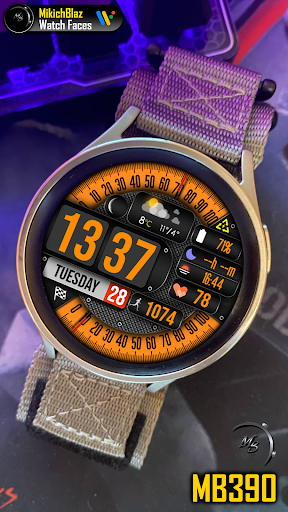
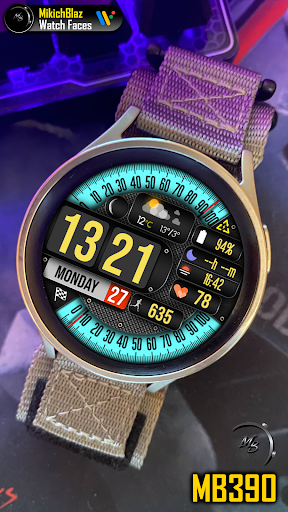
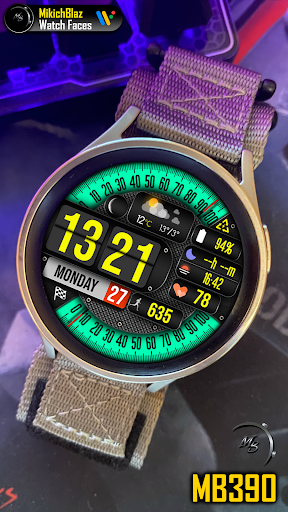
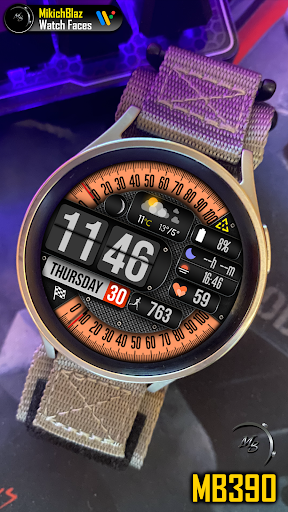
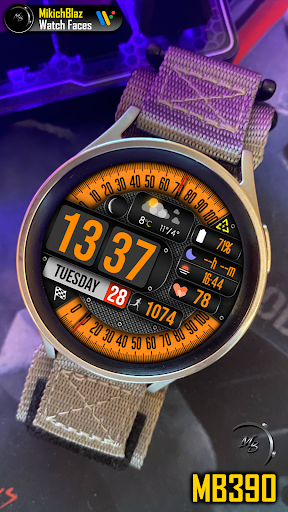
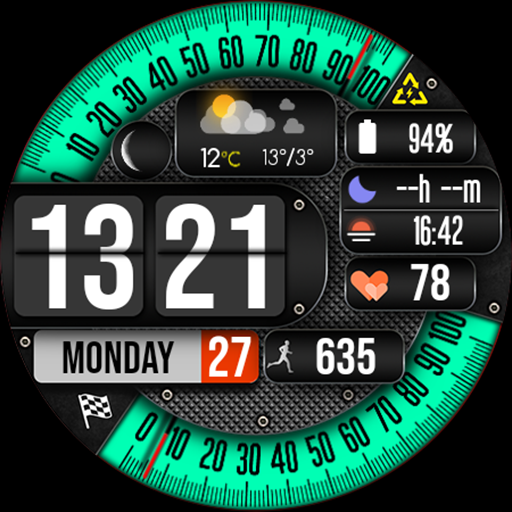
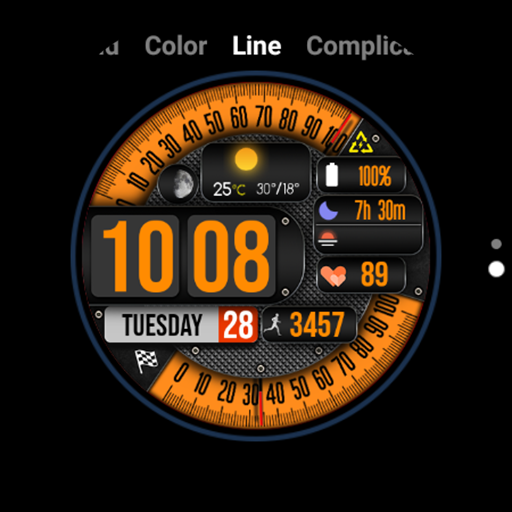
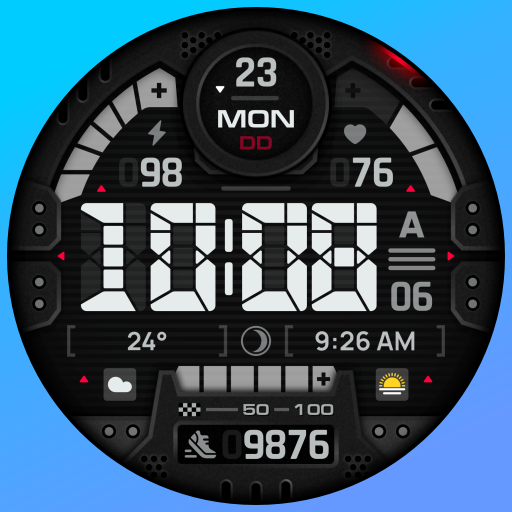
Digital Watch Face for Wear OS
Note:
The weather complication on this watch face is not a weather app; it is an interface that displays weather data provided by the weather app installed on your watch!
This watch face is compatible only with Wear OS 5 or higher.
Features:
Styles:
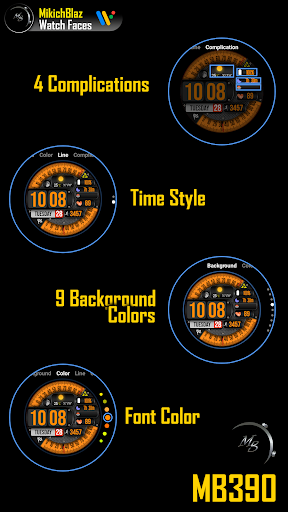
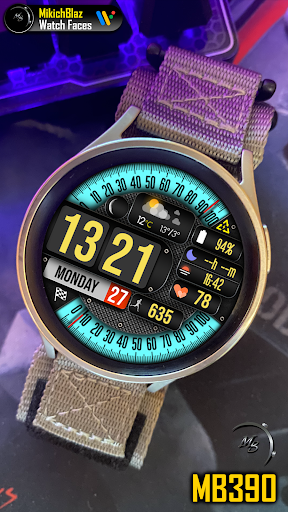
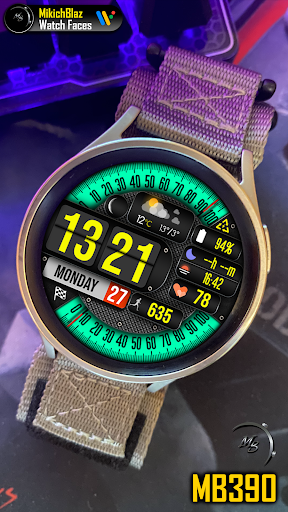
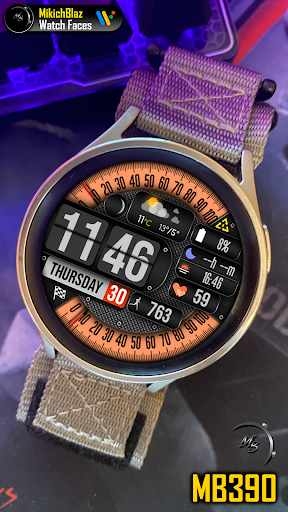
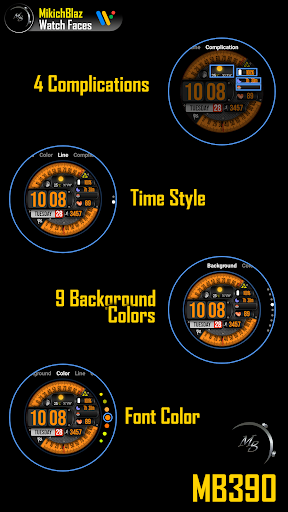
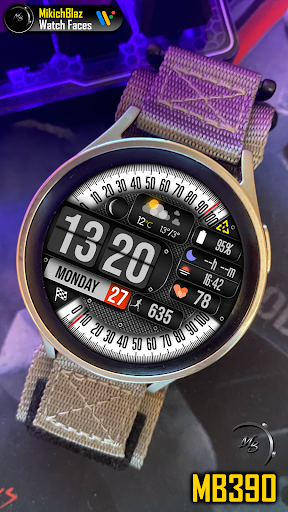
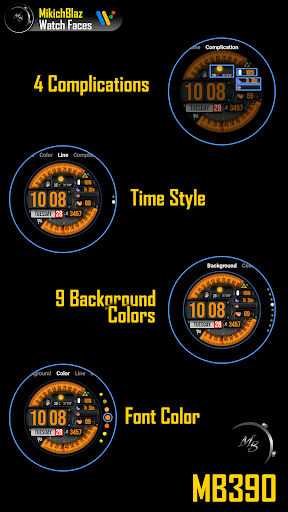
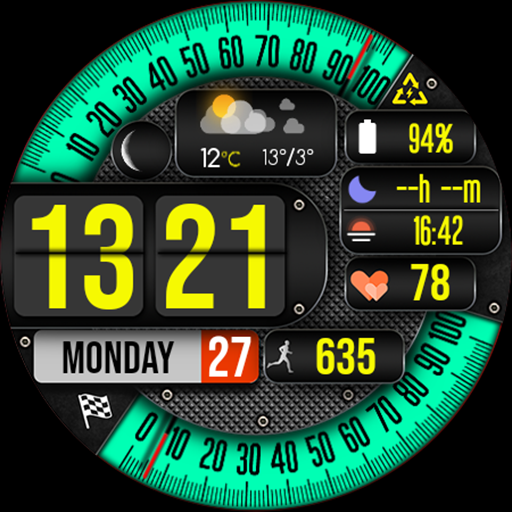
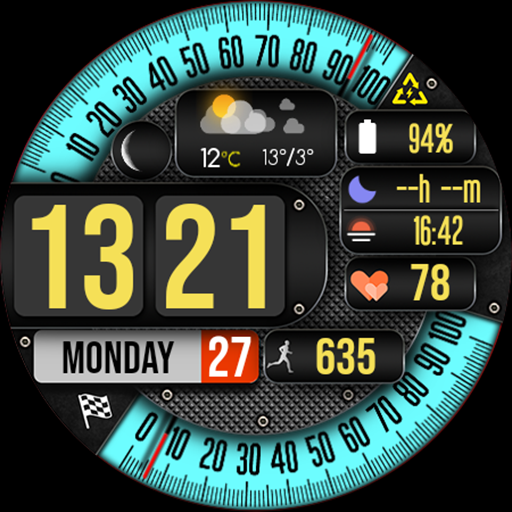
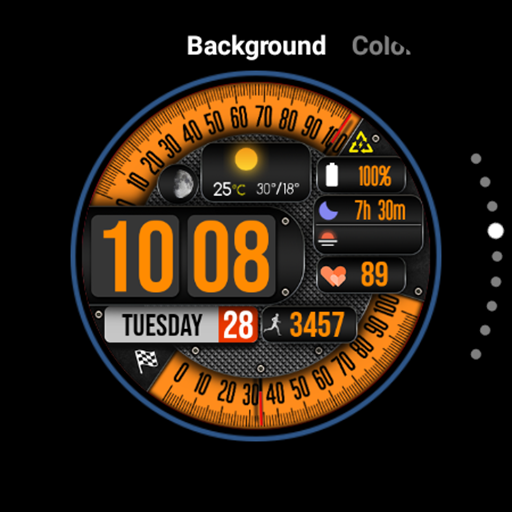
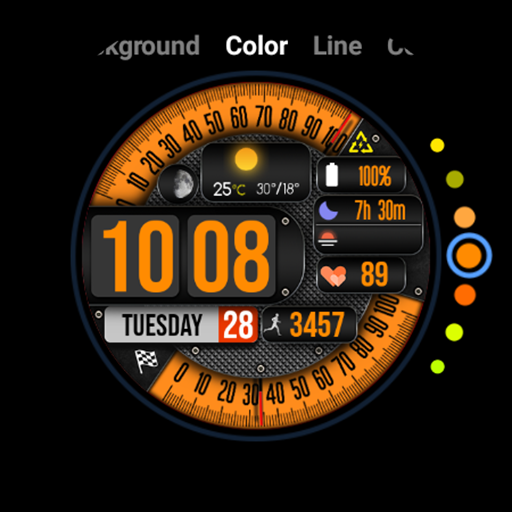
9 different colors for the gauges, and many color combinations for the fonts
Time:
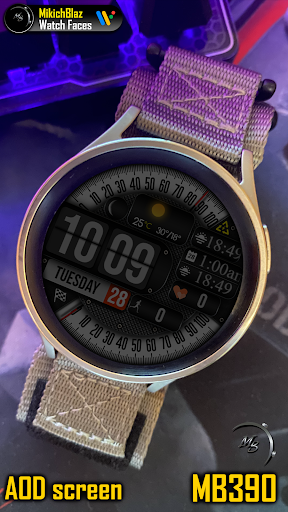
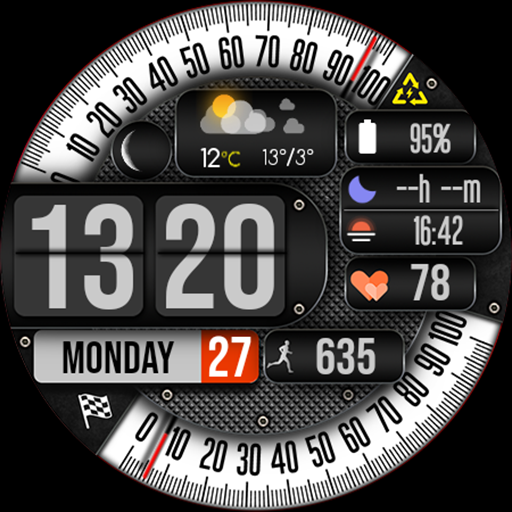
Big numbers (can change color), 12/24h format (depends on your phone system time setting). You can chose weather to have lines on the time or not.
Weather data:
Separate icon set for day and night, current temperature and daily high/low temperature. The temperature unit is displayed in C or F depending on your setup in your weather app or in watch system settings.
Moon phase:
Realistic moon icons
Date:
Full Week and day
Gauges:
- Analog power scale on the top, percentage from 0-100, shortcut on power icon tap - opens power menu in system settings of the watch.
- Analog power scale at the bottom, percentage of the daily step goal, percentage from 0-100 of the steps goal.
Fitness data:
Steps and HR (tap in HR opens the watches built-in HR monitor)
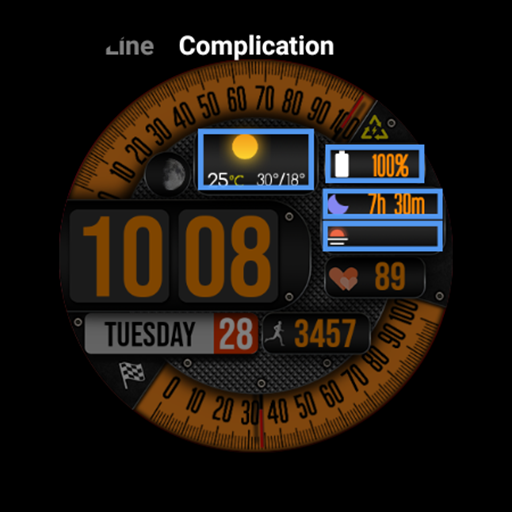
Complications:
4 custom complications
AOD:
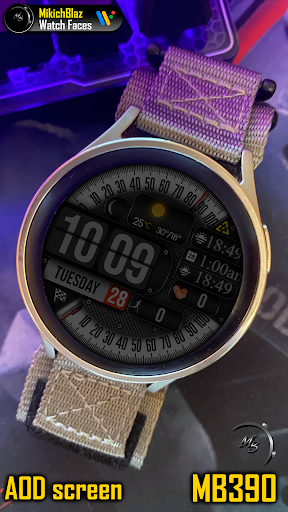
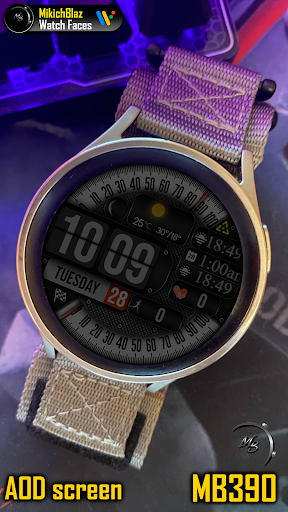
Full watch face - dimmed
Privacy policy:
https://mikichblaz.blogspot.com/2024/07/privacy-policy.html
What's New
Version Information
- Version
- -
- Downloads
- 500+
- Updated on
- Feb 8, 2025
- Released
- Feb 3, 2025
- Requires
- Android Varies with device
Statistics
Google Play Rating History
Rating Distribution
Downloads Over Time
Digital Watch Face MB390 has been downloaded times. Over the past 30 days, it averaged downloads per day.
Shaded area shows 30-day prediction based on historical trends
Historical data collection started recently. More data points will be available over time.
Digital Watch Face MB390 users say on Google Play
 Shawn Thomas
This is one of my favorite MB watches. The combination of 2 big gauges, built-in hi/lo/temp data, and sufficient custom complication slots to include all of the weather data I want is top notch.
ApkTrusted Ratings & Reviews
More from MikichBlaz
See more apps
Digital Watch face MB397
Paid

Digital Watch MB427
Paid

Analog Watch Face MB377
Paid

Christmas Magic
Paid
Digital Watch Face MB376
Paid

Analog Watch Face MB378
Paid

Analog Watch Face MB375
Paid

Digital Watch Face MB373
Paid

Analog Watch Face MB374
Paid

Digital Watch Face MB380
Paid

Digital Watch Face MB381
Paid

Digital Watch Face MB391
Paid
Digital Watch Face MB392
Paid

LCD Watch MB426
Paid

Digital Watch Face MB399
Paid

Digital Watch Face MB400
Paid
Similar Apps

V CrissCross
Paid

SY18 Watch Face for Wear OS
Paid

JND0067
Paid

JND0024U
Paid

N-SPORT161 UltraView WatchFace
Paid

JND0120
Paid

OMG 355 Digital Watch Face
Paid
ES WR006
Paid
ML2U 280 Watch Face
Free
Altitude
Paid

N-SPORT684 FlipDigital Weather
Paid
Digital Watch Face Key 015
Free

Dark Gray Texture ZKin Watch
Paid

MD111 Digital watch face
Paid

SD87
Free
SH067 Watch Face, WearOS watch
Paid
Scan this QR code to download

Forwarding you to the page at Google Play market in seconds...
Open Google Play market now