
Planning Center Headcounts v1.3.4
Planning Center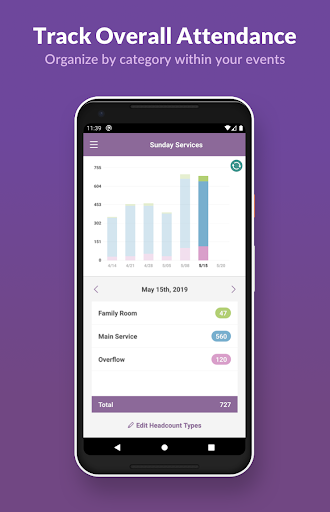




About this app
Developer Description
Church attendance tracking
===== Planning Center Headcounts: ======
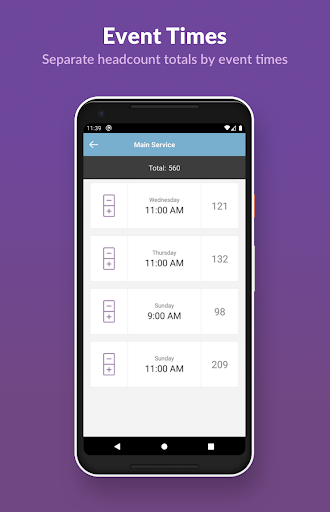
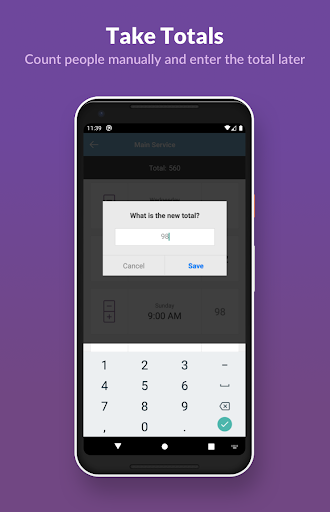
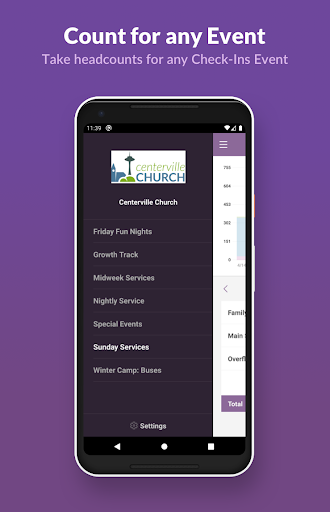
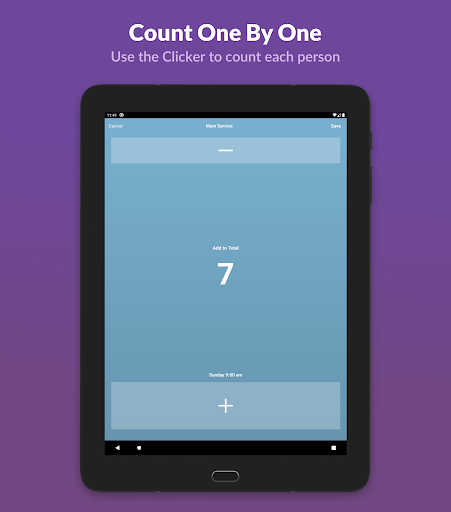
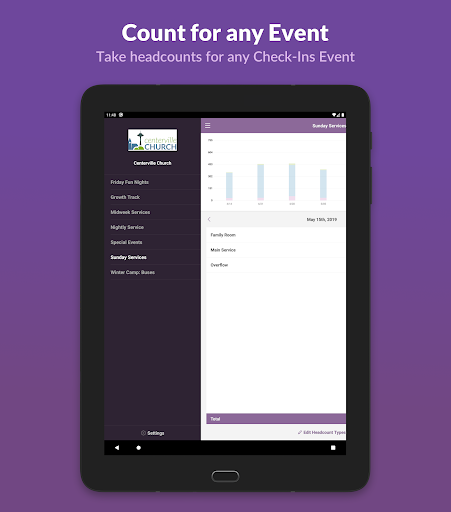
Planning Center Headcounts is an online mobile application that works with Planning Center Check-Ins to help keep track of any type of attendance, without needing to track specific individuals. The Headcounts app works in conjunction with the times within Events in Check-Ins. Simply choose an existing event, then type of headcount you'd like to take attendance for, and your mobile device is instantly & conveniently converted into a digital handheld tally counter. You won't need to write down your totals manually when you're done, since saving your count total will instantly update your headcount total in Planning Center Check-Ins. Taking attendance is made simpler, more accessible, and your data is instantly saved to your account & can be included in your attendance reports.
What's New
Version Information
- Version
- 1.3.4
- Downloads
- 10K+
- Updated on
- Sep 2, 2025
- Released
- May 23, 2017
- Requires
- Android 6.0
Statistics
Google Play Rating History
Rating Distribution
Downloads Over Time
Planning Center Headcounts has been downloaded times. Over the past 30 days, it averaged downloads per day.
Shaded area shows 30-day prediction based on historical trends
Historical data collection started recently. More data points will be available over time.
Planning Center Headcounts users say on Google Play
 A Google user
Works as intended. Great to see Planning Center add this tool. If your church needs a free way to track the number of people attending a service (or any other counted metric for that matter) from week to week, this app makes it easy to do without running to a computer.
 Charles Grigg
I use this app every Sunday and noticed recently that it will freeze while using it after a few minutes. The touch-to-count feature is awesome until I look down and see that it isn't accepting input anymore because it's frozen my phone (Pixel 6). Overall features are great, but has some technical issues.
A Google user
I'm only getting a white blank screen after logging in, also.
 sabrina lucotti
I've signed in with my planning centre credentials but I only get a white screen with nothing on it. I've waited to see if it just needs time to load, but nothing happens. I've tried changing app settings and permissions and still this app doesn't work.
ApkTrusted Ratings & Reviews
More from Planning Center
See more apps






Scan this QR code to download

Forwarding you to the page at Google Play market in seconds...
Open Google Play market now