
Ace of Horizons: Watch Face vVARY
Nataša Petek














About this app
Developer Description
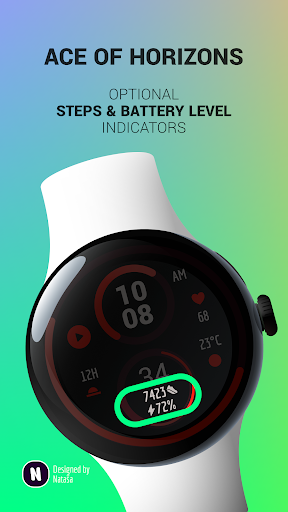
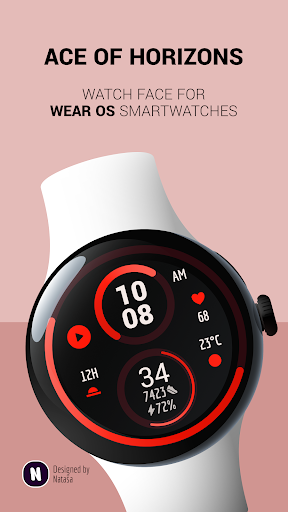
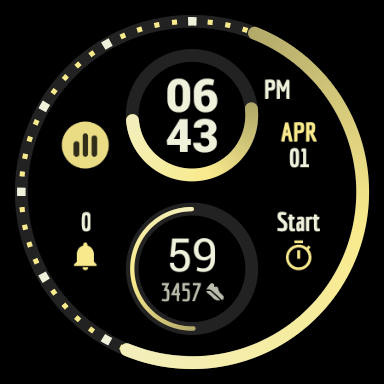
Watch face for Wear OS smartwatches.
Supported watches
Compatible with Wear OS 4+ devices.
Features
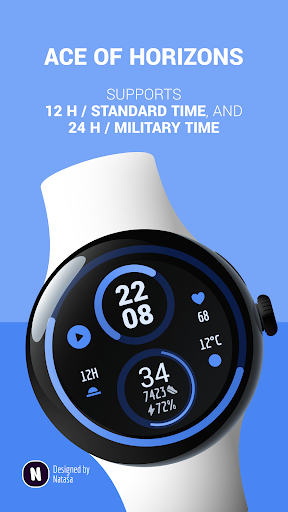
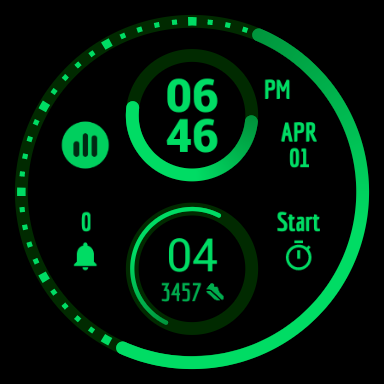
★ Modern and clean design
★ Digital clock with rotating analog arches indicating hour, minutes, seconds
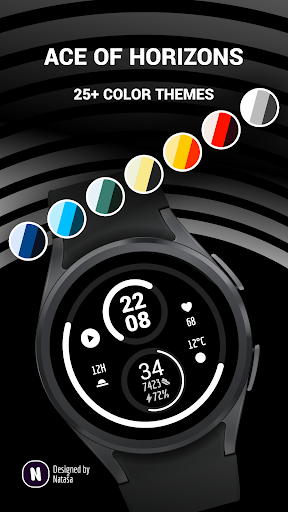
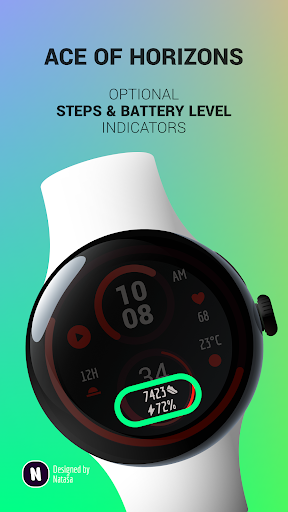
★ Customizable color schemes & watch details
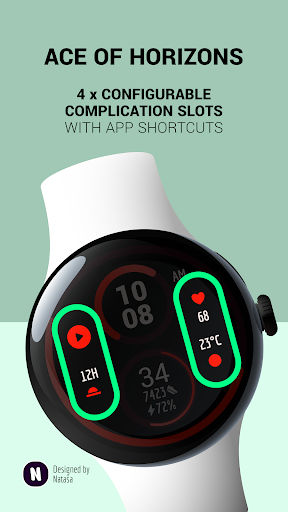
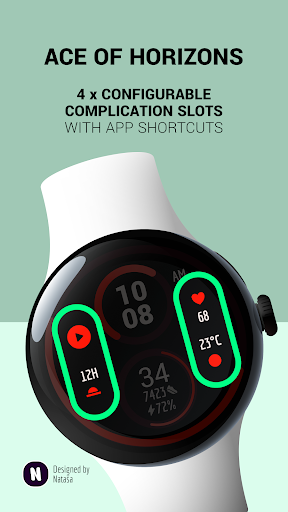
★ Four customizable complications slots (with app shortcuts, too)
★ High resolution
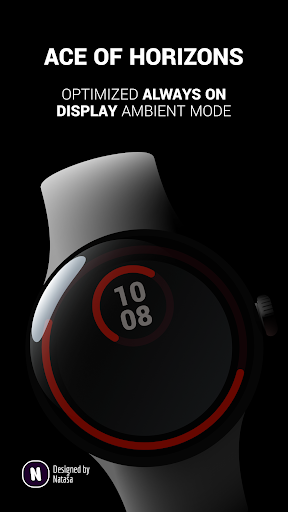
★ Optimized always-on ambient mode
★ Powered by Watch Face Format for optimal battery use
Important information
The smartphone application serves only as a help to make it easier to install the watch face on your watch. You have to select and activate the watch face on the watch. To learn more about adding and changing watch faces on your watch, please see https://support.google.com/wearos/answer/6140435.
Need help?
Let me know at support@natasadev.com.
What's New
Version Information
- Version
- -
- Downloads
- 500+
- Updated on
- Jul 2, 2025
- Released
- Apr 1, 2024
- Requires
- Android Varies with device
Statistics
Google Play Rating History
Rating Distribution
Downloads Over Time
Ace of Horizons: Watch Face has been downloaded times. Over the past 30 days, it averaged downloads per day.
Shaded area shows 30-day prediction based on historical trends
Historical data collection started recently. More data points will be available over time.
Ace of Horizons: Watch Face users say on Google Play
 Jonathan Lawrence
I love how much info can be displayed with this watch face!
ApkTrusted Ratings & Reviews
More from Nataša Petek
See more apps



Similar Apps

Active Watch Face for Wear OS
Paid

ML2U 271 Watch Face
Paid
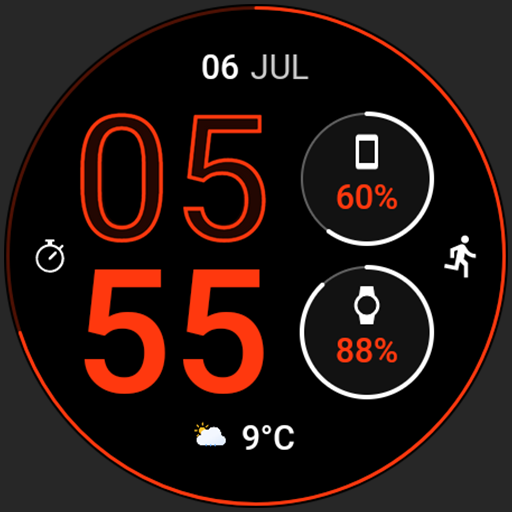
Edge Watch face
Free

AD Circles - Watch Face
Free

Brown Nation Watch Face
Paid
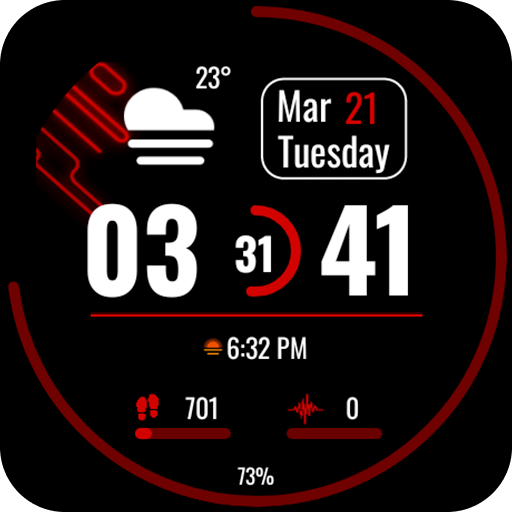
Minimalist Marvel Watch Face
Paid

Key078 Minimalist Watch Face
Free

Key081 Classic Watch Face
Paid
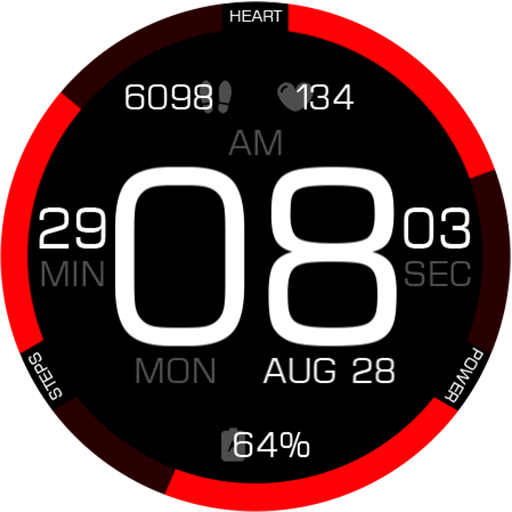
Key089 Digital Watch Face
Free
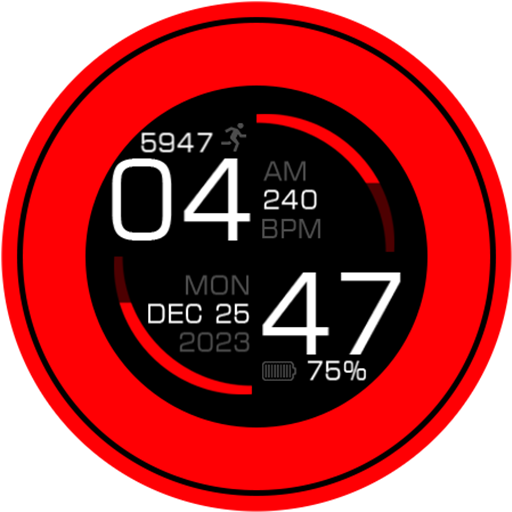
Key113 Artistic Watch Face
Free

DM021 Classy Digital Face
Paid

Stealth Watch Face
Paid

Y26 Eclipse Arc Watch Face
Paid
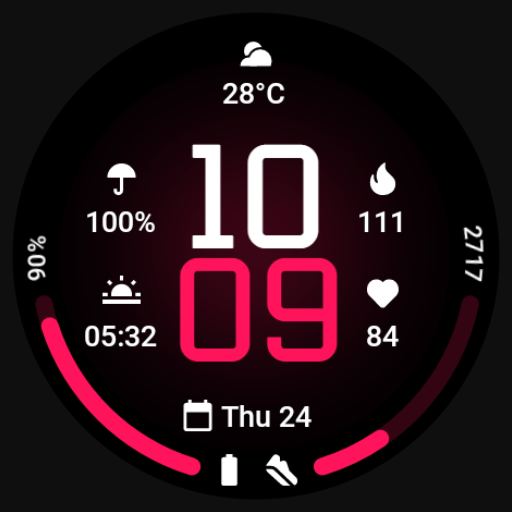
MDS422 Minimal Watch Face
Free

AD Spiral Health - Watch Face
Paid
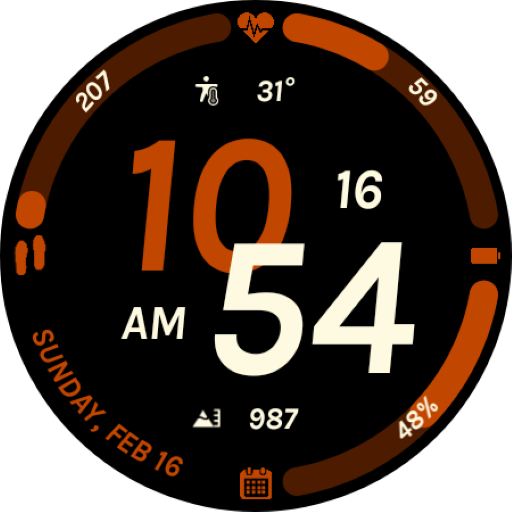
EXD142: Fit Watch Face
Paid
Scan this QR code to download

Forwarding you to the page at Google Play market in seconds...
Open Google Play market now