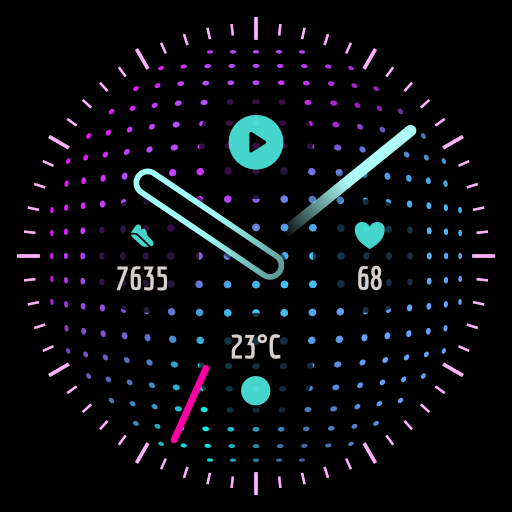
Blue Lagoon: Watch Face vVARY
Nataša Petek




About this app
Developer Description
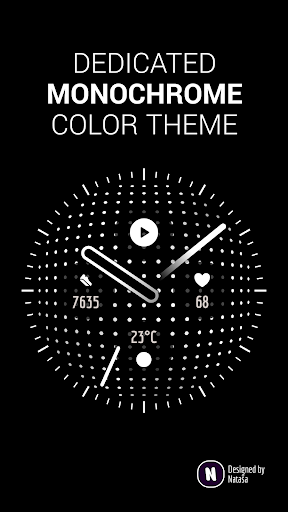
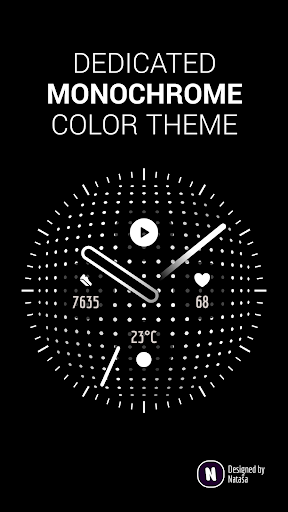
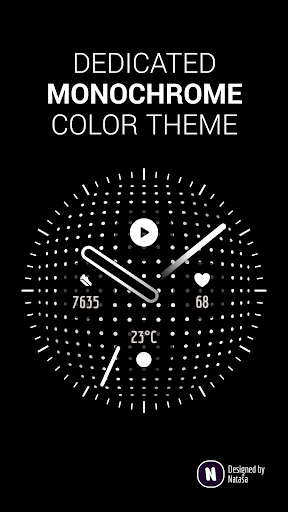
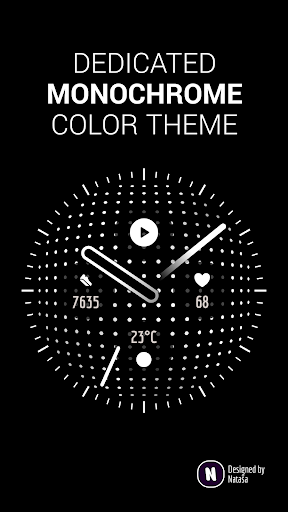
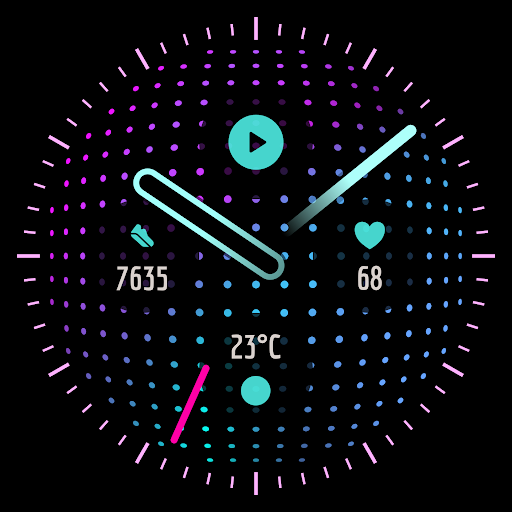
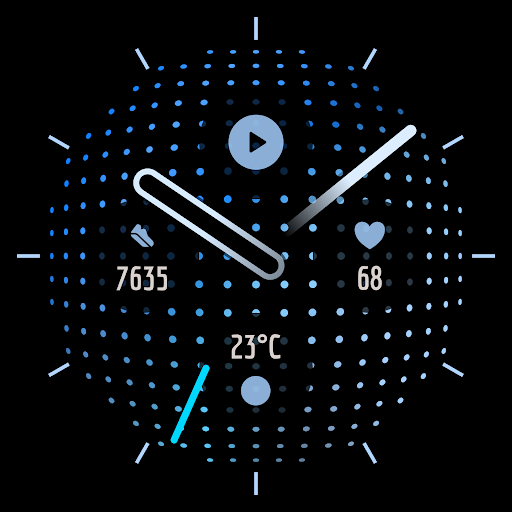
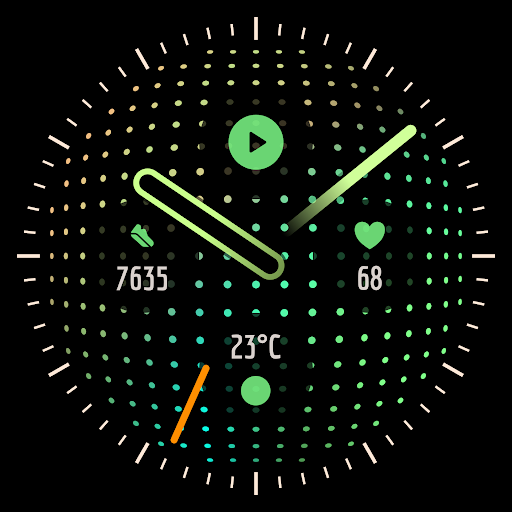
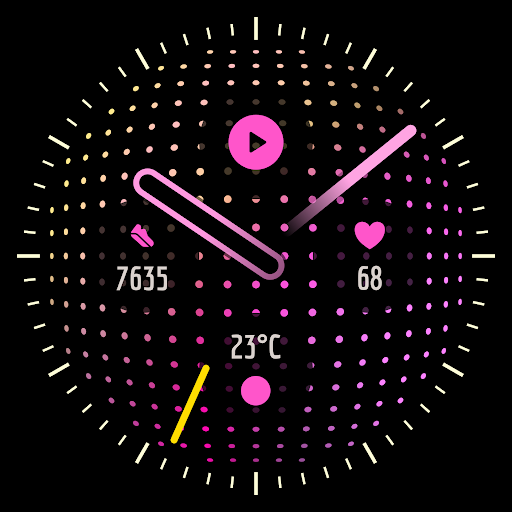
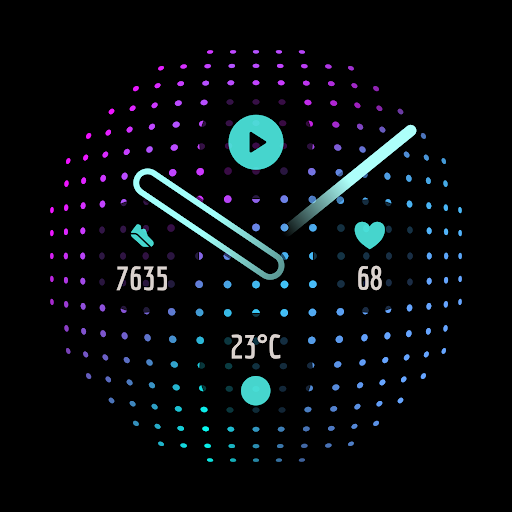
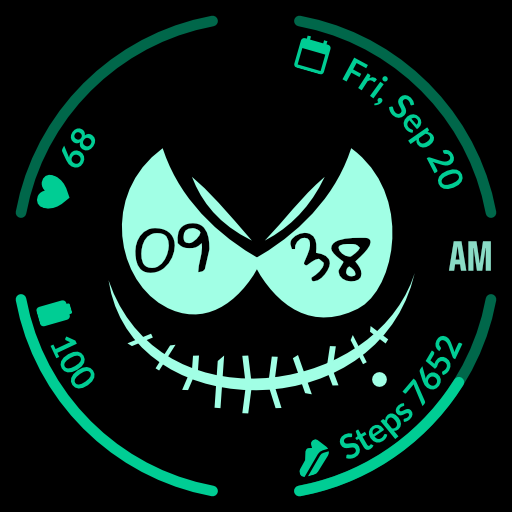
Elegant watch face for Wear OS smartwatches.
Supported watches
Compatible with Wear OS 4+ devices.
Features
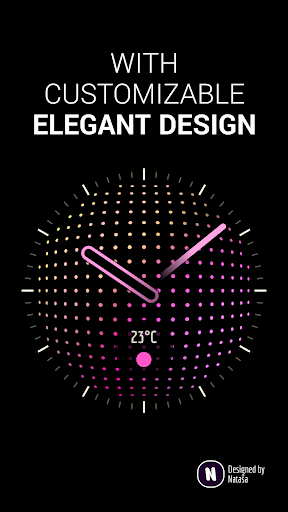
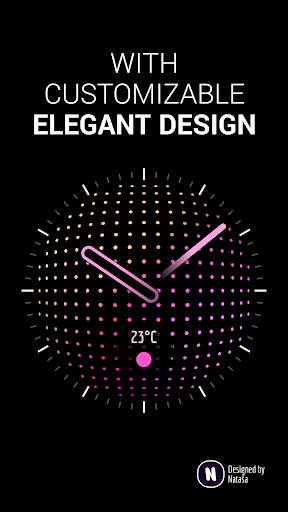
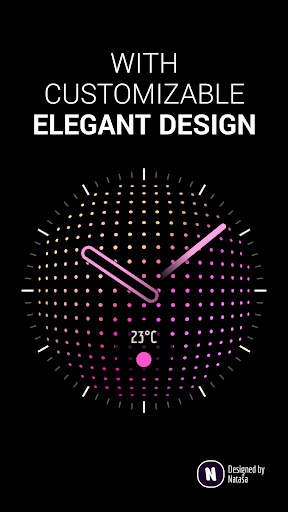
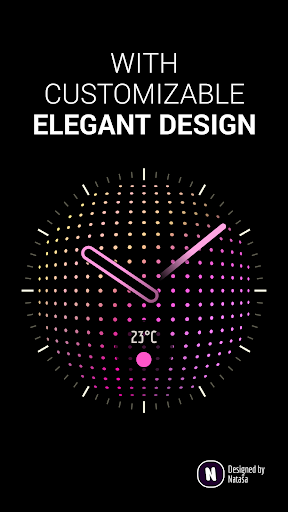
★ Beautiful & elegant design
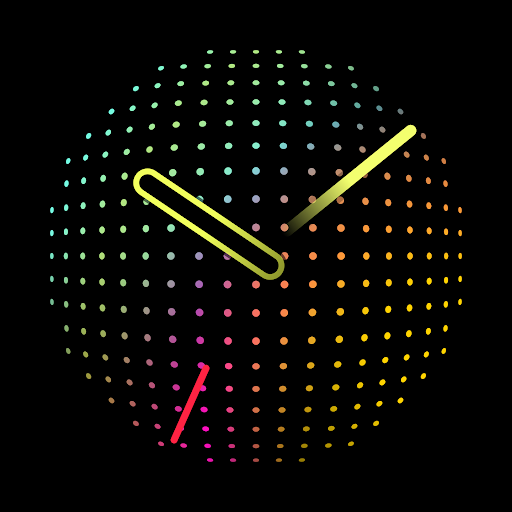
★ Animated background
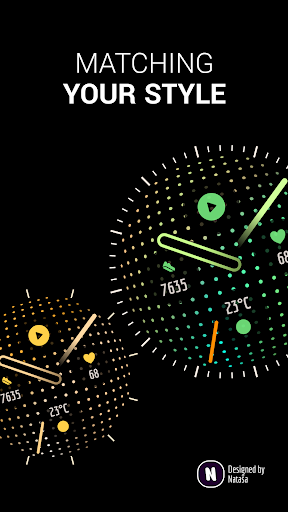
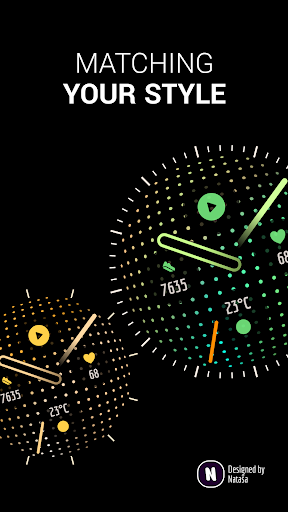
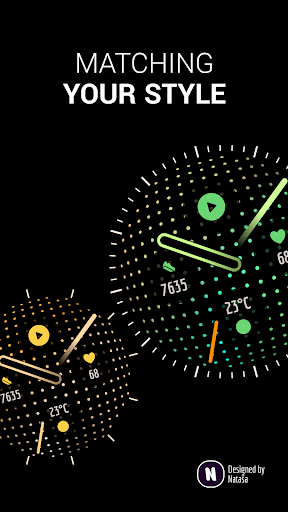
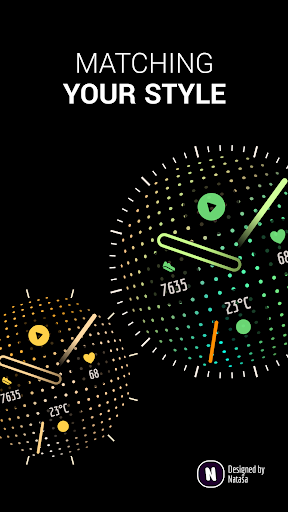
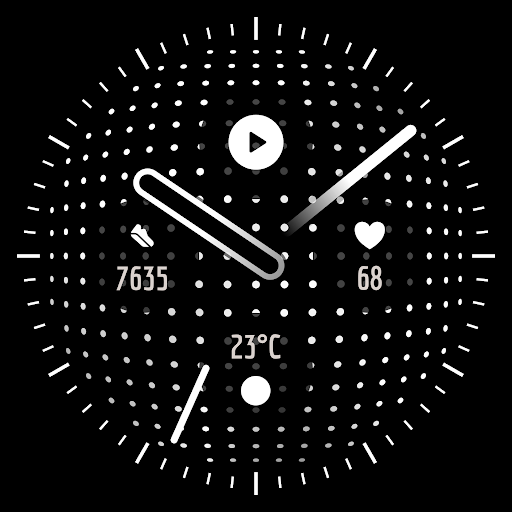
★ Customizable color schemes & watch details
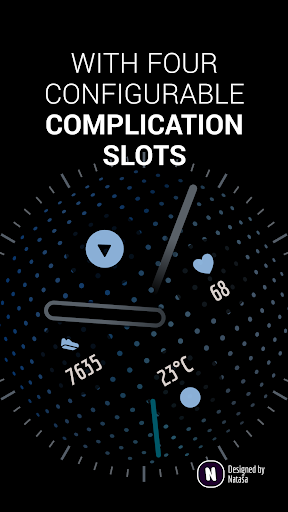
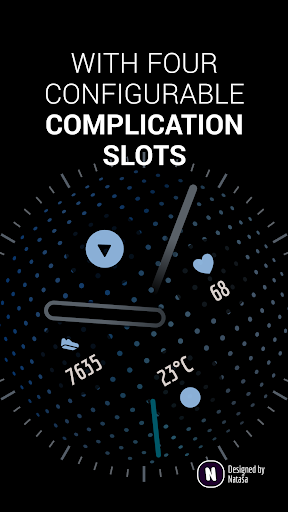
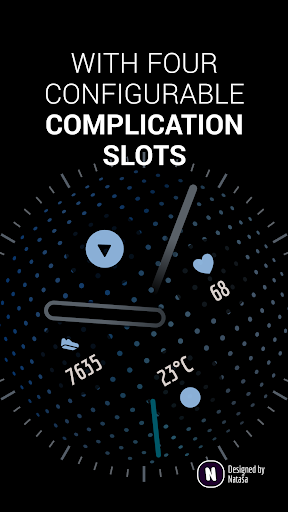
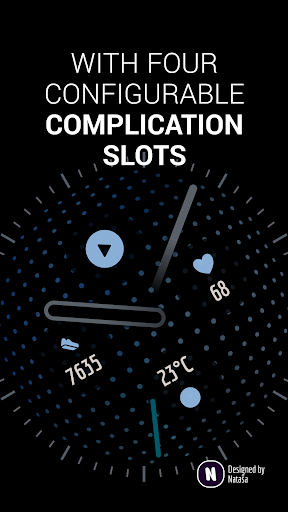
★ Four customizable complications slots (with app shortcuts, too)
★ High resolution
★ Optimized always-on ambient mode
★ Powered by Watch Face Format for optimal battery use
Important information
The smartphone application serves only as a help to make it easier to install the watch face on your watch. You have to select and activate the watch face on the watch. To learn more about adding and changing watch faces on your watch, please see https://support.google.com/wearos/answer/6140435.
Need help?
Let me know at support@natasadev.com.
What's New
- Added new setting that allows you to enable complications in Always On Display (AOD).
- Added new setting that allows you to control the brightness of the Always On Display (AOD).
- Several compatibility, stability and performance improvements.
Version Information
- Version
- -
- Downloads
- 1K+
- Updated on
- Jul 1, 2025
- Released
- May 12, 2024
- Requires
- Android Varies with device
Statistics
Google Play Rating History
Rating Distribution
Downloads Over Time
Blue Lagoon: Watch Face has been downloaded times. Over the past 30 days, it averaged downloads per day.
Shaded area shows 30-day prediction based on historical trends
Historical data collection started recently. More data points will be available over time.
Blue Lagoon: Watch Face users say on Google Play
 Sergei
Totally beautiful on my PW3, especially with the Rugged Armor case. When you haven't been activating your watch screen for some time, it "catches up" current time with some amazing animation. Runs smoothly with my complications. Nataša's got good sense of beauty indeed. Keep it on.
 Everett Bailey
Beautiful watch face. love the colors, especially the default. it's just what colors I would have chosen. So many faces are either boring monochrome or something that just looks like a tech nightmare. Only thing that would make this one perfect is to add the function which you can tap to make the hands disappear for a few seconds. this is for when they are blocking complication data.
 Daniel Perez
great watch face and detail, my only concern is that the heart rate doesn't truly display,I have to click the icon to even see what's my heart when some watch faces show it instantly, and the pictures to this says it shows on the screen shots of the watch, did I not turn on something or does it not work
 Matthew Paschall
Nice looking watchface but causing random reboots after applying on my pw3. And it's been a couple days so can't get a refund now. Lesson learned. Stock watch faces for me from now on. Edit. Developer promptly contacted me and issued me a refund . I surely wish this watch face was compatible withy Pw3 because it's unique and beautiful.
 Irving Ramirez
I couldn't install it on my watch. a message appeared on my watch screen with no Install button, only a refund button. Pixel Watch 3 with latest updates
ApkTrusted Ratings & Reviews
More from Nataša Petek
See more apps




Scan this QR code to download

Forwarding you to the page at Google Play market in seconds...
Open Google Play market now