
WinWazzapMigrator v4.4.0
Nicola Beghin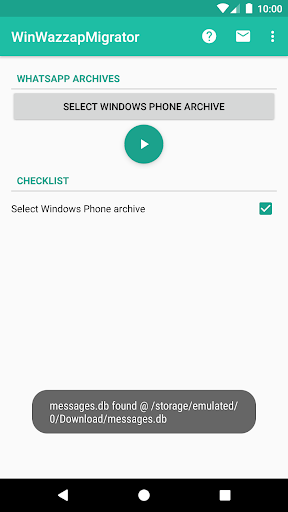




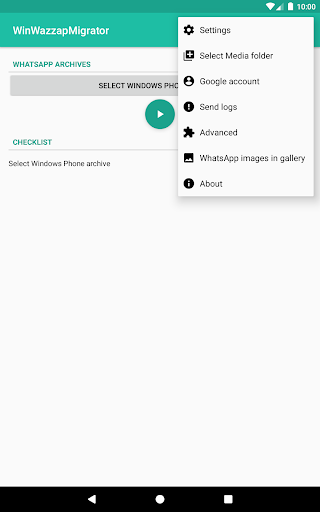

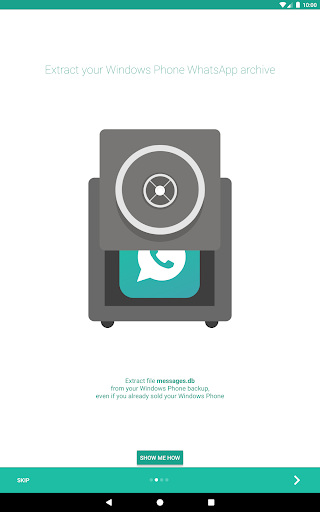


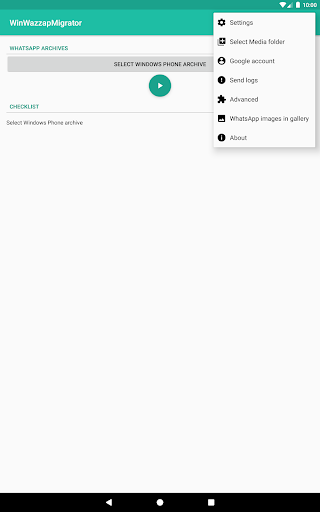
About this app
Developer Description
WinWazzapMigrator: transfer your Whatsapp history from Windows Phone to Android
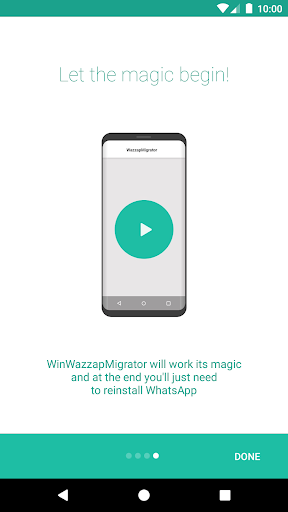
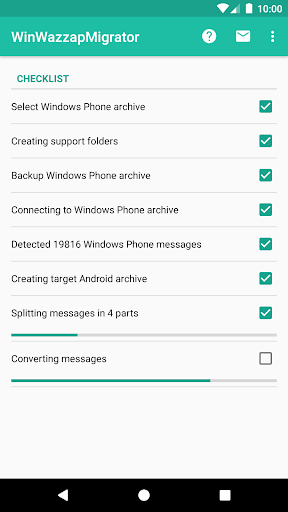
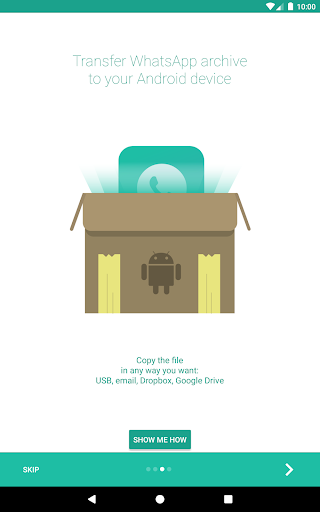
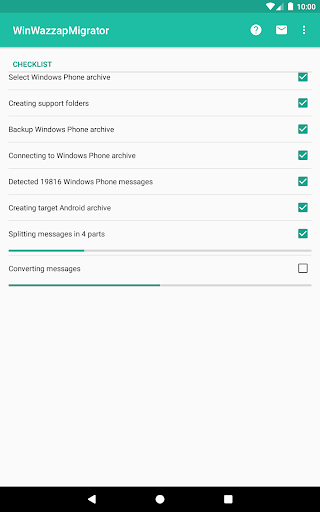
Just switched from Windows Phone to Android? Don't worry, you can move your WhatsApp history (texts and images) to your brand new Android phone.
COMPATIBILITY
Any Lumia Windows Phone with Windows 10, excluding x50 (like 550,950/XL)
FEATURES
- import messages and emoji
- import images, audio, video, documents, locations and contacts
VIDEO & HOWTO
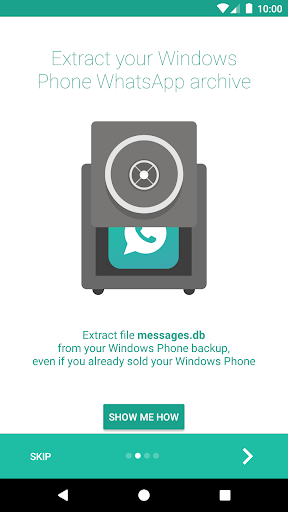
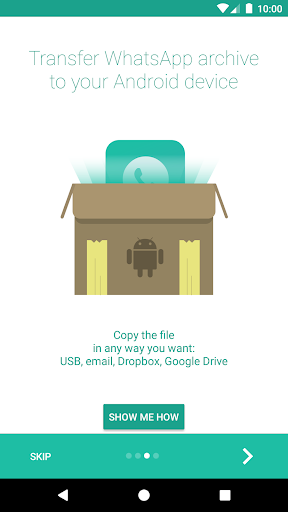
https://www.winwazzapmigrator.com/faq/windows-how-extract-messagesdb
https://www.winwazzapmigrator.com/frequently-asked-questions
PRIVACY
- worried about your privacy? when installing take a look at the app's permission: it has no permission to access the internet, so you can be sure your data absolutely can't leave your device
SUPPORT
- in-app support line: just tap on Settings -> Contact me and I'll assist you (response: 24h max)
- more info and advanced help @ https://www.winwazzapmigrator.com
- Satisfied or Reimbursed guarantee: send me the error logs if it doesn't work for you and if I can't fix your issue I'll refund you
*** Basic computer knowledge is required to extract Windows Phone WhatsApp archive, see http://www.winwazzapmigrator.com before buying if you can't do it or just contact me for help ***
LEGAL
WhatsApp © 2019 is a registered trademark of WhatsApp Inc., a California corporation ("WhatsApp"), the owner and operator of whatsapp.com (the "WhatsApp Site"), the WhatsApp software, including WhatsApp Messenger. Android is a trademark of Google Inc. The Android robot is reproduced or modified from work created and shared by Google and used according to terms described in the Creative Commons 3.0 Attribution License.
What's New
Fixed issues with local restore
Version Information
- Version
- 4.4.0
- Downloads
- 10K+
- Updated on
- Dec 4, 2020
- Released
- Dec 17, 2017
- Requires
- Android 4.1
Statistics
Google Play Rating History
Rating Distribution
Downloads Over Time
WinWazzapMigrator has been downloaded times. Over the past 30 days, it averaged downloads per day.
Shaded area shows 30-day prediction based on historical trends
Historical data collection started recently. More data points will be available over time.
WinWazzapMigrator users say on Google Play
 A Google user
Brilliant app! I recently migrated from Windows phone to Android after 8 years and I was going to lose years of messages, including some that were really important to me. Thanks to this app I was able to bring all my WhatsApp messages with me. I had a few hiccups with the transfer (had to back up 950 to a 735) but the developer is really quick to respond to emails and talk me through what was going wrong and how to fix it. I was wary about spending £5 on an app but it was worth it!
A Google user
Saved my life.....although I have a few comments....since this is a paid app (Which you really deserve) it should be easier than that...It was a bit time consuming for me although I have pretty good IT experience but there are tooooo many steps to follow...add to this that I had to backup my WhatsApp to onedrive from the 950XL and then restore it on my old Lumia 930 (which luckily I still have and kickin) then crack open it to copy the file...the other drawback is not getting the media back
A Google user
Pls help me to complete my migration..I couldn't better show a video for this..not through website..I was fed up totally.. though I have taken a backup still I can process it ..it's showing constant error..I have reached the process of copying Message.db but still showing error ..It's empty ..as I fash my windows mobile .now I can't reinstall whatsapp in windows mobile once again..
A Google user
For the premium I paid, I expected a far better performance. 1. Wrong media was synced to a message on at least one occasion (detected so far). 2. Message duplication is common. 3. Message list is not chronological but that's totally acceptable. 4. Starred messages were retained, loved that. 5. Message replies are restored as regular messages only.😢 Followed all instructions outlined on the website plus what the app suggested during migration, including installation of older WhatsApp apk first.
A Google user
Poor. The app description fails to mention that Windows Phone 10 backups of WhatsApp are encrypted and therefore unreadable. The website's instructions to resolve this mislead the user into believing that it's trivial. In fact, it requires a significant amount of hacking into some WP models that I was unable to achieve.
ApkTrusted Ratings & Reviews
More from Nicola Beghin
See more apps
Similar Apps





Scan this QR code to download

Forwarding you to the page at Google Play market in seconds...
Open Google Play market now