Remote For Sky, SkyQ, Sky+ HD v9.4.47
osApps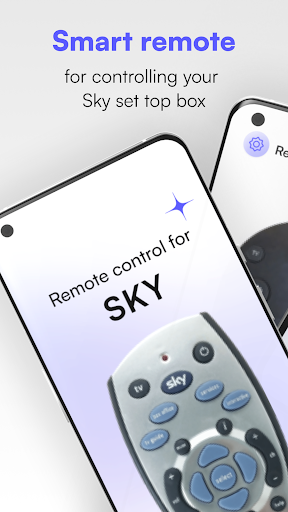


About this app
Developer Description
Conveniently Control Your Sky Devices Remotely While at Home or on the Go
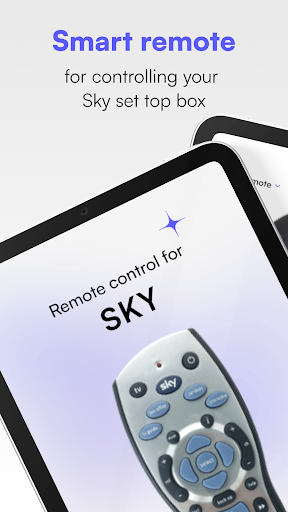
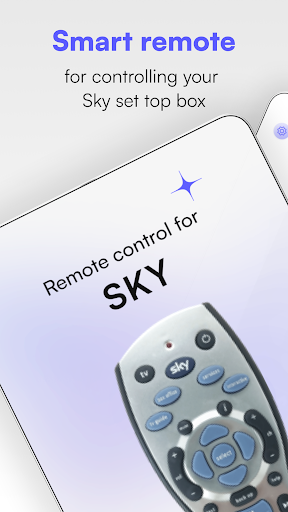
Would you love the opportunity to control your favorite Sky devices, such as Sky+ HD, Sky Q, Sky Glass, and more, from your phone? Sky Remote makes that possible by providing a simple, stress-free way to change channels, adjust the volume, and browse without needing a physical remote control to do so. Whether you've lost your regular remote control for your devices or are simply looking for a faster and more efficient way to control those Sky devices, give Sky Remote a try!
Time-Saving Features Make Using Sky Devices Easier Than Ever Before
Sky Remote comes equipped with some of the latest, most advanced features designed to save you time and effort while making controlling your Sky devices a stress-free, straightforward process. These features include:
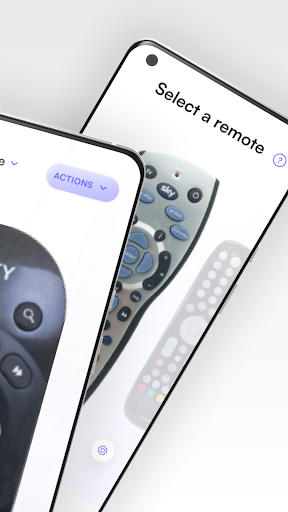
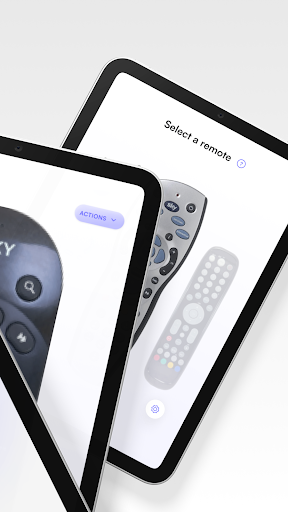
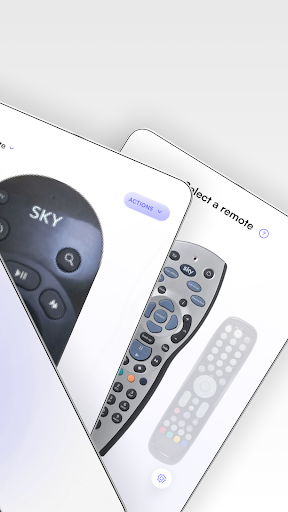
Expansive selection screen that lets you choose your remote
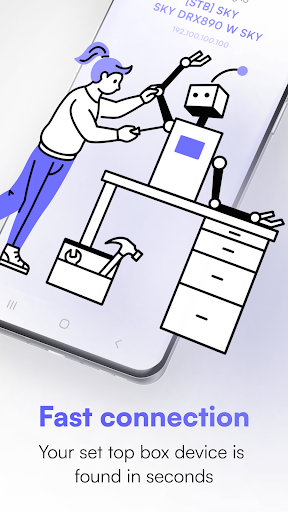
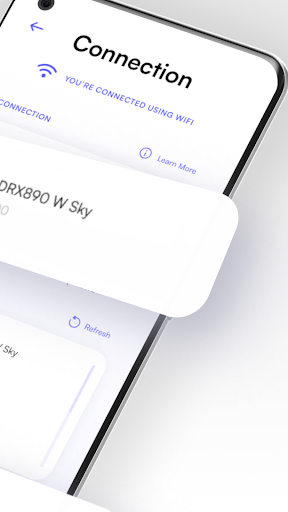
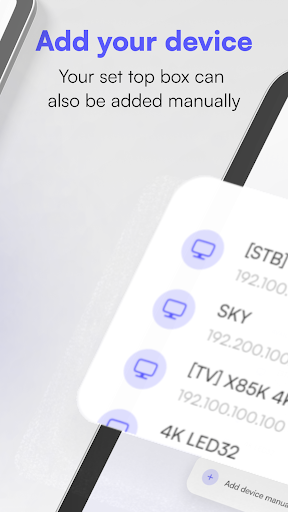
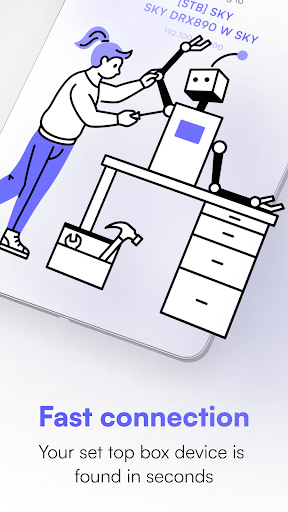
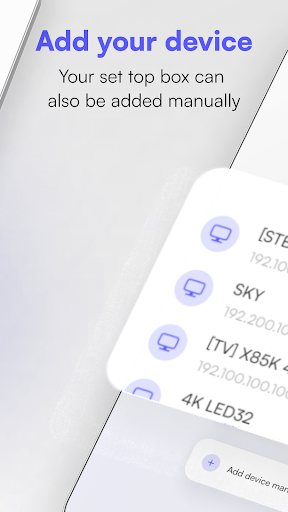
Discovery screen that provides a quick glimpse of the devices you've connected to your network, making it easy enough to find your Sky devices in seconds.
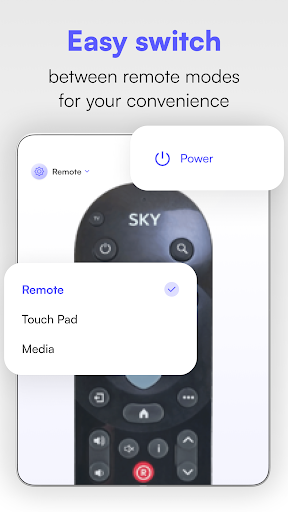
Remote control screen with virtual buttons to help you navigate your devices
Touchpad screen for adding your favorite buttons to the top or navigating your device
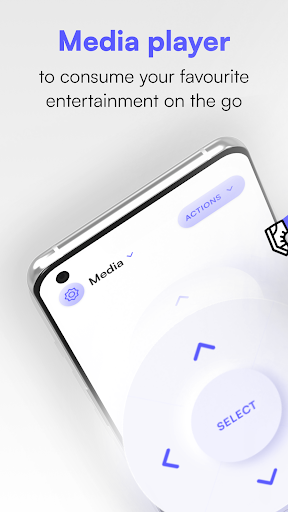
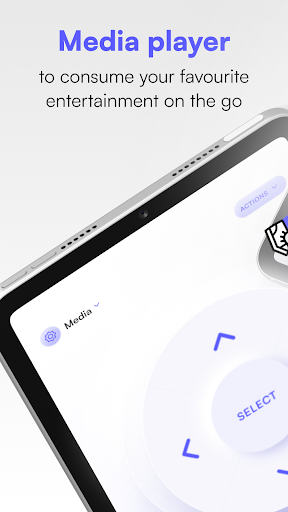
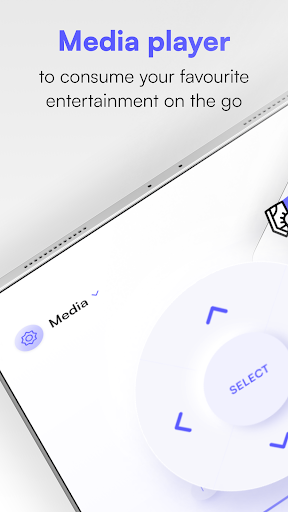
Media screen for media manipulation
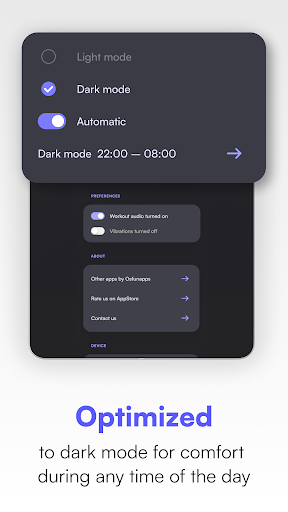
Additional screens that provide access to settings, ad-free options, and a way to contact us when you need support or have questions you’d like to ask.
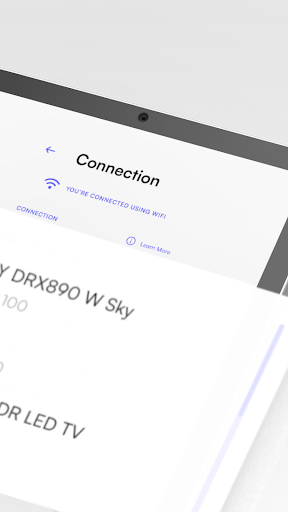
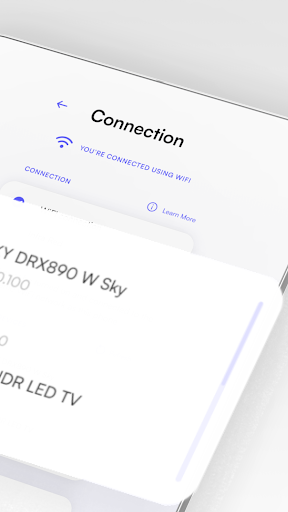
When using Sky Remote, you will even have the option of using it with or without WiFi connection. If connected to WiFi, a notification will appear on the screen letting you know you’re fully connected.
Easy Enough for Anyone to Get the Hang Of, Including Young Children!
If you have children at home with permission to access the Sky devices, you can download our app to their tablets or phones, making it easy for them to control the devices with our universal remote app. One of our many users has even said, "It is so simple to set up that my 8-year-old grandson could (and did) do it." No matter your age or experience level with technology, you can quickly become familiarized with our easy-to-use remote app for Sky devices, ditching your old, outdated remote in the process.
Available for download on Google Play and the App Store, Sky Remote is the perfect universal remote that allows you to quickly control your Sky devices within seconds from all your favorite devices. Whether you use Sky+ HD, Sky Q, Sky Glass, or any other Sky device for entertainment purposes, you can now enjoy having total control from your phone or tablet using Sky Remote.
With our updated downloadable app, it's easier than ever to:
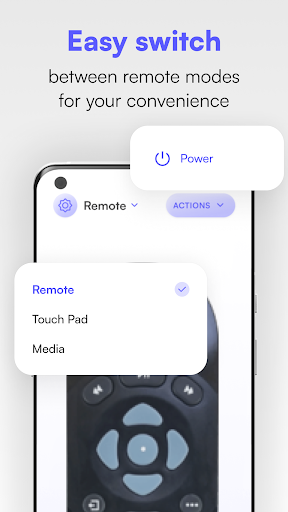
Switch between remote modes
Consume entertainment while at home or on the go
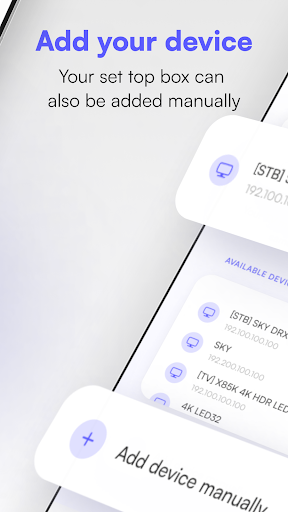
Add devices to your set-top box within seconds
Easily switch between various remote modes based on your preferences
With over one million downloads, be one of many to experience the convenience of Sky Remote firsthand, downloading it and pairing it to your Sky devices in no time.
In-app purchases
$0.99 per item
Version Information
- Version
- 9.4.47
- Downloads
- 1M+
- Updated on
- Nov 3, 2024
- Released
- Jan 19, 2017
- Requires
- Android 6.0
Statistics
Google Play Rating History
Rating Distribution
Downloads Over Time
Remote For Sky, SkyQ, Sky+ HD has been downloaded times. Over the past 30 days, it averaged downloads per day.
Shaded area shows 30-day prediction based on historical trends
Historical data collection started recently. More data points will be available over time.
Remote For Sky, SkyQ, Sky+ HD users say on Google Play
 Stuart Ramshaw
Needed a temporary remote while waiting for a replacement from Sky, so I gave this a try. Very impressed so far it's easy to setup and provides full functionality.... Ads are slightly intrusive but the app is free. I like to support developers who deliver so paid the .99p to make it ad free.
 MATTIE ILES
There's one thing that this remote control hasn't got. There isn't a voice control button.
 Luke Reid
good functionality, allows you to choose the remote interface you like rather than just the one for your sky box - BUT the adverts are incredibly intrusive. I don't mind ads on free apps, but this app has full screen ads that pop up usually while the sky box is fast forwarding, so when you push play again you click the ad, it opens a web page, then you need to go back to the app, close the ad and rewind to where you wanted. just banner ads would make the app far nicer to use.
 trevor Thomson
keeps poping up an advert to download Google Gemini and you cant get rid of it unless yo close everything down but the remote bit of the app works great
 Richard Morris
Paid for ad-free version but app only works over WiFi for some reason. If your Android device is connected to the network via a wired Ethernet cable it doesn't work, why? All my TVs & Sky Q boxes are hard-wired to my network by Ethernet cable and I don't have easy access to WiFi across the whole house, but I do have Ethernet in every room. It should not matter if you're connected to the same network via Ethernet cable or WiFi, the app should work! The developer does not reply to emails. Avoid!
ApkTrusted Ratings & Reviews
More from osApps
See more apps
שלט למזגן
Free
Remote control for Xiaom Mibox
Free
TV Remote control for Sony TV
Free
TV remote for Vizio SmartCast
Free

TV Remote Control For Samsung
Free
Remote control for TCL TVs
Free
Remote for Android TV GoogleTV
Free
Remote Control for Tata Sky
Free
Remote Control For Sky DE
Free
Remote Control For Toshiba TVs
Free
Similar Apps

Universal Remote for Smart TV
Free

Abler
Free

VIDAA Smart TV
Free

Amazon Fire TV
Free
Roku Smart Home
Free
ICG Training
Free

Home V
Free

Philips Hue
Free
Home + Control
Free

Mega TV Remote Control & Cast
Paid
Sky News: Breaking, UK & World
Free

The Roku App (Official)
Free
Sonos S1 Controller
Free

CBS Sports App: Scores & News
Free
Miele app – Smart Home
Free
Supercars App
Free
Scan this QR code to download

Forwarding you to the page at Google Play market in seconds...
Open Google Play market now