
PixelArt: Color by Number, San v4.4.9
PicsArt, Inc.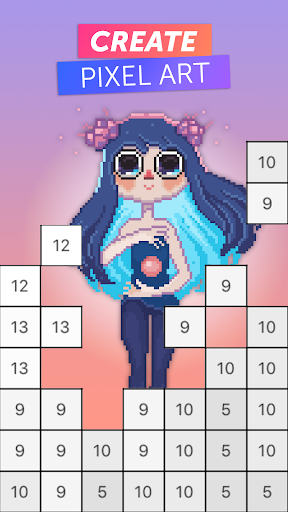










About this app
PixelArt: Color by Number, San solves the problem of providing a creative outlet for individuals looking to relax and express themselves through art, benefiting those who enjoy coloring and pixel art. Compared to other Entertainment category apps, PixelArt stands out with its vast template library and user-friendly interface. However, its lack of social sharing features might be a drawback for some users. Overall, the app's high rating and large user base indicate a well-designed and engaging experience.
Pros
- With over 1,000,000 downloads and a 4.2/5 rating, PixelArt has demonstrated its popularity and quality, making it a trustworthy choice for users seeking a coloring app.
- The app's extensive template library and ability to use personal images provide a high level of customization, catering to diverse user preferences and interests.
- PicsArt, Inc.'s reputation as a developer and their active support email suggest a commitment to maintaining and updating the app, ensuring a smooth user experience.
- The absence of ads and minimalistic in-app purchase model contribute to an uninterrupted and enjoyable coloring experience, allowing users to focus on their art.
- The app's offline capability and lack of permissions requests make it a secure and private option for users concerned about data collection and security.
Cons
- The in-app purchase model, with prices ranging from $0.99 to $39.99 per item, may be perceived as expensive by some users, potentially limiting access to premium features.
- The app's limited social features, such as the inability to share artwork directly from the app, might disappoint users who enjoy showcasing their creations on social media.
- Some users may find the pixel art style and coloring mechanics to be less engaging or restrictive compared to other art apps, which could lead to a shorter app lifespan.
- The app's Android requirement of 5.0 might exclude users with older devices, limiting its accessibility to a broader audience.
Best for: The ideal user for PixelArt is an individual, likely between the ages of 15 and 45, who enjoys creative activities, has basic technical skills, and is looking for a relaxing and engaging hobby that can be enjoyed during short periods of free time, such as commuting or breaks, with a focus on self-expression and stress relief.
Developer Description
Color the boxes and draw pixel images using our templates or your own images
Release stress, have fun while waiting in queue, meditate during the breaks, or just make awesome and colorful images - this free and addictive coloring book suits every moment of your life!
EASY TO COLOR
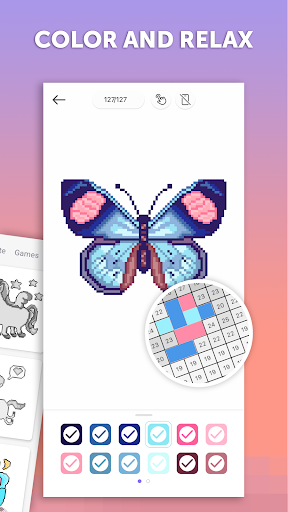
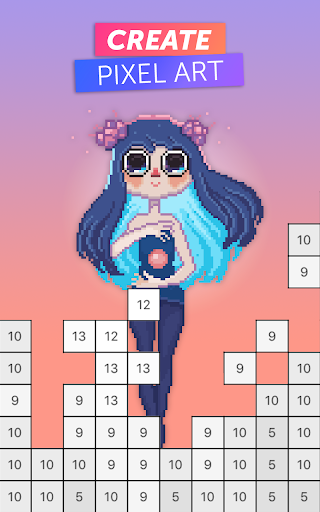
Color the numbers by tapping or dragging your finger on the same numbers while using the right color. Got over the edges? No problem, PixelArt: Color by Number will keep you within the borders.
HUGE LIBRARY
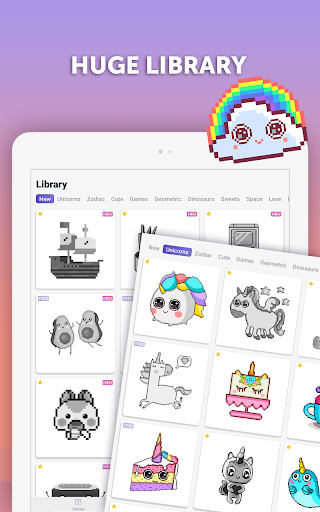
Hundreds of coloring pages with images of animals, flowers, holiday decorations, and more. And the library is always getting updated!
IMAGES FOR BOTH KIDS AND ADULTS
Both you and the younger ones can find images they’ll love to color! Choose the complexity and difficulty you are comfortable with!
PIXEL COLOR YOUR SELFIES
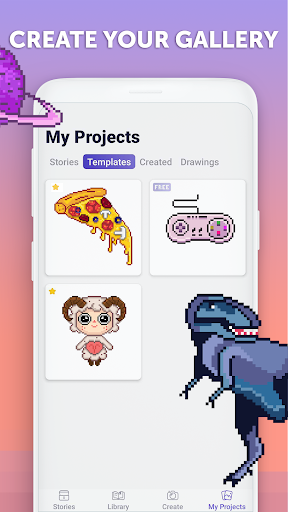
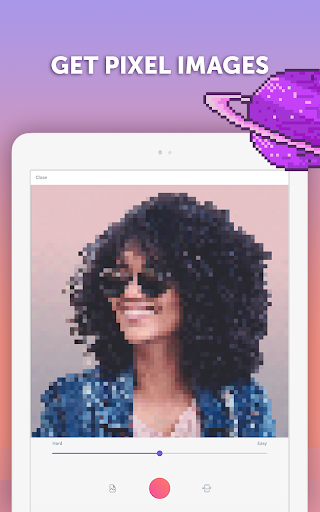
Are the templates simply not enough for you? Or maybe you have an awesome image you think would look great as a sandbox-colored drawing? Create your own coloring pages by choosing images from your Gallery and coloring them. Make your own 8bit image!
EASY TO SWITCH COLORS
Done with coloring one part? Just one tap and you are ready to progress with another color.
SAVE & SHARE
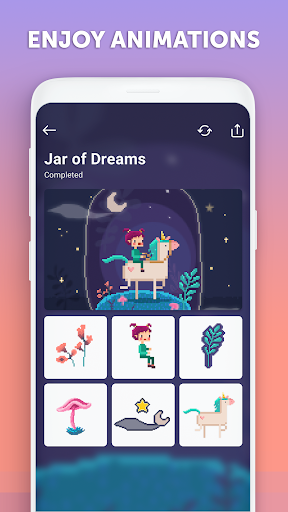
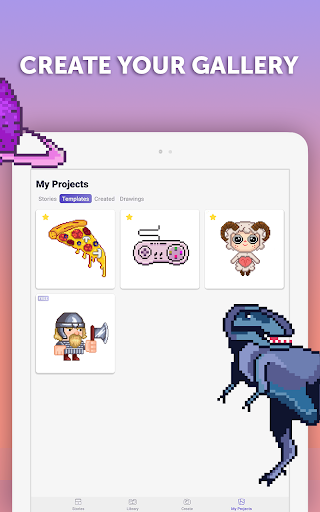
It’s super easy to Save your final image or progress video to your library, as well as share the drawing on Picsart, Instagram, and other social networks you love!
Download PixelArt: Color by Number today and practice your drawing skills every day.
Privacy
Given the app's zero permission requests, users can feel secure in knowing that their data is not being collected or shared. However, as with any app, it's essential to be cautious when making in-app purchases and to monitor account activity. To further protect your privacy, consider using a secure payment method and keeping your device's operating system up to date.
Tips
To get the most out of PixelArt, start by exploring the various template categories and adjusting the brush size to suit your desired level of detail. For optimal performance, ensure your device has sufficient storage space and consider closing other resource-intensive apps while using PixelArt. Additionally, take advantage of the app's offline capability by downloading templates beforehand, allowing you to create art anywhere, anytime.
What's New
In-app purchases
$0.99 - $39.99 per item
Version Information
- Version
- 4.4.9
- Downloads
- 1M+
- Updated on
- Jul 30, 2021
- Released
- Dec 29, 2017
- Requires
- Android 5.0
Statistics
Google Play Rating History
Rating Distribution
Downloads Over Time
PixelArt: Color by Number, San has been downloaded times. Over the past 30 days, it averaged downloads per day.
Shaded area shows 30-day prediction based on historical trends
Historical data collection started recently. More data points will be available over time.
PixelArt: Color by Number, San users say on Google Play
 Madelyn
Amazing. Love the custom personal options for color and sounds. I also love the little packs/stories! Wish the stories were a bit more detailed/longer but hey, still a wonderful and creative idea. I am however super bummed that there aren't anymore free pages and how limited they are in choice topics/subjects. That isn't enough to lose a star over though, but figured I would add that thought in there.
 Zsuzsanna Vári
Beautiful app with great UI and many cool and funny pictures to colour. 🤘 I miss the feature of importing pictures (not instant photos but images imported from gallery) - function is available for subscribers but usually, it's available for free in other similar apps (even with restrictions on the number of colourst or pixels). Colouring could be improved, too: getting number codes visible needs very close zoom that leads to really slow gameplay. Anyway, it's still a fine game after all. ☺️✌️
 Tiwa
Tiwa
Not bad I used this app for a few hours and I really like how simple the app is to use But there are this the app needs like Undo button Colour picker Copy and paste
 kanak mathur
Not much free stuff
 Riri Joshi
I imagine could rate it in minis If you are giving us free trail to see if it works or not then why are you make us do payment if we do payment and don't find this app suitable then what should we do ???? Useless "GREEDY" app .
ApkTrusted Ratings & Reviews
More from PicsArt, Inc.
See more apps


Similar Apps
Photo Editor by BeFunky
Free
PicsKit Photo Editor & Design
Free
Photo Editor:Pic Collage Maker
Free

ArtFlow: Paint Draw Sketchbook
Free

PicWish: AI Photo Editor
Free

PicMa: AI Video&Photo Enhancer
Free
MIX by Camera360
Free

AR Drawing – Trace & Sketch
Paid

Pixelcut AI Photo Editor
Free

Oji: AI Avatar Photo Generator
Free

Fotogenic : Face & Body Editor
Free

iFrame: Photo Collage Maker
Paid

Prisma Art Effect Photo Editor
Free
ibis Paint
Paid

Lift: AI Photo Editor
Free

Blend: AI Videos Logos Try On
Free
Scan this QR code to download

Forwarding you to the page at Google Play market in seconds...
Open Google Play market now