Projector - HD Video Mirroring v1.1.75
Quantum4u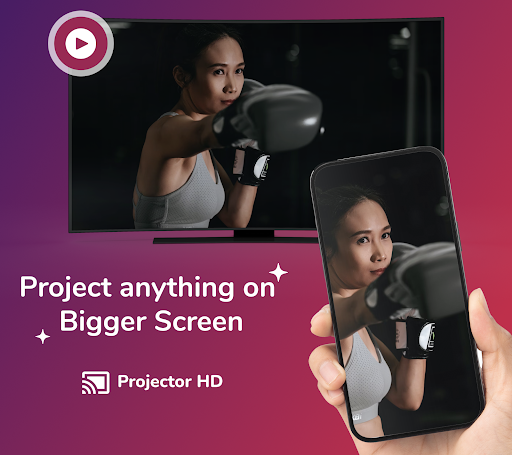
About this app
Developer Description
Projector | Chromecast | Screen Mirroring | Aftercall | TV Remote | Cast to TV
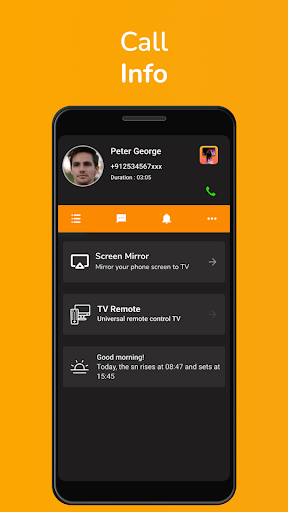
CALL ACTIVITY SCREEN or CALLER ID
Get real-time call information along while you cast your screen.
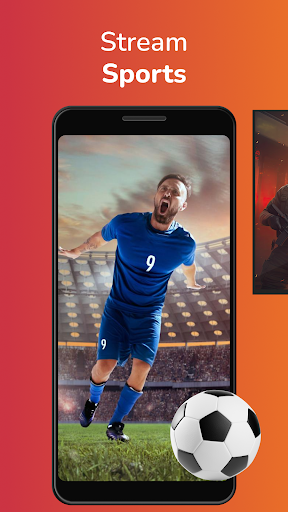
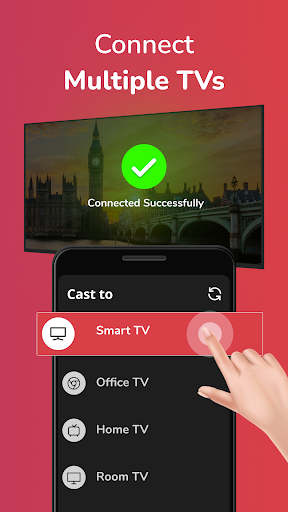
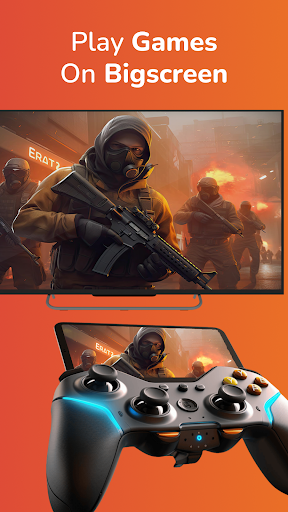
With this app, you can cast your music, local photos/videos and online videos on the smart TV. You can also watch your favorite TV shows, live streams and play games on the big screen, and screen mirror your mobile device to your Home TV and access the device notifications while using this app.
This mobile screen mirroring application is perfect for
- Making an effective presentation in a business meeting or screen sharing session.
- Screen share health & fitness videos to home TV to help you work out better.
- Mirror phone screen to your home TV, including games, live streams and other popular mobile apps.
- Cast online videos from mobile using Chromecast to home TV so you can watch web videos on cast to TV app.
- Watch your favorite shows, movies and live channels on a bigger TV screen.
- Cast your family photos and travel photos to TV at a family party.
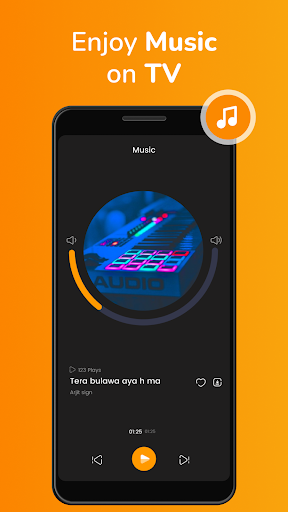
- Play music from your phone to your home TV.
- This screencast app supports multiple languages.
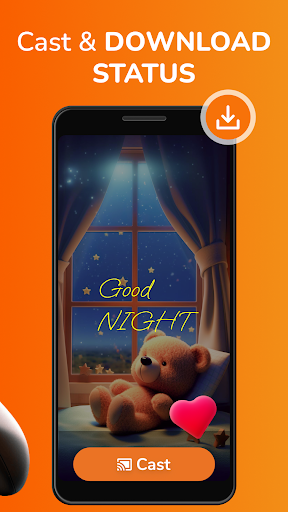
- WA Status Saver: Using this mira cast app, you can also save the WA status with one tap and share it directly from the screencast app.
New Feature Alert
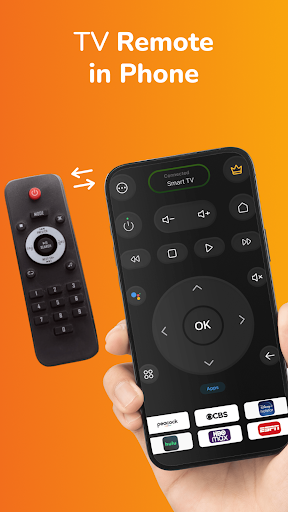
The Universal TV Remote Control transforms your smartphone into a TV remote, allowing you to command your TV with a simple tap. No more misplaced remotes! No more changing batteries! your smartphone now doubles up as your TV remote, which is usually within arm's reach.
Note: Your phone and Smart TV must be on the WiFi Network for the remote control feature to work.
How to use Projector- Screencast to TV?
1. Install the screen mirroring app, Projector- Cast to TV on your android phone.
2. Make sure your phone and TV/ monitor are connected to the same WiFi network.
3. Hit ‘Start’ to begin scanning in the cast app for nearby TV/ monitors.
4. Select the device you would like to screencast.
5. You can stop screen mirroring by pressing “Stop.”
Support & FAQs
How to fix connection issues in the mira cast app?
If your sender device and your receiver device/TV do not connect at all, we recommend the following steps:
1. Enable airplane mode for at least 10 seconds and then disable it again. This will help you rediscover the devices on your WiFi network.
2. Restart all involved devices for mira cast, including your sender and receiver device/ home TV and WiFi router. Devices powered by cables (e.g., TV) should be unplugged from power for at least 1 minute before reconnecting.
3. Ensure that both devices for screen mirroring are connected to the same WiFi network.
4. If connection issues persist, please get in touch with our Chromecast app support team. We will try to look into it at the earliest.
What to do when the Chromecast app crashes?
If the Projector app crashes, please clean the Chromecast app's data by going into settings. If it does not help, reinstall the screen mirroring app and restart your phone.
If the issue persists despite this, please get in touch with screencast support.
Smart Tools
1) Duplicate photo Cleaner - Clean duplicates or replicas with ease.
2) Junk Cleaner - Clean junk effectively & efficiently.
3) WiFi Manager - Manage WiFi Networks, Internet speed, WiFi Connection Metrics.
4) App Usage - Observe the app metrics, time usage, data usage, etc.
5) Batch Uninstaller - Uninstall apps in batches.
6) App Restore - Restore uninstalled apps hassle-free.
Privacy Policy: https://quantum4u.in/web/projector/privacy-policy
Terms & conditions: https://quantum4u.in/web/projector/tandc
EULA: https://quantum4u.in/web/projector/eula
In-app purchases
$0.99 - $79.99 per item
Version Information
- Version
- 1.1.75
- Downloads
- 10M+
- Updated on
- Sep 10, 2025
- Released
- Dec 7, 2016
- Requires
- Android 7.0
Statistics
Google Play Rating History
Rating Distribution
Downloads Over Time
Projector - HD Video Mirroring has been downloaded times. Over the past 30 days, it averaged downloads per day.
Shaded area shows 30-day prediction based on historical trends
Historical data collection started recently. More data points will be available over time.
Projector - HD Video Mirroring users say on Google Play
 Herbert
it's so good i can use my phone to remote and i can connect my phone to my tv to, please rate this 4 or 5 becouse it is sooooooo gooddddd👏👏👏
 Rizwana Parwez
good
 Irfaan Nancy
Good
 Gr8_World 3342
Hmm ! not very bad app , while good 👍 and helpful
 Seema Prasad
awful so hard to figure out not easy at all while u figure out it pops up ad after ad very disappointed just want to watch from my phone projector Disney or crave Netflix doesn't work waste of time. should be more simple easy to use and work.
ApkTrusted Ratings & Reviews
More from Quantum4u
See more apps
Drone Fighter: War Battlefield
Free

Game Booster 4X Plus
Paid

WiFi Password Show - Analyzer
Free
Calendar 2026-Schedule Planner
Free

AI Homework - Math Helper
Free

File Manager PRO: Manage Files
Free

ARDrawing: Trace Sketch, Paint
Free
Notification Manager: Notisave
Free

Call Recorder Automatic - ACR
Free

Area Measurement: AR Tape
Free

Weather 247 Forecast - SKYAQI
Free

Projector Screen Mirroring PRO
Paid

Jungle Adventure - Super Slime
Free

AstroSaga: Talk to Astrologer
Free

2FA Vault: Authenticator App
Free

Tea Amo - Match, Spot Red Flag
Free
Similar Apps

HQ Video Player & Casting
Paid
Screen Mirroring: Cast to TV
Free

Cast for Chromecast & TV Cast
Free

VIDAA Smart TV
Free

LG ThinQ
Free
HappyLighting
Free
AlfredCamera Home Security app
Free

Video Recorder
Paid

Protake - Mobile Cinema Camera
Free

Universal Remote for Smart TV
Free
SmartLife - Smart Living
Free
VUZ: Live 360 VR Videos
Free

Spatial Touch™
Free

Smart Transfer: File Sharing
Free
Homey — A better smart home
Free

ScreenStream
Free
Scan this QR code to download

Forwarding you to the page at Google Play market in seconds...
Open Google Play market now