
Kids App Qustodio v180.78.0.2-family
Qustodio LLC

About this app
Developer Description
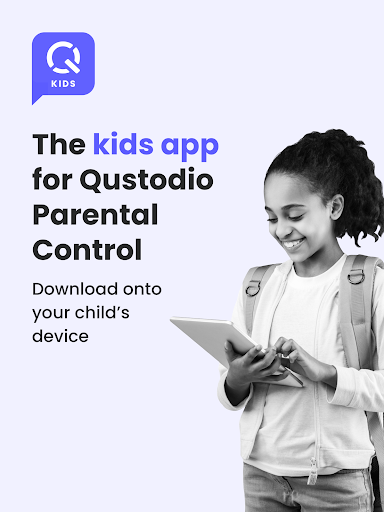
Kid’s companion app to Qustodio Parental Control App. For your child’s device.
Create a free account to get started:
1. Download Qustodio Parental Control App onto your own device
2. Download Kids App Qustodio (this app) onto each child/teen’s device you want to protect.
The two apps work in tandem to give parents all the tools they need to protect kids online.
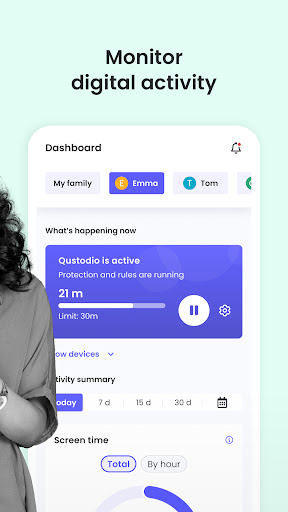
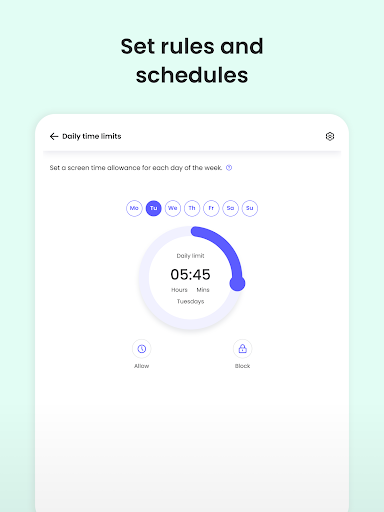
Parents, with Qustodio’s parental controls you can:
Create a safe space for your kids to explore and play online
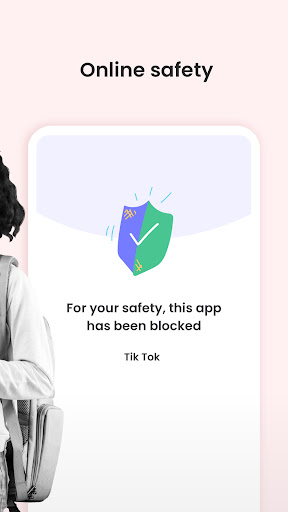
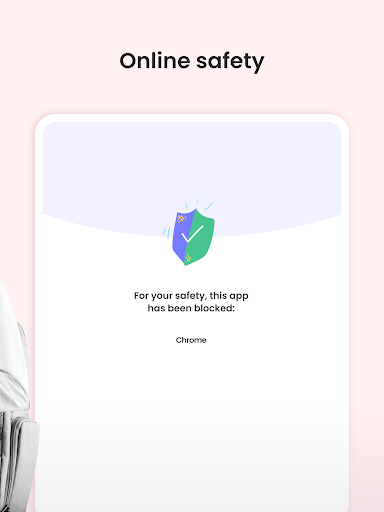
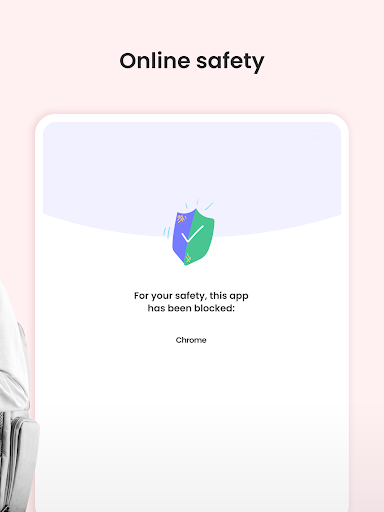
• Block apps and inappropriate content
• Prevent exposure to gambling, mature content, violence and other threats
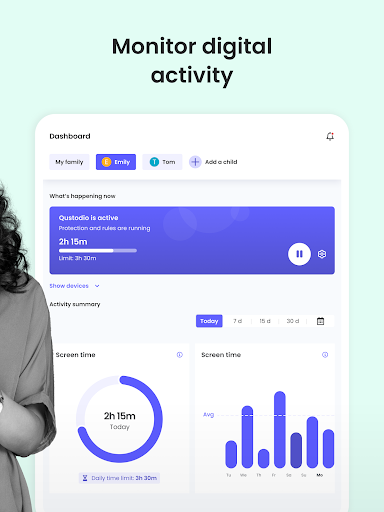
Stay involved in your children’s digital lives
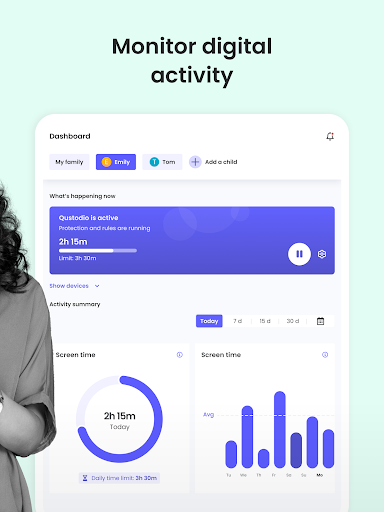
• View activity timelines and browsing history, YouTube views, screen time and more
• Receive real-time alerts
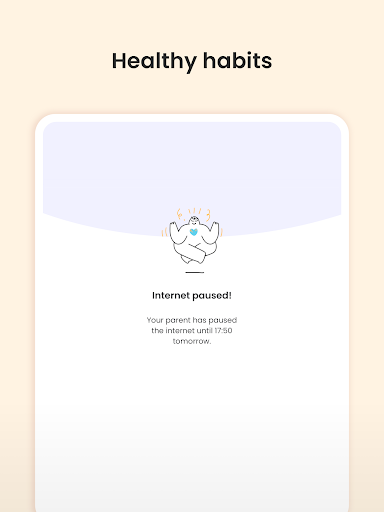
Promote healthy habits for the whole family
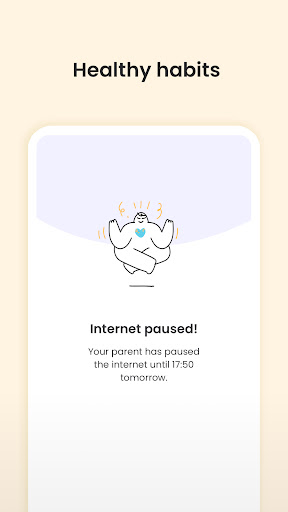
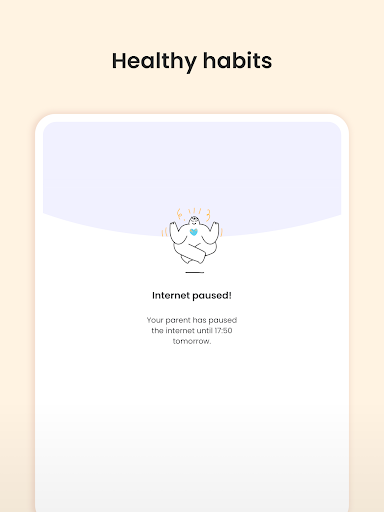
• Help avoid screen addiction
• Ensure better sleep routines
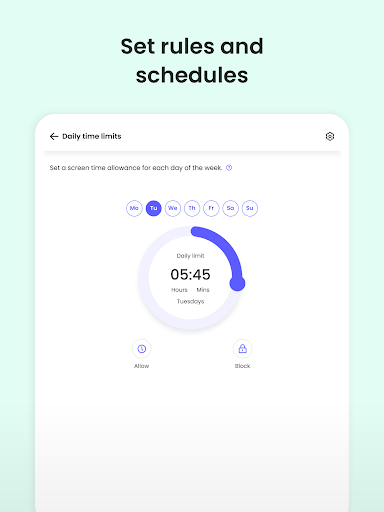
• Preserve family time with consistent time limits and screen-free time.
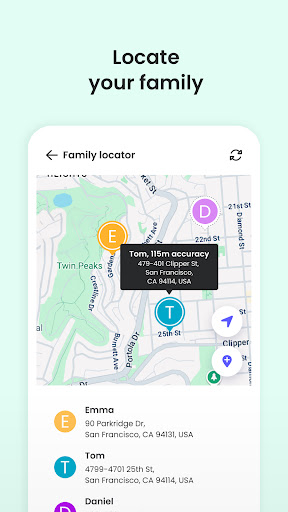
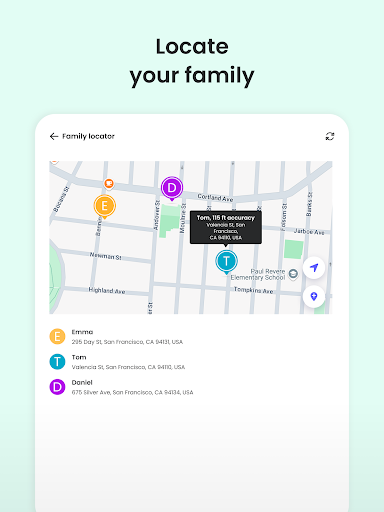
Know where your kids are at any time
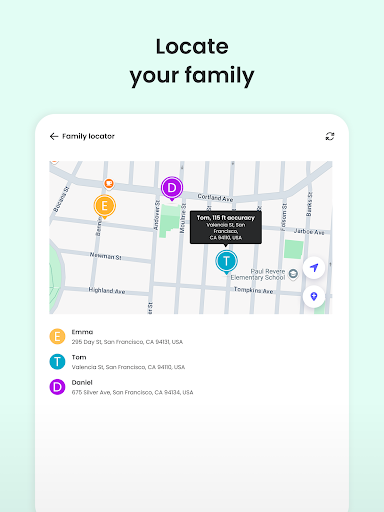
• Locate your kids on a map. Know where they are and where they have been.
• Get notification when kids arrive or leave the house
Protect your children from predators and cyberbullies
• Detect suspicious contacts
• Read sent and received texts
• Block numbers
To personalize filters, set time limits and monitor activity, use the parent’s app: Qustodio Parental Control App.
Kids App Qustodio for Android is password protected and cannot be uninstalled from a child’s device without parental permission.
Our FAQ:
• Does Qustodio Parental Control family screen time blocker app support Android 8 (Oreo): Yes.
• Does Qustodio family screen time blocker app work on other platforms besides Android? Qustodio can protect Windows, Mac, iOS, Kindle and Android.
• What languages do you support? Qustodio is available in English, Spanish, French, Italian, Portuguese, German, Japanese and Chinese.
For support. Contact us here: https://www.qustodio.com/help and support@qustodio.com
Notes:
This app uses the Device Administrator permission. This will prevent a user from uninstalling Kids App Qustodio without your knowledge.
This app uses Accessibility services. to build an excellent device experience that helps users with behavioral disabilities set appropriate levels of access and monitoring of screen time, web content and apps, in order to limit their risks and enjoy life normally.
This app uses the VPN service to filter inappropriate web content.
Troubleshooting notes:
Huawei devices owners: Battery-saving mode needs to be disabled for Qustodio.
What's New
We've made more improvements and fixed some minor bugs to make your Qustodio experience even better. As always, we recommend that you enable auto-updating in the Play Store so both your and your kids' apps are always up-to-date.
The Qustodio Team
Version Information
- Version
- 180.78.0.2-family
- Downloads
- 1M+
- Updated on
- Nov 26, 2025
- Released
- Feb 18, 2013
- Requires
- Android 8.0
Statistics
Google Play Rating History
Rating Distribution
Downloads Over Time
Kids App Qustodio has been downloaded times. Over the past 30 days, it averaged downloads per day.
Shaded area shows 30-day prediction based on historical trends
Historical data collection started recently. More data points will be available over time.
Kids App Qustodio users say on Google Play
 Najmul Hasan
The app is great. But even if it blocks everything, it cannot block the Unknown Browser or those private browsers on the Play Store. And many people use those browsers to access bad sites.
 Charlotte Golden
hi! the kid here! I just realized that I can deactivate this app in the play store, and that's probably a problem. also, I have two devices, and my mom labeled both of them, but since I only bring one device to school, every five minutes it was going "Charlotte has left home" "Charlotte has left school" over and over, so she had to make a separate 'child' to be my tablet so she didn't get constantly bombarded with notifications.
 Mbkhout Ali
شكرا
 maxmus bautala
powerful filter, but my phone give an option to prevent qustodio from opening my browser app so in that sense it's ineffective, also it does not verify email, if the email is wrong and you forget the password it's hard to log back into. also Gemini does not open because of it
 Bear Anderson
I just want to say that I'm a teen who's a victim of this malware. I hate this whole app so, so much. Having it on my computer is bad enough because it spies on you along with your parents. Having it on my phone is even worse. It also removes my ability to use split screen and other basic functions of the phone for no reason. The whole app is made for cruelty. update: the PC version caused me to lose a full hour of modeling that I'll have to explain to some people. nice work, qustudio.
ApkTrusted Ratings & Reviews
More from Qustodio LLC
See more apps
Scan this QR code to download

Forwarding you to the page at Google Play market in seconds...
Open Google Play market now