
Blue Moon vVARY
Titanium Cyborg Systems (TCS) Services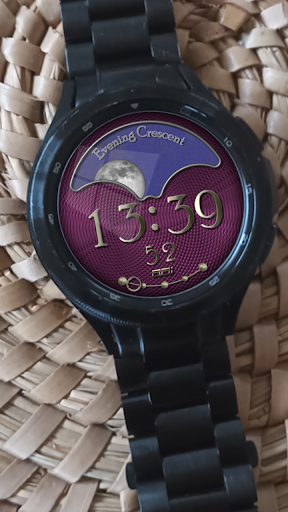
About this app
Developer Description
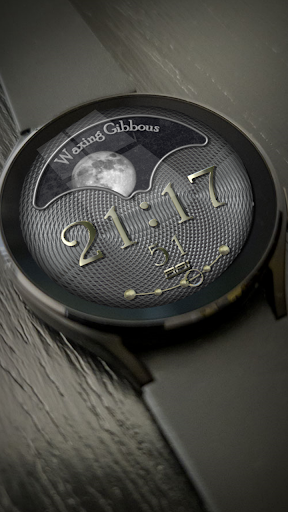
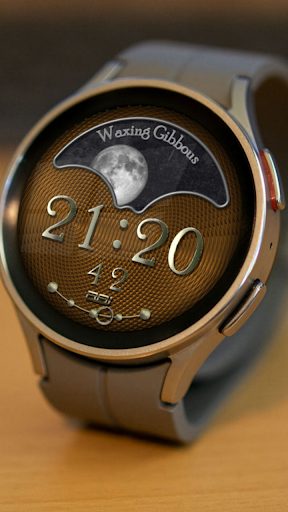
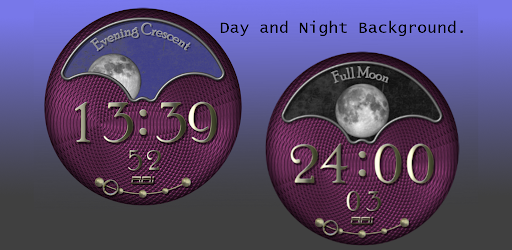
Digital Watch with an Analog Moon
1. Please make sure you watch is connected to your phone via Bluetooth
2. You can also install this watch face by accessing the Google Play Store in the web browser in a PC or Laptop with the same account you made the purchase from to avoid double charge.
3. If PC/laptop not available, you can use the phone web browser. Head over to the Play Store app, then to the watch face. Click the 3 dots in the upper right hand corner then Share. Use the available browser, I suggest Samsung Internet app, login the account you made the purchase from and install it there.
4. You can also check the Samsung Developers video installing Wear OS watch face in so many ways: https://youtu.be/vMM4Q2-rqoM
Please be patient with us until Play Store fixes this issue. Please understant that we don't have control over the installation issue. Our watch face apps are thoroughly tested in a real device (Galaxy Watch 4 Classic) and are reviewed and approved by the Google Play Store team before publishing them. We love to share our work and make sure users will enjoy our watch faces.
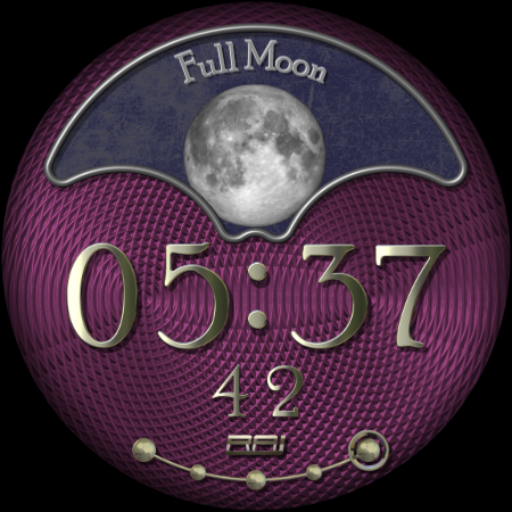
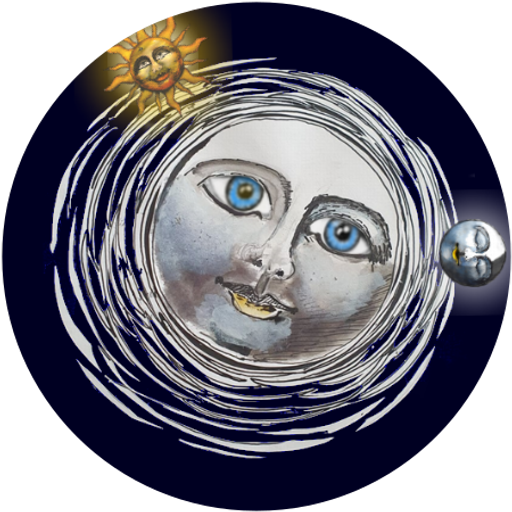
Fascinating combination of Classic and Modern.
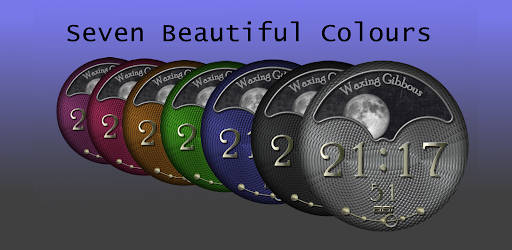
Classic Moon Dial with Named Phases in a Day/Night Sky with Polished silver Digital Time.
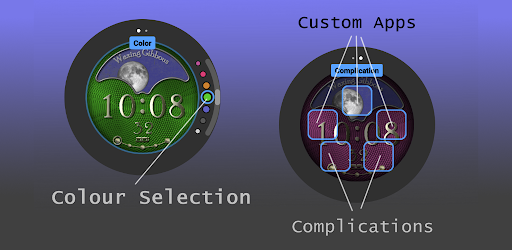
A selection of Seven Background colours.
Five Hidden Tap Areas for custom complications.
-Lower two are for the Widgets on your watch.
-The upper Three are for Apps on your Watch.
Analogue Battery Gauge.
Fully Customisable on your watch.
Please Enjoy.
Please enjoy!
Made for WearOs
CUSTOMIZATION:
1. Press and hold display then hit "Customize".
2. Swipe left and right to choose what to customize.
3. Swipe up and down to choose options available.
4. Hit "OK".
Check out RAJ CoLab updates at:
Facebook page: https://www.facebook.com/RAJCoLab/
Developer page: https://www.facebook.com/RAJCoLab/posts/pfbid0vADxP7faf22jFd4NiZZsoydff6Rb28zLoUk5FMYf6pfBUbd7hravJDCfzCXQErmel
For support and request, you can email me at TiBorg.iot@gmail.com
Version Information
- Version
- -
- Downloads
- 500+
- Updated on
- -
- Released
- Mar 9, 2023
- Requires
- Android Varies with device
Statistics
Google Play Rating History
Rating Distribution
Downloads Over Time
Blue Moon has been downloaded times. Over the past 30 days, it averaged downloads per day.
Shaded area shows 30-day prediction based on historical trends
Historical data collection started recently. More data points will be available over time.
ApkTrusted Ratings & Reviews
More from Titanium Cyborg Systems (TCS) Services
See more apps





Similar Apps
PULSE - Digital Watch Face
Paid

Dia de los Muertos
Paid
3D Beach Sunset LandscapeWatch
Free
Purple Elegant Pro Watch Face
Free

PW41 Ladies Digi Watch Face
Paid

Progress Watch
Free
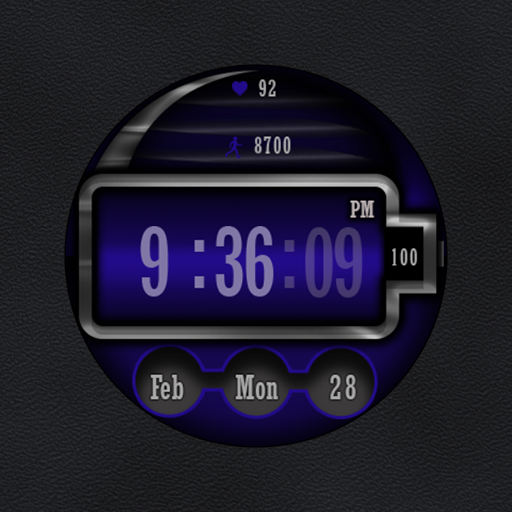
W-Design WOS073 - Watch Face
Paid

Summertime Watch Face
Free

Dawn to Dusk Watch Face
Paid

Moon Tracker Modern Digital 33
Paid

Cold Tech Watch Face
Paid

AZ285 Valentine's Watch Face
Paid

ACRO Double Simple Watchface
Paid

Pars Cyber Digital Watch Face
Paid
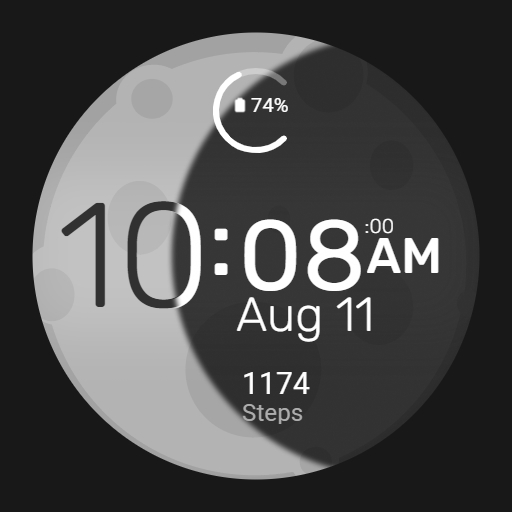
Moon Fase Watch Face
Paid

Strange Digital Watch Face
Free
Scan this QR code to download

Forwarding you to the page at Google Play market in seconds...
Open Google Play market now