
Christmas - Gingerbread vVARY
RECREATIVE Watch Faces


About this app
The Christmas - Gingerbread app solves the problem of bland watch faces by offering a festive and sweet gingerbread cookie frame, primarily benefiting Wear OS users who want to personalize their devices during the holiday season. Compared to alternatives in the Personalization category, this app stands out with its unique and seasonal theme, but falls short in terms of functionality and customization options. The app's mixed user rating and limited downloads suggest that it may not be a top choice for users seeking more comprehensive personalization solutions. The app's simplicity and lack of features may be a drawback for some users.
Pros
- The app's unique gingerbread cookie frame design is a standout feature that sets it apart from other watch face personalization apps, offering a fun and festive way to customize Wear OS devices.
- With no permissions required, users can rest assured that their data and device security are not compromised, making it a low-risk download.
- The app's small size and simple design make it a lightweight and efficient option for users who want to add some holiday cheer to their watch face without sacrificing performance.
- The developer, RECREATIVE Watch Faces, has a website and email support, indicating a level of commitment to customer support and feedback, which can be reassuring for users who may encounter issues or have questions.
Cons
- The app's mixed user rating and limited downloads suggest that it may not be a well-rounded or widely appealing solution, and some users may find the design too simplistic or lacking in features.
- The presence of ads in a paid app may be a turn-off for some users, who may feel that they are being nickel-and-dimed or that the ads detract from the overall user experience.
- The app's limited functionality and lack of customization options may make it less appealing to users who want more control over their watch face design or who are looking for a more comprehensive personalization solution.
Best for: The ideal user for this app is a casual Wear OS user who wants to add a touch of holiday cheer to their watch face, is looking for a simple and lightweight personalization solution, and is willing to tolerate ads in a paid app, likely someone who values ease of use and a fun, festive design over comprehensive features and customization options.
Developer Description
Sweeten up your Wear OS Watch face with a gingerbread cookie frame!
Powered by Watch Face Format
⚙️ Phone App Features
The phone app is simply a tool to facilitate installation and locating the watch face on your Wear OS watch. Only the mobile app contains ads.
⚙️ Watch Face Features
• 12/24h Digital Time
• Date
• Battery
• Steps Count
• 1 customizable Complications
• 2 customizable Shortcuts
• 3 Backgrounds
• Always ON Display supported with changeable colors and changeable modes
🎨 Customization
1 - Touch and hold display
2 - Tap on Customize option
🎨 Complications
Touch and hold display to open customization mode. You can customize the field with any data you want.
🔋 Battery
For better battery performance of the watch, we recommend disabling the "Always On Display" mode.
✅ Compatible devices include API level 33+ Google Pixel, Galaxy Watch 4, 5, 6, and other Wear OS models.
Installation and troubleshooting
Follow this link: https://www.recreative-watch.com/help/#installation-methodes
Watch faces don't automatically apply on your watch screen after the installation. That's why you must set it on your watch's screen.
💌 Write to support@recreative-watch.com for assistance.
Privacy
Since the app requires no permissions, users do not need to worry about their data being collected or compromised. However, as with any app, it's still important to be mindful of the potential for ads to collect anonymous usage data. To minimize potential risks, users can review the developer's privacy policy and consider using a tracker-blocking browser or app to limit data collection.
Tips
To get the most out of this app, users should first ensure that their Wear OS device is compatible and that they have the latest version of the app installed. Users can also experiment with different watch face settings and combinations to find the perfect balance of style and functionality. Additionally, users can consider reaching out to the developer with feedback or suggestions to help improve the app and add new features.
Version Information
- Version
- -
- Downloads
- 1K+
- Updated on
- Aug 26, 2025
- Released
- Oct 25, 2023
- Requires
- Android Varies with device
Statistics
Google Play Rating History
Rating Distribution
Downloads Over Time
Christmas - Gingerbread has been downloaded times. Over the past 30 days, it averaged downloads per day.
Shaded area shows 30-day prediction based on historical trends
Historical data collection started recently. More data points will be available over time.
Christmas - Gingerbread users say on Google Play
 Trina Uribe
So cute
 abbby
abbby
It doesn't work :/ just opens to a screen where it says if I want a refund.
ApkTrusted Ratings & Reviews
More from RECREATIVE Watch Faces
See more apps
Outdoor - Mountain & Sea
Free

Autumn & Winter Watch - ReS45
Paid

Christmas Frame - Characters
Paid
Winter & Christmas Friends
Paid
New Year's Eve - Animated
Paid

Seasonal Nature - Wear OS
Paid
Christmas Globes & Decorations
Paid
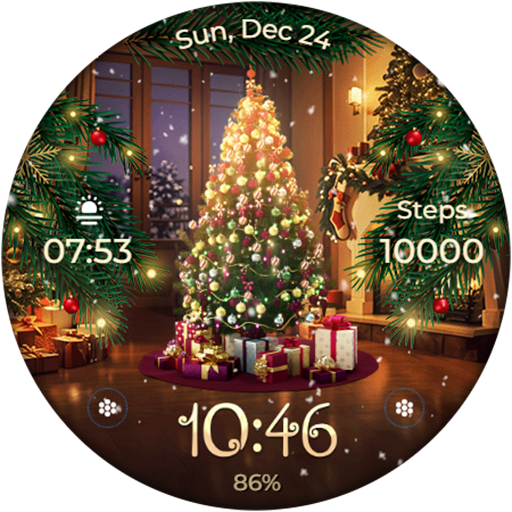
Animated - Christmas Tree
Paid
Animated - Christmas Tree
Paid
Animated - Christmas Tree
Paid

Santa's Christmas Village
Paid
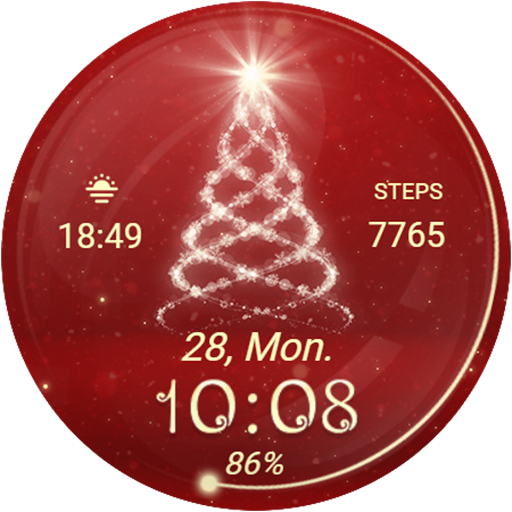
Christmas Spirit - Animated
Paid
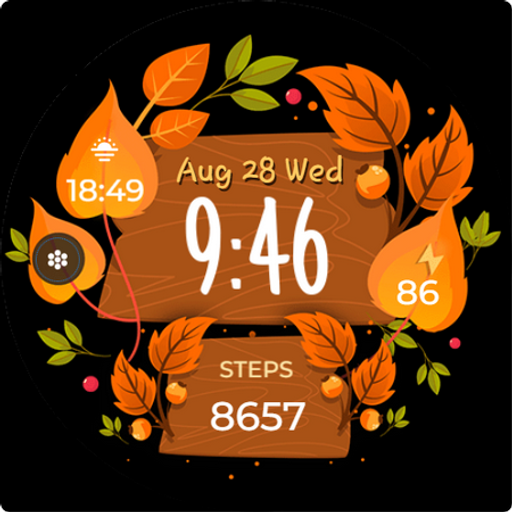
Seasonal Vibes - Wear Os Watch
Paid

Autumn: Animals & Nature
Paid

Christmas Gifts & Lights
Paid
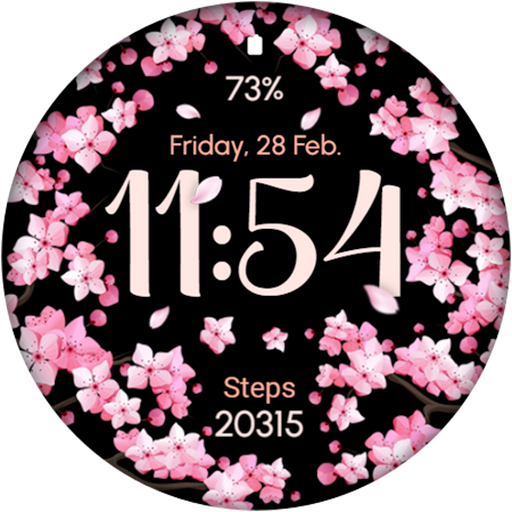
AR02 - Blooming Flowers
Paid
Similar Apps
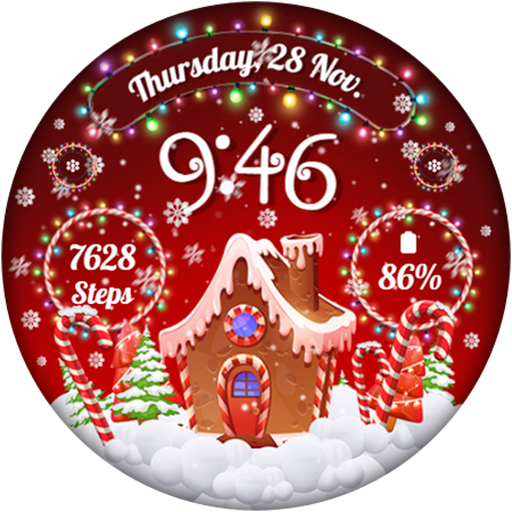
RW01 - Christmas Ginger House
Paid
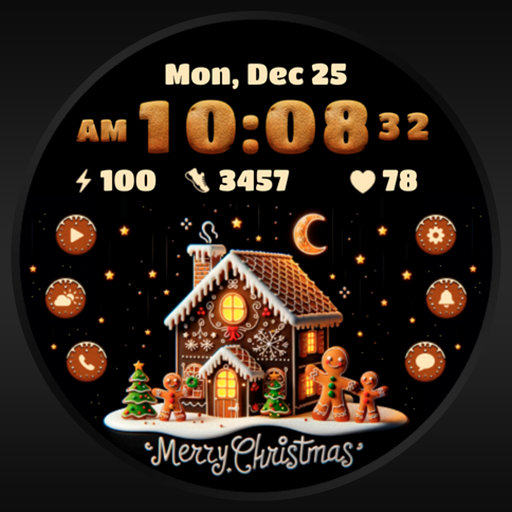
AZ275 Christmas Ginger Cookie
Paid
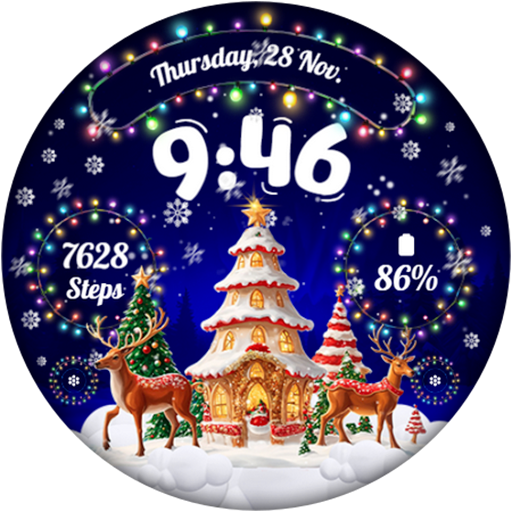
RW02 - Magical Christmas
Paid
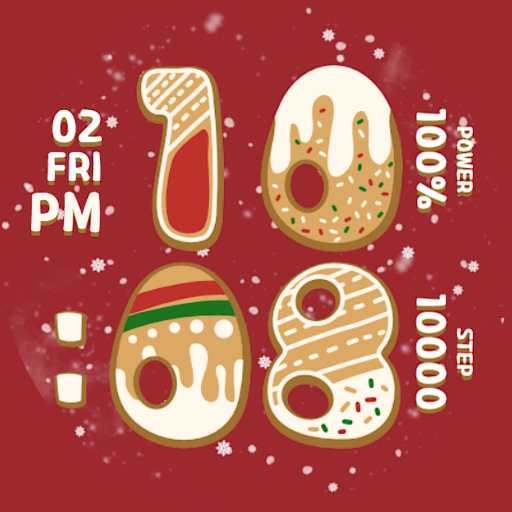
Xmas Watchface
Free

BFF12- Christmas & Santa Claus
Paid

Christmas Charm
Paid
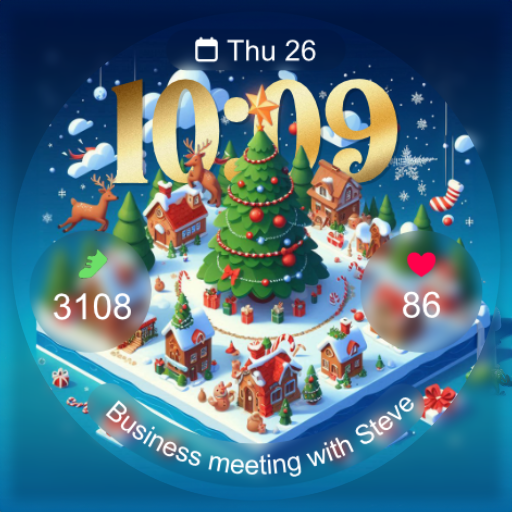
Christmas Village
Paid

BFF16- Christmas Lead Soldiers
Paid
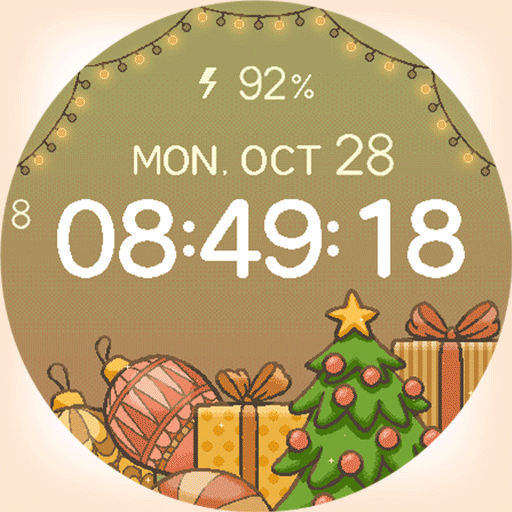
artifun.christmas3.watchface
Paid

BFF20- Christmas Fairies Candy
Paid

TVV Christmas 3 Watch Face
Paid

Tku Christmas Time
Paid

BFF13- Christmas & Santa Claus
Paid

AZ280 Santa Claus Watch Face
Paid

Christmas Numbers Watch Face
Paid

BFF27- Christmas House snowman
Paid
Scan this QR code to download

Forwarding you to the page at Google Play market in seconds...
Open Google Play market now