
Seasonal Nature - Wear OS vVARY
RECREATIVE Watch Faces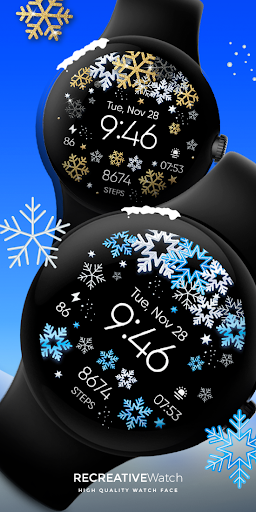




About this app
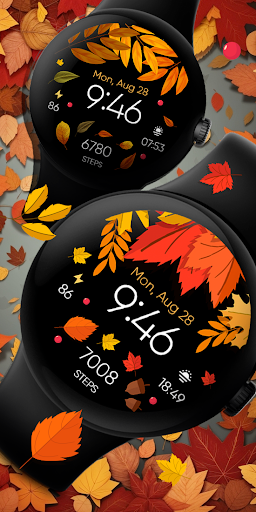
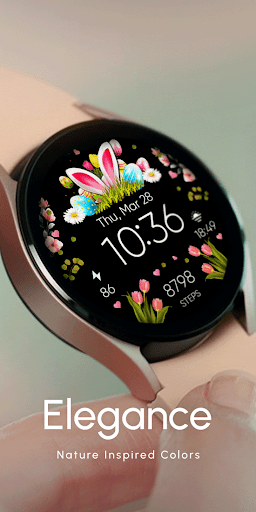
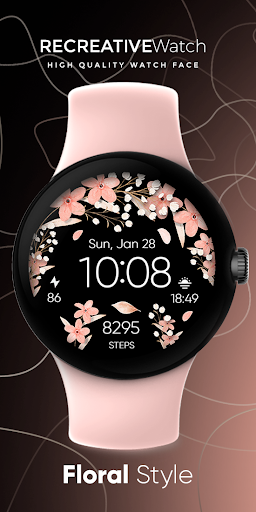
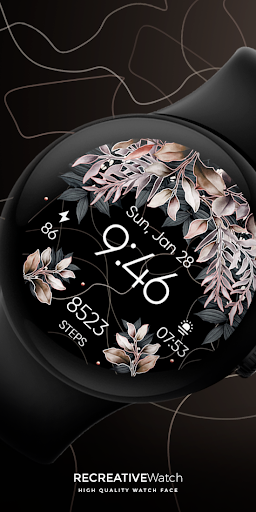
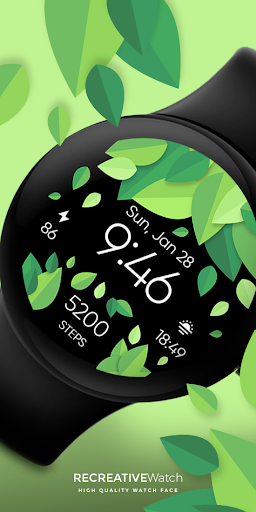
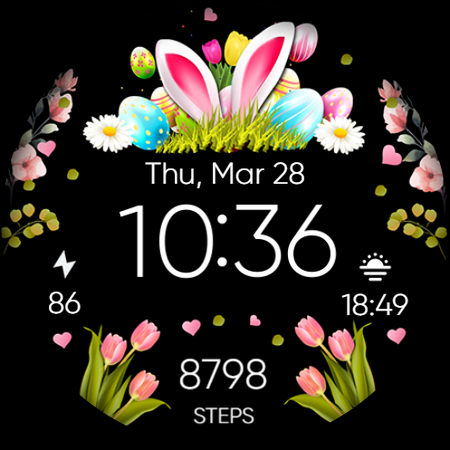
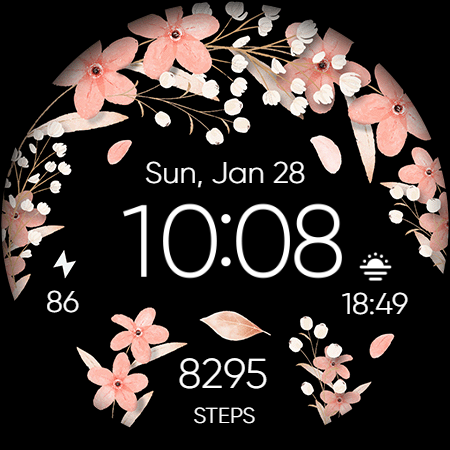
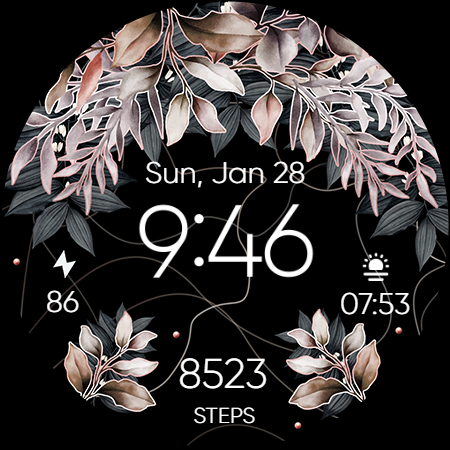
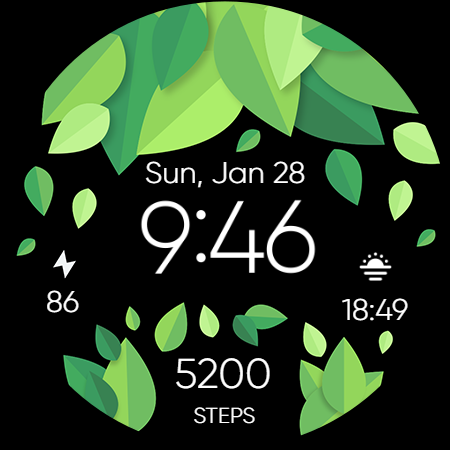
The Seasonal Nature - Wear OS app solves the problem of monotony in watch faces by providing a customizable floral design that changes with the seasons, making it ideal for users who value personalization and aesthetics. This app benefits users who own Wear OS devices and are looking for a unique and visually appealing watch face. Compared to alternatives in the Personalization category, Seasonal Nature stands out with its seasonal themes, but falls short in terms of overall feature set. The app's simplicity and lack of complexity may be a drawback for some users.
Pros
- With a 4.1/5 user rating and over 5,000 downloads, Seasonal Nature has demonstrated a good level of social proof and user satisfaction.
- The app's customizable floral design is a unique selling point, allowing users to personalize their watch face according to their preferences.
- The developer, RECREATIVE Watch Faces, has a dedicated website and email support, indicating a level of commitment to customer service and support.
- The app's small size and lack of permissions make it a lightweight and secure option for users who are concerned about data privacy and security.
Cons
- The app's monetization model, which includes ads, may be a drawback for some users who prefer an ad-free experience.
- The app's limited feature set and lack of complexity may make it less appealing to users who are looking for a more comprehensive personalization app.
- The app's compatibility with varying Android devices may be a concern, as the app's performance may vary depending on the device being used.
Best for: The ideal user for the Seasonal Nature app is a Wear OS device owner who values aesthetics and personalization, is looking for a unique and customizable watch face, and is willing to pay a small fee for a high-quality app with a good level of customer support.
Developer Description
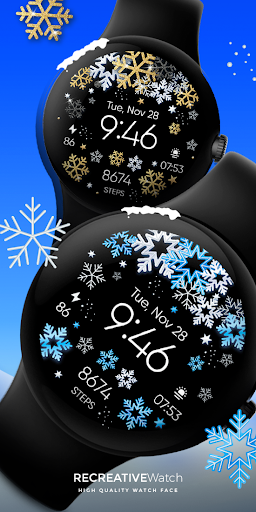
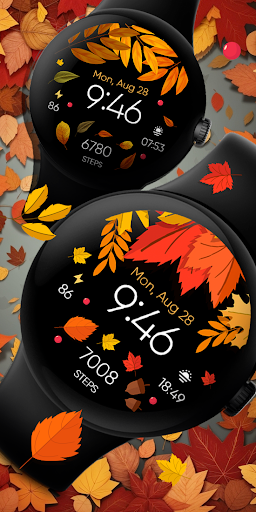
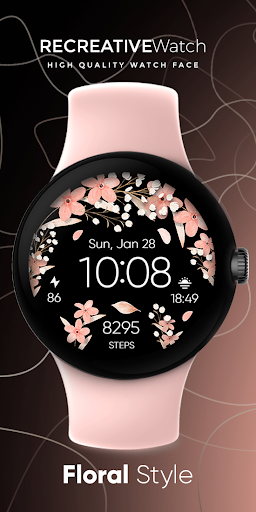
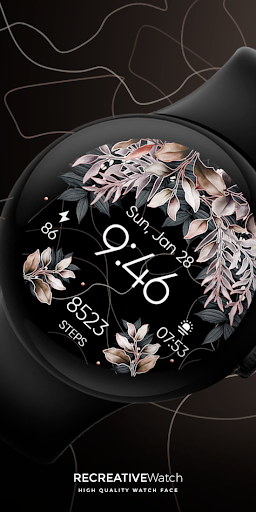
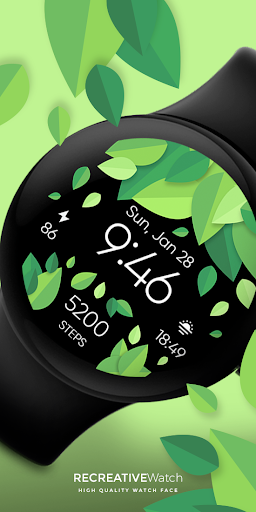
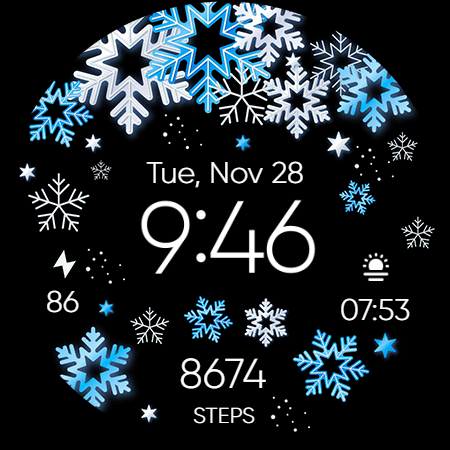
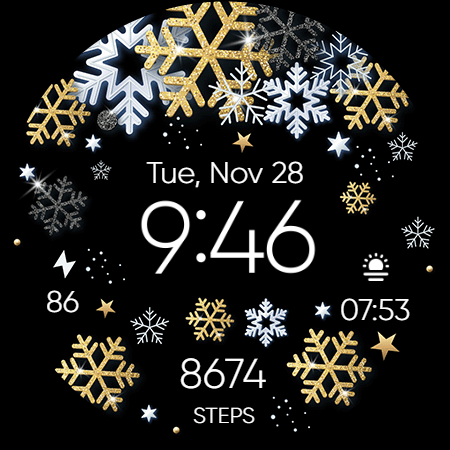
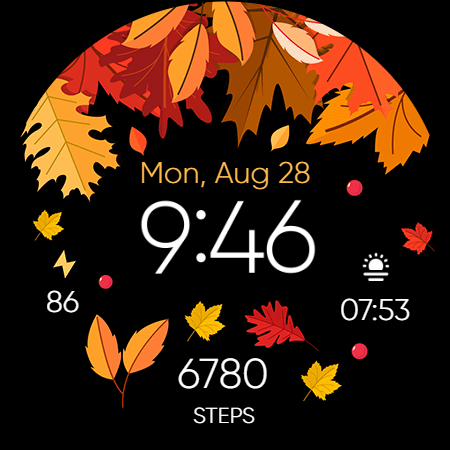
Customizable Floral Wear Os Watch Face for Spring - Autumn & Winter Season
Powered by Watch Face Format
⚙️ Phone App Features
The phone app is simply a tool to facilitate installation and locating the watch face on your Wear OS watch. Only the mobile app contains ads.
⚙️ Watch Face Features
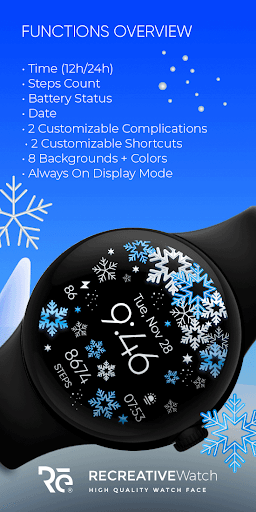
• 12/24h Digital Time
• Date
• Battery
• Steps Count
• 2 customizable Complications
• 2 shortcut Complications
• Multiple Color Variations
• Always ON Display
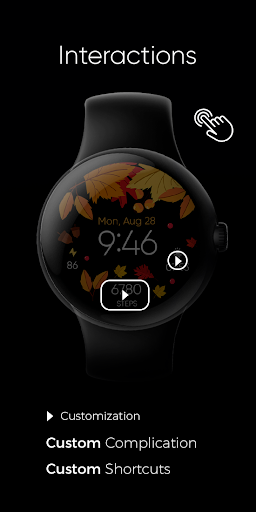
🎨 Customization
1 - Touch and hold display
2 - Tap on Customize option
🎨 Complications
Touch and hold display to open customization mode. You can customize the field with any data you want.
🔋 Battery
For better battery performance of the watch, we recommend disabling the "Always On Display" mode.
✅ Compatible devices include API level 33+ Google Pixel, Galaxy Watch 4, 5, 6, 7 and other Wear OS models.
Installation and troubleshooting
Follow this link: https://www.recreative-watch.com/help/#installation-methodes
Watch faces don't automatically apply on your watch screen after the installation. That's why you must set it on your watch's screen.
💌 Write to support@recreative-watch.com for assistance.
Privacy
Given that the Seasonal Nature app requests no permissions, it appears to be a relatively secure and private option for users. However, users should still be cautious when downloading and installing apps from unknown sources, and should always review the app's terms and conditions before making a purchase. Additionally, users should be aware that the app's ad-supported model may collect some data, such as usage patterns and demographics.
Tips
To get the most out of the Seasonal Nature app, users should take the time to customize the watch face to their preferences, experimenting with different designs and settings. Users should also be aware of the app's performance and battery usage, and adjust their settings accordingly to optimize their device's performance. Additionally, users can visit the developer's website for more information and support.
Version Information
- Version
- -
- Downloads
- 5K+
- Updated on
- Aug 25, 2025
- Released
- Aug 14, 2023
- Requires
- Android Varies with device
Statistics
Google Play Rating History
Rating Distribution
Downloads Over Time
Seasonal Nature - Wear OS has been downloaded times. Over the past 30 days, it averaged downloads per day.
Shaded area shows 30-day prediction based on historical trends
Historical data collection started recently. More data points will be available over time.
Seasonal Nature - Wear OS users say on Google Play
 Claudia Carlson
It's beautiful! Easy install. Done nicely and is so festive! Google Pixel watch.
 Viktor Kutsovol
Looks gorgeous. Some important complications like "heart rate" from Samsung Health doesn't work, text is shown instead (in any other watch face from Samsung heart rate is shown) . But won't do refund, hope would be fixed (the score will update too)
 Elio J Fdez
It's pretty but I thought it was animated!!! It's a petty .
 Kayla
Kayla
Has a few bugs when I try to customize the parameters I want tracked on the watch face but looks cute
 Brandi
SCAM!!! WILL STEAL YOUR CRESIT CARD INFO AND ACCOUNT LOG INS
ApkTrusted Ratings & Reviews
More from RECREATIVE Watch Faces
See more apps
Outdoor - Mountain & Sea
Free

Autumn & Winter Watch - ReS45
Paid

Christmas Frame - Characters
Paid
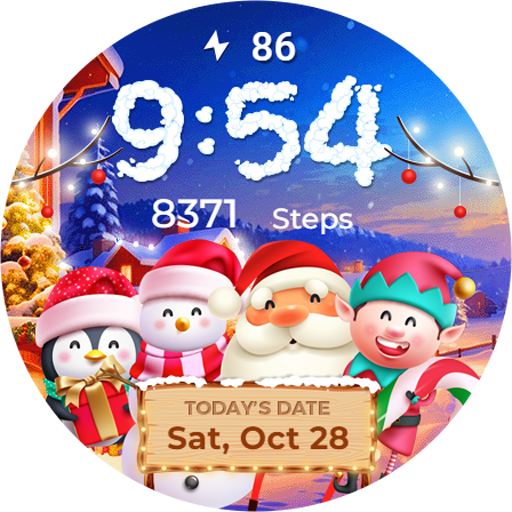
Winter & Christmas Friends
Paid
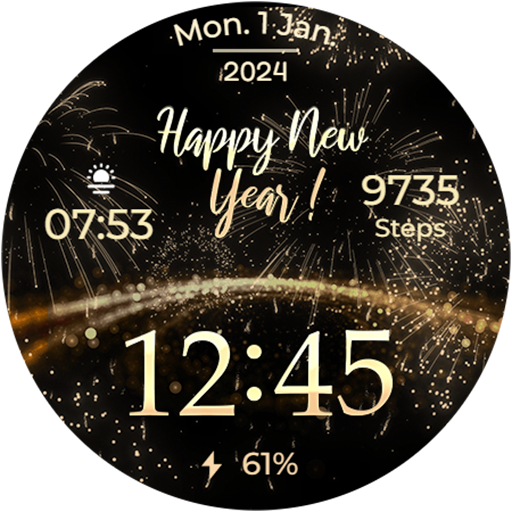
New Year's Eve - Animated
Paid
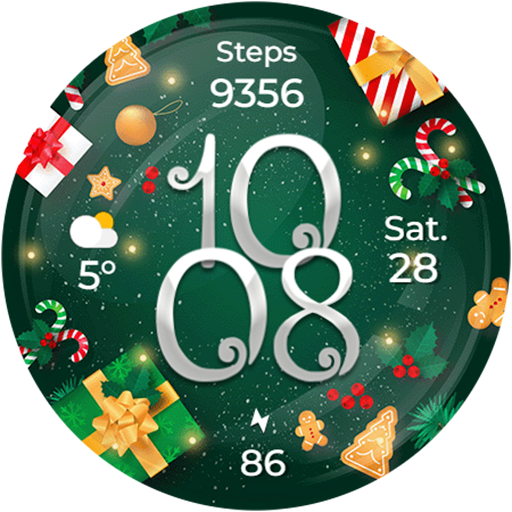
Christmas Globes & Decorations
Paid
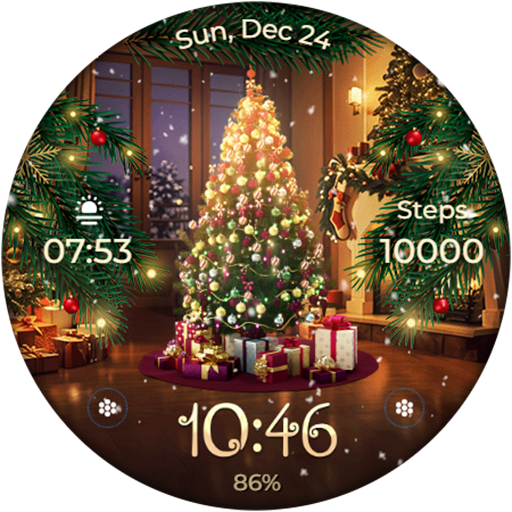
Animated - Christmas Tree
Paid
Animated - Christmas Tree
Paid
Animated - Christmas Tree
Paid

Santa's Christmas Village
Paid
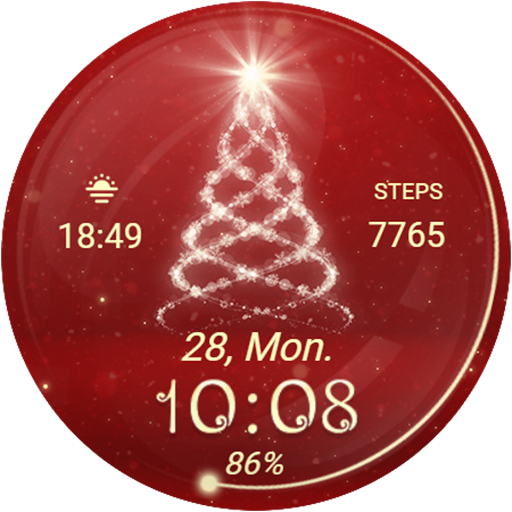
Christmas Spirit - Animated
Paid
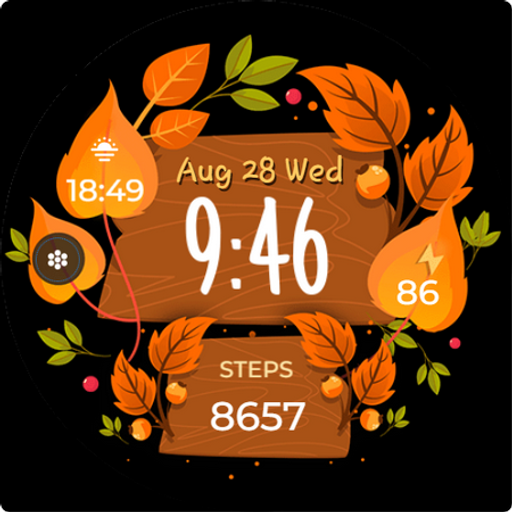
Seasonal Vibes - Wear Os Watch
Paid

Autumn: Animals & Nature
Paid

Christmas - Gingerbread
Paid

Christmas Gifts & Lights
Paid
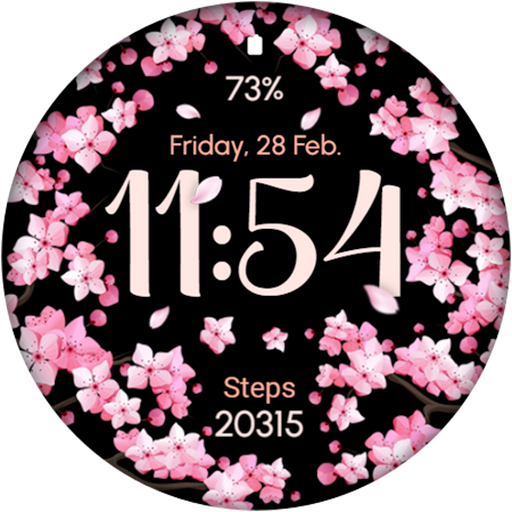
AR02 - Blooming Flowers
Paid
Similar Apps
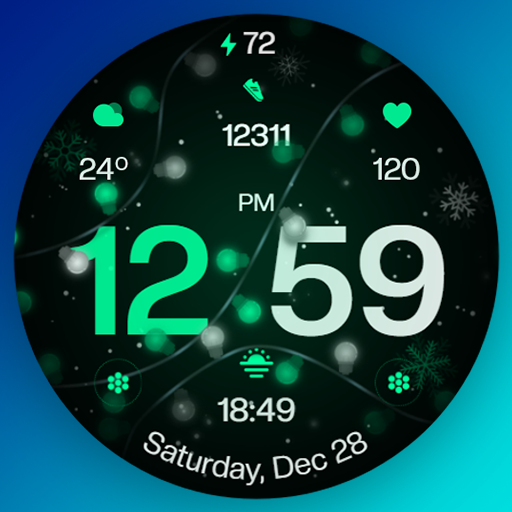
Christmas Ultra Watch Face
Paid

Snowflake rose gold watch face
Paid
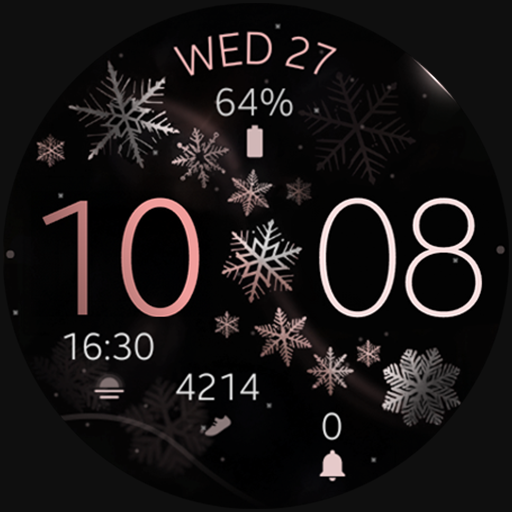
Snowflake Winter Watch Face
Paid
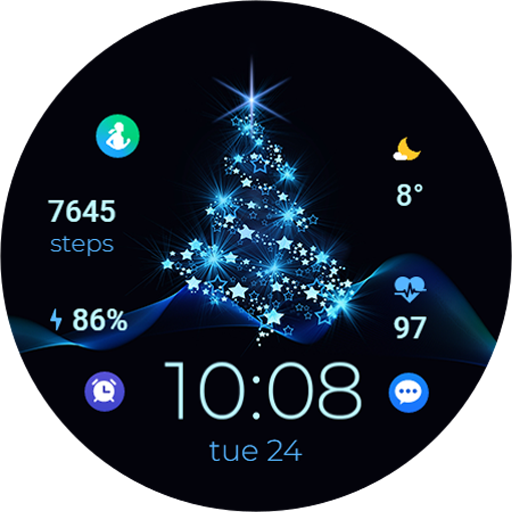
TVV Christmas 2 Watch Face
Paid

WIN Christmas MOD Animation
Paid
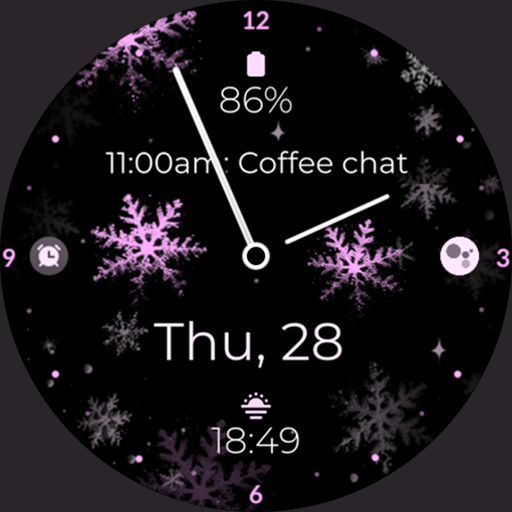
Snowflake purple watch face
Paid
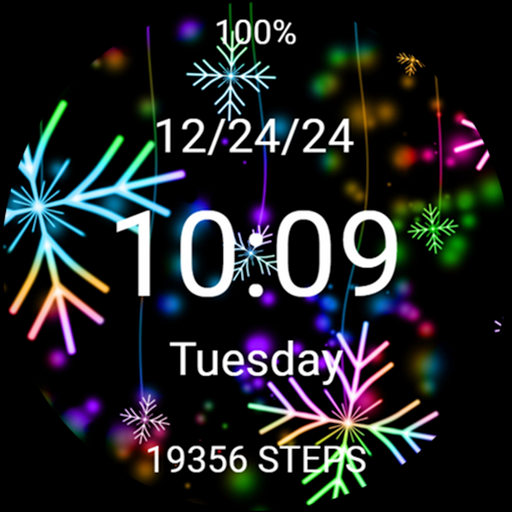
Christmas Neon Snowflakes Xmas
Paid
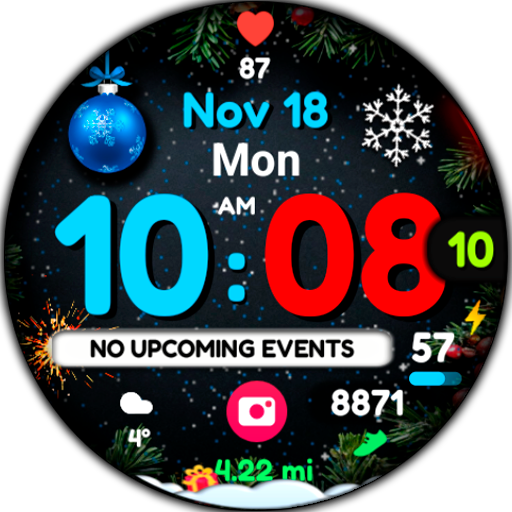
WIN Magical Christmas Animated
Paid

Cute Shooting Stars Glitter
Paid

Christmas Tree Blue Sparkles
Paid

HMKWatch Christmas 04
Paid

Snow Night - watch face
Paid

AWD Snow Ball
Paid

Christmas snow globe Watchface
Paid

Christmas Lights watch face
Paid
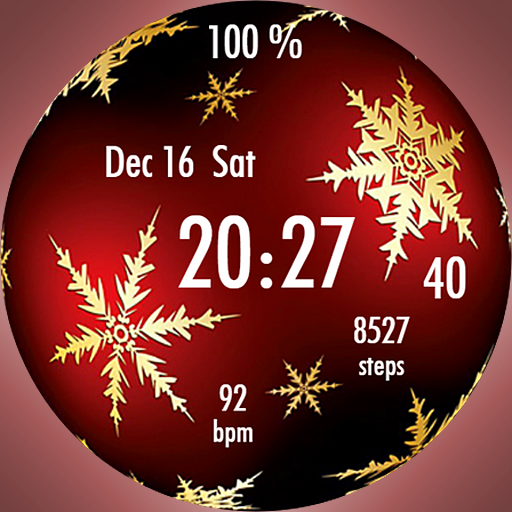
EY17 NewYear Ball WatchFace
Paid
Scan this QR code to download

Forwarding you to the page at Google Play market in seconds...
Open Google Play market now