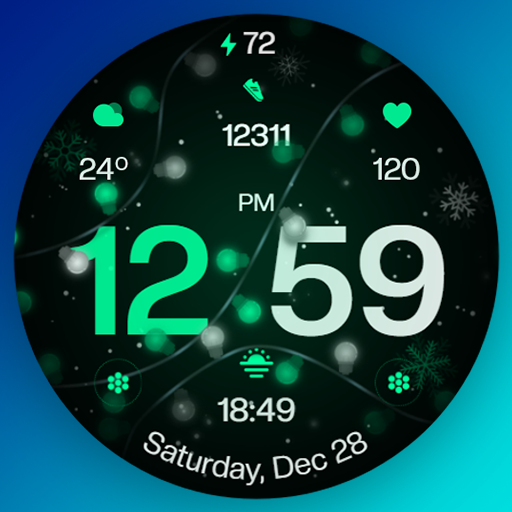
Christmas Ultra Watch Face vVARY
DigitX Watchfaces






About this app
Developer Description
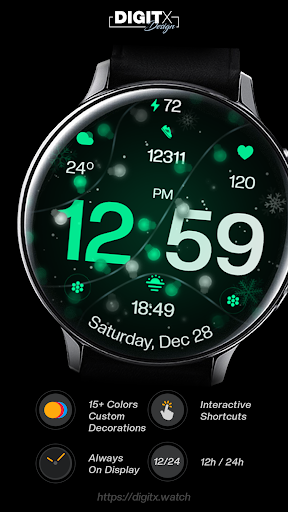
Christmas Ultra - feel the magic of Christmas without losing any important data.
✅Features Overview:
- Minimalistic digital Christmas watch face (combination of digital and analog elements)
- 12/24 hours digital time
- Custom colors (50+ colors to choose from).
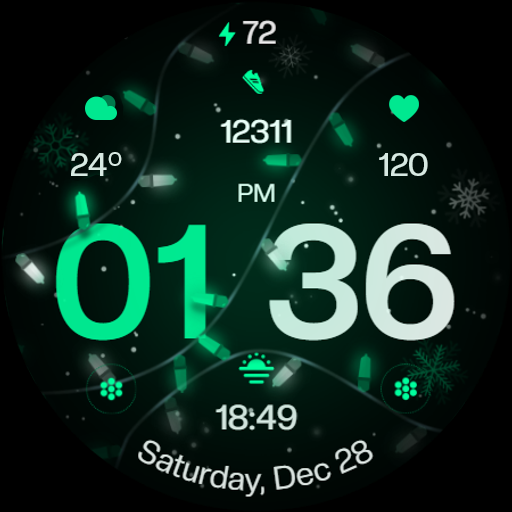
- 5 Decorations to choose
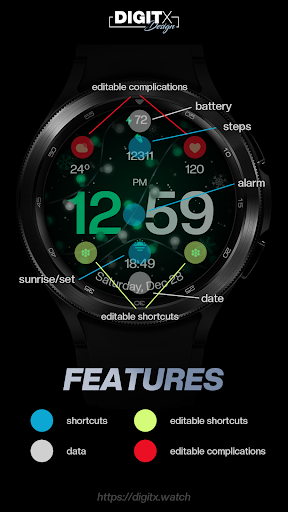
- 2 custom complications (for user-defined data)
- 2 custom shortcuts to access your favorite widget.
- 3 standard shortcuts: alarm, sunrise/sunset, steps
- 5 levels of dial brightness (increases battery life)
- 5 levels of AOD brightness (increases battery life)
- 2 type of AOD
- Watch face displays: time (digita), am/pm, day of the week, day of the month, month, steps, battery level + 2 custom complications and 2 custom shortcuts
🎨Available Customization Options:
- Color: 15+ themes
- Decorations: 5
- Face brightness: 5 levels
- AOD brightness: 5 levels
- AOD type: 2
- Complications: 2 custom complications, 2 custom shortcuts
📱 Phone app features (companion app):
The phone app is simply a tool that helps you install and locate a watch face on your Wear OS watch.
⌚AOD:
The watch face has an always-on display. The brightness level can be changed in the customization menu. There are 5 levels in total. The colors are synchronized with the normal view.*
You can also choose the minimalist AOD option.
*Keep in mind that using AOD will significantly reduce the operating time of a fully charged smartwatch.
🎨 Color Configuration:
1. Press and hold your finger in the middle of the watch display.
2. Press the button to make adjustments.
3. Swipe left or right to switch between different items that can be customized.
4. Swipe up or down to change the options/color of items.
🎨 Setting up app shortcuts and custom complications:
Shortcuts = widget links
Custom compl. = change values
1. Press and hold the watch display.
2. Press the customize button.
3. Swipe from right to left until you reach “complications.”
4. Your app shortcuts and/or custom complications are highlighted. Click them to choose your favorite setting.
⚠️Having trouble installing even on a compatible smartwatch?**
Visit: https://digitx.watch/home/about-digitx/help-faq/
or contact me: https://digitx.watch/home/about-digitx/contact-us/
** Watch faces are not automatically installed on the watch screen after installation. Therefore, you need to set this option on the watch screen.
✅ Available on Wear OS devices – API 30+
Galaxy Watch Ultra / Galaxy Watch 7
Galaxy Watch 6 / 6 Classic
Galaxy Watch 5/5 Pro
Galaxy Watch 4 / 4 Cassic
FOSSIL: Gen 7, Gen 6, Gen 6 Wellness, Gen 6 Hybrid, Gen 5e, Wear, Sport, Michael Kors Gen 6
MOBVOI: TicWatch Pro 5, Pro 3 GPS, Pro 3 LTE, E3, Pro 4G, C2, E2/S2, Pro
GOOGLE: Pixel Watch 2, Pixel Watch
XIAOMI: Watch 2 Pro, Watch 2
OPPO: Watch2, Watch X
MONTBLANC: Summit 3, 2, 2+, Lite, Summit
SUUNTO: Suunto 7
NEW BALANCE: RunIQ
POLAR: M600
TAG HEUER: Connected E4, Connected 2020
And every another Wear Os devices API 30+)
ℹ️Unique style watch face ready to test your smartwatch!
Thanks for your support and don't forget to follow me for more upcoming watch faces!
If you have any additional questions or need support, please do not hesitate to contact me. I am here to help!
💌 https://digitx.watch/home/about-digitx/contact-us/
_____________________
➡️Follow for being up to date:
Website: https://digitx.watch/
Instagram: https://www.instagram.com/digitxhwf/
Facebook: https://www.facebook.com/digitxxl
__________
DigitX Watch Faces
Version Information
- Version
- -
- Downloads
- 100+
- Updated on
- -
- Released
- Dec 9, 2024
- Requires
- Android Varies with device
Statistics
Google Play Rating History
Rating Distribution
Downloads Over Time
Christmas Ultra Watch Face has been downloaded times. Over the past 30 days, it averaged downloads per day.
Shaded area shows 30-day prediction based on historical trends
Historical data collection started recently. More data points will be available over time.
Christmas Ultra Watch Face users say on Google Play
 LaMont B.
Like it a lot. Thanks
 John Smith
Really nice looking watchface. I wish there was an option to set the background as a slow animation but unfortunately that's not the case, it's a static picture. I also hoped there would be a Full Layout AOD mode option where everything remains on the screen and becomes only less bright / dimmed. And in Active mode the watchface is completely static: there are no seconds ticking away nor is there a blinking colon between the time (hour : minute). Maybe in an update? Thanks!👍3 of 5 stars ⭐⭐⭐
ApkTrusted Ratings & Reviews
More from DigitX Watchfaces
See more apps





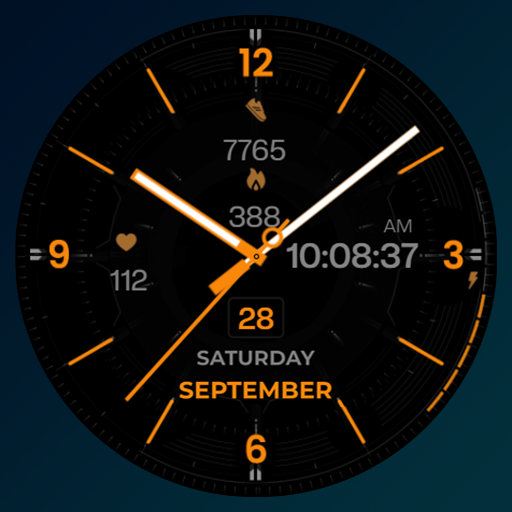
Similar Apps

Photonic
Paid
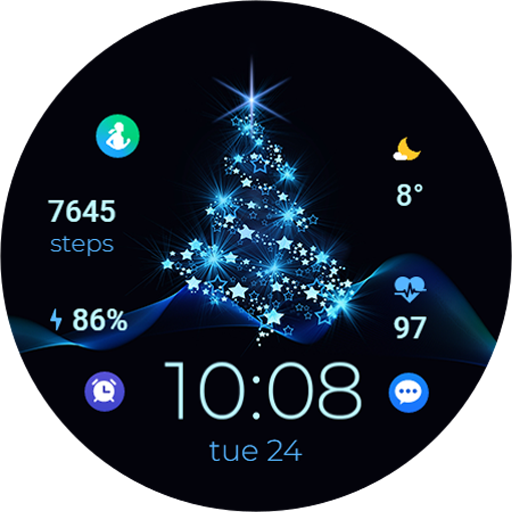
TVV Christmas 2 Watch Face
Paid

Christmas Lights watch face
Paid

TVV Celebration Watch Face
Paid

Expressive Watch Face
Paid

CELEST5572 Data Hub Watch
Paid

Modern Dashboard Watch Face 03
Free
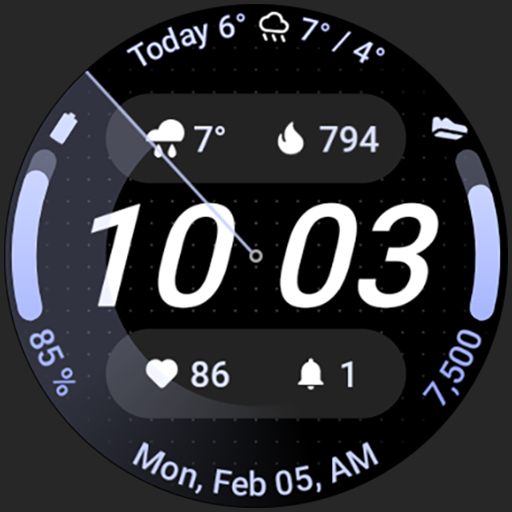
Nord SE: Watch face
Paid

SG-118
Paid

Circles Watchface Wear Os
Paid

Digital Watchface D12
Free

JHW Digital Info v2: Wear OS
Paid
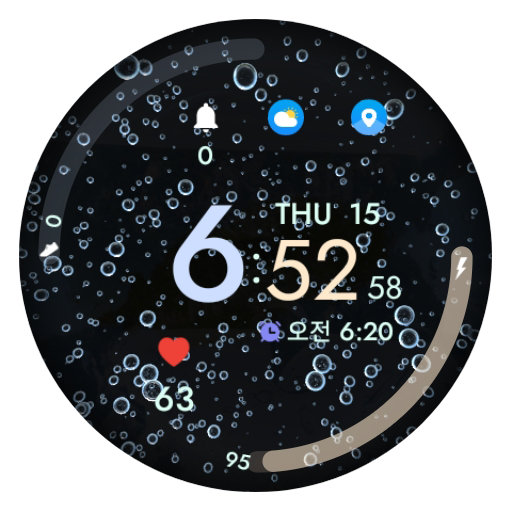
AIwatch Water Drop 2
Paid
TVV Minimal 5 Watch Face
Paid

ML2U 302 Watch Face
Paid
CLD M003 - Lava watchface
Paid
Scan this QR code to download

Forwarding you to the page at Google Play market in seconds...
Open Google Play market now