
Reddice Calavera DSH5 vVARY
RedDiceStudio


About this app
Developer Description
Day of the Dead hybrid watch face with tap styles, stats, and 2 complications.
Calavera DSH5 – Celebrate Time in Day of the Dead Style.
Bring the vibrant spirit of Día de los Muertos to your wrist with Calavera DSH5 — a hybrid watch face that blends traditional sugar skull art with modern smartwatch functionality. Featuring tap-to-change backgrounds, essential health and date info, two customizable complications, and bold festive details, Calavera DSH5 is where culture meets technology.
💀 Key Features
Festive Calavera Artwork – Inspired by Day of the Dead traditions and sugar skull designs
Tap-to-Change Background Style to glassy mode
Select one of the alternative backgrounds
✦ Fiesta Flame – Bright and fiery celebration
✦ Azul Espíritu – Cool and mystical blue tones
✦ Flor del Sol – Golden marigold-inspired style
Hybrid Time Display – Analog hands with integrated digital time
Two Customizable Complications – Personalize with your favorite watch functions
Steps & Date Tracking – Essential stats at a glance
Always-On Display (AOD) – Beautiful and battery-friendly, day or night
🎯 Perfect For
Fans of Día de los Muertos and Mexican cultural art and skull
Watch lovers who want customizable and interactive designs
Users who enjoy a balance of tradition and modern smartwatch features
Installation & Usage:
Download and open the companion app on your smartphone from Google Play, and follow the step-by-step guide to install the watch face on your smartwatch. Alternatively, you can install the app directly on your watch from Google Play.
Privacy Friendly:
This watch face does not collect or share any user data
Red Dice Studio is committed to transparency and user protection.
Support Email: reddicestudio024@gmail.com
Phone: +31635674000
All prices include VAT where applicable.
Refund Policy: Refunds are managed according to Google Play's refund policy. If you encounter any issues, please contact support.
This watch face is a one-time purchase. No subscriptions or additional fees.
After purchase, you’ll receive a confirmation via Google Play.
This watch face is a paid product. Please check the details before purchase.
For details, please refer to our Privacy Policy and Terms of Service.
https://sites.google.com/view/app-priv/watch-face-privacy-policy
🔗 Stay Updated with Red Dice Studio:
Instagram: https://www.instagram.com/reddice.studio/profilecard/?igsh=MWQyYWVmY250dm1rOA==
X (Twitter): https://x.com/ReddiceStudio
Telegram: https://t.me/reddicestudio
YouTube: https://www.youtube.com/@ReddiceStudio/videos
LinkedIn:https://www.linkedin.com/company/106233875/admin/dashboard/
Version Information
- Version
- -
- Downloads
- 50+
- Updated on
- -
- Released
- Aug 14, 2025
- Requires
- Android Varies with device
Statistics
Google Play Rating History
Rating Distribution
Downloads Over Time
Reddice Calavera DSH5 has been downloaded times. Over the past 30 days, it averaged downloads per day.
Shaded area shows 30-day prediction based on historical trends
Historical data collection started recently. More data points will be available over time.
ApkTrusted Ratings & Reviews
More from RedDiceStudio
See more apps
Reddice Classic Analog M1
Free

Reddice AristoDial D4
Paid

Reddice ChronoGauge D6
Paid

Reddice Aries Analog SH2
Paid

Reddice Alsaaea SH3
Paid

Reddice Aura Analog DS1
Paid

Reddice BarberWatch D1
Paid

Reddice Aquarius SH11
Paid

Reddice Capricorn SH10
Paid

Reddice BubbleDigits M22
Paid

Christmas Analog M1
Free
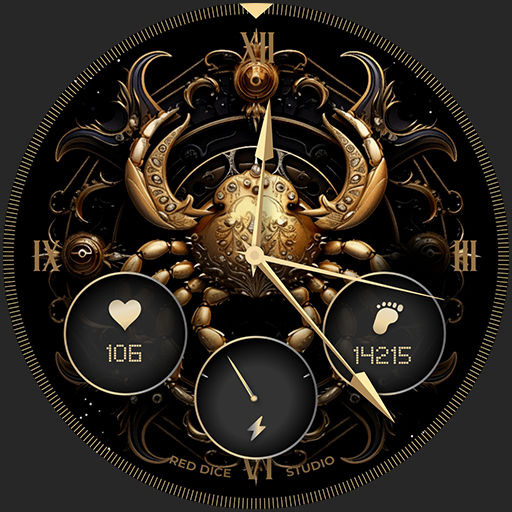
Cancer SH4
Paid

Reddice AquaBubble D3
Paid

Reddice ColorRush D2
Paid

Reddice CrayonBeat WDSH4
Paid

Reddice CycleCore DH2
Paid
Similar Apps
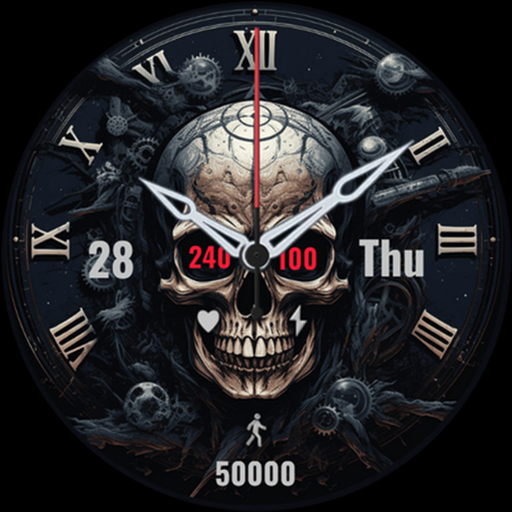
Black Skeleton
Paid

Mostrador de relógio caveira
Free

Magic Skull Watch Face
Free

FW100 Digital Watch Face
Free

Neon Sugar Skull Halloween
Paid
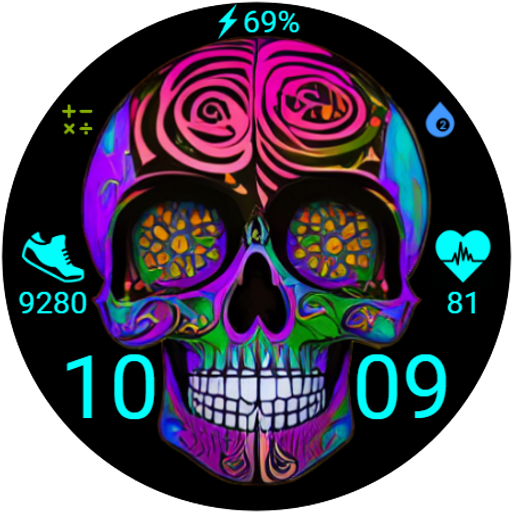
FW101 Digital Watch Face
Free

SP Skull
Paid
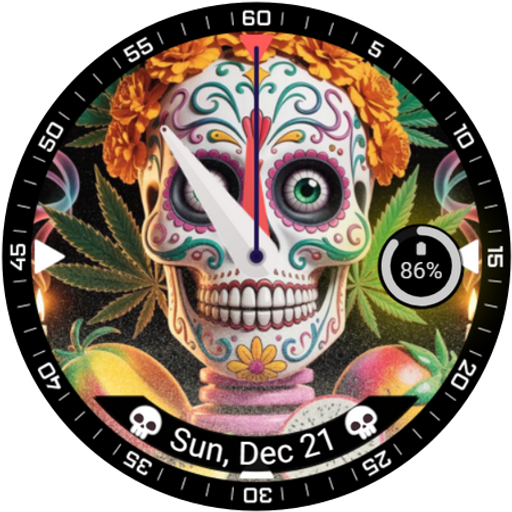
Colorful Skull Watch Face
Paid
3D Sculls
Free
BFF57- Neon Art Game Zombie
Free

Skull Watchface ULTRA SGW7
Paid
Skull Wear Watch Face
Paid

FW106 Love
Free

Fitness SkullWatch crc028
Free
AnimatedSkull WearOS WatchFace
Paid
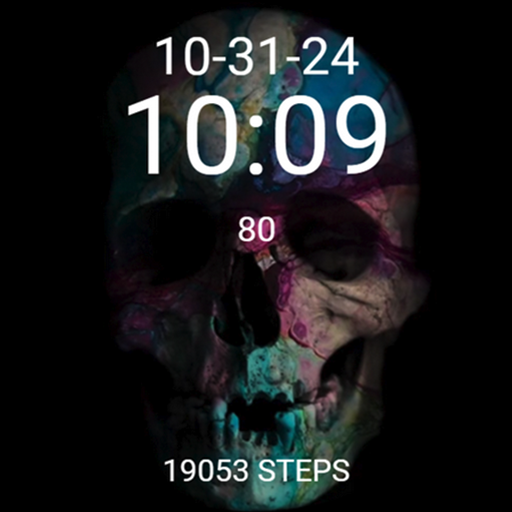
Halloween Skull Scary Rainbow
Free
Scan this QR code to download

Forwarding you to the page at Google Play market in seconds...
Open Google Play market now