
Skull Watchface ULTRA SGW7 vVARY
Systorso Inc.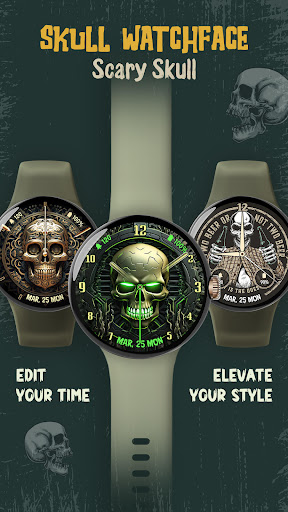

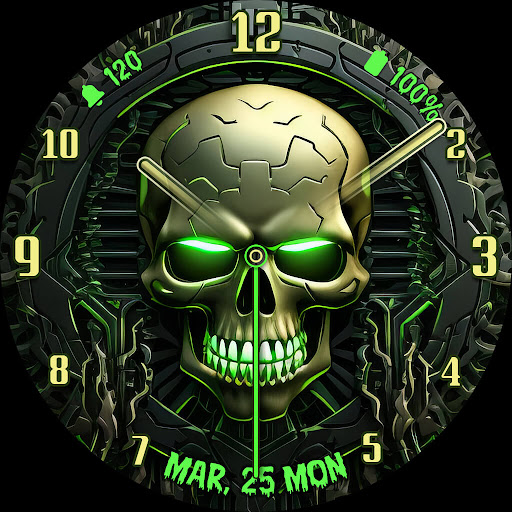
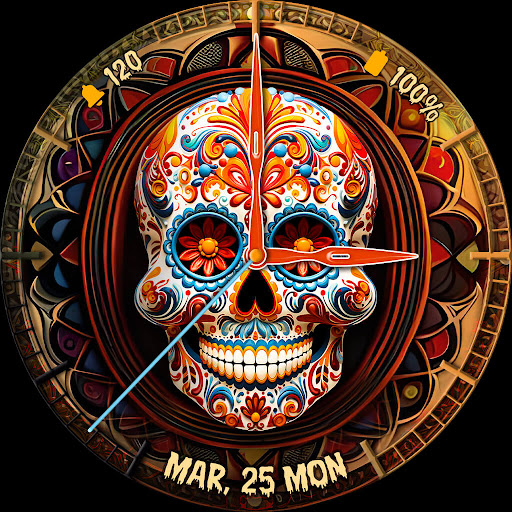
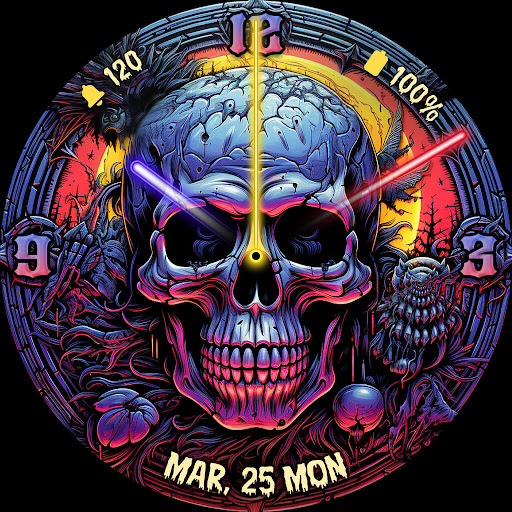
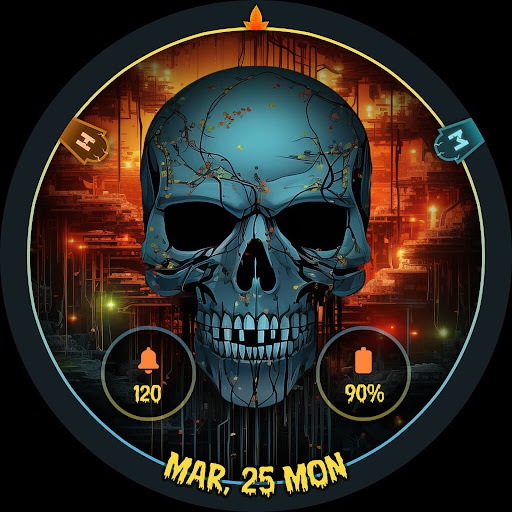
About this app
Developer Description
Add scare elegance to your Wear OS 5 device with our stunning skull watch faces!
Highlighted Features of Skull watchface App:
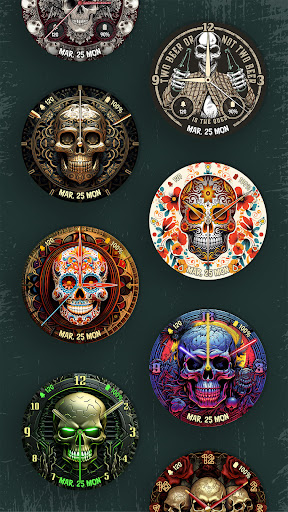
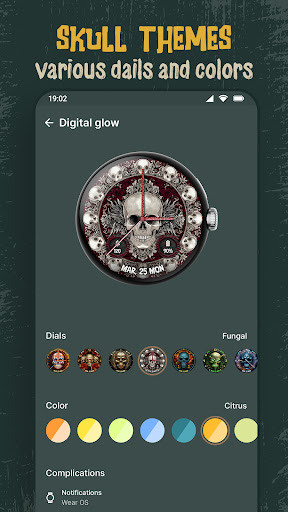
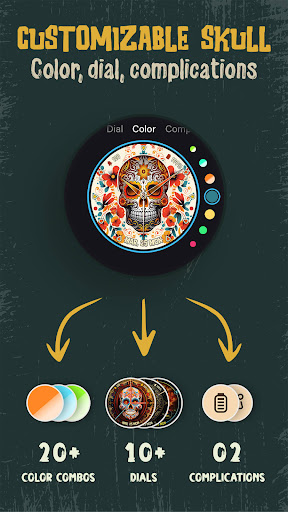
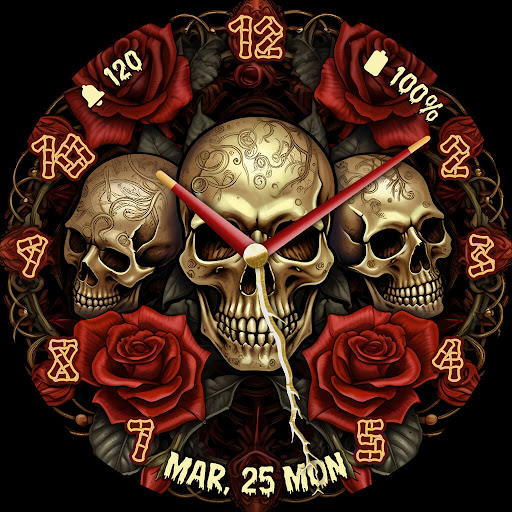
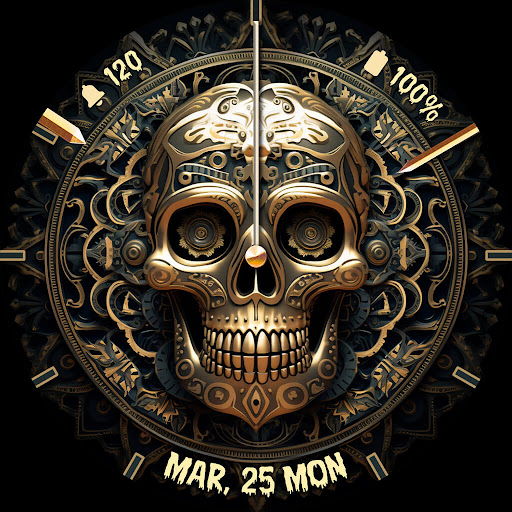
• Skull Themed Analog Dials
• Attractive Color Options
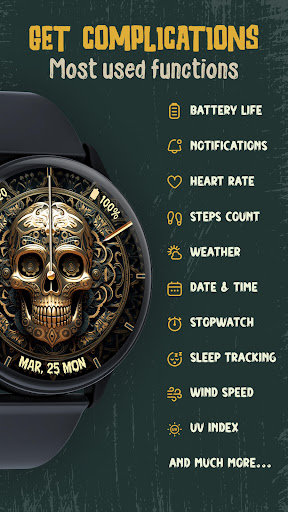
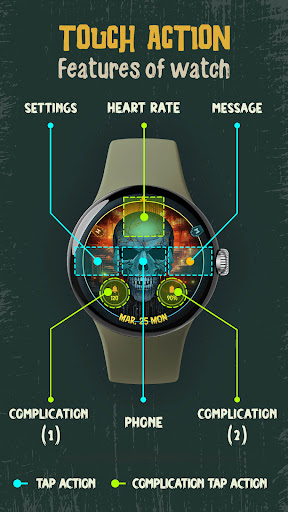
• Customizable Complications
• Battery Indicator
• AOD Support
• Supports Wear OS 3 and above watches.
Supported Devices:
Skull Watchface ULTRA SGW7 app is compatible with Wear OS 3+ devices.
- Galaxy Watch 7
- Galaxy Watch 7 Ultra
- Pixel Watch 3
- Fossil Gen 6 Smartwatch
- Fossil Gen 6 Wellness Edition
- Mobvoi Ticwatch Series
- Samsung Galaxy Watch 6
- Samsung Galaxy Watch 6 Classic
- Samsung Galaxy Watch5 & Watch5 Pro
- Samsung Galaxy Watch4 and Watch4 Classic and more.
Complications:
You can select and apply the following complications to your Wear OS smartwatch screen:
- Date
- Day of the week
- Day and date
- Next event
- Time
- Steps count
- Sunrise and sunset
- Watch battery
- World clock
Customization & Complications:
• Access Customization: Touch and hold the display.
• Select Customize: Tap on the "Customize" option to begin.
• Personalize Data Fields: In customization mode, adjust the complication fields to display your preferred data.
Install Instructions:
1. Activate the Watch Face:
• Long press on your watch screen, swipe left, and tap "Add watch face" to activate it from the Downloaded section.
2. Alternative Activation:
• Open the Galaxy Wearable app on your phone, go to the "Downloaded Watch Face" section, and select the watch face to activate it.
Version Information
- Version
- -
- Downloads
- 500+
- Updated on
- Oct 29, 2024
- Released
- Oct 29, 2024
- Requires
- Android Varies with device
Statistics
Google Play Rating History
Rating Distribution
Downloads Over Time
Skull Watchface ULTRA SGW7 has been downloaded times. Over the past 30 days, it averaged downloads per day.
Shaded area shows 30-day prediction based on historical trends
Historical data collection started recently. More data points will be available over time.
Skull Watchface ULTRA SGW7 users say on Google Play
 Roy T
Roy T
So far good
 Psych Psych
not all watch faces shown in the preview is available.
ApkTrusted Ratings & Reviews
More from Systorso Inc.
See more apps
Lion Watch Face for Wear OS
Free

Dragon Watchfaces: Wear OS
Free

Neon Glow Watch Faces
Free

Rainbow Colorful Watch Faces
Free

Beautiful Birds Watch Faces
Free
Neon Mandala Watch Faces
Free
Lunar Moon Phase Watch Faces
Free

Retro Style Watch Faces
Free
Christmas Timefaces ULTRA SGW7
Paid
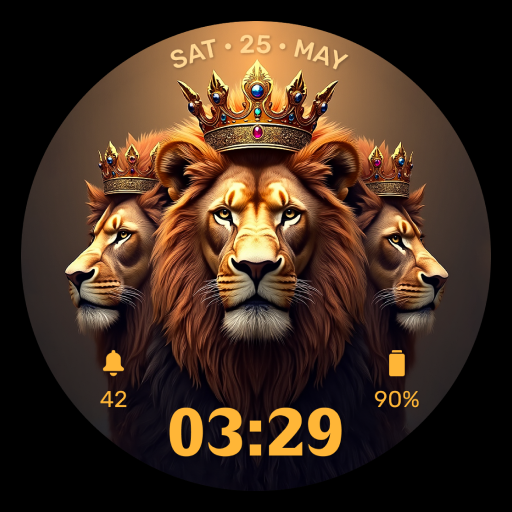
Lion Watchface ULTRA SGW7
Paid
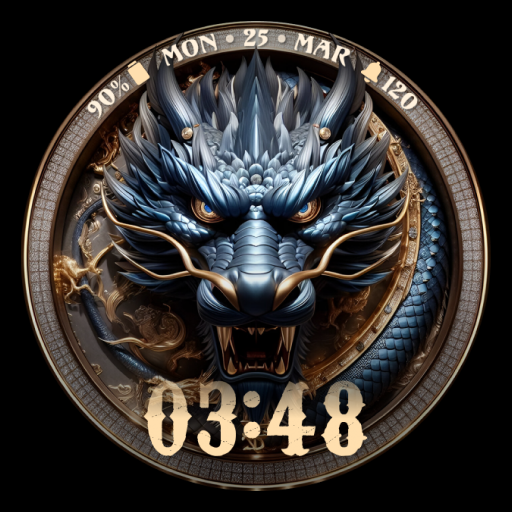
Dragon Watch Faces ULTRA SGW7
Paid

Lunar Watch Faces ULTRA SGW7
Free

Glitter Watchfaces Wear OS PRO
Free

Floral Watch Faces ULTRA SGW7
Free

Neon Watchface ULTRA SGW7
Free

Cyber Space Watch Face SGW7
Paid
Similar Apps

Reddice Calavera DSH5
Paid

BFF63- Neon Art Skull colorful
Free

Dragon Tatoo Watch Face
Paid
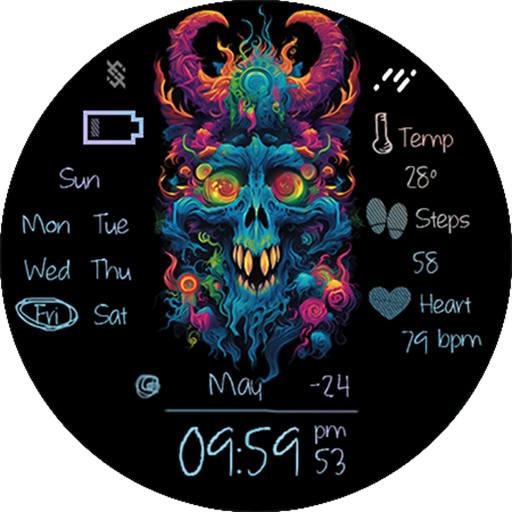
BFF57- Neon Art Game Zombie
Free
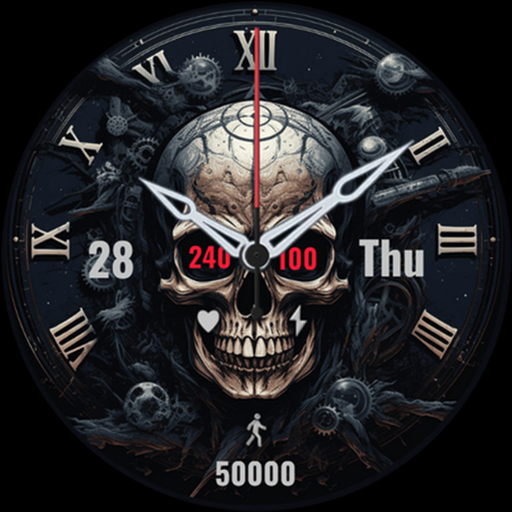
Black Skeleton
Paid
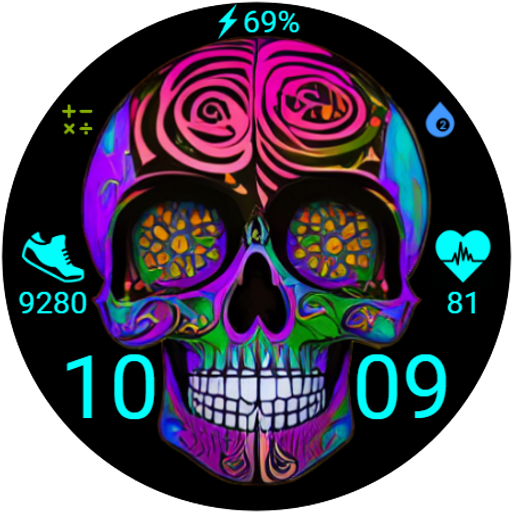
FW101 Digital Watch Face
Free

Chinese Zodiac - Snake Face
Free
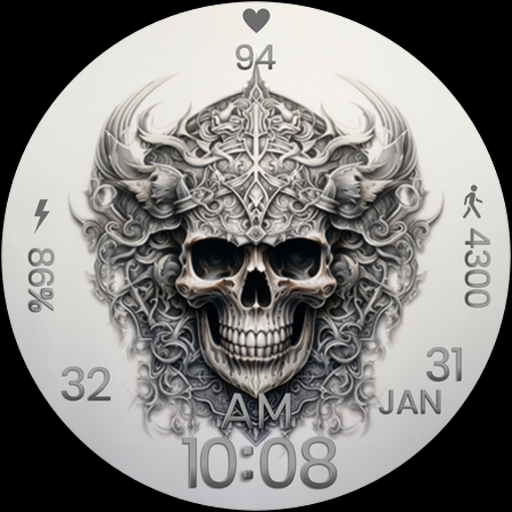
ART022 Skull
Free

GW Halloween 2
Free
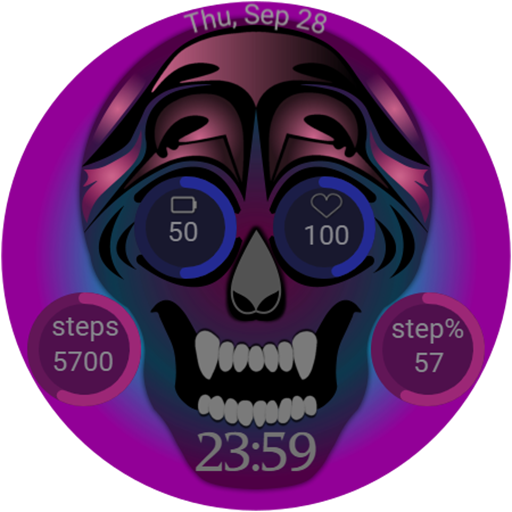
Skull Digital watch face
Free
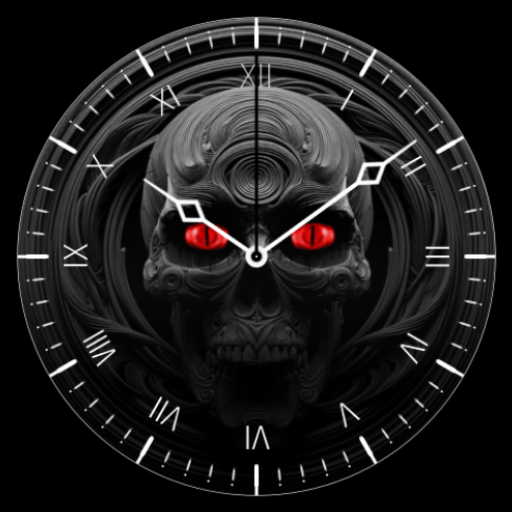
3D Sculls
Free

Simple Skull Watch Face
Free

BFF64- Neon Art Tiger colorful
Free

Magic Skull Watch Face
Free
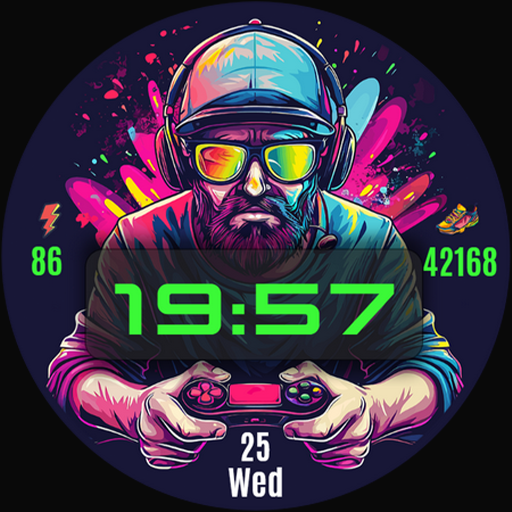
Gamer Digital Watch Face
Free
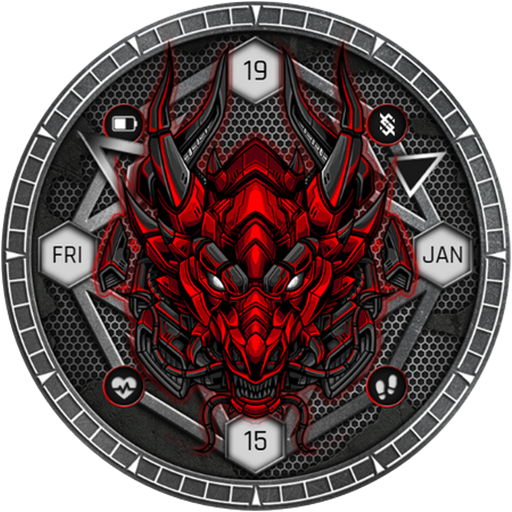
BFF1- Game Dragon watchface
Paid
Scan this QR code to download

Forwarding you to the page at Google Play market in seconds...
Open Google Play market now