
Reddice Geosynk Analog D1 vVARY
RedDiceStudio


About this app
Developer Description
A world map themed watch face with AOD, Date and two Complications .
GeoSync Analog D1 is a premium analog watch face crafted for those who value timeless elegance, global inspiration, and everyday functionality. Featuring a captivating world map background, it blends sophistication with practicality for an exceptional timekeeping experience.
🌍 Key Features
World Map Design – A sleek, visually striking map background that brings a touch of global elegance to your wrist.
Battery Subdial – Keep track of your device’s battery life at a glance.
Always-On Display (AOD) – Minimal, battery-efficient AOD mode for seamless readability.
4 Background Styles – Choose from four unique background designs.
Tap-to-Switch – Instantly change the background style with a simple tap.
2 Complications – Add your favorite complications for quick access to essential info.
Customizable Style – Designed for those who seek the perfect balance between aesthetics and utility.
⚡ Compatibility
Wear OS Support – Works with all Wear OS devices running Wear OS 3.0 (API level 30) or higher.
🔋 Battery-Friendly Design
Engineered with efficiency in mind, GeoSync Analog D1 minimizes power consumption, helping you enjoy extended usage without frequent charging.
✨ Experience the perfect fusion of classic elegance and global appeal—wherever you go—with GeoSync Analog D1.
Installation & Usage:
Download and open the companion app on your smartphone from Google Play, and follow the step-by-step guide to install the watch face on your smartwatch. Alternatively, you can install the app directly on your watch from Google Play.
Privacy Friendly:
This watch face does not collect or share any user data
Red Dice Studio is committed to transparency and user protection.
🔗 Our social media for more designs:
📸 Instagram: https://www.instagram.com/reddice.studio/profilecard/?igsh=MWQyYWVmY250dm1rOA==
📢 Telegram: https://t.me/reddicestudio
🐦 X (Twitter): https://x.com/ReddiceStudio
📺 YouTube: https://www.youtube.com/@ReddiceStudio/videos
Version Information
- Version
- -
- Downloads
- 10K+
- Updated on
- Aug 24, 2025
- Released
- Dec 28, 2024
- Requires
- Android Varies with device
Statistics
Google Play Rating History
Rating Distribution
Downloads Over Time
Reddice Geosynk Analog D1 has been downloaded times. Over the past 30 days, it averaged downloads per day.
Shaded area shows 30-day prediction based on historical trends
Historical data collection started recently. More data points will be available over time.
Reddice Geosynk Analog D1 users say on Google Play
 illia bonyadi
Perfect when you turn on always on display
 Seyyed Amir Hashemi (seyyed)
I wish it could be more customizable
 Scott Wood
Nice watch face. I really like minimal analog styles. Question. Could you update this watchface with slightly longer hands. It would really make it more portional and realistic. I design also. Thx.
 Tony Robertson
Doesn't work on watch6
ApkTrusted Ratings & Reviews
More from RedDiceStudio
See more apps
Reddice Classic Analog M1
Free

Reddice Calavera DSH5
Paid

Christmas Analog M1
Free

Reddice Aries Analog SH2
Paid

Reddice AristoDial D4
Paid

Reddice Aura Analog DS1
Paid

Reddice BarberWatch D1
Paid

Reddice Aquarius SH11
Paid
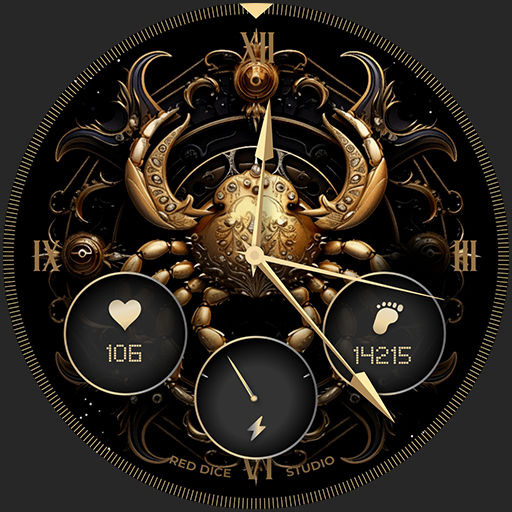
Cancer SH4
Paid

Reddice BubbleDigits M22
Free

Reddice Capricorn SH10
Paid

Reddice Alsaaea SH3
Paid

Reddice ChronoGauge D6
Paid

Reddice AquaBubble D3
Paid

Reddice ColorRush D2
Paid

Reddice CrayonBeat WDSH4
Paid
Similar Apps

Next Modern
Free
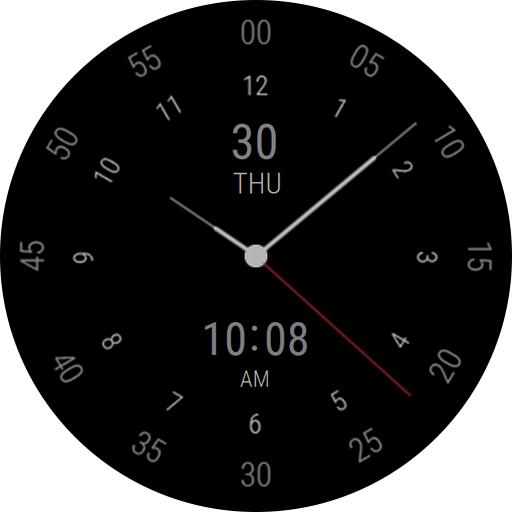
Regarder Midnight Business
Paid
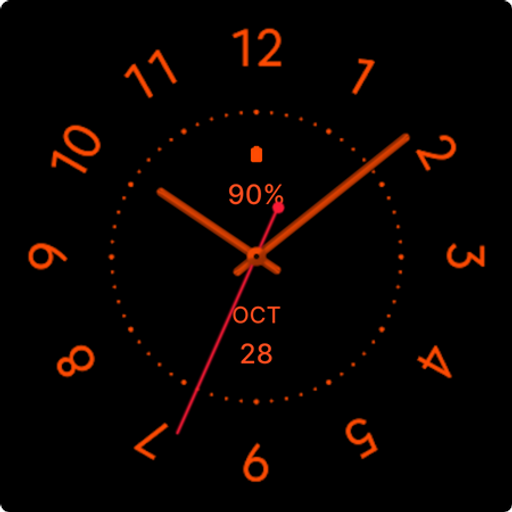
Black Cat Watch Face
Free
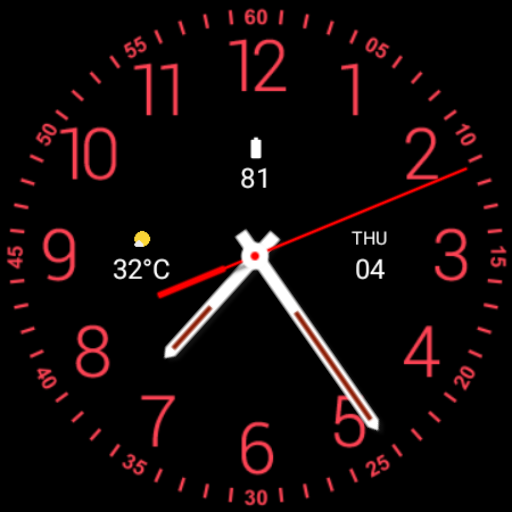
Black Max Analogue Watch Face
Paid

CELEST5422 Minimalist Watch
Free

Battery Saver Classic
Free

ML2U 287 Watch Face
Paid

WatchGlucose Analog Face
Free

LOWBIT URX128 Watch face
Free
Nice and Round Watch Face
Free
Minimal Analog Watch Face Moon
Free
NR05:Watch Face
Free

Squnight - watch face
Paid

WS Simple Analog Pro
Paid

World Time WatchFace
Free
MFT WF 16
Paid
Scan this QR code to download

Forwarding you to the page at Google Play market in seconds...
Open Google Play market now