
Reddice NeoGlow DSH21 vVARY
RedDiceStudio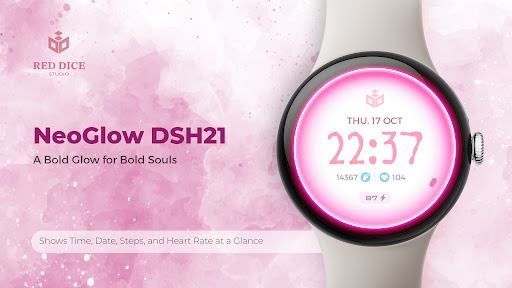


About this app
Developer Description
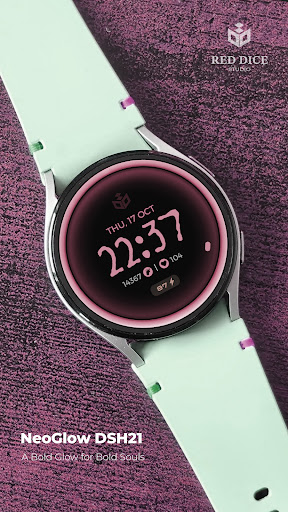
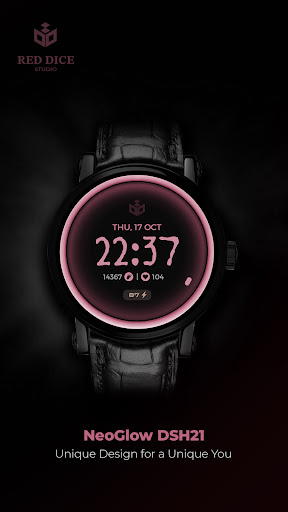
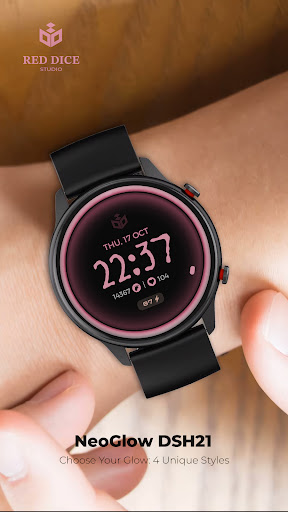
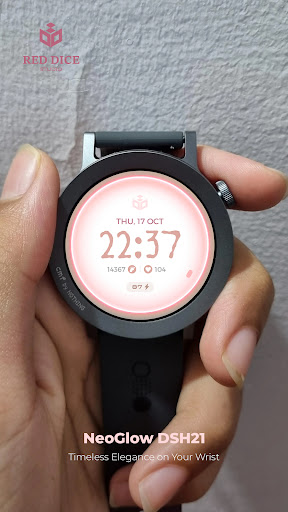
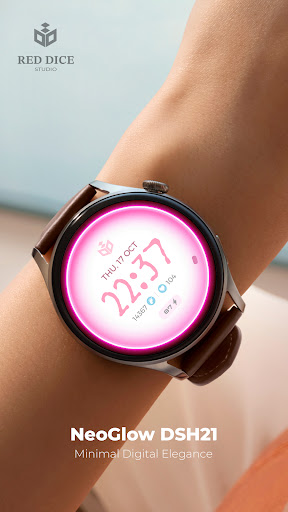
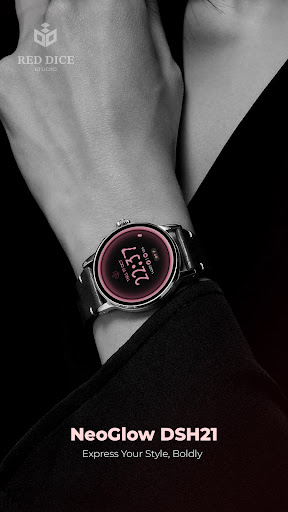
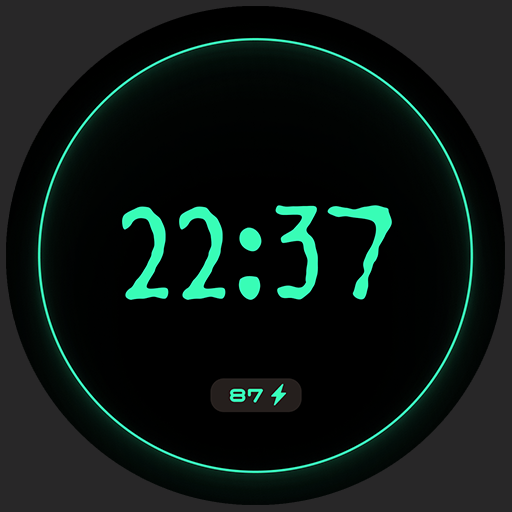
A glowing digital watch face with elegance, wellness tracking, and bold style.
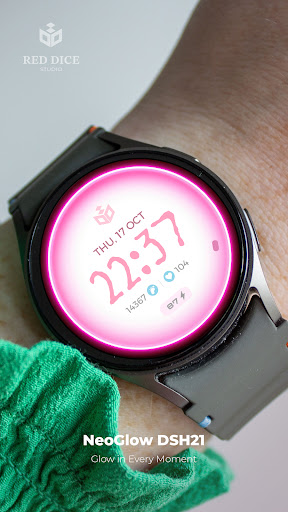
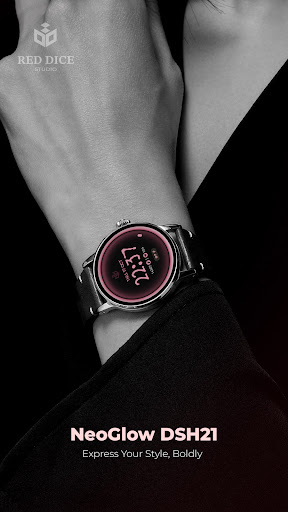
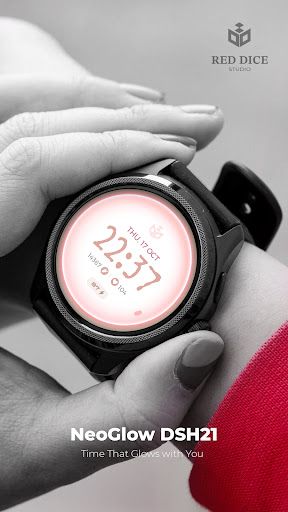
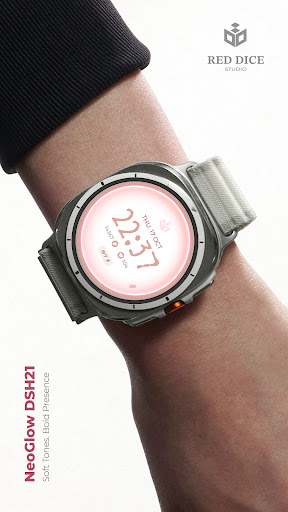
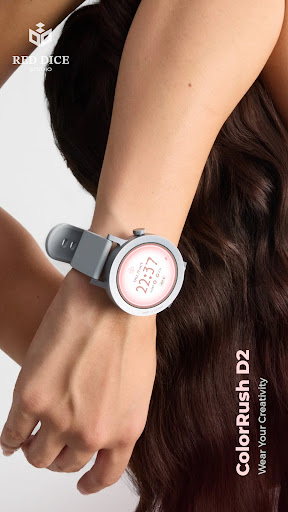
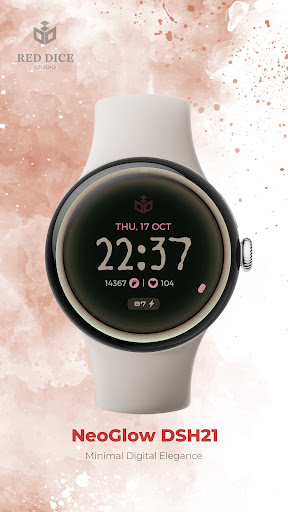
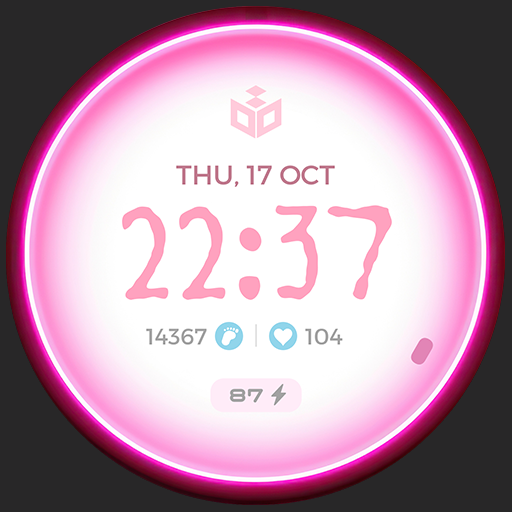
NeoGlow DSH21 by Red Dice Studio is where radiant aesthetics meet essential functionality. Designed for modern watch wearers who appreciate clarity and character, this digital watch face glows with minimalism and purpose.
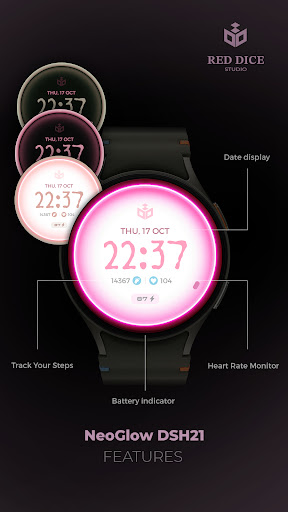
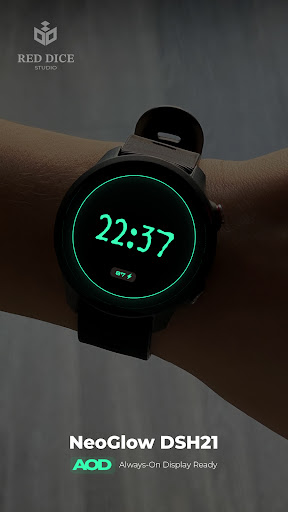
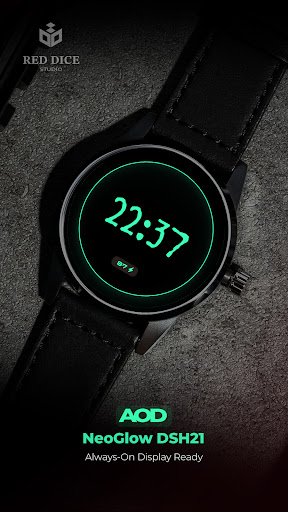
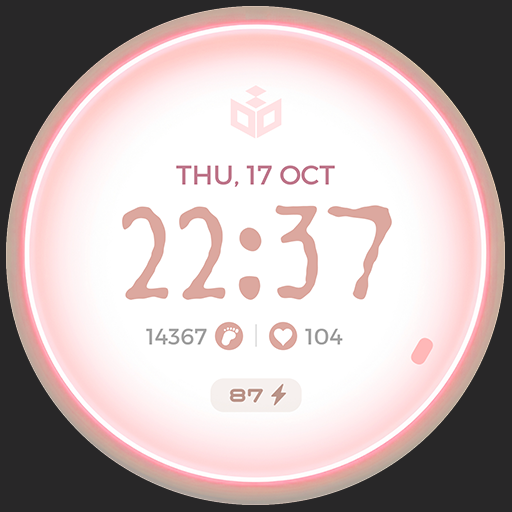
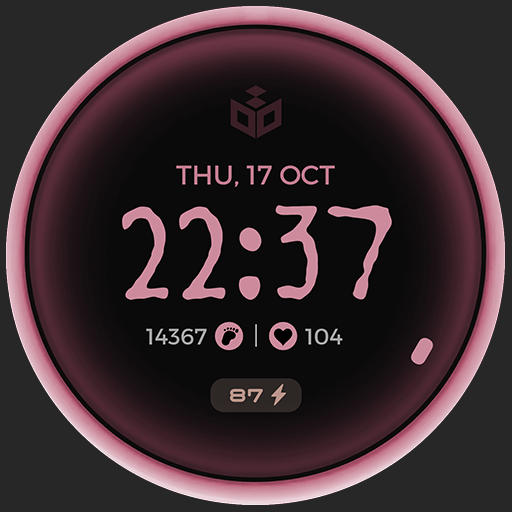
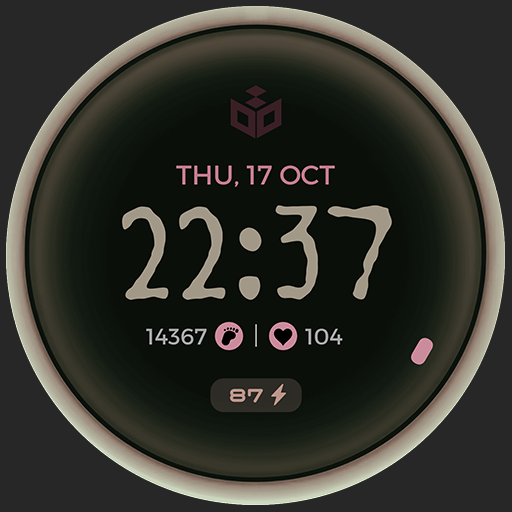
Track your heart rate, step count, date, and battery—all with a luminous design that stands out in any light. Choose from 4 elegant color styles, from soft pastels to moody contrasts, tailored for both daily wear and night-time sophistication. The Always-On Display (AOD) ensures your glow never fades.
🔧 Key Features:
Bold digital time with glowing elegance
Health metrics: heart rate, steps, battery
Calendar: day and full date display
4 stylish color themes
Always-On Display (AOD) support
Optimized for Wear OS
✨ At Red Dice Studio, we create unique watch faces that blend beauty, utility, and personality, designed to make every glance at your wrist feel intentional.
Installation & Usage:
Download and open the companion app on your smartphone from Google Play, and follow the step-by-step guide to install the watch face on your smartwatch. Alternatively, you can install the app directly on your watch from Google Play.
Privacy Friendly:
This watch face does not collect or share any user data
Red Dice Studio is committed to transparency and user protection.
Support Email: reddicestudio024@gmail.com
Phone: +31635674000
All prices include VAT where applicable.
Refund Policy: Refunds are managed according to Google Play's refund policy. If you encounter any issues, please contact support.
This watch face is a one-time purchase. No subscriptions or additional fees.
After purchase, you’ll receive a confirmation via Google Play.
This watch face is a paid product. Please check the details before purchase.
For details, please refer to our Privacy Policy and Terms of Service.
https://sites.google.com/view/app-priv/watch-face-privacy-policy
🔗 Stay Updated with Red Dice Studio:
Instagram: https://www.instagram.com/reddice.studio/profilecard/?igsh=MWQyYWVmY250dm1rOA==
X (Twitter): https://x.com/ReddiceStudio
Telegram: https://t.me/reddicestudio
YouTube: https://www.youtube.com/@ReddiceStudio/videos
LinkedIn:https://www.linkedin.com/company/106233875/admin/dashboard/
Version Information
- Version
- -
- Downloads
- 10+
- Updated on
- -
- Released
- Jun 9, 2025
- Requires
- Android Varies with device
Statistics
Google Play Rating History
Rating Distribution
Downloads Over Time
Reddice NeoGlow DSH21 has been downloaded times. Over the past 30 days, it averaged downloads per day.
Shaded area shows 30-day prediction based on historical trends
Historical data collection started recently. More data points will be available over time.
ApkTrusted Ratings & Reviews
More from RedDiceStudio
See more apps
Reddice Classic Analog M1
Free

Reddice Calavera DSH5
Paid

Christmas Analog M1
Free

Reddice Aries Analog SH2
Paid

Reddice AristoDial D4
Paid

Reddice Aura Analog DS1
Paid

Reddice BarberWatch D1
Paid

Reddice Aquarius SH11
Paid
Cancer SH4
Paid

Reddice BubbleDigits M22
Paid

Reddice Capricorn SH10
Paid

Reddice Alsaaea SH3
Paid

Reddice ChronoGauge D6
Paid

Reddice AquaBubble D3
Paid

Reddice ColorRush D2
Paid

Reddice CrayonBeat WDSH4
Paid
Scan this QR code to download

Forwarding you to the page at Google Play market in seconds...
Open Google Play market now