Reverse - Image Search v1.1.8
Photo & Video Editing and Slideshow Apps




About this app
Developer Description
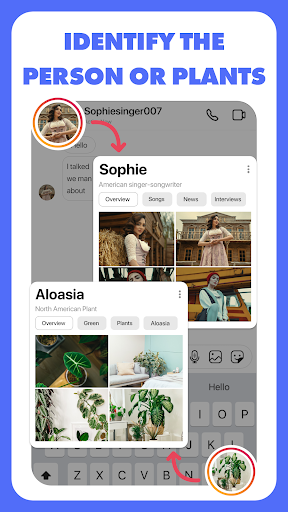
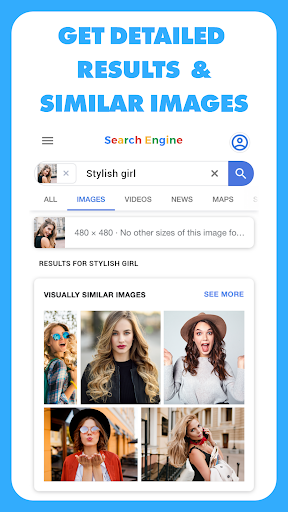
Search by Image tool to find relevant images, faces, identify plants in few taps
Why "Reverse - Image Search"?
• The powerful AI powered REVERSE Search Engine
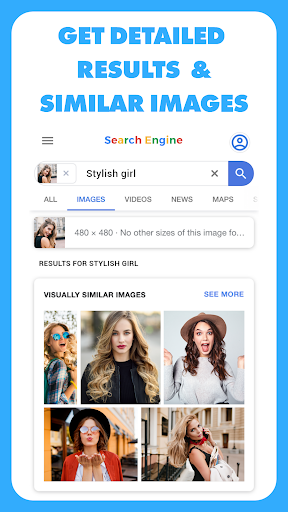
• Find similar images in just 3 seconds
• To find images with or without using any keyword.
• You can verify the source of photographs, screenshots and memes.
• Find out what that plant 🌿 is in your friend's apartment.
• What kind of animal 🐩 you saw in the park.
• Research profile pictures 👩🏼🏫 of their potential dates
• Find the photo's location 🏔️ while travelling anywhere in the world.
• Search for a similar Product 👗👟 to buy in the internet and do many more interesting things with Reverse Image Search
• And last but not the least, you can find who want to be your friend on Instagram, Facebook, Tiktok or any other social media platform by reverse search his/her profile picture.
Excising Features of the Reverse Image Search App:
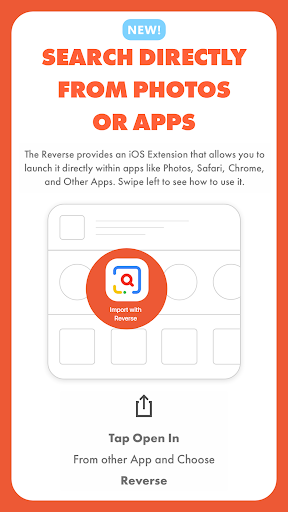
• Search image by selecting pictures from gallery or using camera.
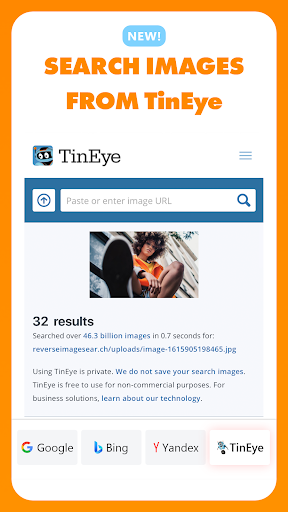
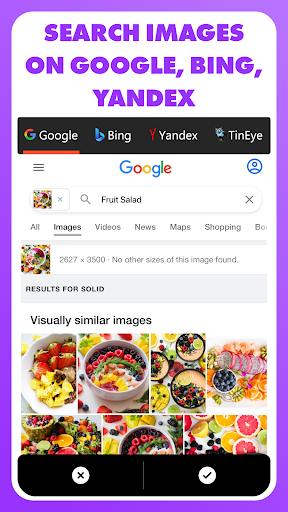
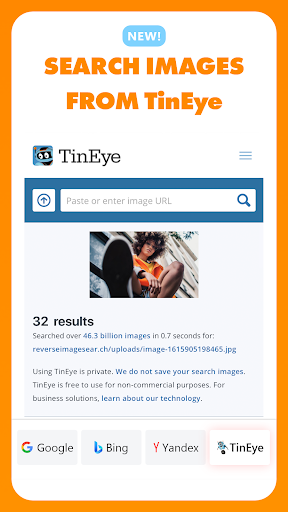
• Search using multiple search such as Google, Bing, Yandex & TinEye.
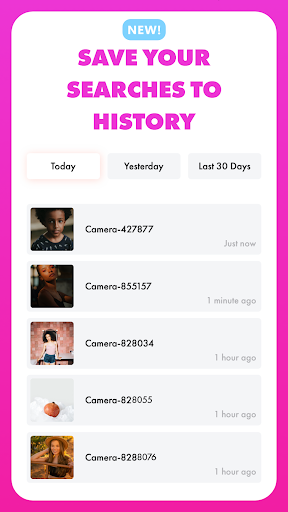
• Search history to track and reuse your searched images.
• Search history always saved in cloud, so you can access in multiple devices.
• Image Editor to rotate and crop according to your needs.
• Use copied image url to search image from the internet.
• Search copied images directly in app.
• Search copied texts directly in app.
• Download Images from the search results (without any restrictions, UNLIMITED)
• Search Filters (eg: content type, color, size, time, and more).
Steps to Use: How to reverse image search?
1️⃣ First Download and Install "Reverse - Image Search" on Your Android Mobile
2️⃣ Select Image from photo video gallery, capture from camera, or pasting URL.
3️⃣ Modify Image in case if you need to crop the image.
4️⃣ After that, you just have to click on the “Search” button to start your search.
5️⃣ Now, our free image lookup tool will pull the most relevant images from the web through Google, Bing, Yandex and TinyEye search engines.
Get ready to start your reverse image search. It will help you find more information on that picture you are curious about. We appreciate your feedback, please share your feedback to us at : help@reverseimagesear.ch.
☺️ If you enjoy the app, please share it with your friends.
What's New
• Switched from Google Images search to Google Lens for better results.
• Improved reverse image search accuracy.
• Enhanced app speed and performance.
• Fixed various bugs for a smoother experience.
In-app purchases
$8.99 per item
Version Information
- Version
- 1.1.8
- Downloads
- 100K+
- Updated on
- Sep 18, 2025
- Released
- Dec 14, 2022
- Requires
- Android 7.0
Statistics
Google Play Rating History
Rating Distribution
Downloads Over Time
Reverse - Image Search has been downloaded times. Over the past 30 days, it averaged downloads per day.
Shaded area shows 30-day prediction based on historical trends
Historical data collection started recently. More data points will be available over time.
Reverse - Image Search users say on Google Play
 Ghazi Al-Azem
Amazing app keep going 🔥🔥🔥🔥
 Hamza Abbasi
Nice loveing we are liked
 Jonathan Foster
It dose what it seed
 Friedrich
Not recommended. Why? You can't use this app efficiently if you want to reverse image search. you need a subscription to find images from the gallery. Don't use Google, it's the worst . Just use tineye(extension) or yandex(browser)
 Ron de Leeuw
"Our free image lookup tool will pull the most relevant images from the web through Google, Bing, Yandex and TinyEye search engines." False advertising! The free version only uses Google, and we already have Google Lens on our phones. 🤷🏼♀️
ApkTrusted Ratings & Reviews
More from Photo & Video Editing and Slideshow Apps
See more apps


Similar Apps

BooKeep
Paid

All Languages Translator App
Free

Anaesthesia Vault
Paid

BeenVerified Background Search
Free
Eventer - Unforgettable Events
Free

AnyTracker - track anything!
Free

Personio
Free

Zenith AI - The AI Superpower!
Paid

Sleep Tracker & Cycle : Dirim
Free
Seeing AI
Free
Hermit — Lite Apps Browser
Free

Voice & Language Translator
Free

YourSweep: Public Safety Scan
Free

Stamp°D
Free

Nanit
Free

Google Automotive Keyboard
Free
Scan this QR code to download

Forwarding you to the page at Google Play market in seconds...
Open Google Play market now