
Seeing AI v1.4.1
Microsoft Corporation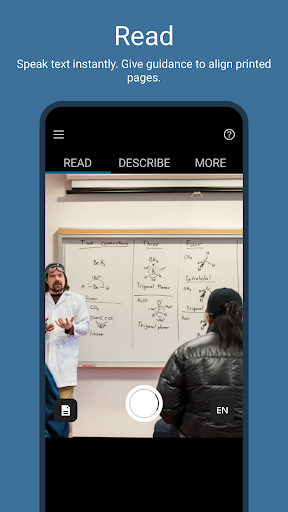


About this app
Developer Description
Talking Camera for the Blind
Seeing AI provides tools to assist with a variety of daily tasks:
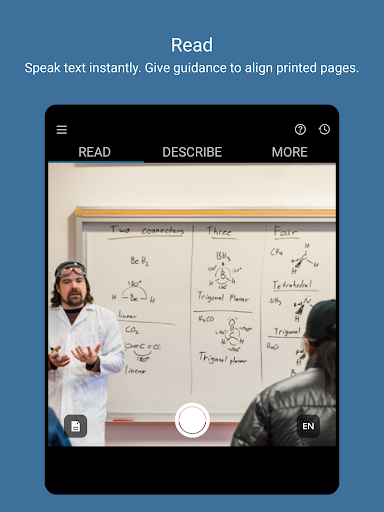
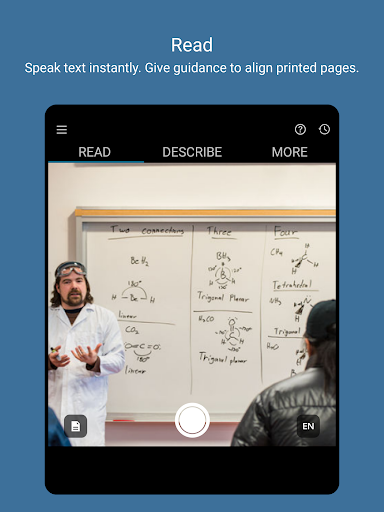
• Read - Hear text as soon as it appears in front of the camera. Document alignment provides audio cues to capture a printed page and recognize the text along with its original formatting. Ask Seeing AI about the contents to easily find the information you need.
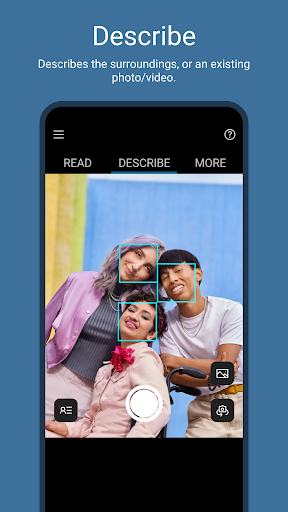
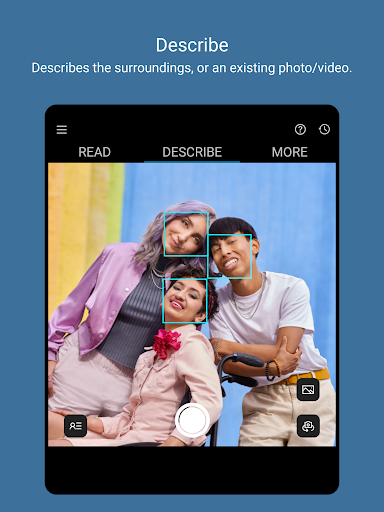
• Describe - Take photos to hear a rich description. Ask questions to focus on the information you care about. Explore photos by moving your finger over the screen to hear the location of different objects.
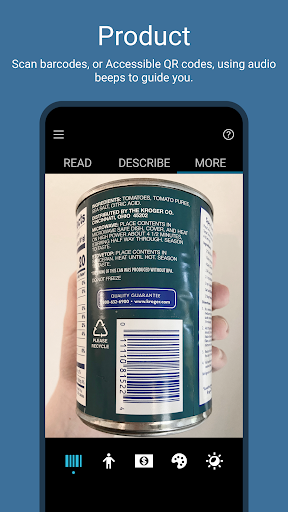
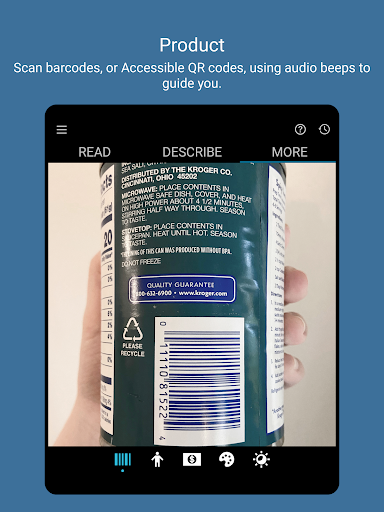
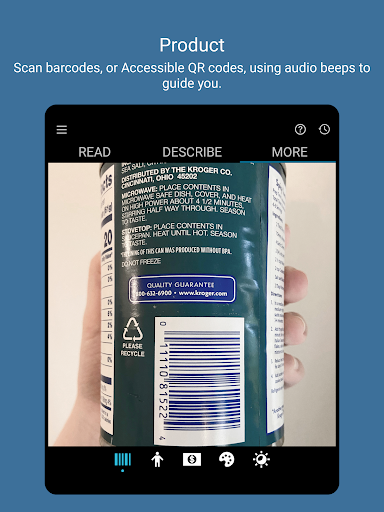
• Products - Scan barcodes and Accessible QR codes using audio beeps to guide you; hear the product name and package information when available.
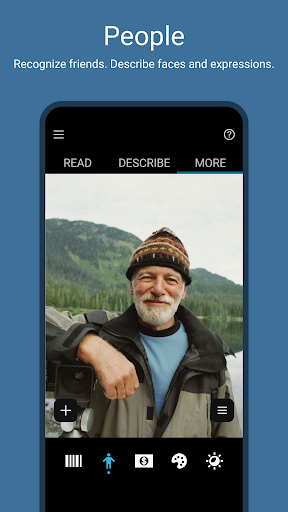
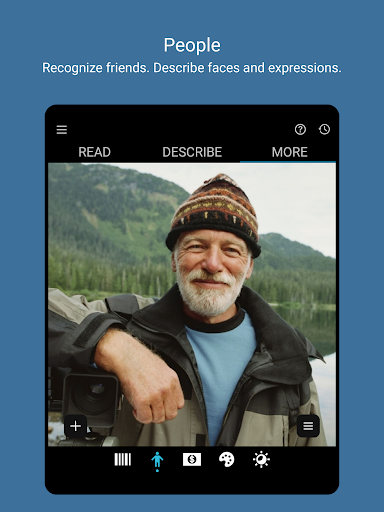
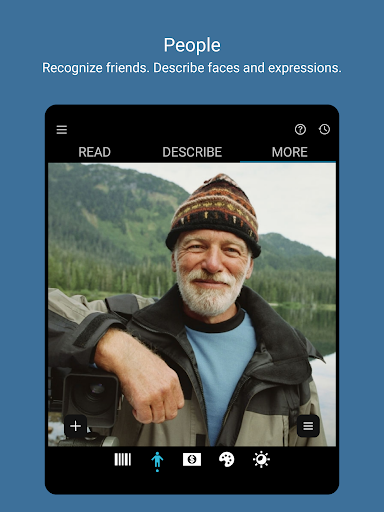
• People - Save photos of friends and coworkers so you can recognize them later. Get an estimate of their age, gender, and expression.
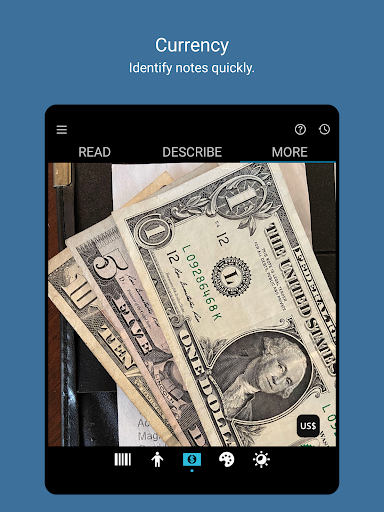
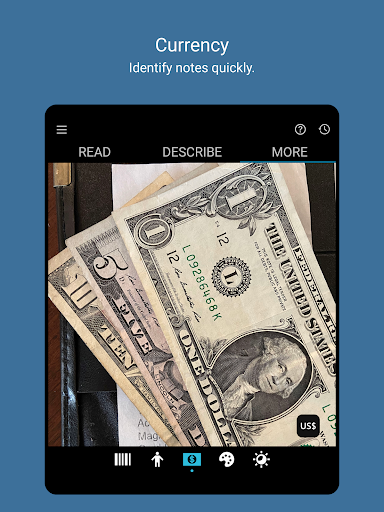
• Currency - Recognize currency notes.
• Colors - Identify colors.
• Light - Hear an audible tone corresponding to the brightness of your surroundings.
• Photos and Videos in other apps - Just tap “Share” and “Recognize with Seeing AI” to describe media from Mail, Photos, WhatsApp, and more.
Seeing AI continues to evolve as we hear from the community, and AI research advances.
Questions, feedback or feature requests? Email us at SeeingAI@Microsoft.com.
What's New
Version Information
- Version
- 1.4.1
- Downloads
- 100K+
- Updated on
- Aug 1, 2025
- Released
- Oct 7, 2023
- Requires
- Android 6.0
Statistics
Google Play Rating History
Rating Distribution
Downloads Over Time
Seeing AI has been downloaded times. Over the past 30 days, it averaged downloads per day.
Shaded area shows 30-day prediction based on historical trends
Historical data collection started recently. More data points will be available over time.
Seeing AI users say on Google Play
 Qaiser
hey there, ive tried to adapt to the new ui change where the read, describe and more tabs are on top but i cant. i have to stretch my hands and naturaly my thumb is near tfe bottom part where the tabs were before. its not like theres something at the bottom. kindly add an option to atleast move the tabs to the bottom. the read and describe tabs also auto start reading and detecting faces which can be confusing when navigating but, tfat that i can live with. option for moving the tabs please.
 Ian Martin
Most apps for the blind or vision impaired require the user to fumble around on the screen trying to locate the control buttons/functions. I don't understand why developers of apps for vision impaired people can't make them controllable via voice commands i.e. 'Hey google, open Seeing AI in Color/currency/describe mode', etc. Then once the app is opened they should be able to say, 'change to read mode', 'change to barcode mode', etc.
 Anil Kumar Reddy
The apps functionality has to be improved. when I try to get a pdf described, the app always crashes for the first time. if i open it the second time, it manages to describe the same. When i try to share a bit larhge file, the app always crashes. It has not described in the case of large pdf documents
 Mark Colvin
used to work really well but these days I cannot get it to read a document, I keep getting something went wrong message every single time!! it will read basic thing just by pointing but it's virtually impossible to hold phone still for tge full duration of a letter and as soon as phone moves it starts from the beginning again. shame as I used to like this app but I've been using envision app for documents as its actually reliable
 William Richard Willans
I can't find the "browse photos" button..... I was hoping to use this app to read out documents/texts already on my phone, but I can't figure out how to do that! Then I thought I might take a screen shot of my Messages and have that read out to me.... no. Also, there is no Help Site, so I am stuck! (Yes, there is help info, but it's very limited and has no search function. One star for now, but if the developers can instruct me I will give more
ApkTrusted Ratings & Reviews
More from Microsoft Corporation
See more apps
Microsoft Authenticator
Free

Microsoft Bing Search
Free

Microsoft Azure
Free

MSN
Free

MSN Money- Stock Quotes & News
Free

IoT Plug and Play
Free

MSN Weather - Forecast & Maps
Free

Microsoft Build
Free

Microsoft Bing Webmaster Tools
Free

Link to Windows
Free

Warehouse Management
Free

Bing Wallpapers
Free

Microsoft Advertising
Free

Microsoft Identity Pass
Free

As Dusk Falls Companion App
Free

SMS Organizer
Free
Similar Apps

Plaud: AI Note Taker
Free

You.com - Enterprise grade AI
Free

Liner: AI search assistant
Free

myReach - AI Assistant
Free

FYI.AI
Free

Le Chat by Mistral AI
Free

Writecream - AI Content Writer
Free

AI Email, Reply Writer: Xemail
Free

Hedy AI Meeting Coach
Free

Manus AI
Free

Claude by Anthropic
Free

ResearchGate
Free

mymind
Free

Confluence Cloud
Free

Pi, your personal AI
Free
Sider: AI GPT Deep Chat
Free
Scan this QR code to download

Forwarding you to the page at Google Play market in seconds...
Open Google Play market now